Sky Go
Advertisement
Screenshots
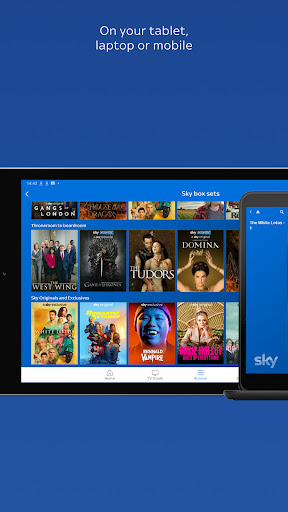
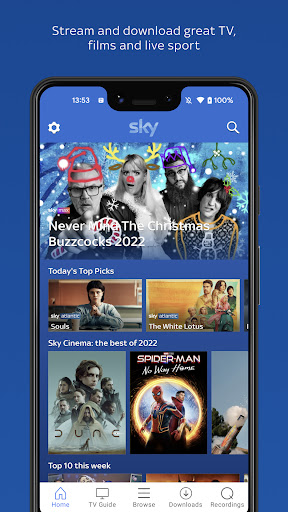
Advertisement
About Sky Go
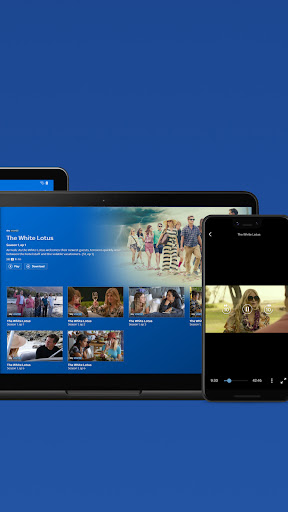
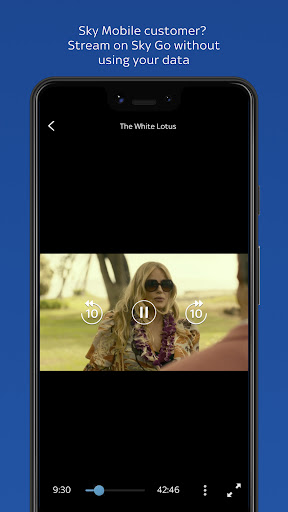
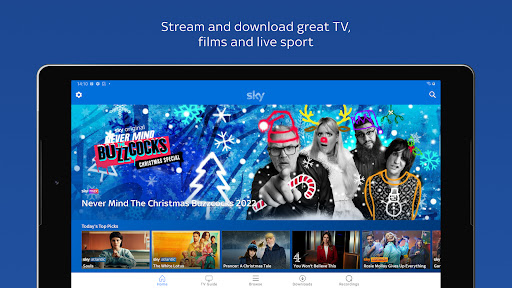
Sky Go is a mobile app that lets you watch live and on-demand TV from Sky, including sports, movies, and entertainment, straight from your phone or tablet. This Android app gives you access to your Sky subscription on the go, so you never miss your favourite shows or live events. The core app experience is built around streaming convenience, with a simple interface that puts channel browsing and catch-up content front and centre.
Overview
Core Features
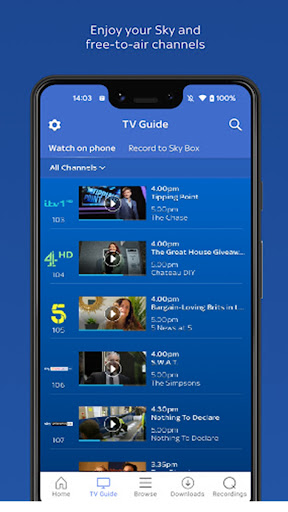
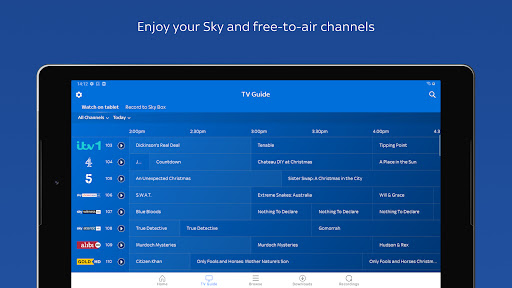
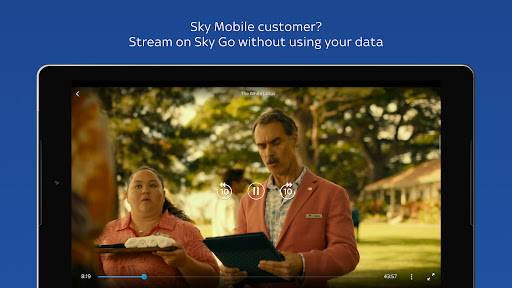
- Live stream Sky Sports, entertainment, and news on this mobile app.
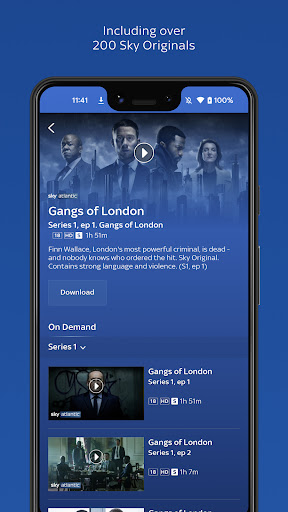
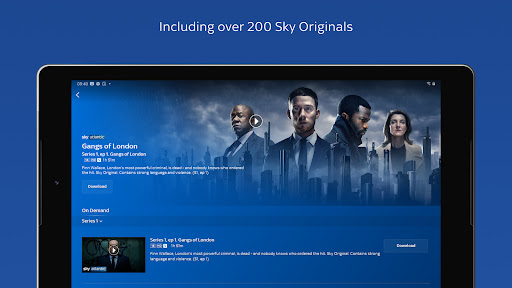
- Access a vast on-demand library of shows and movies to watch anytime.
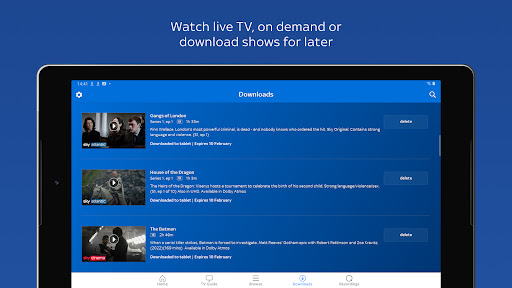
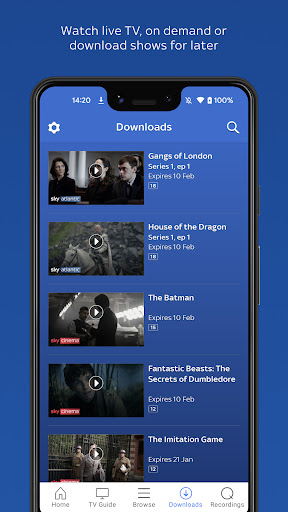
- Download content to your device for offline viewing without using data.
- Use parental controls to restrict content based on age ratings and categories.
- Get personalized recommendations that improve the overall app experience.
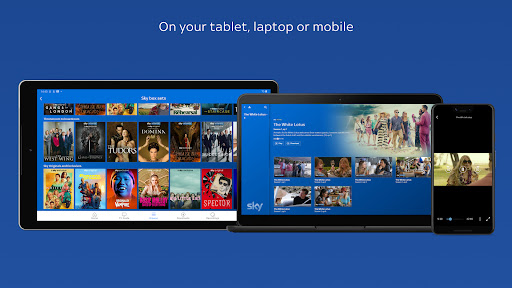
- Multi-screen feature allows streaming on up to two devices simultaneously.
- Simple search and browse tools help you quickly find what you want to watch.
Who This App Is For
Sky Go is for existing Sky TV subscribers aged 18 and over who want to watch their favorite channels while away from home. Commuters, travelers, and busy professionals will find it especially useful for staying connected to live events and shows.
Use this mobile app to catch up on missed episodes during your commute or stream live sports from any location. It offers a flexible app experience for on-the-go viewing, whether traveling or at work.
Why Choose This App
Sky Go provides a seamless extension of your Sky subscription to your mobile device, offering live TV and on-demand content anywhere with internet access. This Android app adds convenience by letting you watch without being tied to a television set.
It stands out by integrating directly with your existing Sky account for a hassle-free setup. Key app features include offline downloads and multi-screen support, making it a practical choice for staying connected to your shows on the move.
Pros & Cons
Pros
- Extensive channel lineupSky Go offers live access to over 50 channels, including Sky Sports, Sky Cinema, and much more, matching your TV subscription on the go.
- Reliable offline downloadsYou can download shows and movies to your device for offline viewing, which works seamlessly even without an internet connection.
- Clean and intuitive user interfaceThe app's layout is straightforward, with easy-to-navigate menus and quick search, making it simple to find what you want to watch.
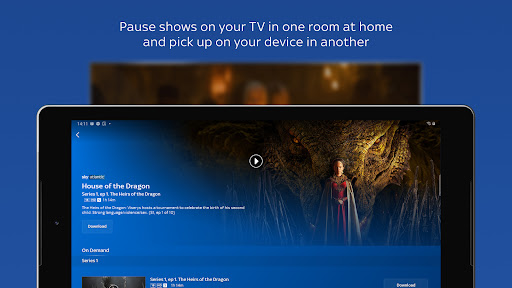
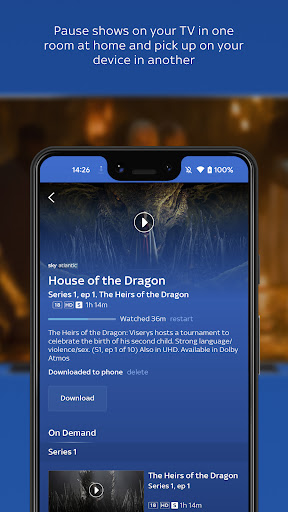
- Seamless integration with Sky TVYour existing Sky Q recordings and playlists sync perfectly with the app, so you can pick up where you left off at home.
- Multi-device supportYou can stream on up to two devices at once, and the app works on phones, tablets, laptops, and even game consoles.
Cons
- Occasional buffering issuesDuring peak hours, streams may stutter or buffer even on fast Wi-Fi, especially for live sports events. Impact level: medium
- Requires a full Sky subscriptionSky Go is not a standalone service; you need a paid Sky TV subscription to use it, which limits its appeal to non-subscribers. Impact level: high
- Geographic content restrictionsSome channels and on-demand content are only available within the UK or Ireland, and using a VPN often breaks the app's functionality. Impact level: medium
- App stability can be spottyThe app occasionally crashes or freezes during playback, particularly after a major update, requiring a restart. Impact level: low
- No 4K or HDR streaming supportCompared to rivals like Netflix or NOW TV, Sky Go streams only up to 1080p, missing out on high-resolution content like Sky Sports in 4K. Impact level: medium
Advertisement
Download Sky Go

FAQ
What is Sky Go and how does it work?+
Sky Go is a mobile app that lets you stream live TV and on-demand content on your phone. You need a Sky TV subscription to use it. Simply log in to your account and start watching anywhere.
Is Sky Go free to use?+
Sky Go is free for Sky TV subscribers. If you already have a Sky subscription, you can install the Android app without extra charges. However, data usage may apply depending on your mobile plan.
Can I download shows on Sky Go to watch offline?+
Yes, Sky Go allows you to download select shows and movies for offline viewing. This app feature is handy when you're traveling or have limited internet. Just tap the download icon on compatible content.
What devices are compatible with Sky Go?+
Sky Go works on Android phones and tablets, iPhones, iPads, and some smart TVs. The app based solution adapts to your device's screen size for a smooth app experience. Check the official site for full list.
Is Sky Go safe and secure to use?+
Yes, Sky Go uses encryption to protect your data. The mobile app requires login credentials, so your account is secure. Always download from official app stores to ensure safety.
Write a Review
Share your experience with Sky Go. Submissions are reviewed before publishing.
You Might Also Like
More apps you may want to try next.