FamiliarApps logo
Sketch Pro: Draw & Create Art

Sketch Pro: Draw & Create Art

Advertisement

Screenshots
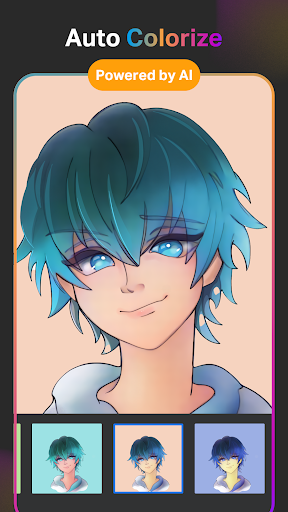
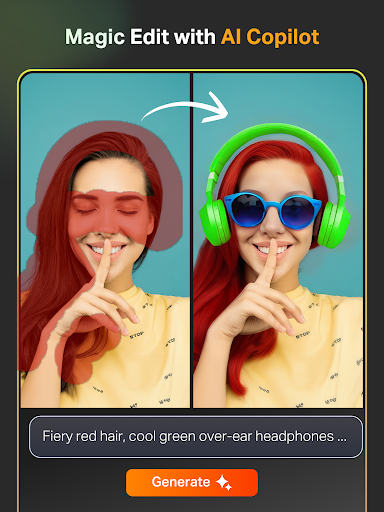
21 images
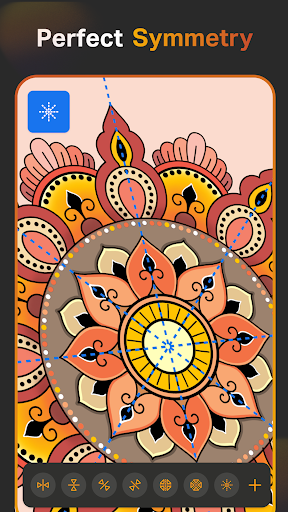
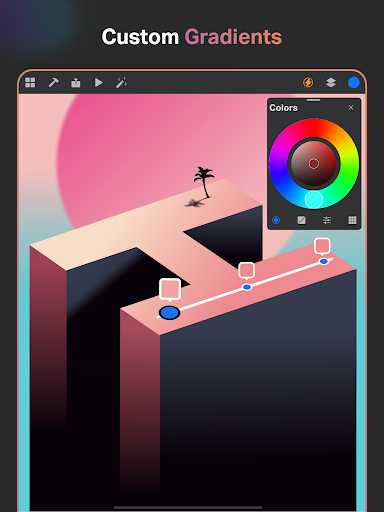
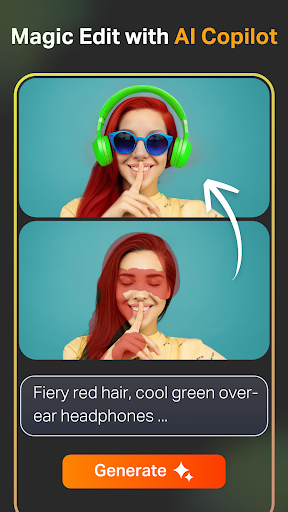
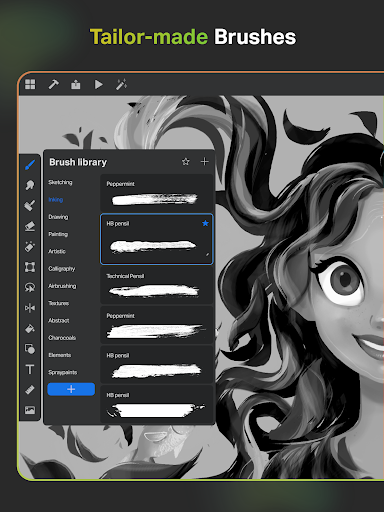
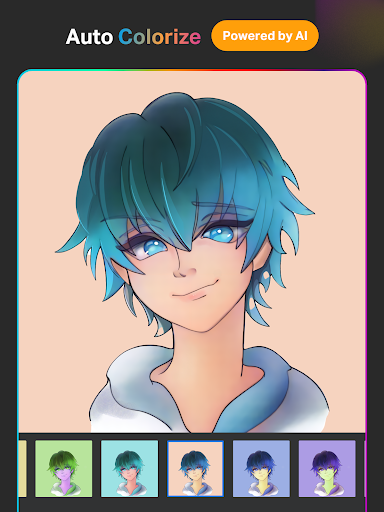
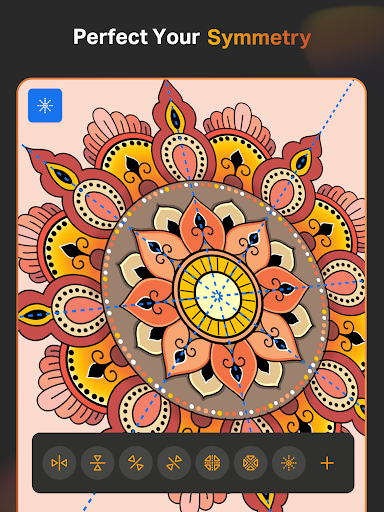
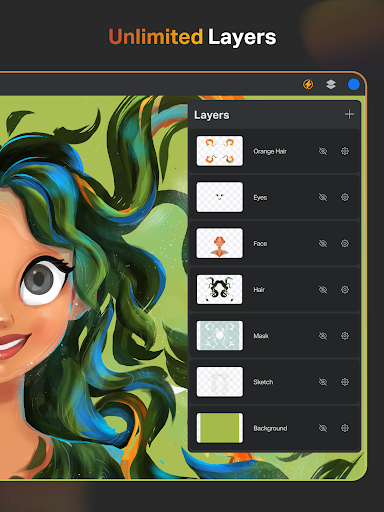
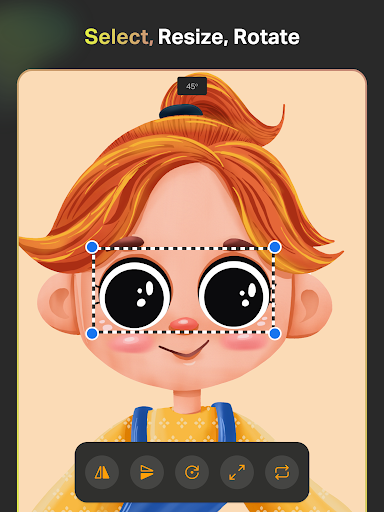
Sketch Pro: Draw & Create Art screenshot 1 Sketch Pro: Draw & Create Art screenshot 2 Sketch Pro: Draw & Create Art screenshot 3 Sketch Pro: Draw & Create Art screenshot 4 Sketch Pro: Draw & Create Art screenshot 5 Sketch Pro: Draw & Create Art screenshot 6 Sketch Pro: Draw & Create Art screenshot 7 Sketch Pro: Draw & Create Art screenshot 8 Sketch Pro: Draw & Create Art screenshot 9 Sketch Pro: Draw & Create Art screenshot 10 Sketch Pro: Draw & Create Art screenshot 11 Sketch Pro: Draw & Create Art screenshot 12 Sketch Pro: Draw & Create Art screenshot 13 Sketch Pro: Draw & Create Art screenshot 14 Sketch Pro: Draw & Create Art screenshot 15 Sketch Pro: Draw & Create Art screenshot 16 Sketch Pro: Draw & Create Art screenshot 17 Sketch Pro: Draw & Create Art screenshot 18 Sketch Pro: Draw & Create Art screenshot 19 Sketch Pro: Draw & Create Art screenshot 20 Sketch Pro: Draw & Create Art screenshot 21

Advertisement

About Sketch Pro: Draw & Create Art

Sketch Pro: Draw & Create Art is a really powerful app, especially suitable for those who love painting and creativity. It provides an ultra-rich variety of tools, and there is no problem in digital painting, sketching, and artistic creation. It is very easy to use and the experience is very smooth. Whether you are a newcomer or an already skilled professional, the art and design software on this mobile phone can help you easily realize your ideas. It is both interesting and accurate, and really considerate!

Overview

core functions

  • The painting interface of this app is super friendly, it is so easy to use, the tools are sensitive, and the details of the work you draw can be in place. I love this feeling!
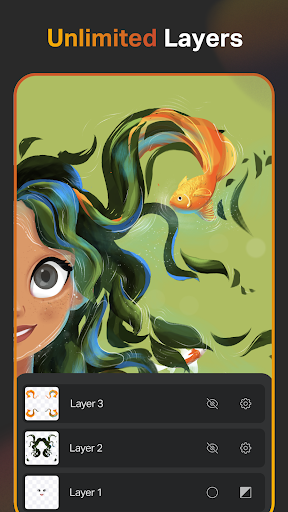
  • It also supports multiple layers to help you organize your work in an orderly manner. It is also very convenient to modify a certain part without worrying about looking for it in a messy manner.
  • The sync function synchronizes to all your devices in real time. Whether you are working on your tablet or mobile phone, everything you draw will always be up to date. How considerate!
  • Offline mode allows you to open and edit projects without having to connect to the Internet, and you can be creative anytime, anywhere. It's so flexible!
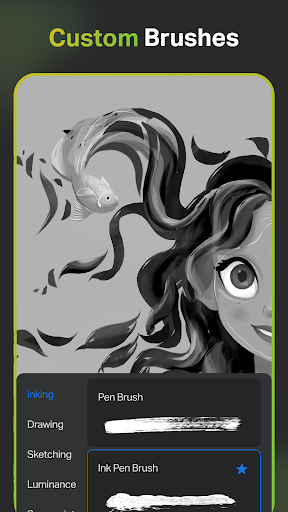
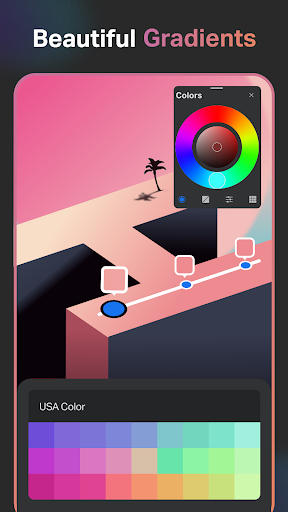
  • The brushes, color palettes, and customizable tools inside meet different styles and preferences, and are so rich that you can see them!
  • You can also undo and redo it. Artists don't have to worry about making mistakes. They can boldly try all kinds of crazy ideas and be super relieved!
  • The operating gestures are very intuitive, the interface is clean and tidy, the overall experience is super smooth, and drawing becomes more interesting!
  • This Android app is lightweight and powerful, designed for beginners and professionals, providing a comprehensive painting solution.

Who is suitable for?

This mobile app is especially suitable for dreamers, enthusiasts and professional painters who want to create on Android devices.

Whether you like sketching, digital painting, or design work, this app can provide you with the various functions you need, making the painting experience super enjoyable!

why this

This app is simple and powerful, with rich functions. It is suitable for both novices and old drivers. The user experience is particularly good and it is easy to operate. It is definitely worth a try!

Choosing this Android app is to use a good helper that can solve creative problems. Powerful tools and smooth performance will make your artistic journey smoother!

Top Recommended Alternative

Pros & Cons

Pros

  • Intuitive painting interface
  • Rich creative tools
  • High-resolution export
  • layer management
  • Frequently updated and optimized

Cons

  • Lack of advanced features
  • It's a learning curve for beginners.
  • Old equipment may be stuck
  • Free features are limited
  • Export format is too few

Advertisement

Download Sketch Pro: Draw & Create Art

You are going to be redirected to the official website to finish the download when you click these buttons above.

FAQ

How do I log in or create an account on Sketch Pro: Draw & Create Art? +
Getting started with Sketch Pro is actually quite easy. As soon as you open the APP, you will be prompted to log in or register a new account. Filling in some basic information will allow your works to be safely archived and synchronized between different devices. To be honest, the whole experience is quite smooth. After registering an account, you can use all its functions. From saving works to easily sharing, everything is so smooth. Rest assured, your data will be protected. Sketch Pro is a very trustworthy choice and is really suitable for artists.
Is Sketch Pro safe to install on my device? +
Of course, Sketch Pro is a safe and reliable mobile app designed specifically for art and design enthusiasts. It complies with the security standards of Android apps and has undergone strict security testing. You can download it from trusted channels like the Google Play Store with confidence and no problem. Developers attach great importance to user privacy and data security, so using this APP to create makes them feel more at ease. It is a mature application that provides a secure solution that is especially suitable for artists who want to draw and create on their devices.
What are the key features of Sketch Pro? +
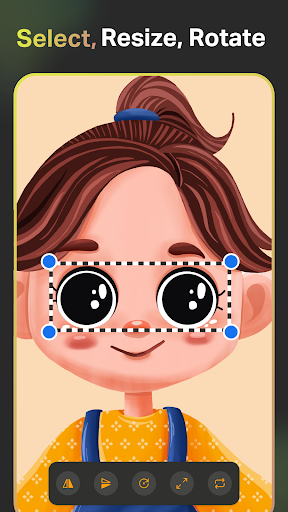
Sketch Pro has quite rich features and is specially created for artists and designers. You can choose a variety of brushes, layers and mixing modes to make your work more delicate and colorful. The interface is also very intuitive and easy to use. In addition to these, it is also equipped with a variety of easy-to-use painting and editing tools, and can also export works in multiple formats. The strong application foundation allows both novices and veterans to use it easily and feel particularly good.
Does Sketch Pro work on all Android versions and devices? +
Sketch Pro is compatible with most of the latest Android versions, ensuring that users around the world can experience good results. Before installation, it is recommended that you check whether your device meets the minimum system requirements, so that the performance will be better. It is designed to be light and will not sacrifice image quality. Whether it is a mobile phone or a tablet, it will run smoothly. With that said, many people can safely use its full functions without worrying about device incompatibility.
Can I use Sketch Pro without an internet connection? +
Of course! One of the biggest advantages of Sketch Pro is that it supports offline operations. You can also create, outline, and edit works without the Internet, which is especially convenient to use in places where the Internet is unstable. Whether you are online or offline, the experience is smooth. Your works will be automatically saved locally and can be uploaded later. You are really a creative partner tailored for you.
How frequently is Sketch Pro updated and improved? +
The development team of Sketch Pro is very attentive and regularly pushes updates to bring new features and optimizations. Keep it updated and you can use the latest tools, and the overall experience will get better and better. These updates reflect their insistence on creating trustworthy digital art applications. It is recommended that you upgrade in time every time a new version appears, enjoy new features, and ensure security. Good habit.
Is there customer support available if I encounter issues with Sketch Pro? +
Of course, developers provide timely customer support services and come to them for help when encountering problems. You can contact them through in-app feedback or through the contact information on the official website download page. They have always paid great attention to listening to user feedback and constantly improving the APP experience. So, use Sketch Pro with confidence and get help if you have any questions.
Can I customize the app features to suit my drawing style? +
Yes, Sketch Pro supports many personalized settings, such as brushes, colors, and work area layout. In this way, your creative process will become very suitable for you, and it will be easier to draw. This application is highly flexible and suitable for artists of all levels. From novices to masters, you can find your favorite gameplay. These customization functions allow your creativity to be displayed more freely, which is really worry-free and easy to use.

Customer Reviews

AI
AI Generated Summary
Based on real user feedback
★ 2.8

Users generally praise Sketch Pro for its intuitive interface, smooth performance with stylus or finger, and the usefulness of even the free version. Many find it the best drawing app they've experienced. However, significant issues are repeatedly mentioned. Key concerns include technical bugs: some users report lines being erased, random undos, and crashes that cause loss of work, while others enjoy a seamless experience. The paid model is controversial—although some find it fair, others criticize the requirement of credit card info for a 'free trial' and automatic subscription renewal. Additionally, the push of AI features frustrates users who want manual drawing, and customer service is often unresponsive. While the app has strong potential, persistent problems with basic functionality and transparency hold it back.

Chantell · 2026-06-23
★ 1
I opened the app to draw, not to use AI. Before the main interface, I saw messages pushing their AI features. I want to create my own art, not have it generated for me. I’ll stop using this app until all AI is removed.
Deanna “DD” Deuel chatwin · 2026-06-21
★ 5
I am hoping that I will not be required to pay any fees.
Nicholas Kimray · 2026-06-20
★ 1
Users cannot use the app at all without first signing up for a free one-month plan.
Anthony Slagle · 2026-06-19
★ 1
This app is complete trash. You can't draw, change brush type, color, or texture. It does nothing it claims. Possibly a phishing scam. It prompted a review before even fully opening.
Kellie Gardner · 2026-06-18
★ 5
Good.

Write a Review

Share your experience with Sketch Pro: Draw & Create Art. Submissions are reviewed before publishing.

Rating *
0 / 2000

You Might Also Like

More apps you may want to try next.

Advertisement
5
Please wait...