Simple Calendar

Simple Calendar

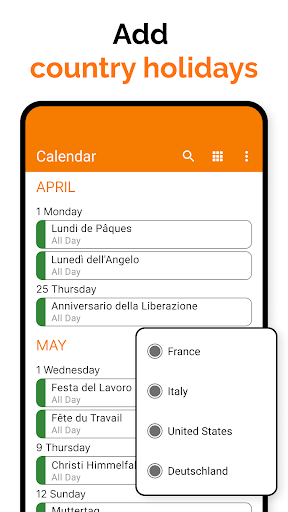
Simple Calendar 2025, the best offline calendar app for Android. Easy, customizable, and ad-free. Get your free now and organize effortlessly!

Advertisement

Screenshots
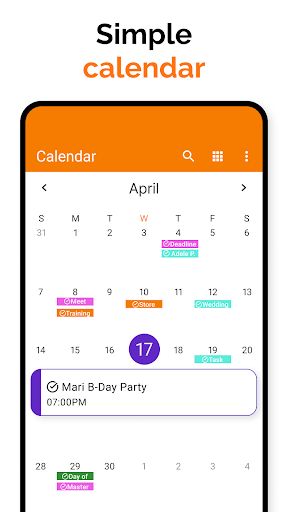
40 images
Simple Calendar screenshot 1Simple Calendar screenshot 2Simple Calendar screenshot 3Simple Calendar screenshot 4Simple Calendar screenshot 5Simple Calendar screenshot 6Simple Calendar screenshot 7Simple Calendar screenshot 8Simple Calendar screenshot 9Simple Calendar screenshot 10Simple Calendar screenshot 11Simple Calendar screenshot 12Simple Calendar screenshot 13Simple Calendar screenshot 14Simple Calendar screenshot 15Simple Calendar screenshot 16Simple Calendar screenshot 17Simple Calendar screenshot 18Simple Calendar screenshot 19Simple Calendar screenshot 20Simple Calendar screenshot 21Simple Calendar screenshot 22Simple Calendar screenshot 23Simple Calendar screenshot 24Simple Calendar screenshot 25Simple Calendar screenshot 26Simple Calendar screenshot 27Simple Calendar screenshot 28Simple Calendar screenshot 29Simple Calendar screenshot 30Simple Calendar screenshot 31Simple Calendar screenshot 32Simple Calendar screenshot 33Simple Calendar screenshot 34Simple Calendar screenshot 35Simple Calendar screenshot 36Simple Calendar screenshot 37Simple Calendar screenshot 38Simple Calendar screenshot 39Simple Calendar screenshot 40

Advertisement

About Simple Calendar

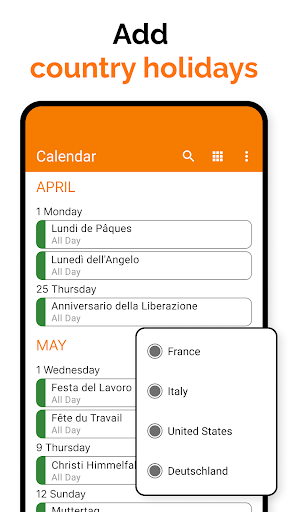
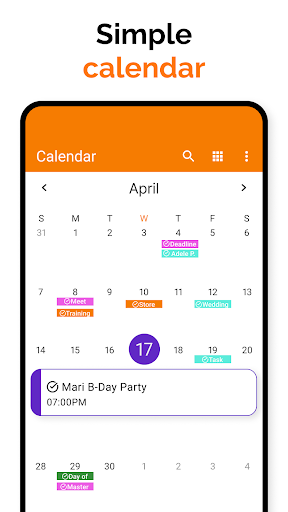
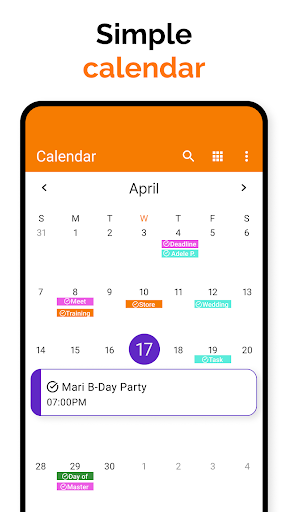
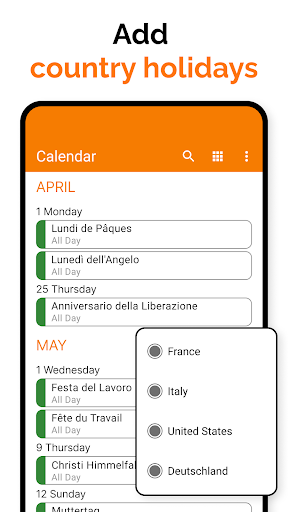
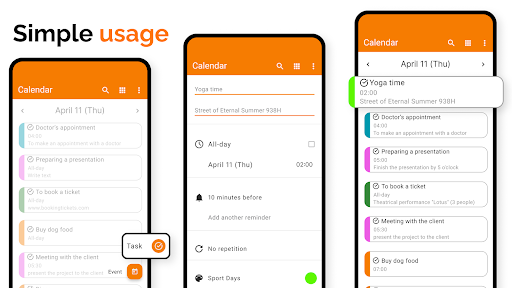
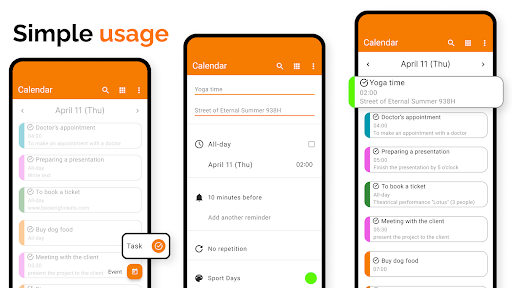
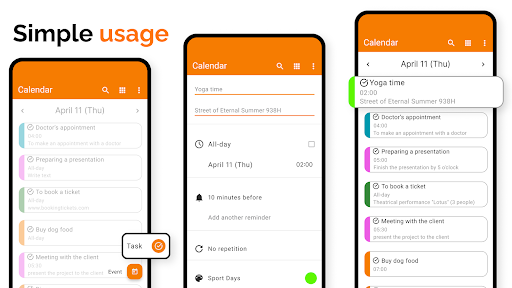
Simple Calendar is a very convenient mobile app that is carefully designed to help you make your schedule easily. It can be used on Android phones, and the interface is particularly intuitive, making activities, reminders, and dating simple and efficient. It is extremely smooth to use and allows you to easily control your own affairs. It is really a reliable productivity tool.

Overview

core feature

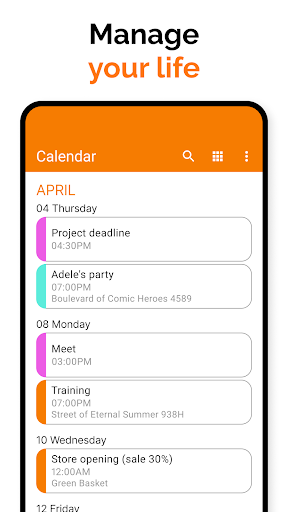
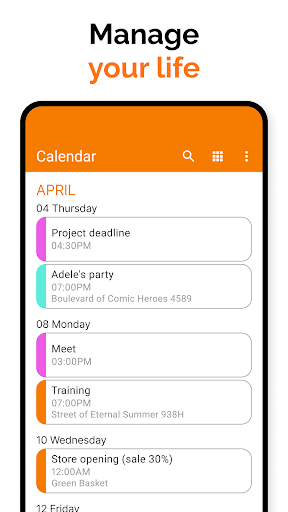
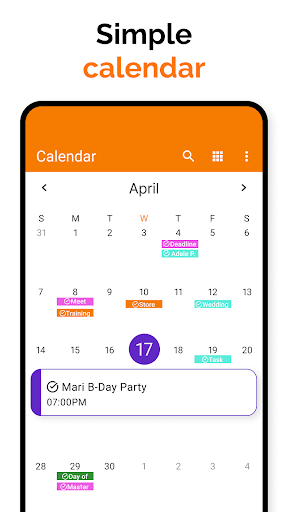
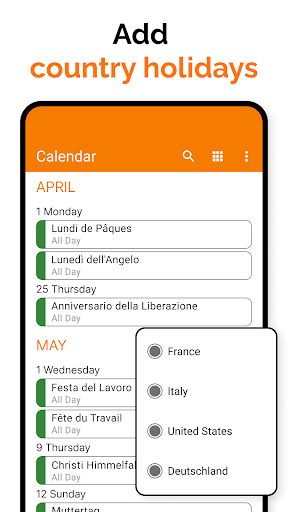
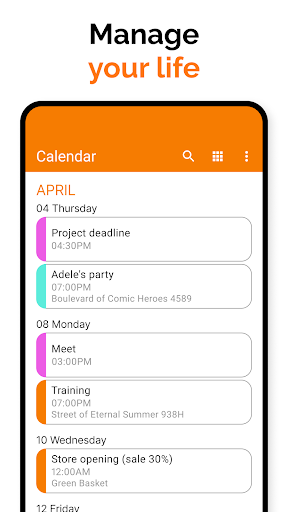
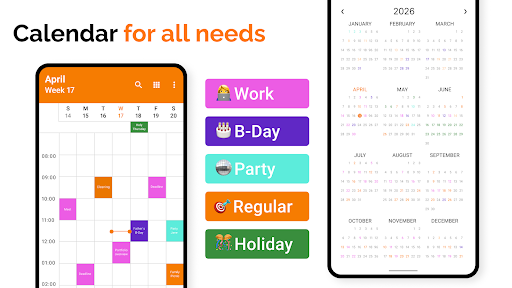
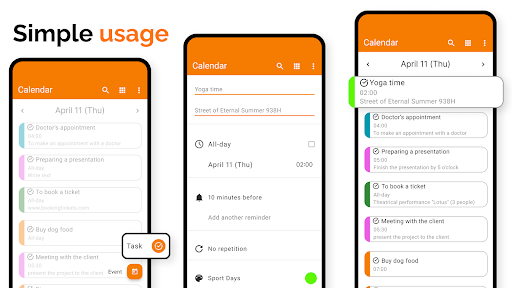
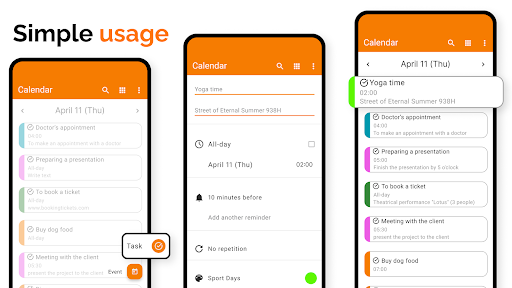
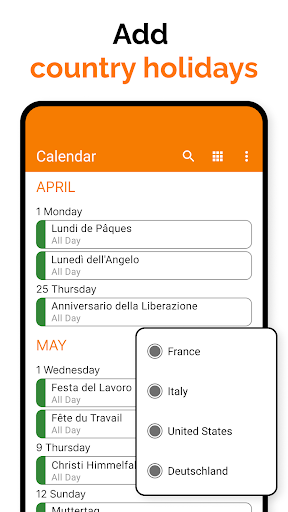
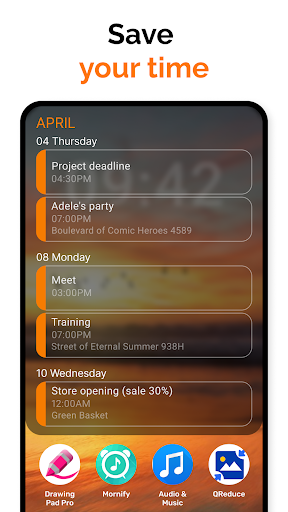
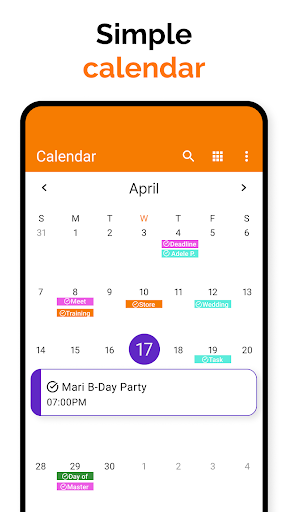
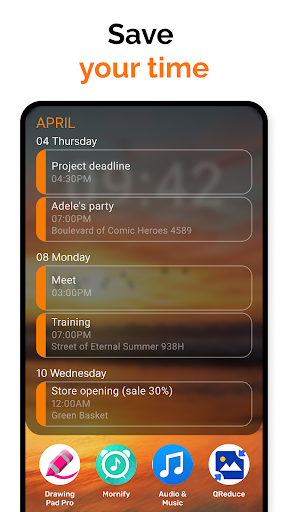
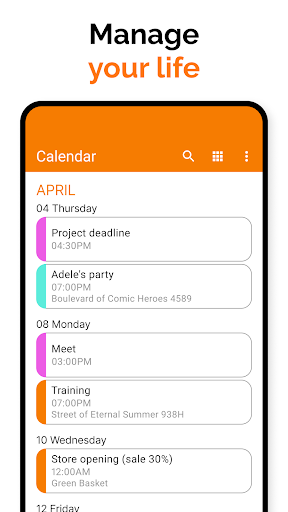
  • The intuitive calendar design makes it easy for you to arrange daily affairs and manage events simple and intuitive.
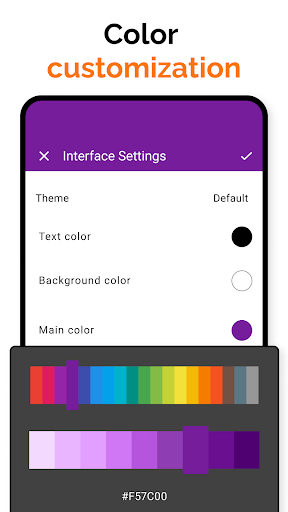
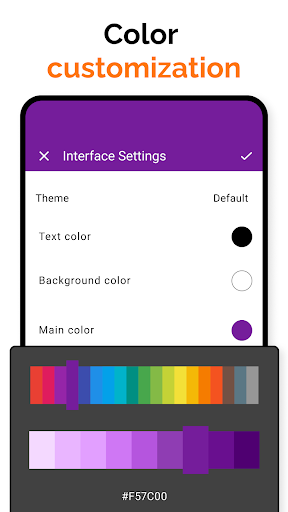
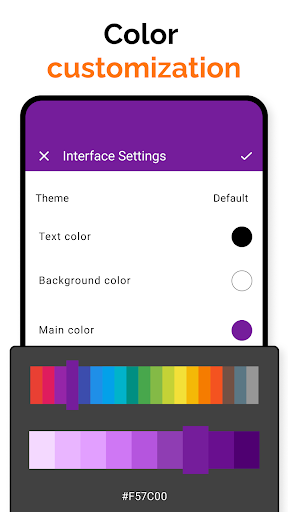
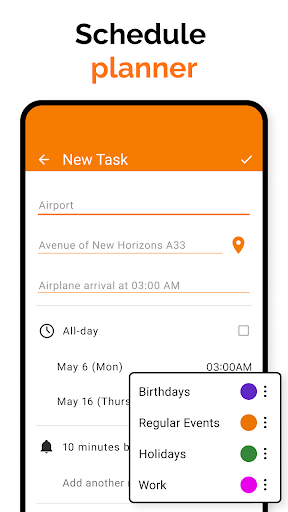
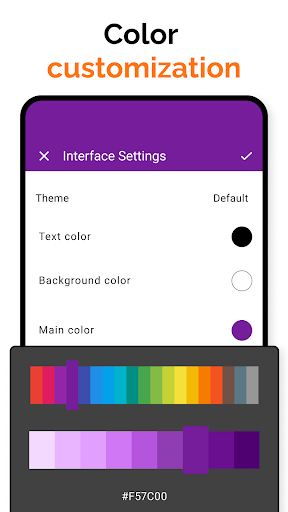
  • You can customize application functions according to your preferences, and the layout and reminders can be personalized to meet different needs.
  • Seamless synchronization with cloud services ensures real-time updates between multiple devices, and the user experience is smooth and natural without getting stuck.
  • Support offline mode, you can view and edit your schedule even without the Internet, super convenient!
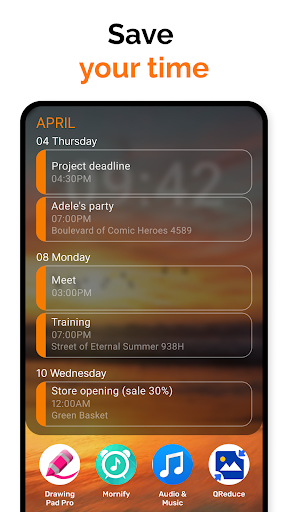
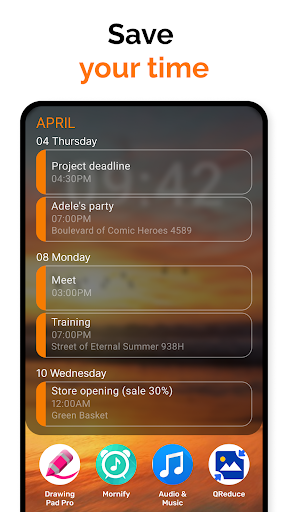
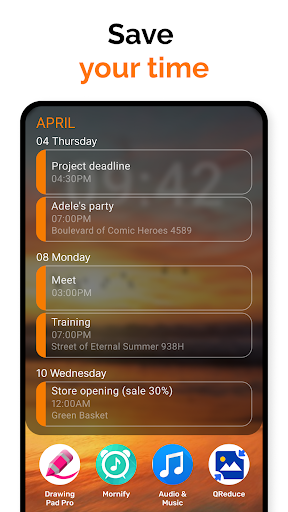
  • The easy-to-operate launcher application allows you to quickly enter the calendar function directly on the home screen, saving time and effort.
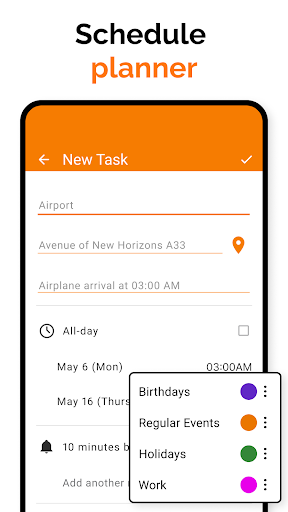
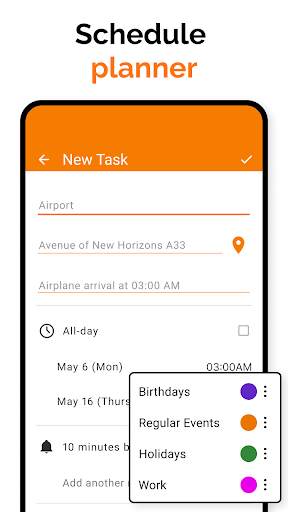
  • An advanced reminder system allows you to keep track of important appointments and deadlines at all times and never forget them again.
  • Security measures protect your private information and use this trustworthy schedule management tool with confidence.

Who is suitable for?

This mobile app is especially suitable for students, professionals or those who have a busy life and need a simple yet powerful calendar to organize daily tasks. It caters to users who like convenient and reliable applications, especially Android users.

Whether it's working meetings, private events or family gatherings, this app can help you get through it, giving you an easy and efficient management experience. It's perfect for those who want to have their schedules organized and easy to check anytime, anywhere!

Why choose this?

This Android app improves your work and life efficiency with its simple, friendly interface and practical features. The synchronization and offline functions are both reliable and absolutely trustworthy, helping you easily make your daily arrangements.

It targets common calendar management challenges and brings a first-class operating experience that makes it easy for you to stay organized. Practical functions and simple operation make it one of the best choices to improve productivity and can definitely meet your various needs!

Top Recommended Alternative
Pros & Cons

Pros

  • friendly user interface
  • Light and quick reflexes
  • Calendar styles can be customized
  • Notifications and reminders are very reliable
  • Support multi-platform synchronization

Cons

  • Not rich enough functions
  • Event editing functionality is a bit limited
  • Not much integration of third-party applications
  • Customization of the appearance is relatively simple
  • No offline editing for future updates

Advertisement

Download Simple Calendar

You are going to be redirected to the official website to finish the download when you click these buttons above.

FAQ

Can I use Simple Calendar for free on my mobile phone?+
Of course you can. Simple Calendar is a completely free application. Whether you use Android or iOS, you can easily download and use it. There are no hidden charges at all, and the operation is quite convenient. Many people like to use it to make schedules. The solution created by this application is to make it easy for everyone to manage busy life. Whether it is on an Android phone or an Apple phone, Simple Calendar can bring a smooth and reliable experience and help you arrange your days properly.
How do I install Simple Calendar on my mobile phone?+
It's super easy to install this. Android users can go to Google Play, find it in a search, and the functions are clearly written. Apple's friends went to the App Store to download it. The steps were almost the same, and it would be okay in a few clicks. After downloading, it will also guide you through settings, customize your calendar, and you can start managing your events immediately. Whether you use Android or Apple, you can get it done quickly and make it very convenient.
Is Simple Calendar safe to use?+
Absolutely safe. This App is made by a reputable team that attaches great importance to user privacy and data security. The security measures it uses are standard play to ensure that your information and schedule are not leaked. As a trustworthy application, it will be constantly updated and maintained to maintain security. So you can use it with confidence, and your personal information and arrangements are in your own hands, with peace of mind and peace of mind.
Can Simple Calendar interface with other applications?+
Of course! Simple Calendar can also be used with other tools and applications for a better experience. For example, it syncs your Google Calendar, making all your arrangements orderly and convenient. This feature shows its flexibility and is designed for users who want all reminders and appointments to be concentrated in one place, whether you use Android or iOS, you can do everything in one stop.
Can I customize the appearance of Simple Calendar?+
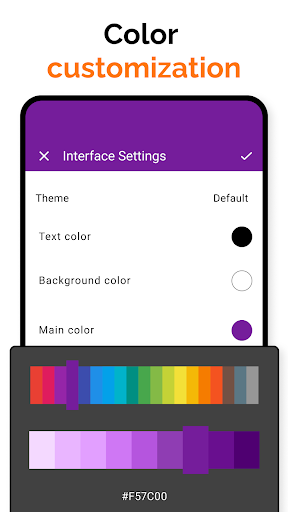
Of course you can! This app is very thoughtful. It supports a variety of themes and view settings that you can configure according to your preferences. Whether it is color, layout or reminder method, you can all tune it to be personalized. This way, even if you want a unique calendar interface, you will be satisfied. Whether it's on Android or Apple devices, this kind of customization experience is really great.
What should I do if I encounter a problem?+
When encountering any problems, the first step is to ensure that your App is the latest version. Sometimes developers will keep pushing updates, fixing bugs or adding new features. If you still need help, you can check out the help page in the app or contact customer service directly. As a sophisticated application solution, Simple Calendar has always been committed to providing users with a smooth experience and will help you solve problems in a timely manner.
Is this Simple Calendar suitable for professionals? Can I manage multiple calendars?+
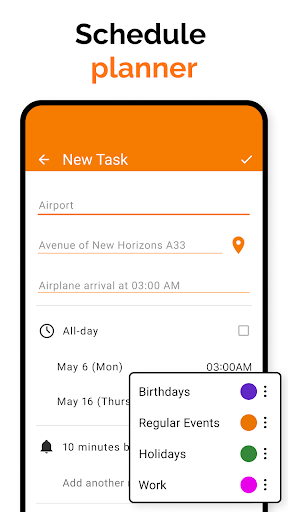
Of course, Simple Calendar is designed for complex scheduling and multiple calendars. It has reminders, recurring events, and even integrates with other calendar services. So whether you are a workplace tycoon or a time management maniac, it is a reliable choice that allows you to efficiently manage various arrangements on multiple platforms, which is particularly convenient.
Is Simple Calendar updated frequently?+
The development team is very attentive and regularly pushes software updates to enhance functions, fix bugs, and continue to improve security. Only by keeping software up to date can you ensure a first-class experience and better adapt to new devices and systems. Frequent updates show the developer's sense of responsibility and professionalism, so that users can use it more at ease and enjoy a high-quality mobile schedule management experience. It is very considerate to adapt to both Android and Apple platforms.

You Might Also Like

More apps you may want to try next.