

Sideline: 2nd Phone Line App
Advertisement
Screenshots
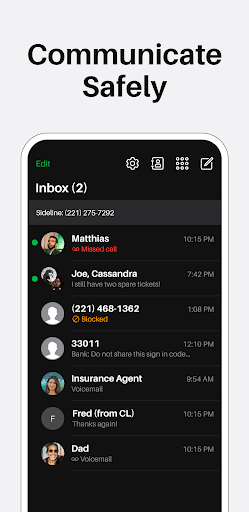
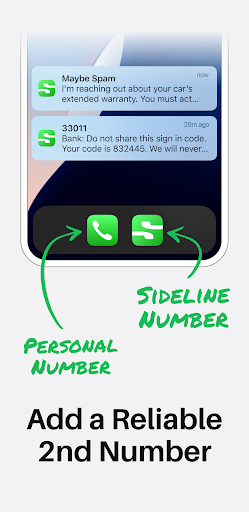
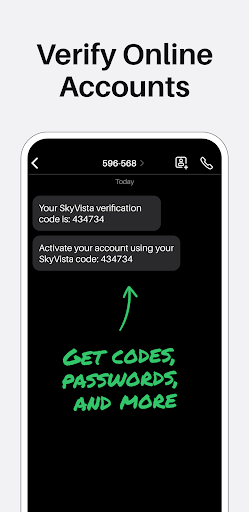
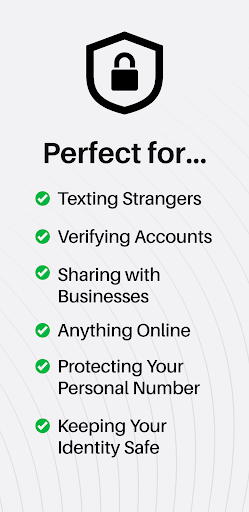
Advertisement
About Sideline: 2nd Phone Line App
Narrator: The 2nd Phone Line App is a reliable mobile app designed to help you manage different business or personal calls on your existing devices. Its interface is simple and easy to use, allowing you to stay in touch at any time without having to bring an extra mobile phone. After all, the main function of this app is to provide a smooth and secure communication channel that is convenient and protects privacy. It is really a practical choice to make your work and life more efficient.
Overview
core functions
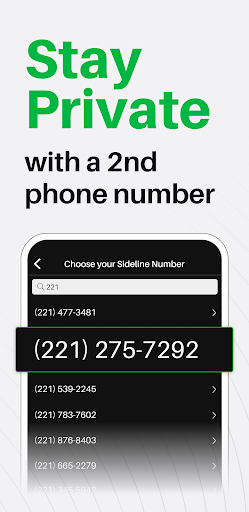
- It allows users to get a second mobile phone number in this application, whether it is personal or business, which is quite convenient.
- Support multiple devices to synchronize calls and messages, and update them in real time. It feels much smoother to use and the experience is greatly improved!
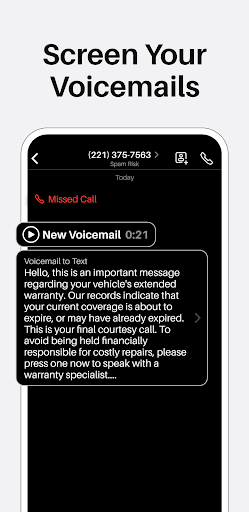
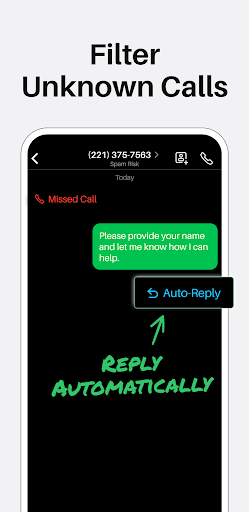
- It can also customize voicemail and automatic reply to help you efficiently manage various communications. It's really considerate.
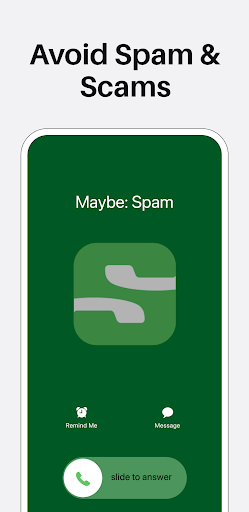
- Provide privacy protections, such as blocking harassment calls and anonymous caller ID, to make you feel more secure.
- Support offline mode, you can view information and call records without having to connect to the Internet, making it very mobile.
- It can also be perfectly combined with your original contacts and mobile apps, making it smooth and without any sense of obtrusiveness.
Who is this app suitable for?
The mobile app is mainly designed for professionals, entrepreneurs who need extra phone numbers, or people who don't want extra devices. Suitable for users over the age of 18 who want to separate private and business communications, conveniently and securely.
Whether you're running a sideline, selling things online, or preferring more privacy, this App-based solution makes it easy for you. For people who work in remote areas and travel frequently, the communication guarantee provided by this software is also particularly reliable.
Why choose this app
Such an Android app is simple and easy to use yet powerful, tailored for you when you are busy. It can provide a second number and synchronize information. It is really an artifact to meet multiple needs and is definitely an excellent communication artifact.
It combines privacy, real-time synchronization and ease of operation well, solves many minor worries of daily communication, and brings a trustworthy, convenient and efficient experience that allows you to stay in touch anytime, anywhere. It is super reliable!
Pros & Cons
Pros
-
Super friendly interface
-
Separate phone calls and messages
-
Affordable package
-
Support global numbers
-
Call quality is stable and reliable
Cons
-
Limited international coverage in some regions
-
Old equipment occasionally breaks down
-
The free version will play ads
-
Slow customer support response
-
Use it for a long time, it will consume more power
Advertisement
Download Sideline: 2nd Phone Line App
FAQ
How can I set up Sideline app on my mobile phone? +
Is it safe to use Sideline? Will it reveal privacy? +
Can I use Sideline on both Android and iOS devices? +
What features does Sideline have that can help me improve communication? +
Will installing Sideline make my Android phone slow down or cause problems? +
Customer Reviews
Sideline offers a reliable second phone line for many users, praised for seamless performance and being the best second line app by some. However, significant issues persist. Users report frequent login failures, photo sending problems, and unclear audio on speaker mode. The monetization model draws sharp criticism: while some accept the subscription, many feel misled by 'free' claims and prefer free alternatives like Google Voice. Customer service is inconsistent—some receive quick help, but others experience days of no response. Privacy concerns arise from mandatory contact list access. Overall, the app delivers basic functionality but is marred by persistent bugs and questionable value.
Write a Review
Share your experience with Sideline: 2nd Phone Line App. Submissions are reviewed before publishing.
You Might Also Like
More apps you may want to try next.




