
Screen Mirroring TV & Miracast
Advertisement
Screenshots
Advertisement
About Screen Mirroring TV & Miracast
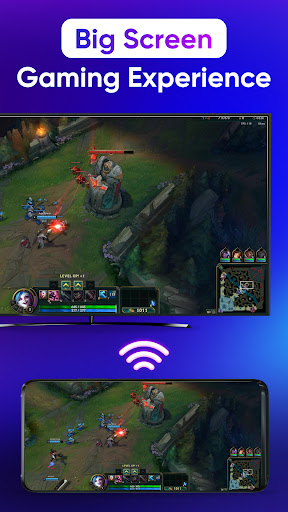
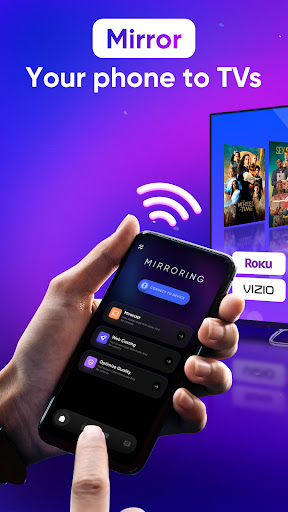
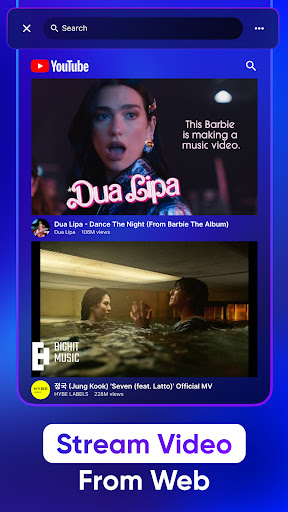
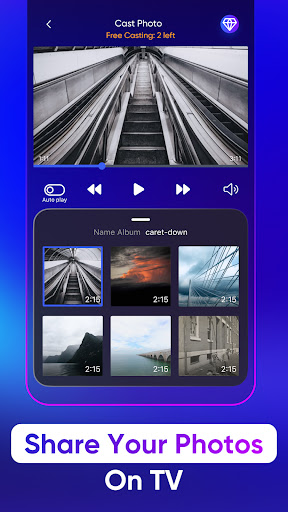
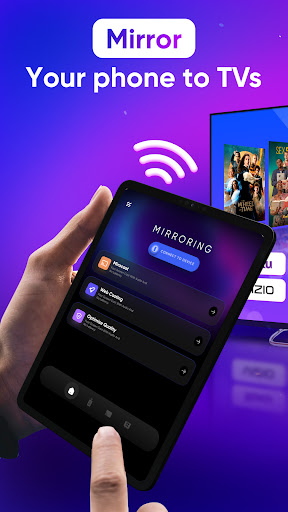
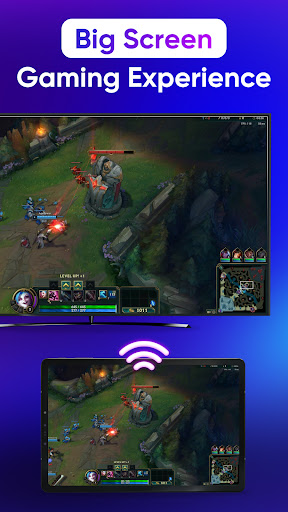
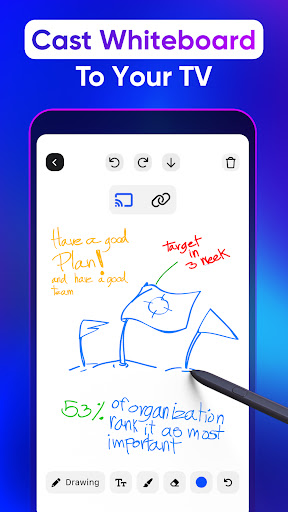
Screen Mirroring TV & Miracast is a very reliable Android app specifically used to make your phone connect smoothly to a TV or other large-screen device. The interface is quite simple and easy to use, and feels smooth to use. Whether it is a video, a photo or a presentation, you can easily share it. For those who want a simple operation and can project content onto the big screen without too much trouble, it is simply a good tool and a practical solution.
Overview
core functions
- This app is like lightning. The screen mirroring is fast and stable, with almost zero latency, and the viewing is really smooth.
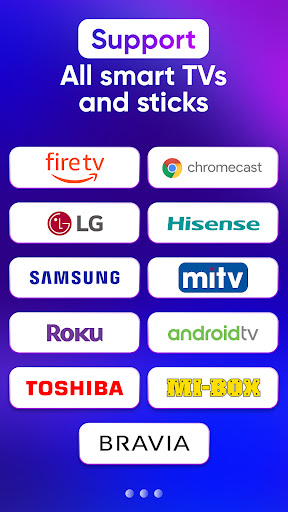
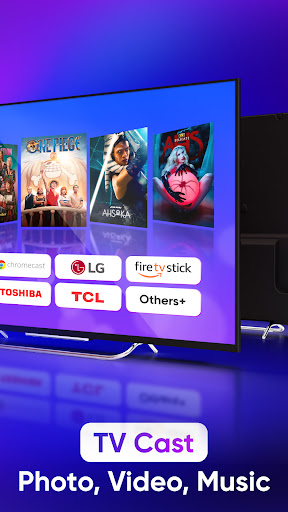
- Support multiple screen projection protocols, such as Miracast and DLNA, no matter what device you use, you can handle it. It's really thoughtful.
- The connection is safe enough to prevent data from being peeped during wireless transmission, and privacy is guaranteed.
- The interface is super intuitive and effortless. The controls and settings are easy to complete, and it is as natural as chatting with friends.
- You can also adjust the display, such as resolution and direction, so that you can see more comfortably and enjoy the ultimate experience whether in bed or at the table.
- Transferring files directly between the device and the TV or monitor is super convenient to operate and feels like a lot of improvement in the user experience.
- Support offline mode, you can use it for a while without the Internet. It is especially suitable for temporary use when you are away from home, and you don't have to worry about the network being weak.
- As soon as you open it, you can find all compatible devices nearby. It is super intelligent, and the connection is as simple as finding a friend, saving trouble and worry.
Who is this APP suitable for?
This mobile APP is especially suitable for friends, students and professionals who like to play with technology. If you want to quickly complete screen sharing on Android devices, everyone can get started, which is very convenient!
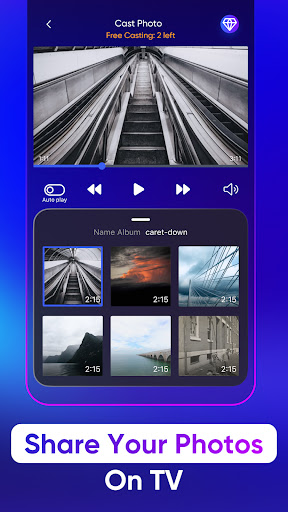
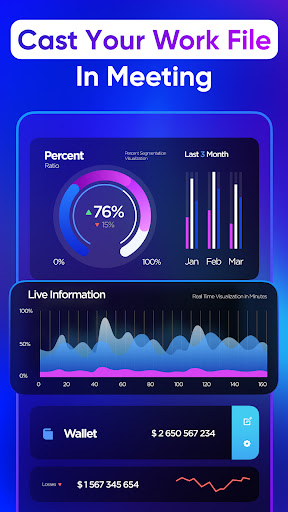
Whether it's making a presentation, watching a video, or sharing photos, whether in class, meeting or entertainment at home, you can use this to solve various daily needs. It's so thoughtful!
Why choose this APP
The reason why this Android software is outstanding is that it has reliable functions, friendly interface, and special attention to security. Screen mirroring does not have to be afraid of trouble or revealing privacy.
It provides a smooth experience, is compatible with many devices, does not require extra hardware or cumbersome settings, and is easy to do. It is much better than those complex screen projection tools. I sincerely recommend it!
Top Recommended Alternative
Pros & Cons
Pros
-
The user interface is very friendly
-
Support various devices
-
The picture quality is great, it's not stuck
-
versatile connectivity
-
You can also record screens
Cons
-
The free version is a bit limited
-
Occasionally the connection will be disconnected
-
Certain devices will experience delays
-
Poor support for old equipment
-
Advertising is a bit annoying
Advertisement
Download Screen Mirroring TV & Miracast
FAQ
Is Screen Mirroring TV & Miracast safe to use? +
How can I install this Screen Mirroring TV & Miracast on my device? +
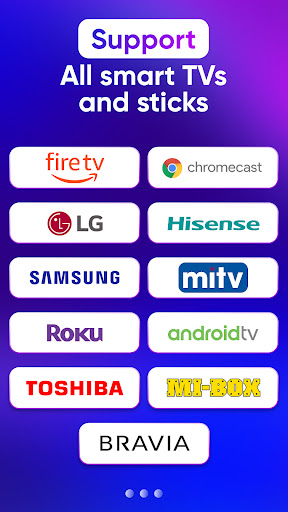
Can this Screen Mirroring TV & Miracast be used on all smart TVs? +
What exactly does Screen Mirroring TV & Miracast have? +
Can I use Screen Mirroring TV & Miracast without using the Internet? +
Customer Reviews
Users generally appreciate the app's intuitive design and ease of use, highlighting its seamless experience and reliable performance. Many find it user-friendly and well-organized. However, opinions are sharply divided on core functionality and monetization. While some users report that screen mirroring works well and enjoy the app, others find it fails to mirror content as expected. The app is heavily criticized for intrusive ads that block the screen and for requiring extensive data sharing with third parties. Additionally, some users complain that the app cannot be tested without upfront payment, leading to frustration and uninstalls. Overall, the app offers a polished interface but suffers from aggressive advertising, privacy concerns, and inconsistent mirroring performance.
Write a Review
Share your experience with Screen Mirroring TV & Miracast. Submissions are reviewed before publishing.
You Might Also Like
More apps you may want to try next.




