Advertisement
Screenshots
Advertisement
About Screen and Photo Translator
Overview
core feature
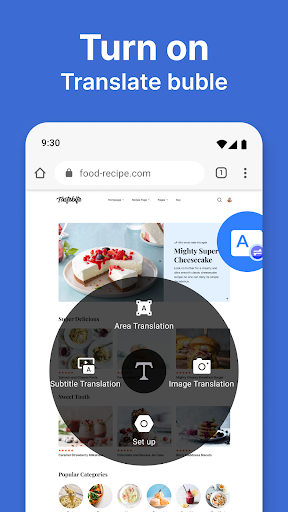
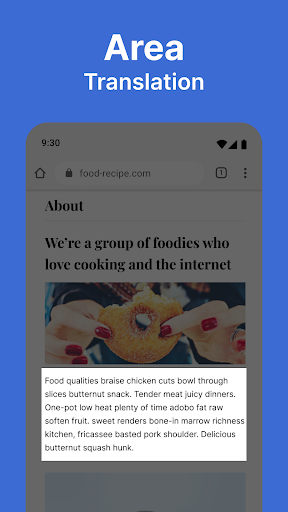
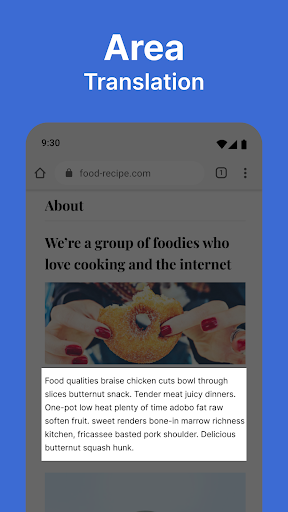
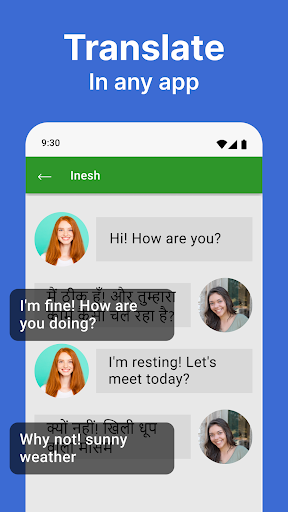
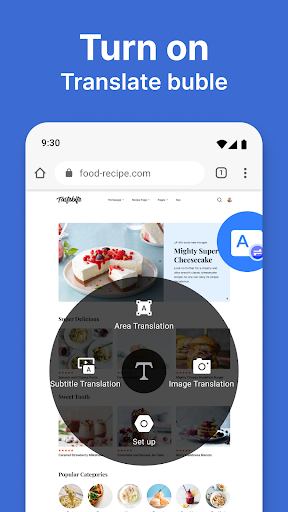
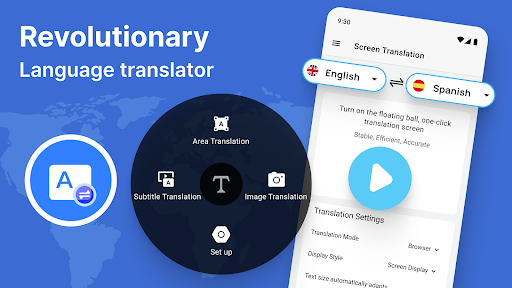
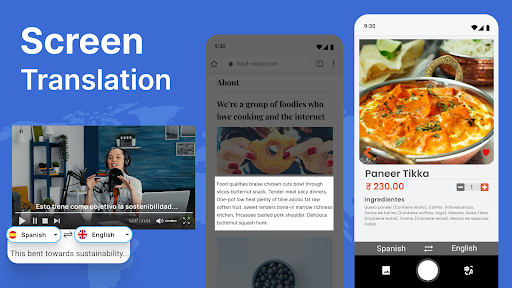
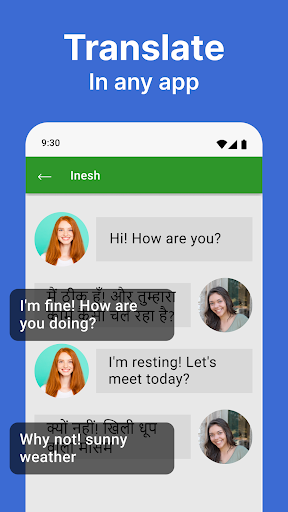
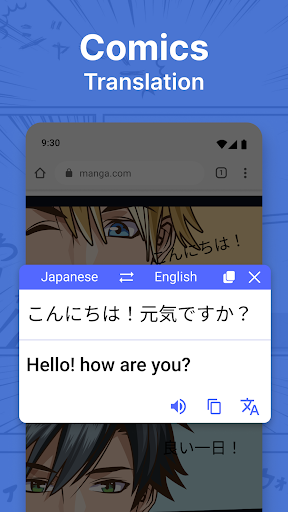
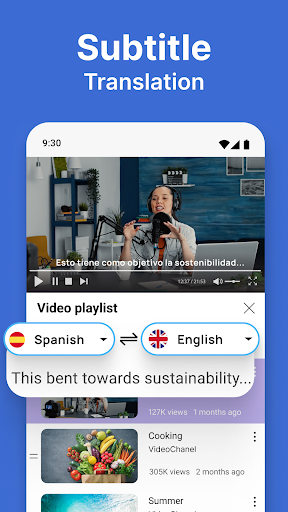
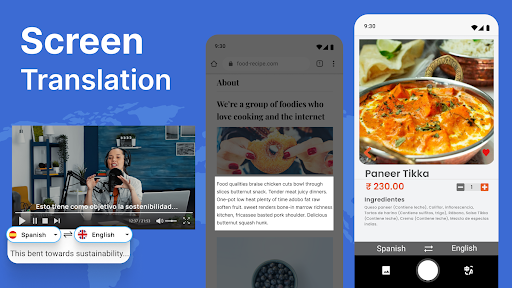
- With just a few clicks, you can realize seamless translation of photos and text, and easily solve small problems in foreign language understanding.
- Real-time camera translation function allows you to point at logos, menus or files at will, and the results will come out immediately, which is super convenient.
- Supports offline mode, and you can use translation even if you don't have a network. It's a thoughtful design.
- The interface is quite intuitive and the navigation is clear. Whether you are a technical enthusiast or not, you can easily get started and use it smoothly.
- There is also a dictionary function that explains words in detail, making it much easier to learn and understand the language.
- You can save your favorite translations and check them at any time. It's quite considerate and saves you a long time of searching.
- The speech translation function allows you to speak directly, making the conversion faster and smooth to use.
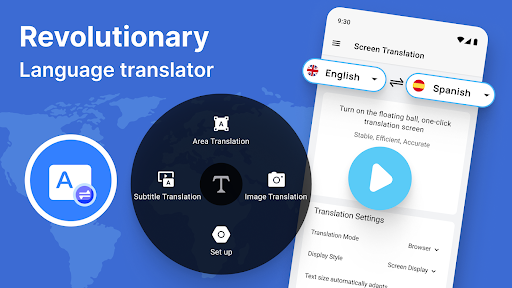
- You can also customize the language and settings to make this application more suitable for your needs and truly personalized.
Who is this App suitable for?
This app is particularly suitable for travelers, students, professionals, etc., who often encounter people who speak foreign languages. For those who need quick translation assistance, it is a reliable option and convenient to use no matter where it is used.
Whether you are wandering around a foreign city, learning a new language, or doing international business, this mobile app can help you solve language problems efficiently and easily. It's a sweet little partner.
Why choose this app
This Android software stands out for its rich features, such as real-time translation, offline use, and no pressure even if there is no Internet. It is a truly reliable language helper.
The interface design is intuitive, easy to use, and the translation effect is also very powerful. It helps you overcome language barriers, ensures that you stay connected to the world, is full of information, and has a great experience.
Top Recommended Alternative
Pros & Cons
Pros
-
Optical Character Recognition in multiple languages can be handled
-
Super friendly interface
-
Real-time translation waits for no one
-
Support importing photos and screenshots
-
Offline translation can also be used
Cons
-
Occasionally identification errors in complex contexts
-
The free version supports not many languages
-
Slow processing speed for low-end devices
-
Handwritten Optical Character Recognition is not as accurate
-
Must be connected to the Internet to use all functions
Advertisement
Download Screen and Photo Translator
FAQ
Is the Screen and Photo Translator app safe to use on my Android device? +
Of course, the screen and photo translation APP is quite reliable in the Google Play Store. The developers also pay attention to safety, so you don't have to worry about information exposure when using it.
However, it is best to download apps like this from official channels to avoid any security risks. It is updated frequently and has good reviews, which shows that developers are very attentive and want to give users a safe experience.
How do I get started with the Screen and Photo Translator app? +
It's actually very simple to use this app. Once installed, open it directly, follow the steps a few times, follow the prompts, and you can immediately start translating photos or screens.
The interface is super intuitive and easy to use. It doesn't matter whether it takes photos on your phone or imports pictures, it's super convenient. It's not complicated for a novice, and the experience is great.
What features does the Screen and Photo Translator app offer? +
This APP is quite rich in functions, such as real-time translation of photos, image Optical Character Recognition, and also supports multiple languages to help you solve the translation needs of different scenarios.
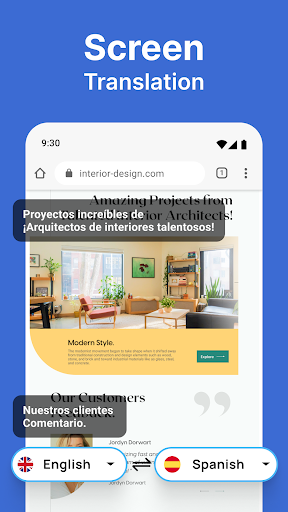
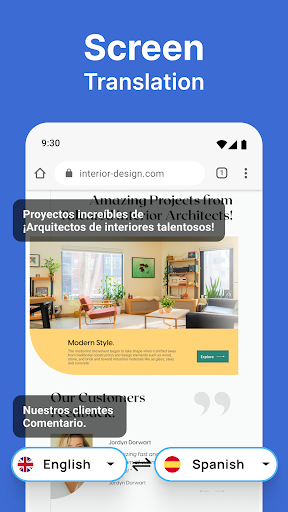
As a reliable translation tool, it can seamlessly translate screen content and pictures, making it very useful for traveling, studying and working. Compared with ordinary translation software, its advanced functions are worth it, and it is quite powerful!
Will this app work for offline translations? +
Of course, this screen and photo translation app supports offline translation. As long as you download the required language pack in advance, you can translate without having to connect to the Internet, which is super convenient.
Whether you are traveling or in places with poor network signal, there is no problem. It makes you use it easily and is not limited to the network environment. It is a quite considerate design!
Is the app compatible with all Android versions? +
This app is basically compatible with most recent Android systems, but it is recommended to go to the Google Store for specific requirements to ensure that your device runs smoothly.
As a reliable application, it will be updated from time to time to ensure that it keeps up with new versions of Android, avoids compatibility issues, and is quite safe to use.
Customer Reviews
Users generally praise the app for its intuitive interface, fast performance, and useful features like on-screen and screenshot translation. Many find it reliable and efficient for daily tasks. However, key concerns arise around translation accuracy, with some users reporting flawless results while others state it fails to translate even simple words. The ad and payment model is divisive: some enjoy an ad-free experience, but many criticize intrusive ads at startup, frequent prompts to upgrade, and a high subscription cost (€60/month), making the free version frustrating. Data consumption is noted as heavy by a few. Ease of use is appreciated, yet the automatic translation speed can be too fast to read, and the app requires manual activation each time. Overall, a capable tool with significant monetization drawbacks.
Write a Review
Share your experience with Screen and Photo Translator. Submissions are reviewed before publishing.
You Might Also Like
More apps you may want to try next.