FamiliarApps logo
Samsung Notes

Samsung Notes

Advertisement

Screenshots
24 images
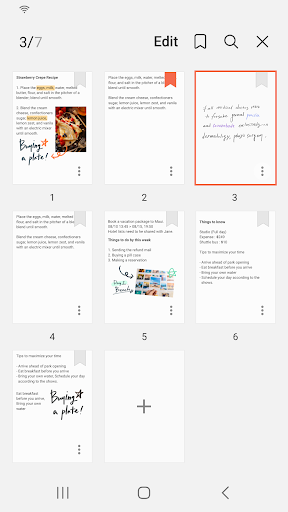
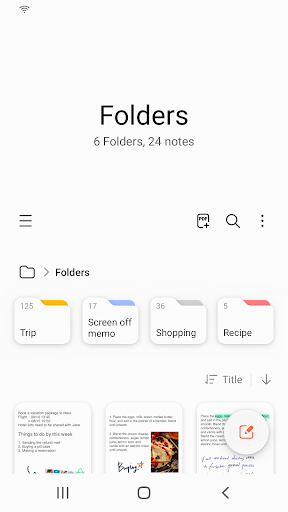
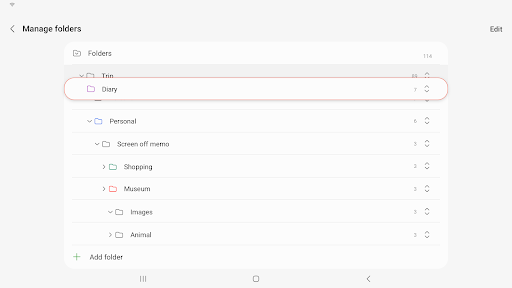
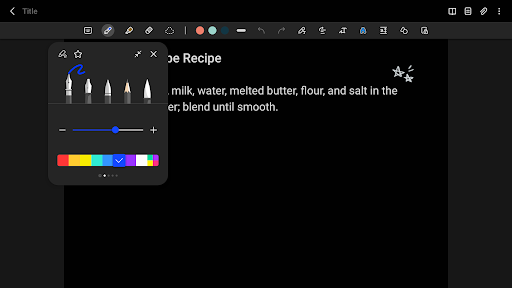
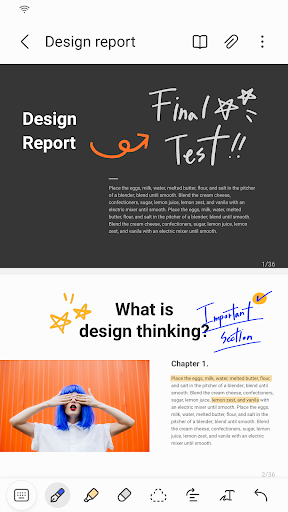
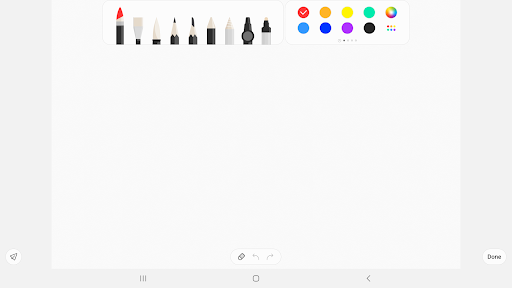
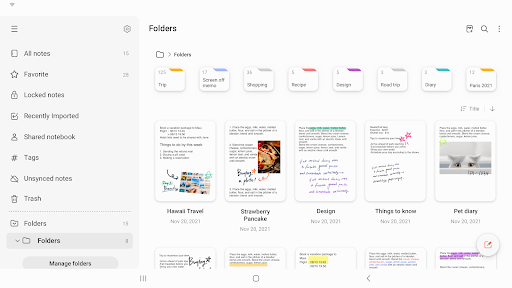
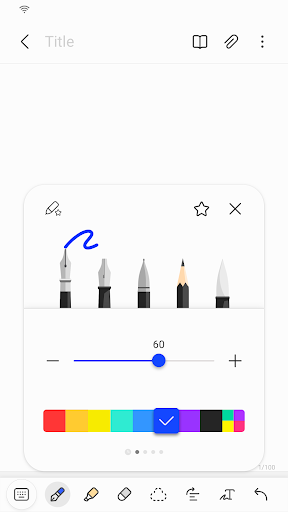
Samsung Notes screenshot 1 Samsung Notes screenshot 2 Samsung Notes screenshot 3 Samsung Notes screenshot 4 Samsung Notes screenshot 5 Samsung Notes screenshot 6 Samsung Notes screenshot 7 Samsung Notes screenshot 8 Samsung Notes screenshot 9 Samsung Notes screenshot 10 Samsung Notes screenshot 11 Samsung Notes screenshot 12 Samsung Notes screenshot 13 Samsung Notes screenshot 14 Samsung Notes screenshot 15 Samsung Notes screenshot 16 Samsung Notes screenshot 17 Samsung Notes screenshot 18 Samsung Notes screenshot 19 Samsung Notes screenshot 20 Samsung Notes screenshot 21 Samsung Notes screenshot 22 Samsung Notes screenshot 23 Samsung Notes screenshot 24

Advertisement

About Samsung Notes

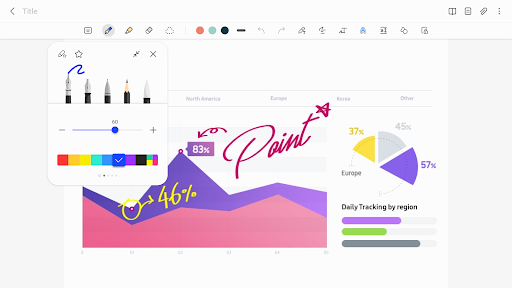
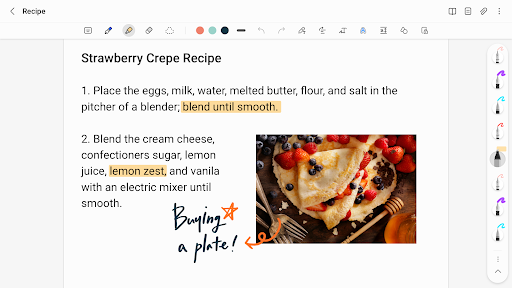
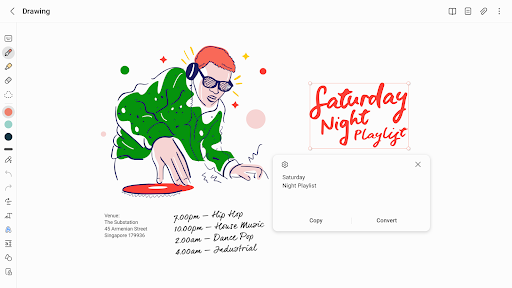
Samsung Notes is really powerful. It is a versatile productivity tool that helps you take notes and sort out garbage anytime and anywhere. It is extremely convenient to manage. As a software on Android, it is very smooth and easy to use. It has many functions such as handwriting, drawing, and editing text, which feels particularly intimate. Whether it's for work or daily life records, it can give you a reliable plan to organize your thoughts and various information properly. It's really good!

Overview

core functions

  • This application interface is super friendly and smooth to use. Taking notes becomes very fast and easy, making it convenient whether you use your mobile phone or tablet.
  • The real-time synchronization function is great. You can switch seamlessly on various devices, and your notes can be synchronized anytime and anywhere, improving efficiency more than a little.
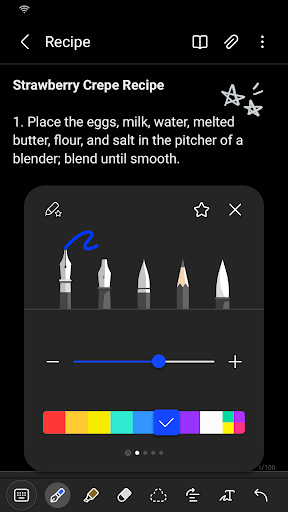
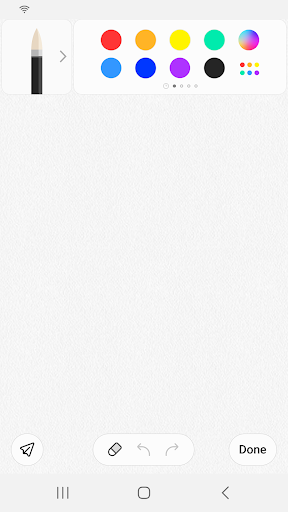
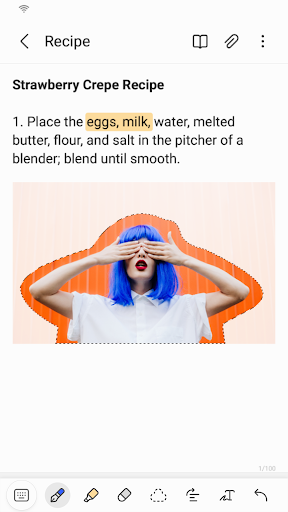
  • Those advanced editing tools, such as text formatting and drawing, basically help you deal with all kinds of weird taking needs, whether you want to write something or draw.
  • Support offline mode, you can read and change notes wherever you go, and you are not afraid of losing the Internet. It is quite practical.
  • The integration with Samsung equipment is also good. Samsung users are very easy to use. This app can be regarded as a good helper for Samsung.
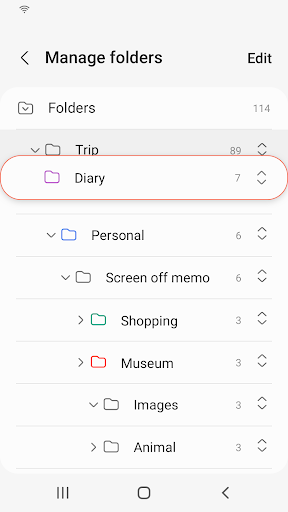
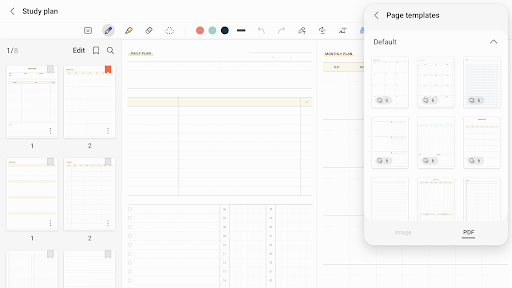
  • Organizing tools, such as folders and tags, will help you organize your notes in an orderly manner and make it easier to find things.
  • The security aspect is also very thoughtful. There is password protection and secure storage, so that you can use it more with peace of mind and your data is more secure.

Who is suitable for?

This efficiency tool is really suitable for students, office workers, or anyone who needs reliable note-taking and organizing tools. Designed for users who want to use it easily on Android devices and find it intuitive to operate.

Whether it's preparing for a meeting, taking a class, or doing a personal project, this app helps you stay organized and improves productivity anytime, anywhere, making it a great companion in daily life.

Why choose it?

What makes it particularly attractive is that the interface and functions are particularly intuitive, and it is smooth to use, making it easy and interesting for you to manage notes.

It also solves some common worries, such as messy notes and inability to synchronize, providing a comprehensive and reliable solution specifically tailored for Samsung and other Android users.

Top Recommended Alternative

Pros & Cons

Pros

  • intuitive user interface
  • Rich text formatting options
  • S Pen integration
  • Cloud synchronization function
  • Supports multiple formats

Cons

  • Limited export options
  • Synchronization delay or failure
  • No advanced search filters
  • Less interface customization
  • Restricted offline access

Advertisement

Download Samsung Notes

You are going to be redirected to the official website to finish the download when you click these buttons above.

FAQ

Is Samsung Notepad a safe app on my device? +
Of course, Samsung Notepad is a reliable mobile phone application officially developed by Samsung, and its security is quite reassuring. It is updated frequently to ensure safety standards are in place. When used on your Android device, the data is quite guaranteed. As an official product, the security protocol is also very strict, and Notepad is quite suitable for taking notes on a daily basis. Remember to update your application to the latest version often so that you can enjoy the latest security protection and feature optimizations.
How can I install Samsung Notepad on my Android device? +
It's actually quite simple to install this Notepad. Just go to the Google Play Store and search it, find it, click 'Install' and wait a while. It is quite popular, likes to be easy to use, and it is easy to manage notes. The interface is friendly to use and makes it easy to organize your tasks from the beginning. Remember to make sure your phone meets the minimum requirements so that it can be used smoothly, otherwise it may get stuck or other problems.
Can Samsung Notepad be used without being connected to the Internet? +
That's right, it's an app that can be used offline. You can create, edit, and organize notes at any time, all locally. It's no problem without using the Internet, and it's very suitable for people who need to get notes at any time. Of course, after connecting to the network, your notes can also be synchronized to your Samsung account or the cloud for backup. However, even if you don't have the Internet, you can fully browse and modify your notes, which is very flexible.
What are the functions of Samsung Notepad to organize notes? +
This app is quite rich and helps you stay tidy. You can take notes by hand, insert pictures, voice records, and scan documents with your mobile phone, which is very convenient. It can also help you sort and put them in different folders, and important notes can be nailed to the front for quick search. Use it to manage daily tasks and ideas. Whether you use an Android phone or a tablet, you can easily do it. It's really a universal tool.
Is Samsung Notepad suitable for use on tablets or mobile phones? +
Of course! It has been specially optimized to adapt to mobile phones and tablets, making it a versatile application. The interface is very intuitive and powerful. No matter how big or small the screen is, it can be used smoothly. Whether you are used to typing or writing, Samsung Notepad will give you a smooth experience. It is very convenient to use it to record inspiration or notes, and it won't be stuck because of different devices. It helps you quickly capture ideas.
Does Samsung Notepad support synchronization between different devices? +
Don't worry, this function is pretty awesome! As long as you use your Samsung account, the content in Notepad can be synchronized between your phone and tablet, and your notes can be found anytime, anywhere. If you also use other cloud services or apps, cloud synchronization also helps you keep your notes safe. In this way, you can carry your notes with you without worrying about losing them and can be used at any time, which is very convenient.
Can Samsung Notepad be used with other apps or services? +
Yes, it supports compatibility with other Samsung applications and can also be exported to PDF or image format. It is quite practical. Although mainly designed for Samsung devices, you can also manually transfer or share notes. It's also very convenient in the app, so you won't be afraid of interruption if you share your notes with other apps and use them in your work or study. Make it your right-hand assistant for multitasking.
Is the data stored in it safe? +
Don't worry, Samsung Notepad values your privacy very much. It encrypts your notes and can also be backed up through Sannebula or other cloud services to protect your important information from being seen by outsiders. Moreover, software is updated frequently to enhance security measures and become more reliable. Use it to take notes without fear of leaking secrets. It is safe and practical. It is a reliable choice for individuals and work.

Customer Reviews

AI
AI Generated Summary
Based on real user feedback
★ 4.5

Samsung Notes is widely praised as a powerful and versatile productivity tool. Users appreciate its intuitive design, ability to organize writings and find them easily, and excellent performance. Many highlight that it's free, ad-free, and offers a seamless experience across devices. However, some features have drawn mixed feedback. For instance, the automatic date recognition (e.g., highlighting '27 Jun 2026' in blue) is seen as a hindrance by several users, who report that it prevents partial editing and forces deletion and retyping—they request an option to disable it. While a majority find the app's core functionality outstanding, a few prefer the previous layout and simpler text-editor style. Overall, the app is considered highly effective for note-taking and daily productivity.

Ariel Sauer · 2026-06-24
★ 5
Arielikey white star black star white heart black heart
Marjan Sultana · 2026-06-24
★ 4
Open hands and thumbs up signs.
Trent Plank · 2026-06-24
★ 5
I do not have the required data to provide an answer.
Busisiwe Nozipho Khoza · 2026-06-24
★ 5
The approach has demonstrated significant effectiveness, consistently delivering the expected results under various conditions.
Balveer Thakur · 2026-06-24
★ 5
This is nice.

Write a Review

Share your experience with Samsung Notes. Submissions are reviewed before publishing.

Rating *
0 / 2000

You Might Also Like

More apps you may want to try next.

Advertisement
5
Please wait...