

Resume Builder - CV Engineer
Advertisement
Screenshots
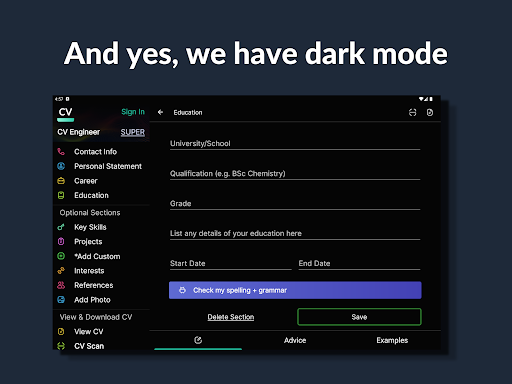
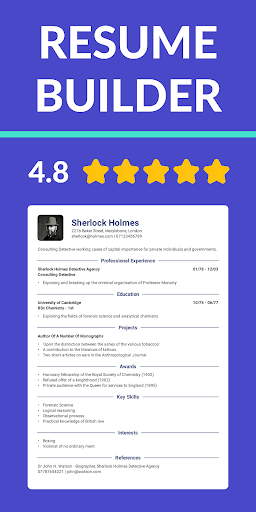
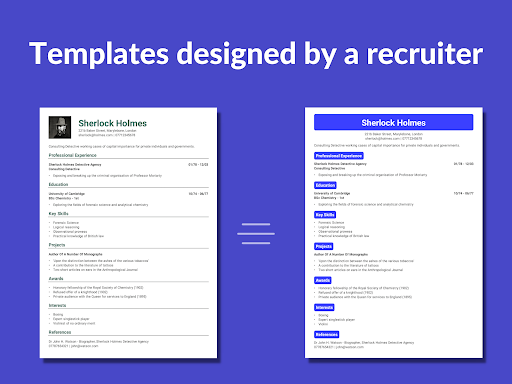
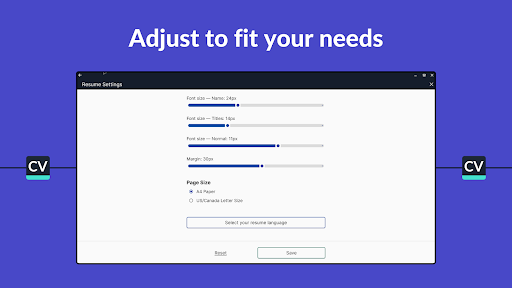
Advertisement
About Resume Builder - CV Engineer
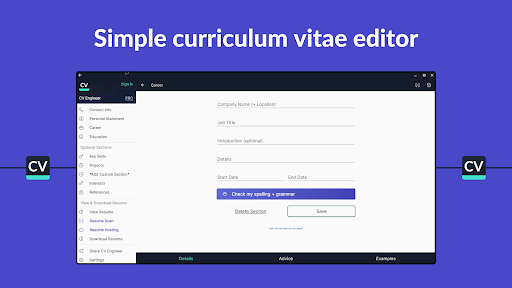
Resume Builder - CV Engineer is a very good software. It is a very considerate mobile application that helps job seekers quickly get professional resumes. Whether you use Android or Apple, you can use this one. The interface is very friendly and the templates are quite rich, helping you easily create your own career development plan. The operation is particularly smooth, you can modify and edit at any time, and personalized settings are also very convenient. In the fierce competition in the workplace, this tool is really a good partner to help you improve your competitiveness. It feels worth a try!
Overview
core feature
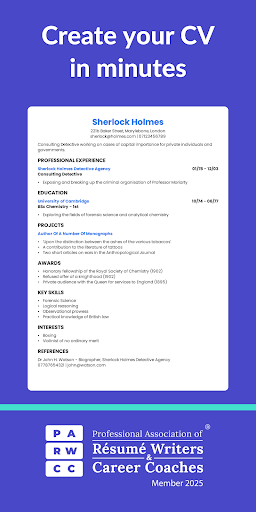
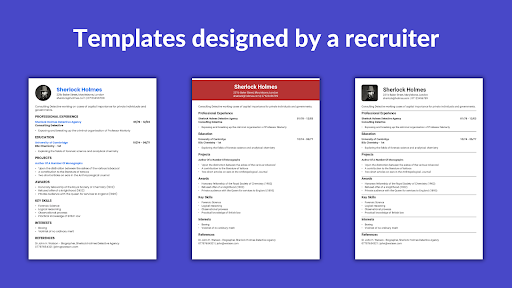
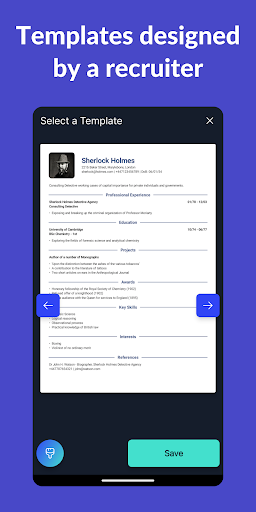
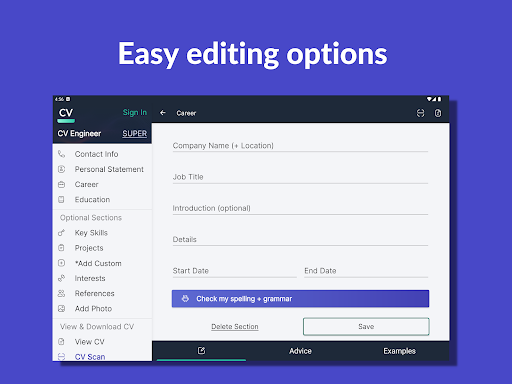
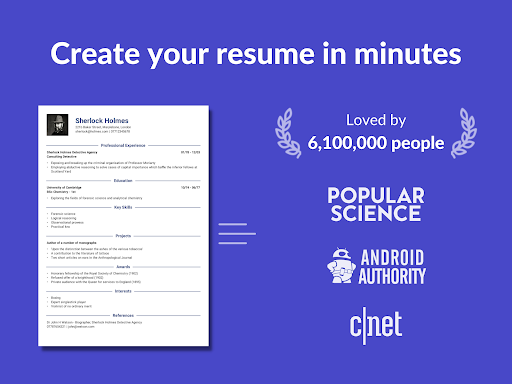
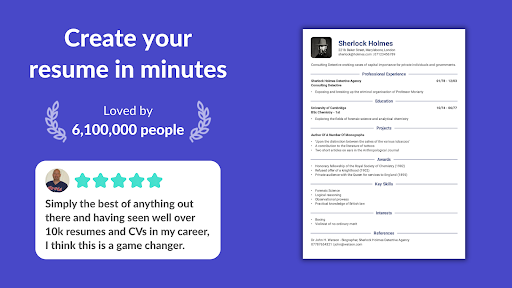
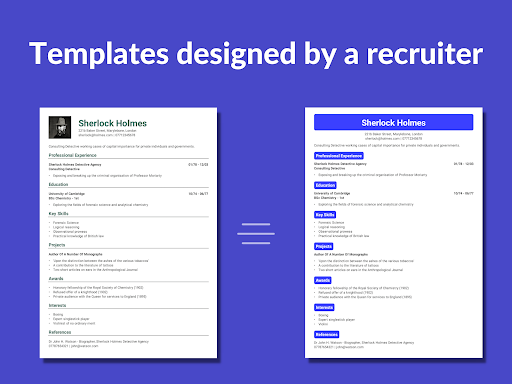
- This resume template is super intuitive and easy to change. It helps you easily get a professional resume in a few steps!
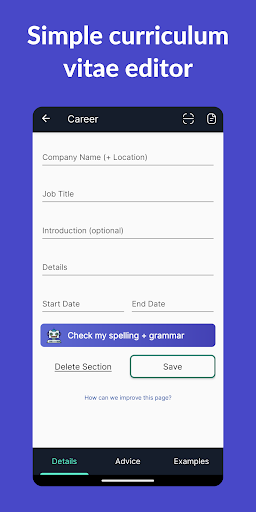
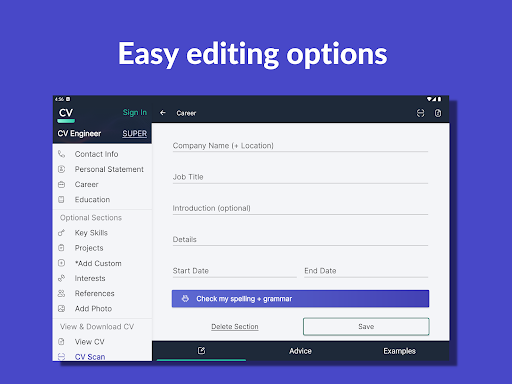
- Real-time editing and automatic saving ensure that your efforts are not lost every time, that you have no problem changing devices, and that you can continue to do it anytime, anywhere.
- Offline mode is turned on, and you can work without the Internet. The degree of freedom is really high!
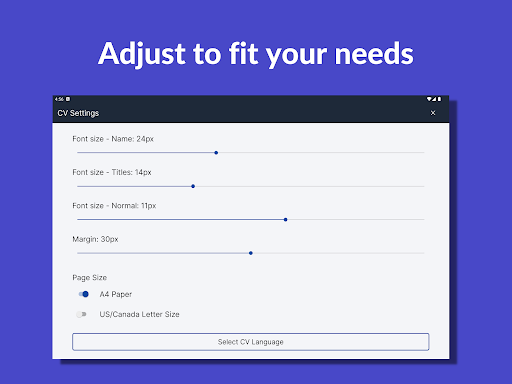
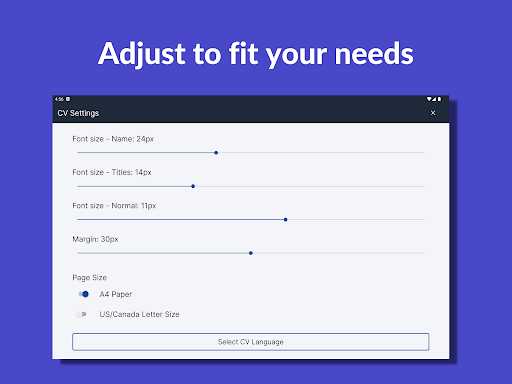
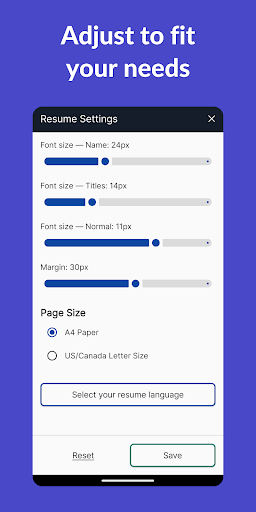
- Advanced typography makes your resume look beautiful and ATS compatible, making it easy to make it professional and pleasing to the eye.
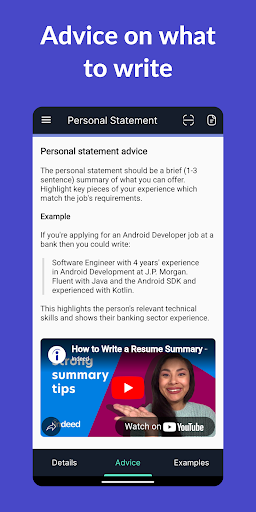
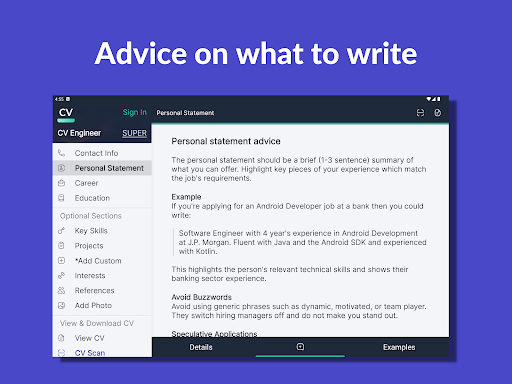
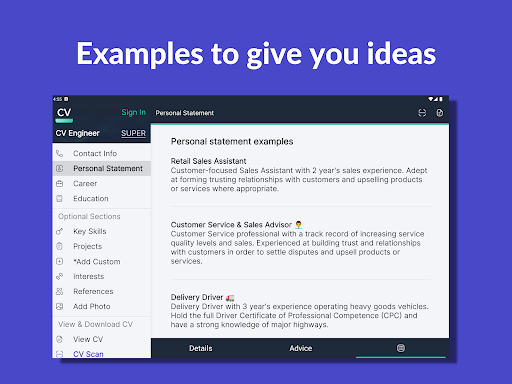
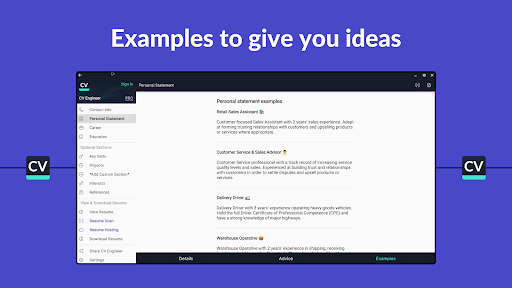
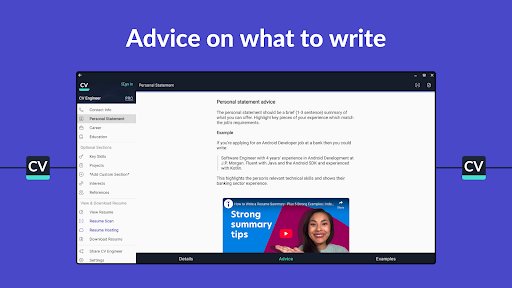
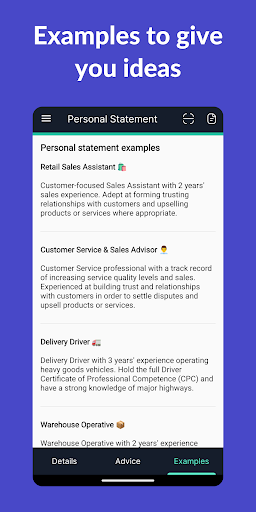
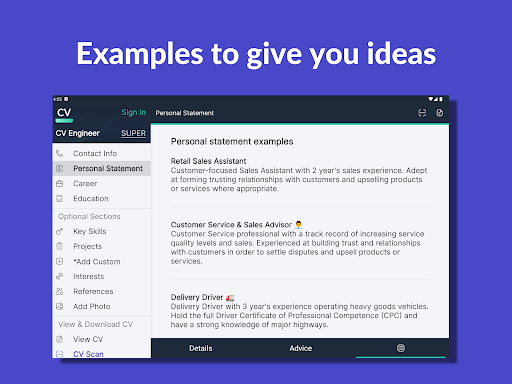
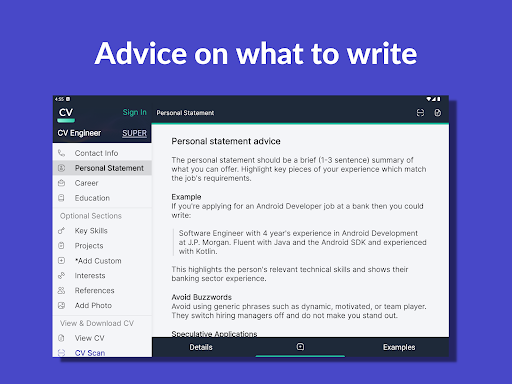
- Built-in tips and guidance make writing a resume no longer difficult. No matter how high your level is, you can use it smoothly and easily.
- Support exporting in multiple formats, such as PDF and Word, and resume can be used in various occasions at will. It's so convenient!
- The interface is super friendly and the operation is very simple. Whether you are a newcomer or an old driver, you can get started quickly.
Who is this App suitable for?
This mobile app is especially suitable for job seekers, students or professionals who want to create resumes in an easy and simple way. Its interface is particularly people-friendly and especially suitable for friends who don't understand complex operations. It can be easily handled by any age group.
Whether it's writing a resume for the first time or upgrading an old file, this Android app will make it easy for you to use it. It is especially suitable for those friends who are short on time and want to get a professional resume quickly, but don't want to go through too much trouble. It will help you save time and improve your level, and your success rate in finding a job will be greatly improved!
Why choose this App
This software is particularly outstanding, not only because it is reliable, but also easy to operate. It provides many thoughtful features and is specially designed to help you get your resume done. With this app, resume creation becomes super easy and everyone can use it easily.
Focusing on user experience and rich features, it allows you to confidently demonstrate your personal abilities and is a great tool for improving your career path. This app is a particularly trustworthy choice for anyone who wants to find a job, get a promotion, or add points to your resume!
Top Recommended Alternative

Pros & Cons
Pros
-
Simple operation and friendly interface
-
Various templates and customized at will
-
AI intelligent recommendation, save a lot of trouble
-
Multiple export formats for easy sharing
-
Gradually guided, the process is smooth
Cons
-
Customization features are a bit limited
-
Occasionally typography problems arise
-
Premium features require a paid subscription
-
The supported languages are not too rich
-
Template types can be richer
Advertisement
Download Resume Builder - CV Engineer
FAQ
How do I install the Resume Builder - CV Engineer app on my device? +
Installing the Resume Builder - CV Engineer is actually quite simple and can be found on both the Google Play Store and the Apple App Store. You just need to search for the name in your phone's app store and follow the usual steps and get it done.
Thissoftware is quite reliable and has a friendly interface. You don't have to worry about how difficult it is to get started. Soon you can start making professional resumes. Remember to make sure your equipment meets the requirements so that it can be used smoothly, right?
Is the Resume Builder - CV Engineer app safe to use? +
Of course, Resume Builder - CV Engineer was developed by a well-known team that pays special attention to user safety and data confidentiality. It can also be found in reliable places like Google Play and the Apple Store, indicating that it meets security standards.
Again, you must download from official channels to protect your device. The app also uses encryption technology to ensure that your personal information is safe when using it as a resume.
What features does the Resume Builder - CV Engineer app offer? +
This Android software provides many features to help you easily get a professional resume. You can choose a variety of templates, adjust the content yourself, and save your work for future editing. It also supports real-time preview and export, which is quite convenient.
Theinterface is designed very user-friendly and can be used smoothly whether you are a novice or an old driver. In order to ensure smooth use on your mobile phone, it is also very thoughtful and helps you quickly make a satisfactory resume.
Can I use the Resume Builder - CV Engineer app without an internet connection? +
Yes, after downloading and installing it, many functions can be operated offline, such as editing and saving resumes. This is especially convenient for you to get your resume ready anytime, anywhere.
However, some functions, such as exporting resumes, may have to be connected online. But overall, the design of this app is quite thoughtful, and it is smooth to use whether online or offline.
How often is the Resume Builder - CV Engineer app updated? +
Development teams often push new versions, and updates include feature optimizations, bug fixes and security enhancements. Keeping the latest version will allow you to use it more comfortably and enjoy the latest features and security.
Youcan see updates at any time in the app store, and maintaining new versions also reflects the developer's professionalism and attention. This is all to make you feel more assured and satisfied with using it.
Customer Reviews
Users widely praise Resume Builder - CV Engineer for its intuitive interface, ease of use, time-saving features, and high-quality templates, with many highlighting the helpful AI tool and online data sync. Key strengths include simplicity, speed, and professional results. However, opinions diverge on two critical aspects: while some users report seamless downloading and sharing, others complain that the CV cannot be downloaded or shared at all, rendering the app useless for its core purpose. Similarly, ad experience varies—some users note zero annoying ads, while others describe excessive ad interruptions that waste time. Overall, most users find it highly effective and recommend it, but the inconsistent functionality and ad load are notable drawbacks.
Write a Review
Share your experience with Resume Builder - CV Engineer. Submissions are reviewed before publishing.
You Might Also Like
More apps you may want to try next.




