
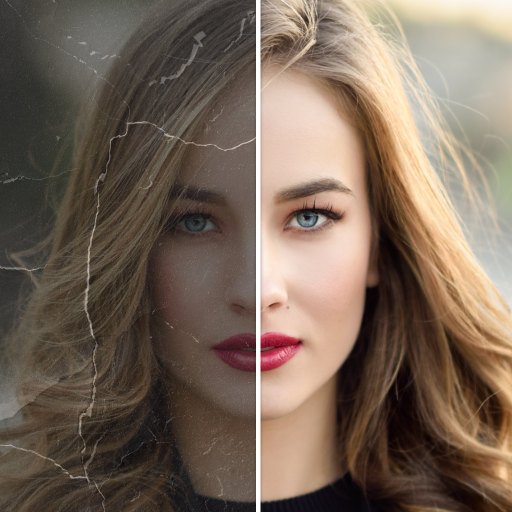
Repixel: AI Photo Enhancer
Advertisement
Screenshots
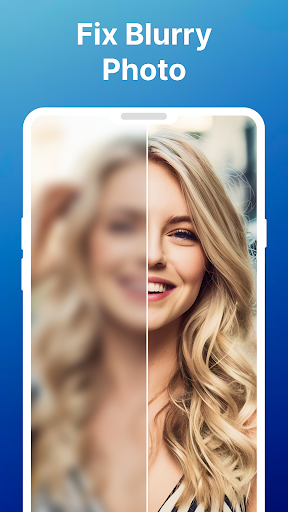
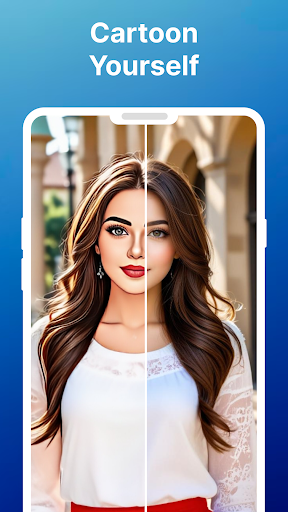
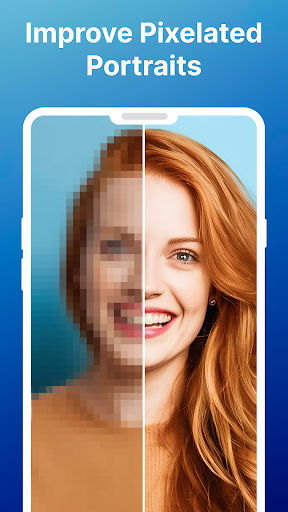
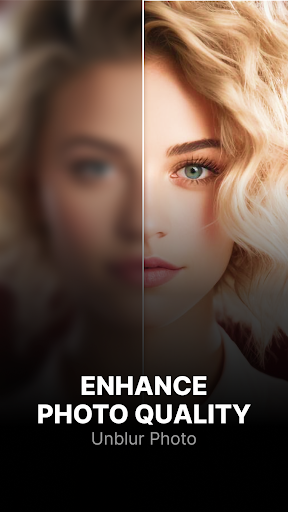
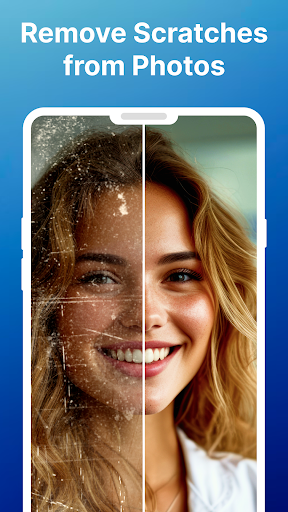

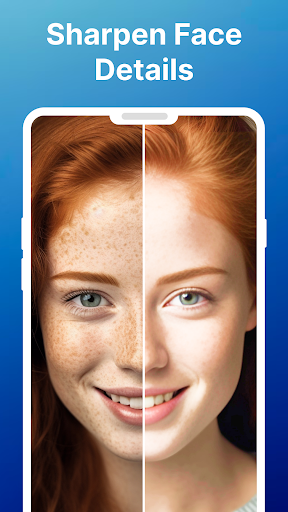
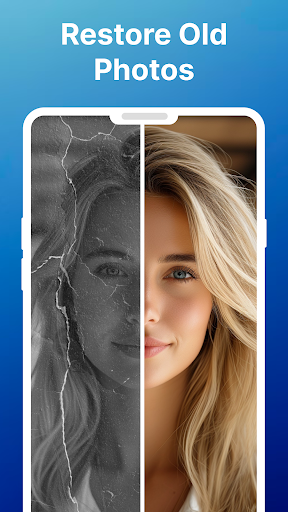
Advertisement
About Repixel: AI Photo Enhancer
Rpixel: AI Photo Enhancer is really convenient. It is specially designed for mobile phones. It is very simple to operate, it can be done at one click, and it is easy to use. It mainly helps you improve the quality of photos instantly. For Android models, there are some powerful AI functions in it, which can make blurred photos clearer and zoom in on pictures. The effects are great. The interface design is also quite intuitive, not difficult to use, and feels quite reliable, and can basically meet all your photo post-processing needs.
Overview
core functions
- This app has an AI-driven photo enhancer that can make blurred pictures clearer. The effect is really good!
- It is also equipped with a one-click de-blurring function. If you want to improve the quality of photos quickly, you don't have to bother to operate at all. You can get it done with just a click.
- Automatic background removal easily helps you create professional pictures, which is really easy and worry-free.
- Providing a picture magnifying tool that makes photos bigger and keeps them in high definition is so sweet!
- The real-time preview function allows you to see the editing effect immediately, adjust it to your satisfaction and then save or share it, which is super convenient.
- The photo noise reduction function ensures that the picture is clearer, without clutter and distortion, making it much more comfortable to look at.
- All kinds of editing tools are integrated into one interface, so that no matter whether a novice or an expert, you can use them easily. The experience is great!
Who is this app suitable for?
This mobile app is especially suitable for friends who like to take photos, social media content creators, or people who just want to make their personal photos better. The interface design is quite friendly and suitable for all ages, especially for friends who want to edit quickly.
Whether you're fixing blurred problems in old photos or improving picture quality for professional projects, this app can be of great help. Its operation is intuitive and can be easily handled by even novices. Taking good photos is not a dream, and it is an excellent helper for daily retouching!
Why choose this app
The highlight of this Android app is that it uses advanced AI photo enhancement technology and is particularly simple to operate. It's so convenient to get high-quality results quickly without having to install cumbersome professional software or computer programs!
Combined with powerful functions and intuitive interface, it can solve many common photo problems, and the overall experience is very reliable. Its professional tools make it stand out among Android retouching apps. Whether it is casual users or professionals, it is a great choice to find satisfactory solutions!
Top Recommended Alternative

Pros & Cons
Pros
-
High-quality AI enhancements
-
Super user friendly interface
-
Processing speed is fast
-
Supports multiple photo types
-
offer a free trial
Cons
-
Free features are limited
-
Occasionally, over-sharpening artifacts occur
-
Processing very low resolution images can be difficult
-
The enhancement of detail texture is unstable
-
Unstable on old equipment
Advertisement
Download Repixel: AI Photo Enhancer
FAQ
How do I install Repixel: AI Photo Enhancer on my device? +
Is Repixel: AI Photo Enhancer safe to use? +
What are the main features of Repixel: AI Photo Enhancer? +
Can I upgrade or update Repixel: AI Photo Enhancer easily? +
Does Repixel work on different devices and versions? +
How does Repixel differ from other photo editing apps? +
Is Repixel suitable for professional photographers? +
How can I ensure I am getting the best app experience with Repixel? +
Customer Reviews
Users generally appreciate Repixel for its effective AI photo enhancement, clean interface, and smooth performance. Many report significant improvements (up to 90%) and find it user-friendly. However, opinions diverge on key aspects: While some users praise the enhancement results, others complain that the app alters people's characteristics or delivers poor output. Regarding pricing, some find it reasonable, but others criticize the lack of a free trial and subscription discrepancies (e.g., charged for a year but only lasting a week). Performance and ads also spark mixed feedback—positive reviews highlight a seamless experience, while negative ones cite intrusive ads and inefficient data usage. Overall, the app has strong advocates but also notable detractors.
Write a Review
Share your experience with Repixel: AI Photo Enhancer. Submissions are reviewed before publishing.
You Might Also Like
More apps you may want to try next.




