
Remote Control for TV - All TV
Advertisement
Screenshots
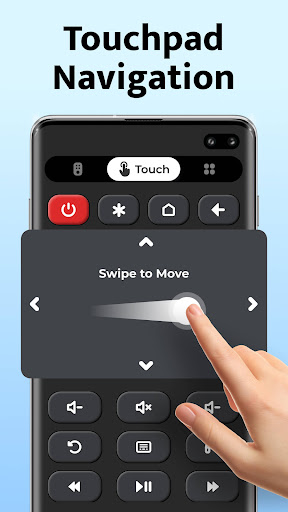
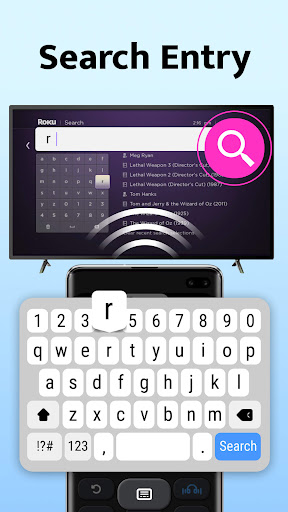
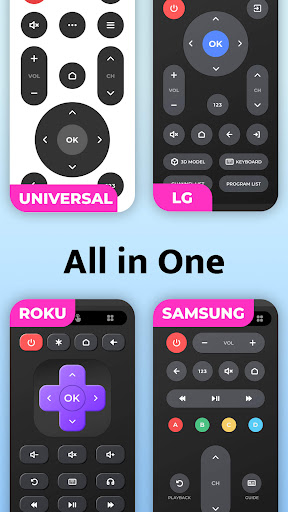
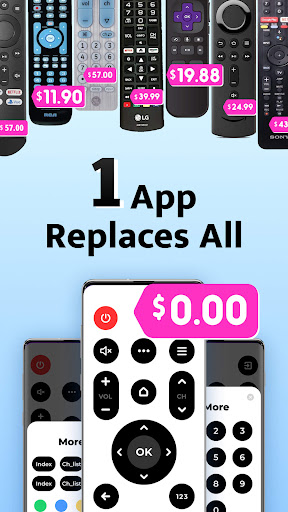
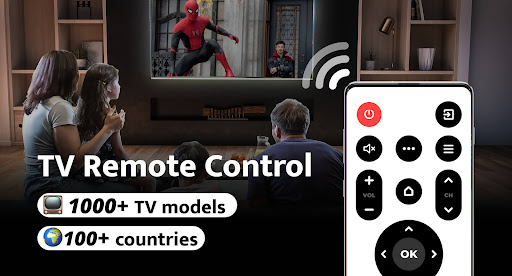
Advertisement
About Remote Control for TV - All TV
Watching TV remotely-This ultra-simple mobile app can turn your smartphone into a multi-function remote control for various mainstream TVs. As an intuitive Android app, it makes it smoother and easier to use and control your TV anytime, anywhere. Whether you want to change channels quickly or adjust the volume, this APP can help you reliably and meet your various entertainment requirements.
Overview
Core Features
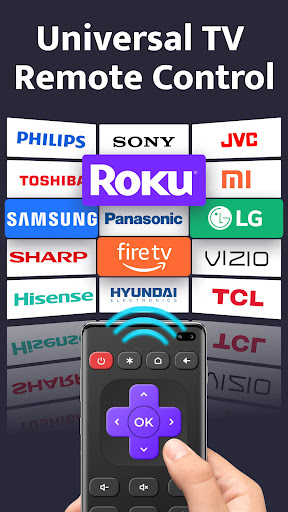
- Supports control of all major TV brands. It's a universal remote control that can handle all your home entertainment devices.
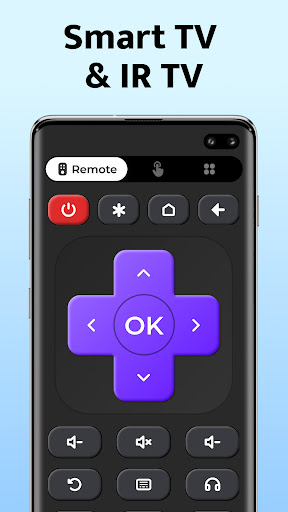
- The interface is particularly intuitive and easy to operate. Any functions can be quickly completed, and the experience is quite smooth.
- It can also synchronize your phone and TV in real time, making remote control super convenient with almost no delay.
- It also supports offline mode, so you can use basic functions even if you don't have an Internet. It's so thoughtful!
- Buttons and layout can be customized, and users can adjust them according to their preferred methods, making them more comfortable to use.
- Supports pairing of multiple devices, and you can easily switch between different TVs. It is extremely convenient to use multiple devices.
- It also has a voice command function, so you can control your TV and multimedia devices at any time without using hands. It's very cool!
Who This App Is For
This mobile app is especially suitable for those who want to control the TV in a simple and reliable way. You can do it with an Android phone, whether you understand technology or not. It is suitable for both technology and ordinary users. Anyone who wants to find a convenient remote control solution can try it.
Whether you are worried that you can't find the remote control, or want to use an APP to get a smart TV, this app can bring you practical help. Families, students, and even anyone can use it to simplify the operating process of entertainment equipment. It is a great help.
Why Choose This App
The reason why this Android app is outstanding is that it has comprehensive functions, is particularly easy to use, and has a great experience. Fast setup, reliable performance, and no need to worry about mistakes.
It is a remote control solution specially made for mobile phones. It perfectly solves common remote control problems and is compatible with multiple brands, so that you don't have to buy multiple remote controls or worry about complex operations. No matter what you need to use to control, it can handle it. It can be regarded as an integrated artifact of entertainment control!
Top Recommended Alternative
Pros & Cons
Pros
-
universal compatibility
-
Simple and intuitive operation
-
Remote control layout can be customized
-
Many additional functions
-
frequently updated
Cons
-
The initial setup is a bit cumbersome
-
Not enough support for older TVs
-
Poor Internet will get stuck
-
The phone battery quickly runs out
-
Free features are limited
Advertisement
Download Remote Control for TV - All TV
FAQ
How do I install and log into the Remote Control for TV - All TV app? +
It's actually quite simple to install the Remote Control for TV - All TV app on Android devices. Go directly to the Google Play Store to find it, then click Install, and wait until it is downloaded and installed. The interface of this application is designed to be very user-friendly and easy to operate. It takes only a few steps and is convenient for anyone to use it.
Afteryou install it, open the app and it will let you set up your device. You can connect to your TV using Wi-Fi or Bluetooth, depending on how you choose your TV model. The whole experience is smooth, and logging in is not difficult. It usually only takes a few steps to confirm your device is securely connected.
Is the app safe to use on my Android device? +
Of course, this Remote Control for TV - All TV app takes user safety into consideration. It can be found on the Google Play Store and Google must review it. It is quite reliable. Its functions have also been carefully developed to ensure that your data and everything are safe and safe during your use.
However, before installing, you still have to look at the permission request. Under normal circumstances, it will only request necessary permissions such as controlling the network. It basically won't ask for permissions randomly. You can let it use it with confidence, and there will be no security risks.
Does this mobile app support all types of TVs and remote controls? +
This Remote Control for TV - All TV has extensive support and can be compatible with many big-name smart TVs. It is quite rich in functions. It can help you get different brands and models of TVs, allowing you to use it to control various devices. It is quite convenient and can be regarded as a universal remote control.
Ofcourse, compatibility may vary depending on the brand and model of your TV. This application will be constantly updated, adding new features, and optimizing the experience. Most users can use it smoothly without any major problems.
Can I use this app without an internet connection? +
With this Remote Control for TV - All TV, you can basically operate without networking. Once set up, many basic functions can be used offline, such as adjusting the volume, changing channels, switching the phone on and off. The experience is still quite smooth.
However, some advanced features or software updates may still require networking. Overall, the offline support of this application is quite reliable for daily remote control functions.
What are the main app features of Remote Control for TV - All TV? +
This Android app provides quite comprehensive functions and can basically replace traditional remote controls. For example, it can identify various devices, support multi-brand TVs, customize the control interface, and shortcut buttons, such as volume, channel, and changing input methods, can be quickly operated. The design is quite intuitive and easy to operate. It is the preferred remote control for many smart home users.
Ithas fast response speed, strong compatibility, and users feel reliable. There are frequent updates, adding new features, optimizing the experience, ensuring that you can use it easily and have high reliability, making it quite popular.
Customer Reviews
Users generally appreciate that the app works well for casting and connecting to TVs, especially with LG OLED models, and some report a clean experience with few or no ads initially. However, opinions are sharply divided on advertisement frequency: many users find the app cluttered with excessive ads every few seconds, disrupting use, while others note minimal ads or none after startup. Functionality is also inconsistent — some praise flawless performance and ease of use, while others report complete inoperability, crashes, or incompatibility with non-smart TVs and MiTV. Overall, it's a mixed tool: effective for some setups but marred by ad volume and limited device support.
Write a Review
Share your experience with Remote Control for TV - All TV. Submissions are reviewed before publishing.
You Might Also Like
More apps you may want to try next.




