

REC - Screen | Video Recorder
Advertisement
Screenshots
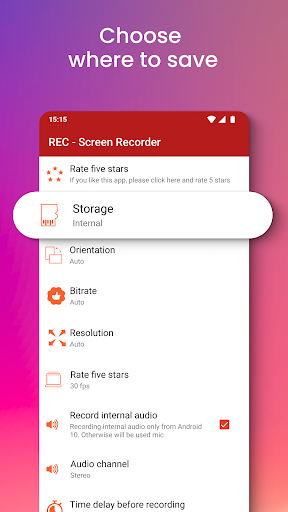
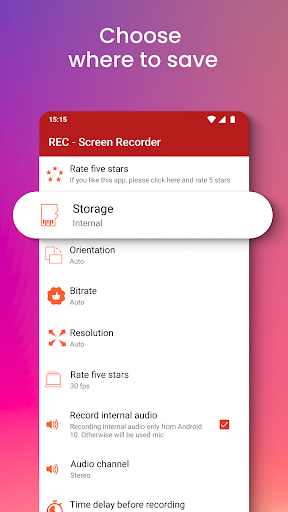
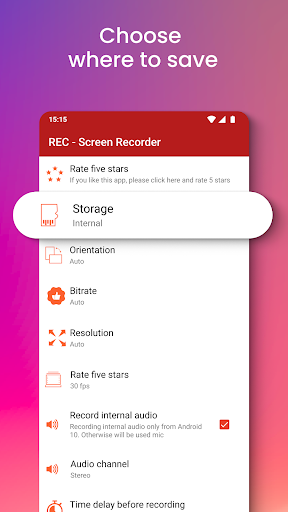
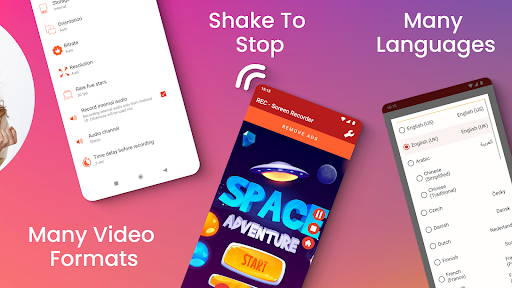
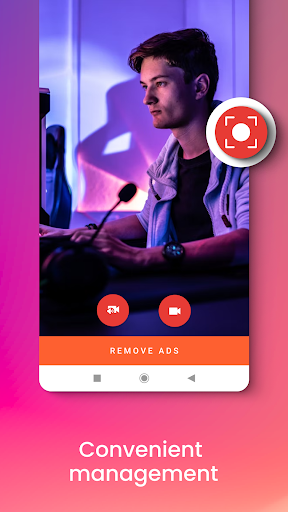
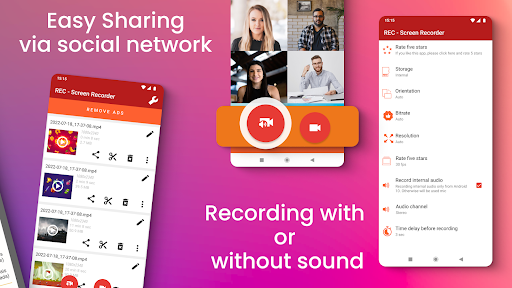
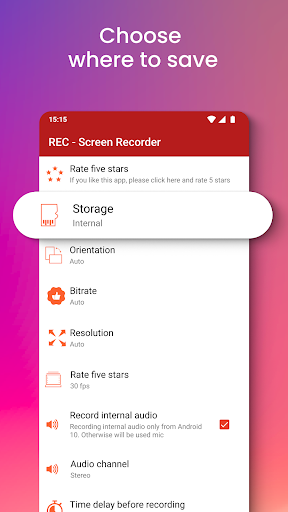
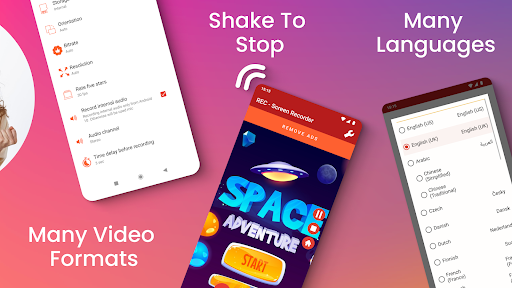
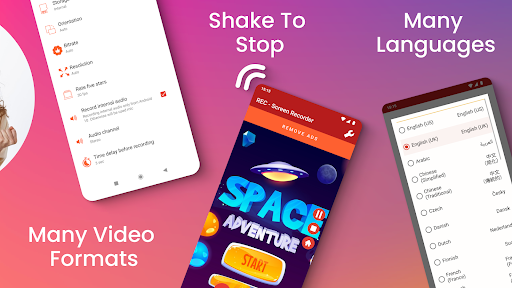
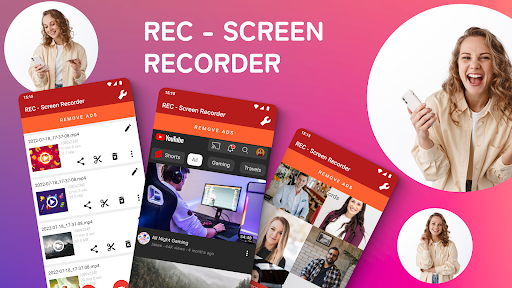
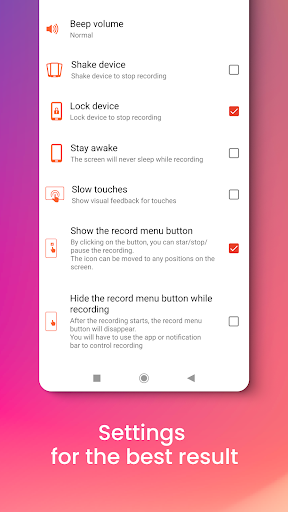
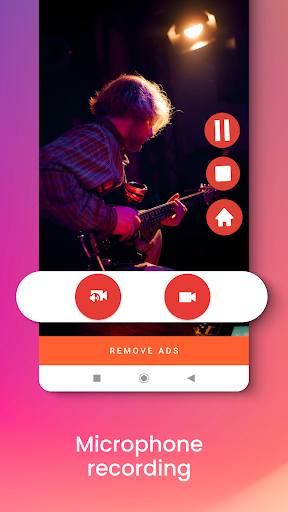
Advertisement
About REC - Screen | Video Recorder
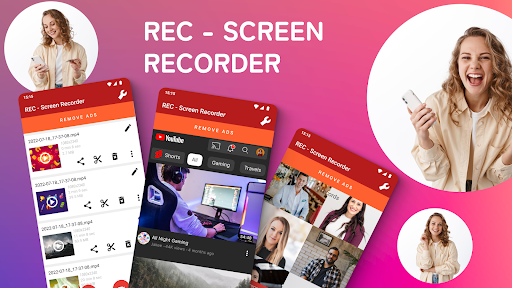
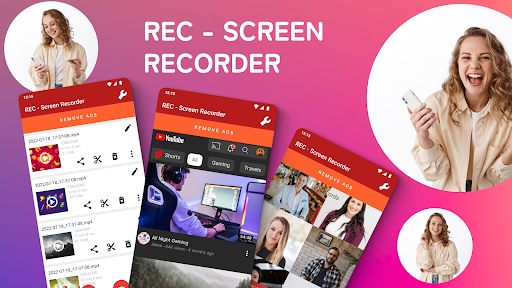
REC - Screen |Video Recorder is actually a very practical mobile app that is specially used to record high-definition videos on the screen. As a simple Android software to operate, it has a friendly interface and intuitive functions. It is very convenient to use. Whether it is recording tutorials, playing games, or any other on-screen thing, it can be done easily. This app runs smoothly and efficiently. It is basically a simple yet powerful screen recording tool. It is a reliable choice!
Overview
core functions
- The screen recording with excellent quality supports full HD resolution, and the details can be clearly recorded. It's really satisfying.
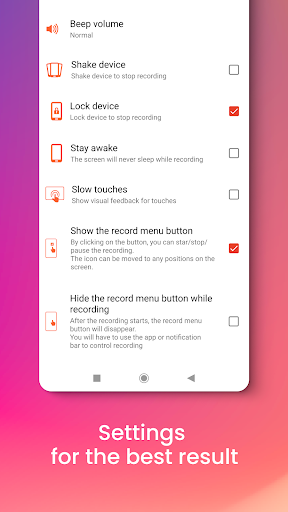
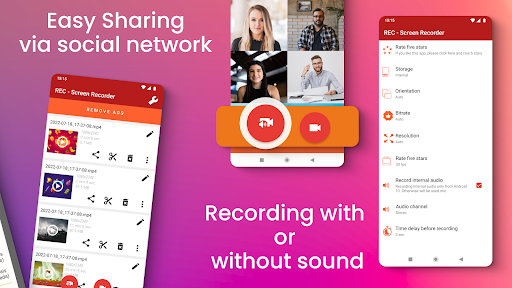
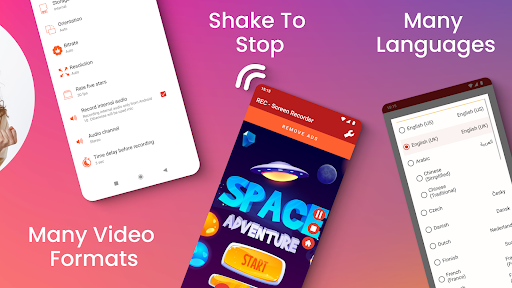
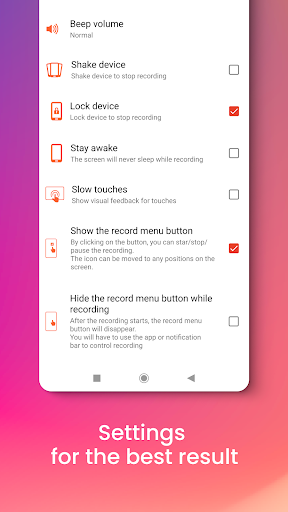
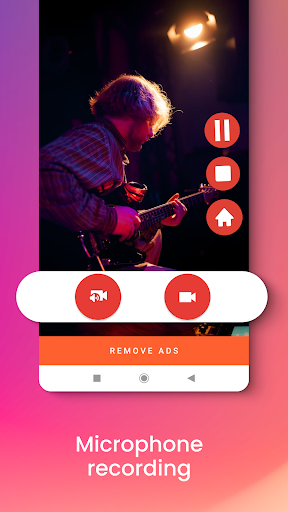
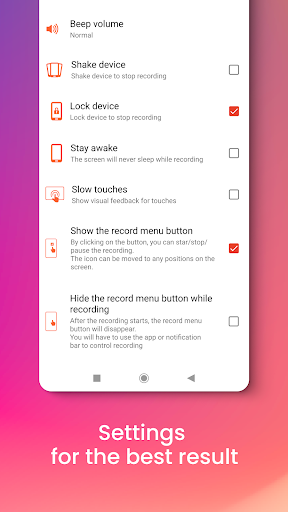
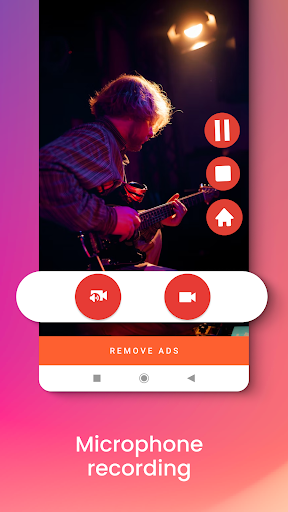
- Various application functions are quite rich, such as the ability to adjust recording parameters, facial recording superposition, and microphone sounds can also be recorded simultaneously, which is quite convenient.
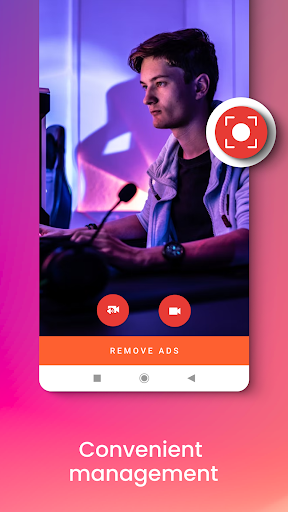
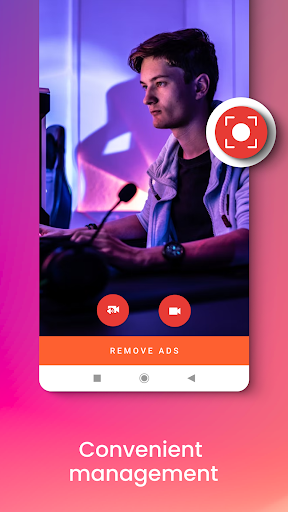
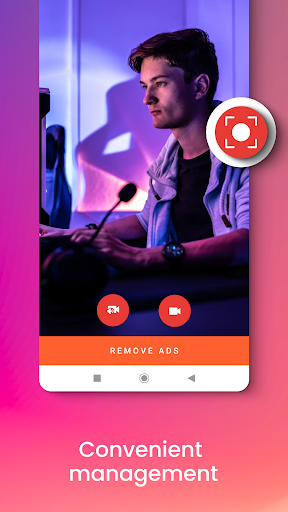
- The interface is super simple and has no threshold. Newbies can get started immediately and start recording at any time without pressure.
- The built-in video editing tools are also quite considerate, such as cropping, adding annotations, and playing background music, which is quite practical.
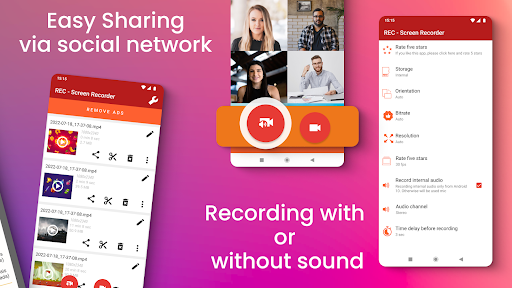
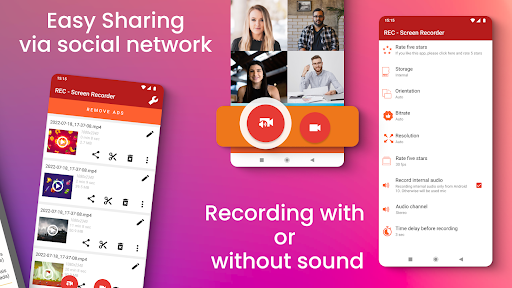
- Sharing is also very convenient. You can directly upload the recorded videos to your circle of friends, Weibo, etc. It's so smooth!
- You can also record offline without worrying about unstable network. You can record if you want, which is especially free.
- This app has stable performance and is well optimized. It supports various specifications of Android devices, and there is basically no need to worry about getting stuck or crashing.
Who is this app suitable for?
It is especially suitable for content creators, students, gamers, and professionals who need to quickly complete screen recording on Android phones.
Whether you are recording exciting game moments, tutorials, or work demonstrations, you can easily use this application. The operation is simple and efficient, and you can create and share videos anytime, anywhere.
Why choose this app?
This Android app is quite eye-catching, operates smoothly, and recording becomes particularly simple and reliable. Designed for those users who want a reliable screen recorder with point-of-point editing functions. It's quite considerate.
It solves many common troubles, such as complex settings and poor image quality. It is an ideal choice for users who pursue clarity and ease of use, and it is really worth recommending.
Top Recommended Alternative

Pros & Cons
Pros
-
Excellent screen recording with excellent quality and ability to adjust parameters
-
The interface is very friendly and the operation is extremely intuitive
-
Supports multiple recording formats
-
You can also draw marks and doodle on the screen in real time
-
Background recording is efficient and takes up almost no system resources
Cons
-
Occasionally stuck during high-resolution recording
-
The editing function in the software is relatively basic
-
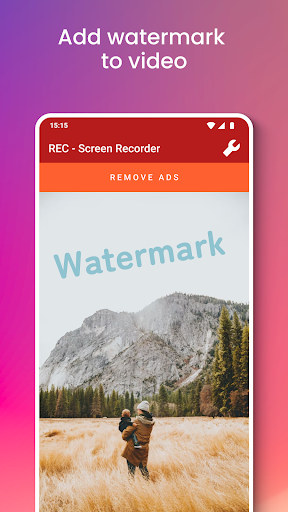
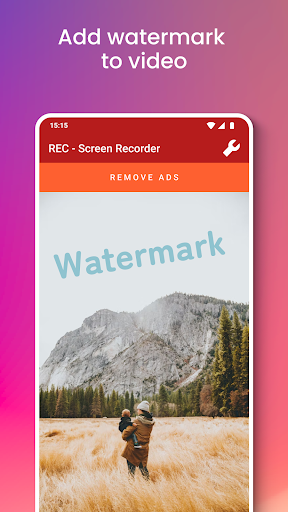
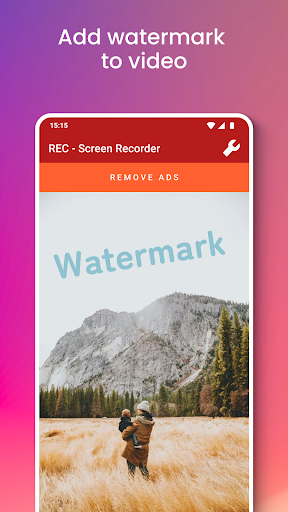
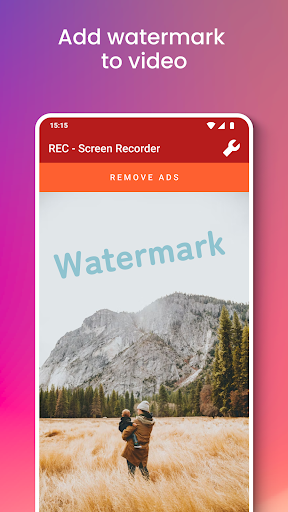
The free version of the recording will be watermarked
-
Sometimes audio and video are out of sync
-
There is not much support for the mobile version
Advertisement
Download REC - Screen | Video Recorder
FAQ
What is REC - Screen | Video Recorder, and what does it do? +
How do I install REC - Screen | Video Recorder on my device? +
Is REC - Screen | Video Recorder safe to use? +
Can I record in high quality with REC - Screen | Video Recorder? +
Does REC - Screen | Video Recorder work on all Android devices? +
Can I use REC - Screen | Video Recorder as a launcher app? +
What key app features make REC stand out? +
Is REC suitable for beginners or more experienced users? +
Customer Reviews
Users generally praise REC - Screen | Video Recorder for its ease of use and effectiveness in recording gameplay, YouTube content, and movie clips. Many find it straightforward and highly recommended for screen recording needs. However, opinions diverge on key dimensions: while some users report excellent recording quality, others criticize metallic or distorted audio playback and occasional failures to save recordings. The app's subscription model is a major pain point—though some accept the premium features, many find the 29.99€/month fee outrageous and report accidental charges without easy cancellation. Features like the equalizer and SD card detection also receive mixed feedback: some work perfectly, while others stop functioning or fail to recognize storage. Overall, the app delivers strong core functionality but suffers from inconsistent quality control and aggressive monetization.
Write a Review
Share your experience with REC - Screen | Video Recorder. Submissions are reviewed before publishing.
You Might Also Like
More apps you may want to try next.




