
QR Scanner: Barcode Scanner
Advertisement
Screenshots
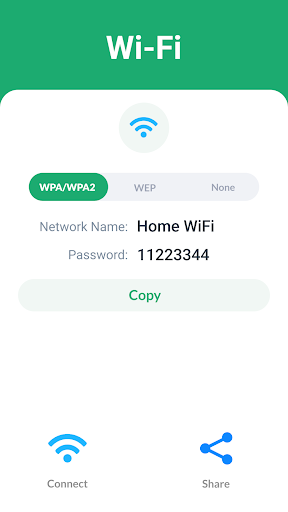
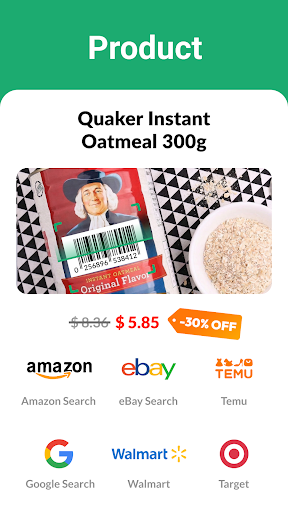
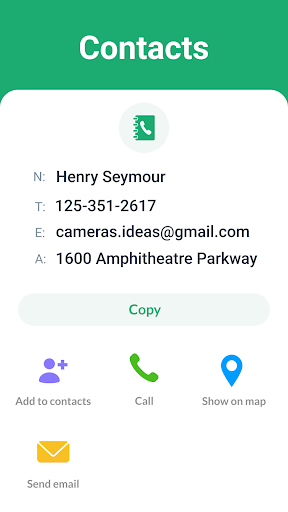
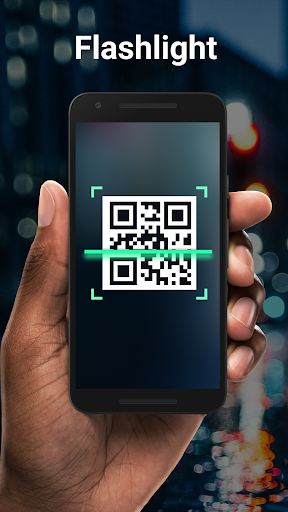
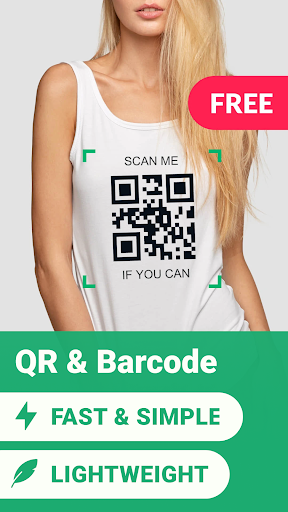
Advertisement
About QR Scanner: Barcode Scanner
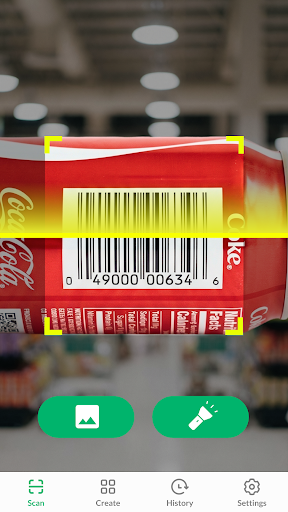
QR Scanner: Barcode scanner is quite reliable. It can quickly identify various QR codes and barcodes with a mobile phone camera, which is quite convenient. As a user-friendly Android software, its interface is quite simple but not that complicated to use. Anyone can easily get started and quickly obtain digital information, links or product details. This software is really a convenient tool, making it particularly convenient for you to manage and scan various codes on your mobile phone, and it is quite efficient.
Overview
core functions
- This app has fast scanning speed and high accuracy, and can quickly identify QR codes and barcodes on any surface. It is as sensitive as having eyes.
- Support various different types of barcodes, including QR codes, UPC, EAN, etc. The functions are really comprehensive and it is not a problem to meet various needs.
- The interface design is simple and intuitive, easy to use, does not feel cumbersome, and the experience is quite smooth.
- It also supports offline mode, so you can scan without requiring a network. It's quite convenient to avoid having no network when you go out.
- Automatic detection and real-time synchronization of scanning results make the whole process extremely smooth and the efficiency is greatly improved.
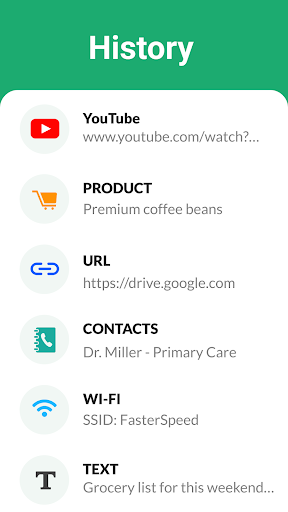
- There is a history function that can save the most recent scan content. The design makes it much easier to find previous codes.
- Applications built specifically for mobile phones, whether for personal or work use, are quite reliable, and the measurement accuracy rate is also quite high.
Who is this app suitable for?
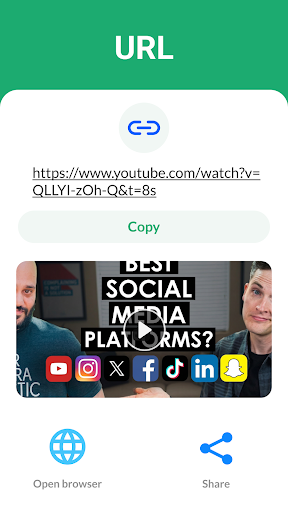
This mobile app is particularly suitable for students, business people and shop owners, especially those who need reliable barcode scanning on their Android devices. If you often have to process product information or URLs, this app can save you a lot of time and scan it in an instant.
It is especially suitable for those who want to use their mobile phones to manage inventory, verify products or quickly obtain information. Everything can be done without cumbersome operations and bother learning complex tools.
Why choose this app
This Android app is simple and efficient to operate, making scanning code stress-free. Its functions ensure fast and accurate, helping you save valuable time on various occasions. It's really good.
Its highlight is its powerful scanning capabilities. Coupled with its easy-to-use interface, it is a more trustworthy choice than other scanner and launcher applications on the market. It will definitely improve your mobile toolbox and make daily tasks much easier.
Top Recommended Alternative
Pros & Cons
Pros
-
Scan the code quickly and accurately. It's a perfect efficiency artifact
-
The interface is super easy to use
-
Supports multiple barcode formats
-
Scan code offline
-
Scan the code and see the information immediately
Cons
-
There are few customization options
-
If you encounter a damaged barcode, you will be blinded
-
There is no ability to organize scan history
-
Integration with other applications is not good enough
-
Some functions require networking
Advertisement
Download QR Scanner: Barcode Scanner
FAQ
Is the QR Scanner: Barcode Scanner app safe to use? +
Well, basically this QR code scanner is really reassuring. It will not collect your personal information indiscriminately, and focuses on helping you scan QR codes and barcodes, so privacy and security are still guaranteed.
Moreover, this software will be constantly updated to fix potential security vulnerabilities. In short, it is quite reliable and trustworthy. I feel at ease using it for daily scanning!
How do I install the QR Scanner: Barcode Scanner app on my device? +
It's actually quite simple to install this software on an Android phone. Just click on the Google Play Store on your mobile phone, search or use a link to enter, click "Install", and then wait for it to come down and install automatically, and you're basically done.
This app works on most Android phones, making it easy for anyone to get started and quickly start your scanning journey. It's that simple.
What features does the QR Scanner: Barcode Scanner app offer? +
This APP has quite rich functions, such as quickly scanning QR codes or barcodes, saving scanning records, and opening links directly in the software. This interface is particularly friendly, easy to use, and the experience is quite good.
It can also recognize various different types of barcodes and is compatible with multiple QR codes. It is a very versatile little helper and can be used daily. It is really convenient.
Can I use the QR Scanner: Barcode Scanner app without internet access? +
Yes! After installation, you can use it offline to scan QR codes and barcodes without the need for a network. Especially when there is no network or when the network is unstable, this feature is particularly useful.
It is designed for such scenes. It is smooth and can be used anywhere, allowing you to be efficient anytime and anywhere. It is quite considerate.
Does the QR Scanner: Barcode Scanner app support all types of barcodes? +
Of course! This software supports a variety of barcode formats, including QR codes, UPC, EAN and so on. The scanning is very accurate and reliable every time. It is suitable for personal use or work use.
With so much support, it is simply a universal scanning tool. It is very easy to use and is a favorite choice for many people.
Is the QR Scanner: Barcode Scanner app suitable for all users? +
Yes, this software is designed so simply that everyone can use it. Whether you are an elderly person or a child, you can easily get started. Its interface is intuitive and it is very smooth to use.
Whether you use it to scan product barcodes or organize data, it is very reliable, so you should choose it.
How frequently is the QR Scanner: Barcode Scanner app updated? +
Developers will regularly push new versions of this software in order to make it more powerful and more secure. Every update cannot keep up with the times, ensuring compatibility with the latest Android system, fixing previous bugs, and making the functions more complete.
Only by keeping it updated can you use it with more peace of mind and have more confidence in completing various scanning tasks. This is very important.
Can I customize settings in the QR Scanner: Barcode Scanner app? +
Of course you can! This software supports a variety of personalized settings. You can adjust scanning parameters, notification preferences, and even choose different QR code processing methods to make it more in line with your habits.
In this way, you can optimize the experience based on your needs, making the software easier to use and much more efficient.
Customer Reviews
Users widely praise QR Scanner: Barcode Scanner for its reliable and accurate scanning, fast performance, and user-friendly interface. Many highlight the automatic history saving and smooth operation on devices like the Samsung Galaxy Note 20 Ultra. A notable advantage is the ad-free experience reported by several users. However, opinions diverge on ad presence: while some users enjoy a clean, interruption-free experience, others complain about excessive full-screen ads that ruin the UI and force unwanted behavior. Similarly, scanning accuracy is mostly applauded, but a few users report failure with blurry or poor-quality images. Overall, the app is seen as a solid productivity tool that does its core job well, though ad handling remains a point of contention.
Write a Review
Share your experience with QR Scanner: Barcode Scanner. Submissions are reviewed before publishing.
You Might Also Like
More apps you may want to try next.