
Projector - TV Cast, HD Mirror
Advertisement
Screenshots
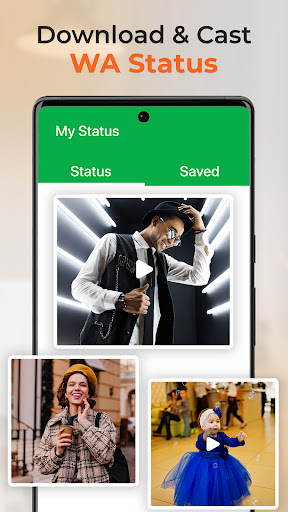
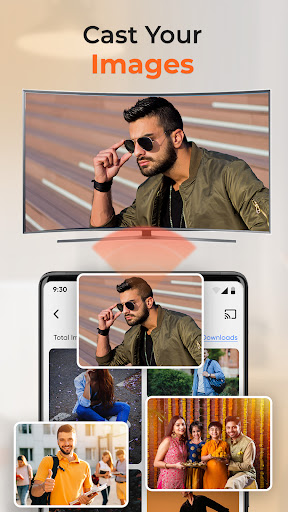
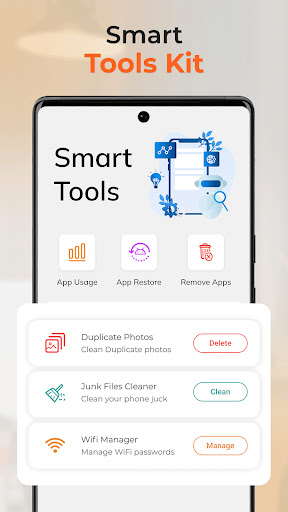
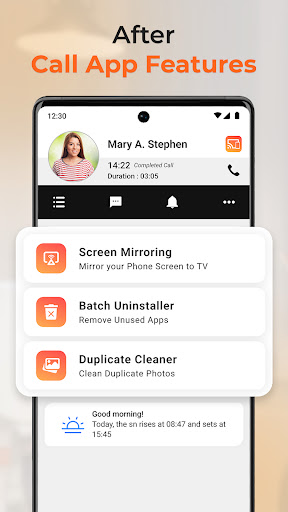
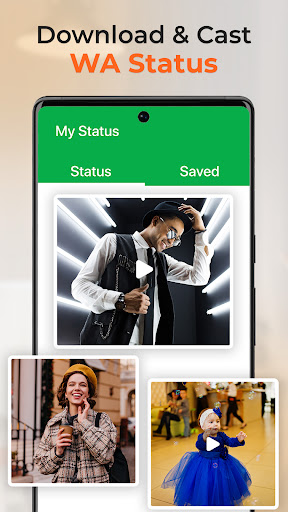
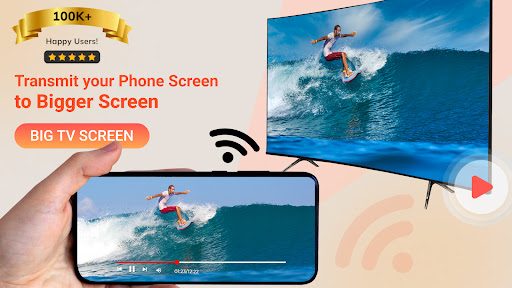
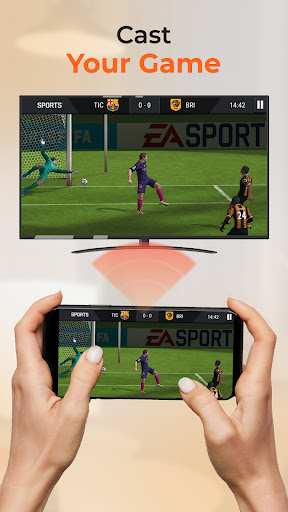
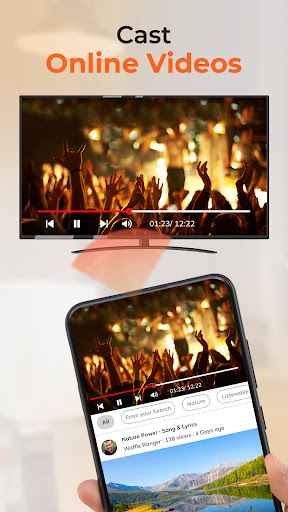
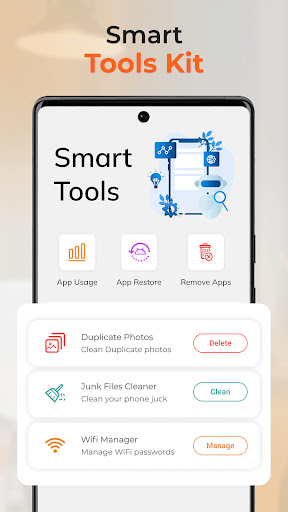
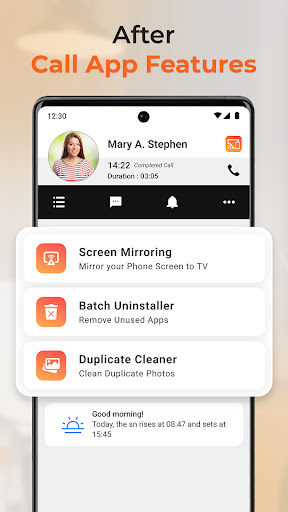
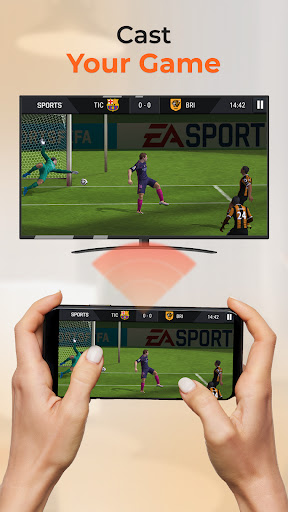
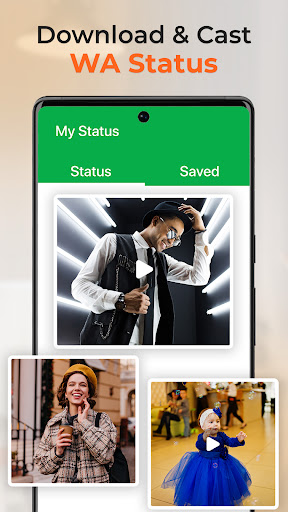
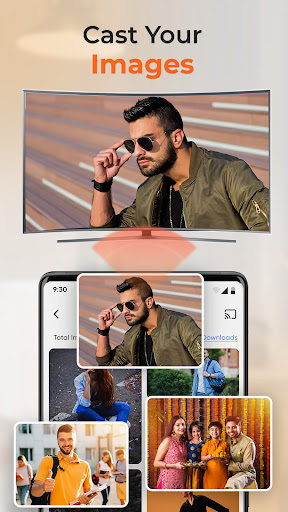
Advertisement
About Projector - TV Cast, HD Mirror
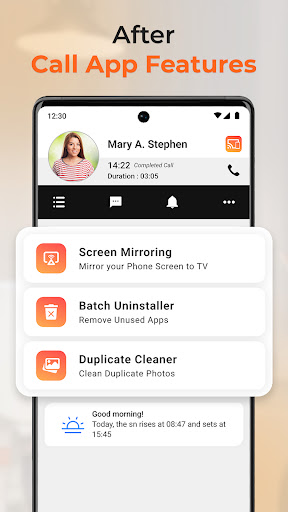
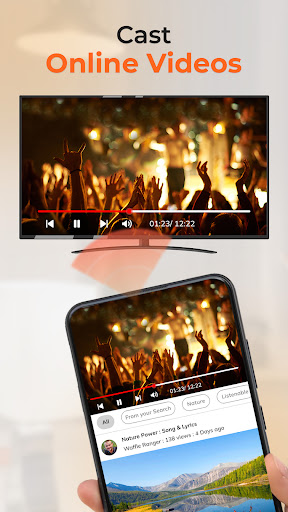
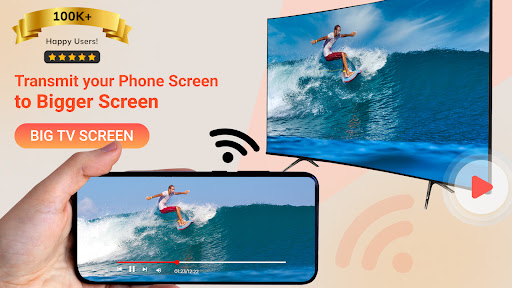
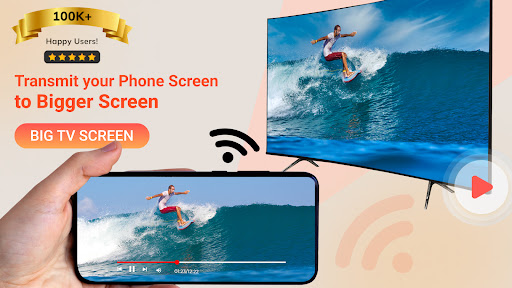
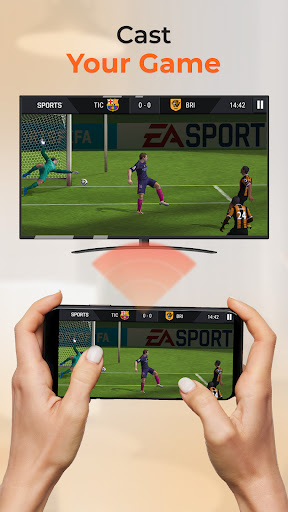
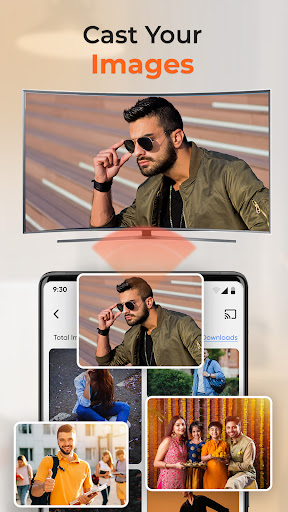
Projector - TV Cast, HD Mirror is a very practical Android application that can help you wirelessly project photos, videos, and screen content to your TV or Chromecast. It's really convenient. As a reliable application, it is easy to operate and has good fluency, making sharing content easy and fun. It is especially suitable for those who want to screen seamlessly and enjoy high-definition video on the big screen. It is quite easy to use.
Overview
core functions
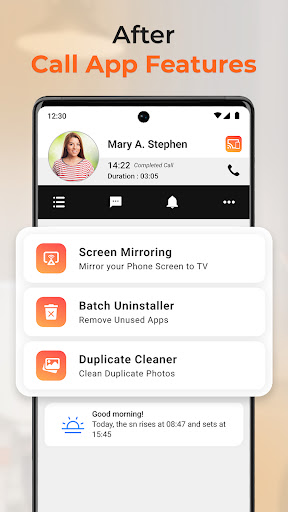
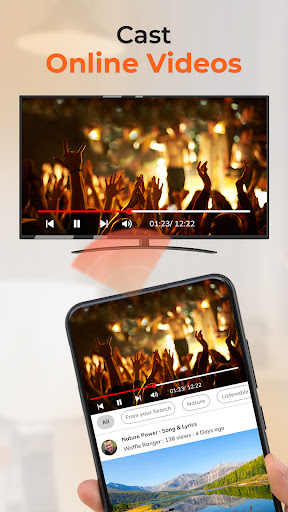
- This application can easily realize screen projection, high-definition picture quality, and directly release content from your device, which is really convenient.
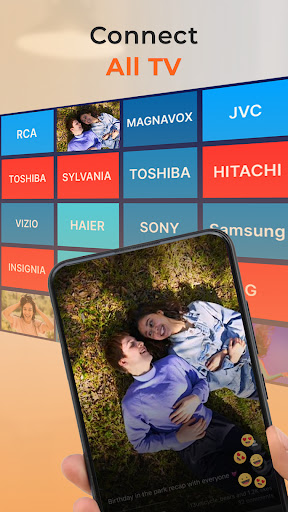
- Supports multiple devices, such as Roku, Chromecast, and smart TVs. The compatibility is great, allowing all devices to work smoothly.
- Real-time synchronization, every change is immediately reflected on the big screen. It looks super smooth and makes it more enjoyable to use.
- Built-in high-definition mirroring function, the video played has high quality, no jams, and no buffering troubles. It is quite reliable.
- It is small in size, simple in interface, and easy to operate. It is a good helper for quick startup and screen projection.
- There is also an offline mode, where you can screen even without the Internet. It is especially suitable for use when you are away from home. It is super practical.
- The security is improved to ensure that your data will not be leaked during the screening process, making it more secure and secure to use.
Who is this app suitable for?
This APP is especially suitable for people who love technology, teachers and big shots who need to use Android phones to quickly screen. For those users who like to use APP to project screens and pursue convenience and speed, this is definitely the best choice.
Whether it's a meeting display, watching multimedia experiences with your family, or watching high-quality movies, it can help you solve screen projection problems and make the experience easier and smoother.
Why choose this APP?
This Android app is famous for its powerful functions, ensuring fast and stable screen projection quality. It is really the star model in screen projection demand. The interface is friendly and supports a variety of devices, which will definitely bring a great experience.
Deliberately solves some common troubles, such as delays and poor connections. This app is reliable and safe to use, making screen projection simple, not afraid of mistakes, and more trustworthy than other similar products.
Top Recommended Alternative

Pros & Cons
Pros
-
High-resolution screen projection
-
Super device compatibility
-
Super friendly interface
-
Real-time synchronous screen projection
-
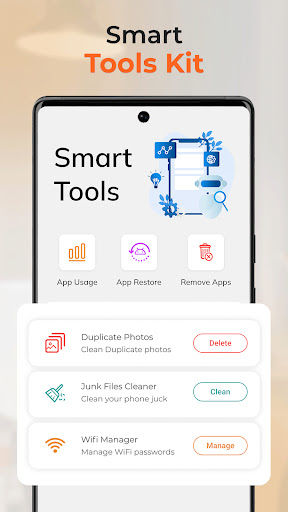
Many additional functions
Cons
-
Limited platform support
-
Connections drop occasionally
-
The projected image quality is unstable
-
Few free features
-
Heavy power consumption
Advertisement
Download Projector - TV Cast, HD Mirror
FAQ
Is the Projector - TV Cast, HD Mirror app safe to use on my Android device? +
Of course, downloads from official channels, such as Google Play Store's Projector-TV Cast, HD Mirror apps are quite reliable. It will undergo regular security inspections to ensure the security of your data and ensure the integrity of your application.
Whenusing it, you must download it from a formal and trusted platform to avoid security risks. This app also adheres to regular privacy policies and is believed to be a trustworthy screening and mirroring solution that can be used with confidence.
Does this mobile app support casting to different devices like Chromecast or Roku? +
Of course, this Projector-TV Cast, HD Mirror app is compatible with many popular devices, such as Chromecast and Roku. Its features include seamless screen mirroring and screen projection experience, making it particularly smooth for you to use.
ThisAndroid app is well designed and can be used with a variety of streaming media devices. Whether you want to make a presentation or just relax and watch media, it is very reliable and convenient to enjoy it on the big screen.
What are the main app features of Projector - TV Cast, HD Mirror? +
Its main functions include full-screen projection, high-definition mirror quality, and one-click connection to devices. Supports multiple media formats and the interface is quite user-friendly, allowing you to quickly put content on the big screen.
Inaddition, it also supports screen sharing and real-time streaming, so that you don't have to worry about finding a stable and easy-to-use screen projection app. The functions are quite powerful and the overall experience is quite good.
How do I install and set up this app on my Android device? +
Just open the Google Play Store on your phone to find the app, download it, run it, and then follow the on-screen instructions to connect to your favorite screencasting device, such as Chromecast or Roku.
Theoperating steps are actually quite simple, and the interface is designed very intuitive. It can be done in a few steps. It is especially suitable for novices. There is no pressure to get started, and it can help you easily complete the connection.
Is the app updated regularly, and how good is its app experience? +
Yes, developers will often push updates to this Projector-TV Cast, HD Mirror app, add new features, and optimize performance. Frequent updates can ensure the stability and security of applications, and also make users feel more assured of using them.
Withthese updates, the screen projection and mirroring experience will be smoother, the video will be smoother, and the response speed will be fast. You can enjoy very good quality no matter what Android device you are on. The experience is very good and it is a very trustworthy application.
Customer Reviews
Users generally acknowledge that the app delivers smooth performance and an enjoyable experience for screen mirroring and video watching on TV. However, opinions are sharply divided on key dimensions. Regarding functionality, some users find it effective and easy to use, while others claim it fails to work as advertised—it is meant for TV mirroring, not projection, and some report fake advertisements or lack of access. In terms of pricing, many express frustration over the high weekly subscription fee (€14.99) and the fact that essential features require payment, contrary to the expectation of free usage. Security and reliability also raise concerns: positive reviews highlight a reliable experience, but numerous users label the app as malicious, money-stealing, or a waste of time. Overall, while a subset of users enjoys the app, a significant portion finds it deceptive and overpriced, leading to polarized ratings.
Write a Review
Share your experience with Projector - TV Cast, HD Mirror. Submissions are reviewed before publishing.
You Might Also Like
More apps you may want to try next.




