

Polycam: 3D Scanner & Editor
Advertisement
Screenshots
Advertisement
About Polycam: 3D Scanner & Editor
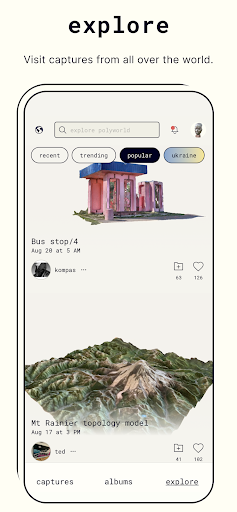
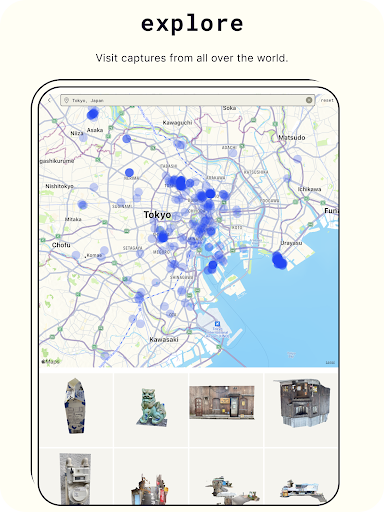
Polycam: 3D scanner and editor is a very versatile mobile app that is specially used to take a very delicate 3D model on your mobile phone and then edit it. The interface is quite intuitive and not difficult to operate. Whether you use Android or iOS devices, it can be easily done. This app is quite innovative and is especially suitable for photographers and designers. It turns the functions of ordinary mobile phones into powerful 3D scanning artifacts, allowing you to edit in real time while playing with your mobile phone. It also has many functions and feels great!
Overview
core features
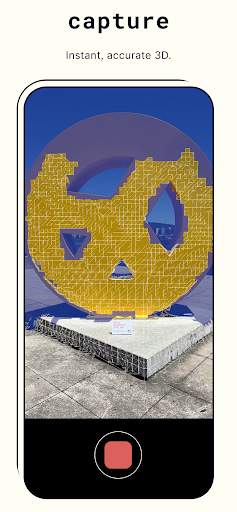
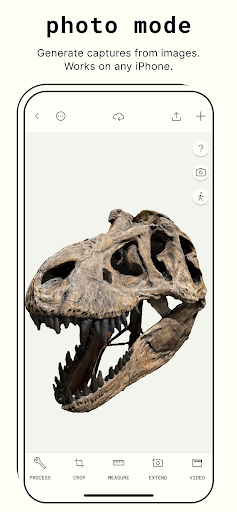
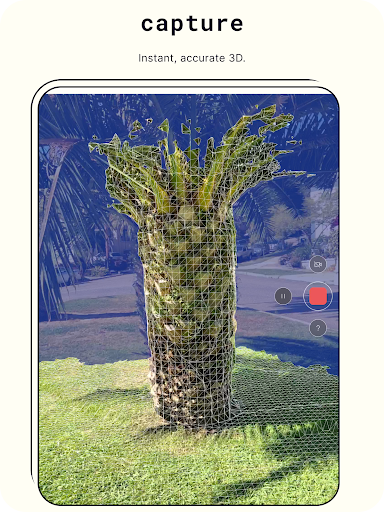
- This app has a great 3D scanning function and can capture detailed models with just a mobile phone camera. It's amazing!
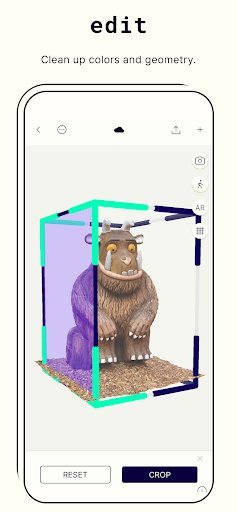
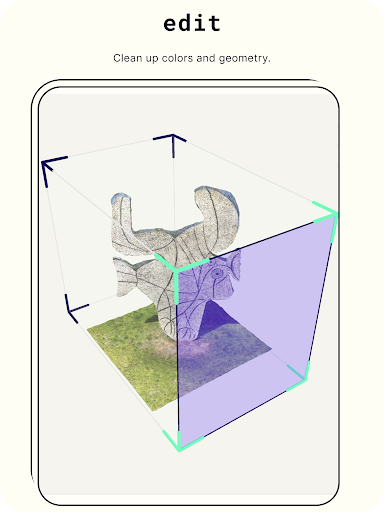
- The built-in real-time editing tool allows you to modify and improve 3D models directly in the app, which improves work efficiency a lot!
- Polycam supports seamless cloud synchronization, making it easy to access and share projects anytime, anywhere. The experience is so smooth!
- You can also use it offline. You don't need to connect to the Internet to scan and edit. You can do it even when you go away. What a versatile companion!
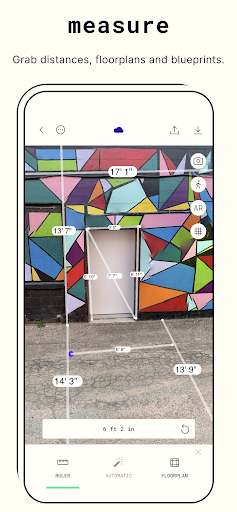
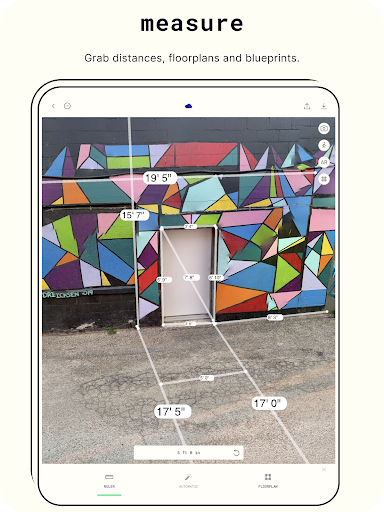
- Accurate measurement tools help you create professional 3D models, whether it is design, architecture or hobbies!
- The interface is friendly and simple to operate, making it easy for even novices to get started, and complex functions are not a problem!
Who is this App suitable for?
It is mainly for Android users who like to take photos, 3D models, architectural design or are very attentive to details. Whether you are an amateur or a professional, you can find a place to use it. It is a reliable 3D scanning assistant!
If you want to find a convenient and easy-to-use tool to make 3D models anytime and anywhere, whether it's demonstrations, designs or personal interests, this app can help you get it done without using an Internet connection, making it super convenient!
Why choose this App?
It is considered to be the leader among 3D scanning apps in the Android field because of its powerful functions, accurate measurements, and particularly reliable. It allows you to easily create high-quality 3D models and achieve great efficiency!
Combining advanced scanning technology and a concise operating interface, it provides a comprehensive solution that solves the pain points often encountered by users. It is more powerful than other initiators or modeling tools and can better meet needs!
Top Recommended Alternative

Pros & Cons
Pros
-
High-quality 3D scanning experience
-
Easy to operate and easy to use
-
Various input methods
-
Support real-time editing
-
Seamless integration of cloud storage
Cons
-
The battery runs out quickly
-
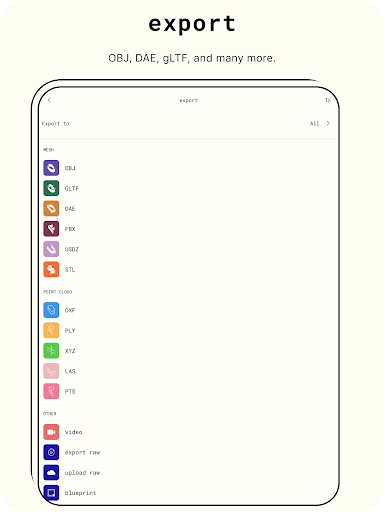
Free version export formats are limited
-
Performs poorly on low-end devices
-
Advanced functions are a bit difficult to learn
-
Poor scanning quality when light is poor
Advertisement
Download Polycam: 3D Scanner & Editor
FAQ
Is Polycam: 3D Scanner & Editor safe to use on my device? +
Well, Polycam is a very reliable mobile application. It is specially used for 3D scanning and editing. The development team takes into account user security and data privacy and follows industry standards, which is quite reassuring.
Android users can download it directly from the Google Play Store, so that buyers can feel at ease and be regular and reliable. Don't forget to keep the safety settings of the device up to date when installing to avoid unnecessary risks.
How do I install Polycam on my Android device? +
Want to use Polycam on your Android phone? It's very simple. Just go to the Google Play Store and search for this name, and then click Install. The operation is intuitive and there are no complicated steps.
This app has a very friendly interface and you can start playing immediately after installation. Try out its various functions. It is not difficult to create a beautiful 3D model.
Does Polycam offer a free version or trial? +
Of course, there is a free version of Polycam, which basically meets the needs of most novices and is easy to use. If you want to use more professional tools or get higher-quality scanning results, consider its paid subscription plan.
Overall, this app is designed quite flexibly. Whether you are an amateur or a professional, you can find a way to use it that suits you. It's quite considerate.
Can I trust the safety and privacy of my scans on Polycam? +
Rest assured, Polycam attaches great importance to user privacy and ensures that your scanned content and data are protected. The security measures used in this app are still in place, and information security is guaranteed.
If you're a little worried about security, it actually follows a very formal privacy policy, making it a trustworthy 3D scanning and editing tool.
What are the key app features of Polycam: 3D Scanner & Editor? +
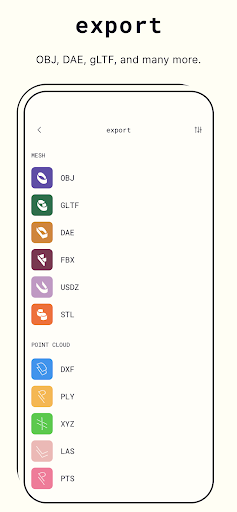
This app has many highlights, such as high-precision 3D scanning, convenient editing tools, and multiple format export functions. It can use the device's camera and sensors to help you make detailed models.
Designed specifically for Android users, whether you are capturing objects or creating complex scenes, these features will make your experience smooth. Its multi-functional combination is suitable for novices and professionals, and it is also quite practical.
Is Polycam suitable as a launcher app for organizing my 3D projects? +
Although Polycam is mainly used for scanning and editing, it performs quite well as an application specifically designed to manage your scanning projects. It won't act as a starter, but it fits well into your workflow.
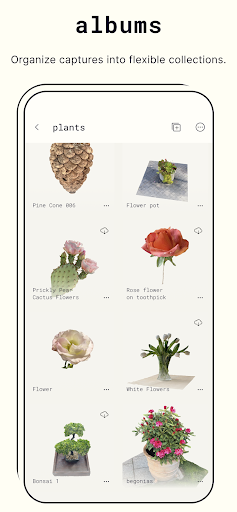
This app optimizes quick access to projects and sharing functions, making it easy to use, helps you easily organize and retrieve your 3D models directly with your Android phone. It is quite practical.
What should I do if I encounter problems during installation or use? +
Are there problems with installation or use? First make sure your device system is up to date, and then check if there is enough storage space. Sometimes reinstalling can solve some minor problems.
If the problem persists or is worried about security, it is recommended to check the developer's support page or contact customer service. Their response is still quite quick, which is part of trust.
Can I use Polycam without an internet connection? +
That's right, many of Polycam's core functions can be used offline. Once downloaded and installed, you can shoot, edit the model, and even save the work locally so that you can use it anytime, anywhere.
This is particularly friendly for places where the network is unstable or has no network. It will make you use it smoothly and at ease. It is especially convenient for Android users to use it.
Customer Reviews
Polycam offers an intuitive interface and powerful 3D scanning features, praised by architecture students for terrain studies and by users who find it easy to use. However, major issues plague stability: many Android devices (Xiaomi Poco X7 Pro, Vivo, OnePlus 8t) fail to start or crash immediately. While some users enjoy the free trial and describe it as a 'very good tool,' others report painfully slow uploads, login failures (Google login undetected, keyboard not opening), and irregular scan results (e.g., rectangular objects scanned as round). The app favors iPhone AR, leaving Android users with limited support. Pricing is considered excessive for the variable quality, and processing errors appear after a few models. Overall, it works for some but suffers from critical reliability and platform parity gaps.
Write a Review
Share your experience with Polycam: 3D Scanner & Editor. Submissions are reviewed before publishing.
You Might Also Like
More apps you may want to try next.




