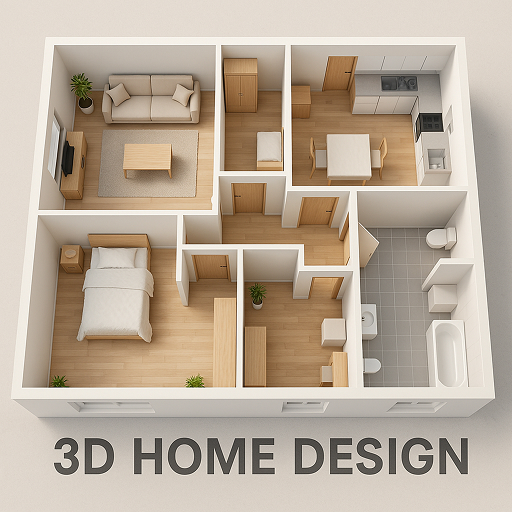
Planner 5D: AI Home Design
Advertisement
Screenshots
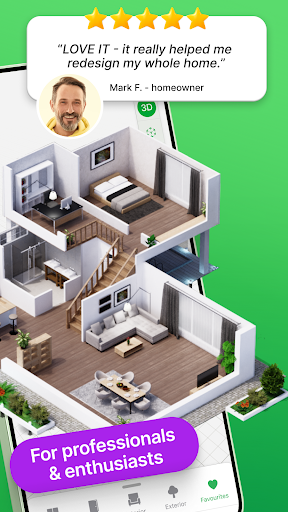
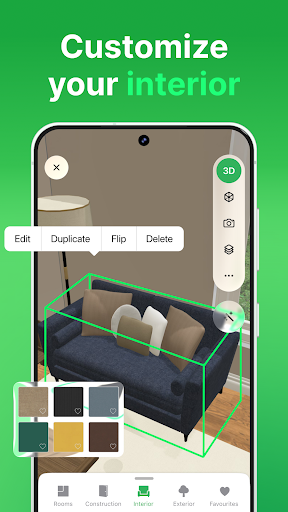
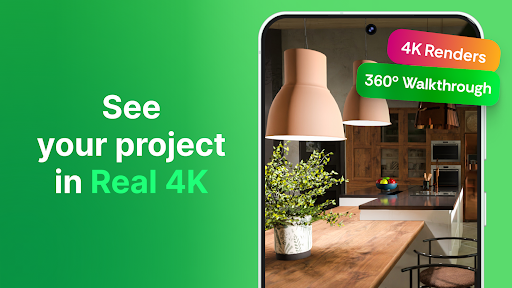
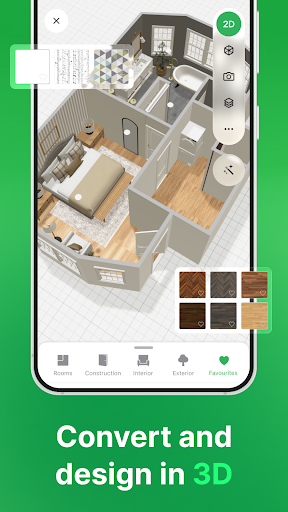
Advertisement
About Planner 5D: AI Home Design
Overview
core features
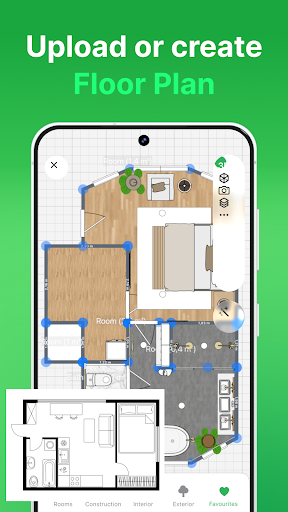
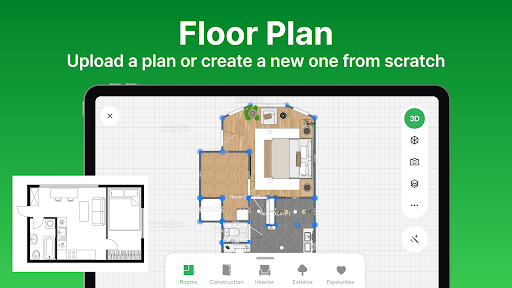
- Intuitive design tools, so that users can quickly and easily draw detailed home layout, really convenient!
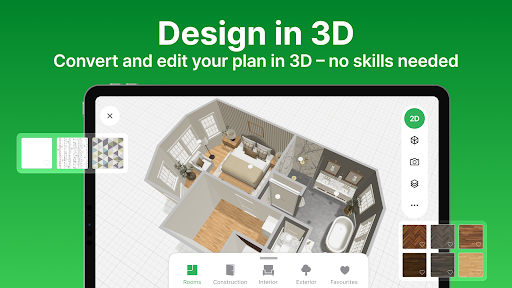
- Real-time 3D visualization helps you see design effects from every angle, making planning much smoother.
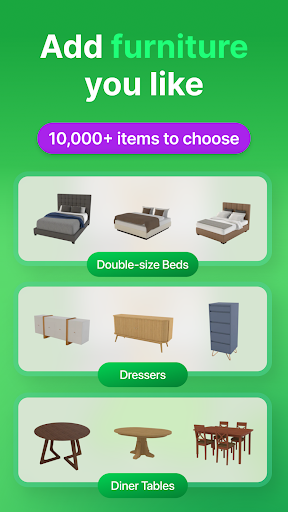
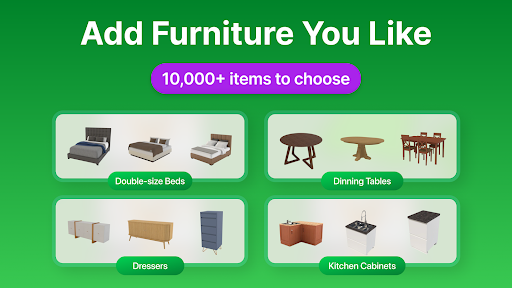
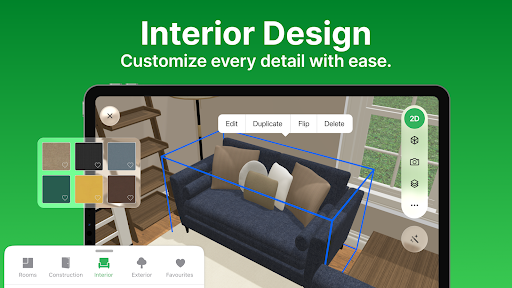
- A rich library of furniture, accessories and materials to add a personal touch to each of your projects.
- Offline mode allows you to edit and view projects without the Internet. This is really full and super convenient!
- The interface is super friendly, whether you are a novice or a veteran, you can easily get started, and the experience is great!
- Compatible with Android devices, whether it is a mobile phone or a tablet, you can use it smoothly and can be designed almost at any time!
- You can also share designs directly within the app, making cooperation super simple and increasing efficiency!
Who is this app suitable for?
This home design app is especially suitable for homeowners, interior designers and friends who like to do it yourself, helping you turn your home into reality!
Especially for those who want to use simple mobile software for decoration, space planning, or simply want to explore home decoration styles on Android devices, you must not miss it!
Why choose this app
This Android app stands out because of its smooth operation and powerful features, making your home design simple and interesting without being annoying at all!
Providing accurate 3D effects and offline operation, it provides perfect solutions to common problems and becomes a trustworthy helper for you in indoor and outdoor design!
Top Recommended Alternative

Pros & Cons
Pros
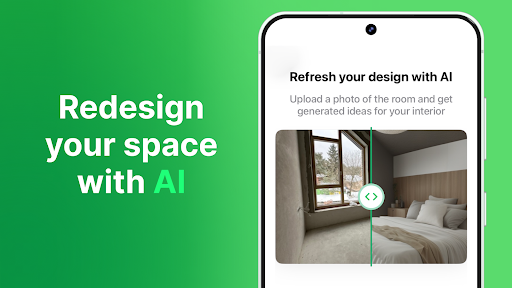
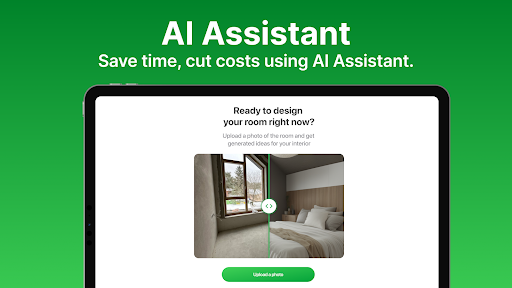
- Intuitive AI helps you design a little assistant
- Rich library of furniture and decoration resources
- Friendly interface with 3D visual effects
- support multi-platform
- Support joint sharing and collaboration
Cons
- Advanced customization features are a little limited
- 3D rendering occasionally gets stuck
- High-end functions require paid subscriptions. It's not cheap.
- Learning complex design takes time
- The free version has limited export formats
Advertisement
Download Planner 5D: AI Home Design

FAQ
Planner 5D: Is the AI Home Design app safe and can I use it with confidence?+
Of course, Planner 5D: AI Home Design is a very reliable mobile phone application that feels safe to use. Developers have been constantly updating to ensure the stability and security of the software on Android and iOS devices, and basically no mistakes will go wrong.
It collects very little personal data and follows general security regulations. After all, it is quite mature in the home category, and what it cares most about is user privacy. Using it to design your dream space will make you feel more at ease and trustworthy.
Do I need to register an account to use this app?+
Registration can certainly bring a better experience, saving your projects and preferences for continued editing in the future. However, you don't have to register to use it, and you can browse the design directly. This is friendly for newbies, convenient and relaxed.
Registration is actually quite simple and allows you to seamlessly use various functions on different devices. As a real home design assistant, whether you are a registered user or a trial user, you can use it quite smoothly.
What are the main functions of Planner 5D?+
This app has many highlights, such as 3D home design tools, a rich furniture library, and realistic effects previews. It is very simple to operate. It is suitable for both amateurs and professional designers. It is a good way to design on mobile phones.
The interface is intuitive, easy to operate, and supports detailed custom adjustments, allowing you to experiment with the layout while designing, and the effects are presented in real time. Many people like to use it to design houses and homes, and it is really popular.
Can I use this app offline?+
Sure, Planner 5D has some offline features, so you can start working on some projects without having to connect to the Internet. However, things like cloud synchronous storage or shared designs may still have to be connected to the Internet to work more smoothly.
Its design is quite flexible, you can play anytime, anywhere, and the experience process is smooth. You can use this app whether you are at home or away from home. It is quite convenient and suitable for different usage scenarios.
Does this app work on all devices, especially Android?+
Of course, Planner 5D: AI home design is very popular on Google Play. It is optimized for Android devices to ensure that all kinds of mobile phones and tablets can run smoothly and the experience is good.
Although the iOS version is not mentioned here, the Android version has quite comprehensive functions and is especially suitable for home design enthusiasts. It is also compatible with various devices and is a very versatile design tool.
Can this app satisfy users with different skill levels?+
Of course, it's designed to be thoughtful and can be used by anyone from novice to veteran. The interface is simple and friendly, and novices can quickly get started, while professional designers can dig out more details to meet various complex needs.
The operation is smooth and has rich functions. It is also very friendly to Xiaobai who has just started. Everyone can find fun using it. As a reliable home design assistant, its performance can be said to be quite reliable.
Are there in-store purchases or subscriptions?+
Yes, it provides some free features, but some advanced content or special features may require a paid purchase or subscription. This is also to allow this software to continue to be optimized and become a trustworthy home design tool.
It is recommended to pay attention to the latest information in the app store. Developers have been working hard to balance free and paid content to bring a better experience.
Can I use it for detailed interior design? Is it reliable?+
Absolutely! Planner 5D, a well-known app in the home category, is popular among many users for its realistic display and rich functions. The operating interface is friendly, and you are confident that you can solve even complex projects.
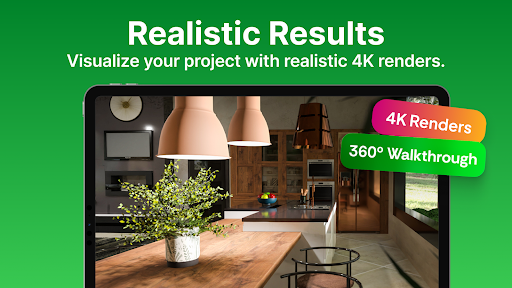
As a trustworthy design assistant, it can provide detailed tools and realistic rendering effects. It is suitable for casual design and professional solutions. It is no problem at all. It is really a good choice.
You Might Also Like
More apps you may want to try next.