

Pixlr AI Photo & Video Editor
Advertisement
Screenshots
Advertisement
About Pixlr AI Photo & Video Editor
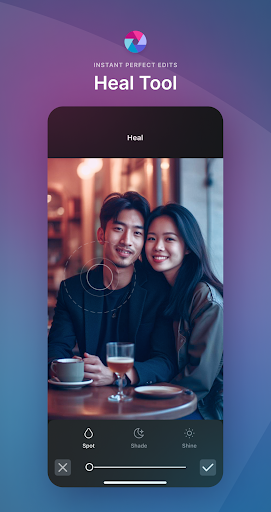
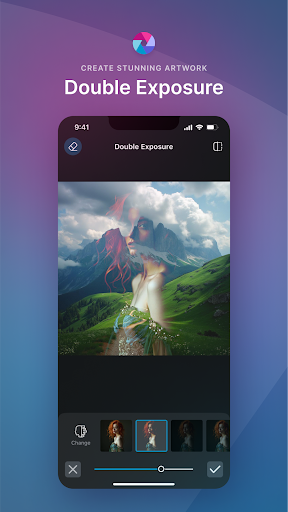
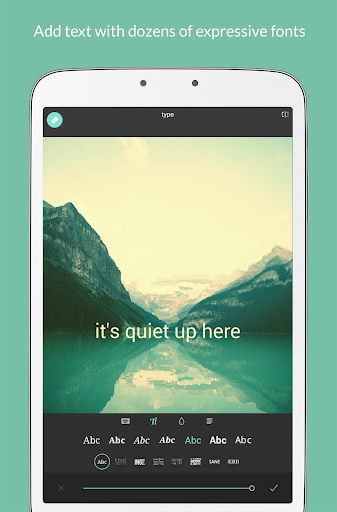
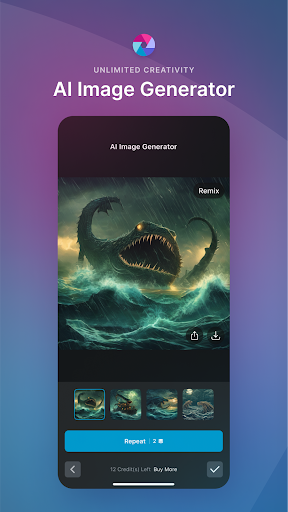
Pixlr AI Photo Editor is a very convenient mobile app specially prepared for those who like to quickly do creative editing anytime, anywhere. As an Android software, it has a variety of features that can help you easily improve photo quality, modify flaws, and create new tricks. The interface is quite intuitive and the operation is not complicated. With those powerful editing tools, Pixlr makes you have a lot of fun. Whether you are a novice or an experienced photo enthusiast, you can feel comfortable using it.
Overview
core functions
- Those intuitive photo editing tools allow you to easily beautify your pictures with filters, stacks and adjustments. They are super considerate!
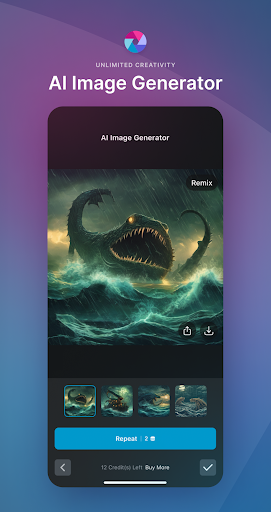
- Relying on AI technical support, such as background removal and automatic enhancement, editing becomes extremely fast, labor-saving and worry-free!
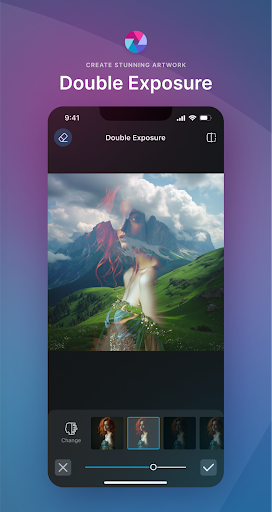
- Support layers and mixing modes, and do some advanced operations, which are suitable for both novices and old drivers. It's really considerate!
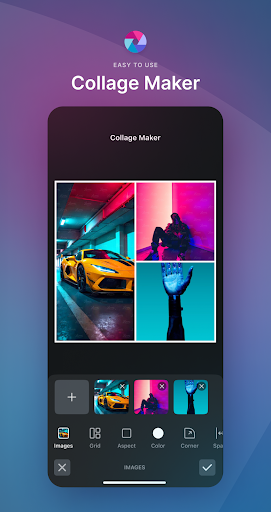
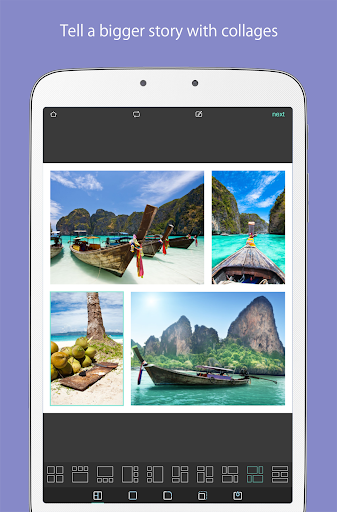
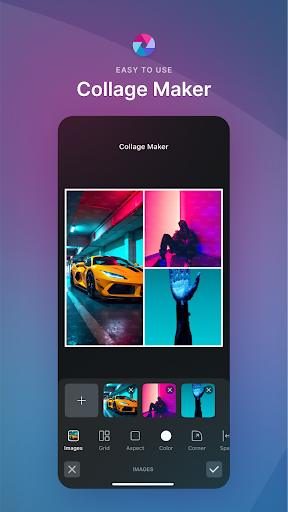
- Bring your own jigsaw tools and various templates to quickly piece together fashionable and cool photo combinations and artifacts!
- It can also be used offline mode, so you no longer have to worry about poor Internet connections affecting the editing experience. You can do it anytime, anywhere!
- While editing and previewing, the effect can be seen at a glance. You can see it clearly before you click "Save" or "Share". How considerate!
- The interface can be customized, adjusted according to your preferences, and turned into your exclusive photo editing artifact. It is super practical!
- You can also connect directly to social platforms. As soon as the photos are ready, you can share them immediately, saving cumbersome steps and making it so cool!
Who is suitable for?
This mobile app is particularly suitable for photography fans, social media content creators, and of course, for ordinary people who like to adjust photos at will on Android devices. The interface is super friendly and can be used by adults and children. It is very convenient. It can be cut quickly and efficiently!
Whether you want to make cool personal photos or engage in professional projects, this app can meet all kinds of needs. Want to use powerful editing tools but don't want to mess with complex desktop software? This is just right!
Why choose this app
The biggest highlight of this Android application is its combination of powerful AI functions and super simple interface, smooth operation and full experience! Its functions are very comprehensive and can quickly meet various daily editing needs. It is definitely the first choice on mobile phones!
Focusing on user experience, it has powerful functions and is easy to use. Compared with other editing software on the market, it is really at the forefront. Stable and reliable, with changeable functions, it can help you easily handle it whether you travel with you or share it daily!
Top Recommended Alternative

Pros & Cons
Pros
-
Pretty straightforward AI interface
-
Awesome AI enhancements
-
Rich creative templates and special effects
-
High-quality output, easy to handle
-
Cloud access, free switching of devices
Cons
-
Free features are limited
-
Occasionally AI makes mistakes
-
Basic customization is not enough under complex editing
-
Old equipment will get stuck when its performance is poor
-
There are many tutorials missing in the software
Advertisement
Download Pixlr AI Photo & Video Editor
FAQ
Is Pixlr AI Photo Editor safe to use on my Android device? +
Well, Pixlr AI Photo Editor is quite safe to use on Android phones. It is a mobile application that everyone likes. It is developed by some reliable companies and can be downloaded on Google Play. Google will also regularly check this application. Security issues are quite reliable.
For security reasons, it is recommended to only download this APP from official channels, such as the Google Play Store. It is also updated frequently, which not only improves security, but also adds many new features. It can be regarded as a trustworthy helper for editing photos.
How do I install Pixlr AI Photo Editor on my Android phone? +
It's really easy to install this app on an Android phone. Just search for "Pixlr AI Photo Editor" on Google Play, find it and click to install it. Wait a few seconds and it will be ready soon.
This app is very user-friendly and designed with features that make photo editing simple and fun, so whether you are a novice or a little basic, you can have fun. It is like a universal photo editing tool that helps you easily get various effects and is especially convenient to use on your mobile phone.
What are the main app features of Pixlr AI Photo Editor? +
Pixlr AI Photo Editor is really rich in functions. Whether it is random doodling or professional adjustment, you can find corresponding tools. It has super multiple filters, overlay effects, background removal, and beauty tools. The best thing is that its AI will automatically help you optimize photos to make them look more professional.
This application operates smoothly and makes complex editing tasks simple. As a popular photo editing software, it integrates various one-click beautification and fine adjustment functions, which is ideal for quick retouching or deep creation. Whether you are a novice or an expert, you can use it easily.
Can I use Pixlr AI Photo Editor without an internet connection? +
In fact, most of the functions of Pixlr AI Photo Editor can be used offline. Once you install it on your mobile phone, you can start editing photos without having to connect to the Internet. This is quite convenient, whether you are outside or don't have Wi-Fi, you can repair the pictures if you want.
However, some features, such as cloud filters or sharing pictures, may still have to be connected to the Internet to be used. Overall, whether you have the Internet or not, the experience is quite good. It is a trustworthy photo editing tool that can be used without the Internet.
Is Pixlr AI Photo Editor suitable for beginners and advanced users? +
Of course, this software is very considerate and intuitive. It can be used by any novice. It has guided tutorials and is simple to operate the tools. At the same time, it also has many advanced editing functions to meet the needs of more professional users.
In this way, Pixlr is definitely a versatile player, and people with different skill levels can find a suitable operation method for them. Whether you are Xiaobai who has just been exposed to retouching pictures or an expert who wants to secretly delve into more complex effects, you can find useful tools and functions here.
Customer Reviews
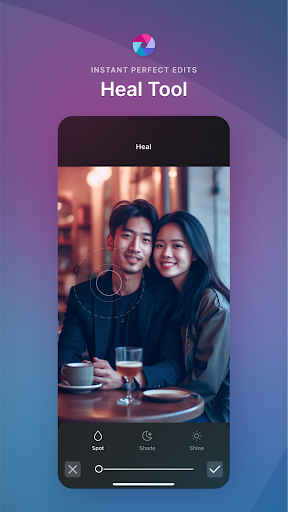
Pixlr AI Photo & Video Editor was once widely praised for its seamless performance, intuitive design, and powerful free features. Long-term users appreciated its versatility for both personal and professional editing. However, recent updates have drawn sharp criticism. The main controversy centers on monetization: while some users understand the need for ads, many find the aggressive push for subscriptions, intrusive pop-ups, and excessive ads unacceptable. Free access has been severely limited—daily saves are capped, and basic features now require payment. Functionality issues also divide opinion: some enjoy the AI tools and collage mode, but others report inconsistent AI results, persistent bugs like spot heal turning blue, missing aspect ratio numbers, and pinch-to-zoom that only zooms in. The app once earned 5-star loyalty but has seen a steep decline; many users who loved it for years now give 1-2 stars, citing a heartbreaking shift from excellence to aggressive monetization. Despite occasional praise for stability after updates, the overall sentiment warns potential users to expect a once-great tool now burdened by paywalls and unresolved glitches.
Write a Review
Share your experience with Pixlr AI Photo & Video Editor. Submissions are reviewed before publishing.
You Might Also Like
More apps you may want to try next.




