

PixelLab - Text on pictures
Advertisement
Screenshots
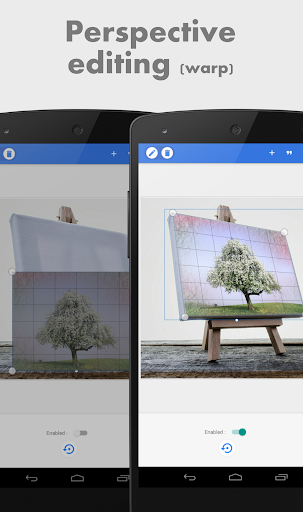
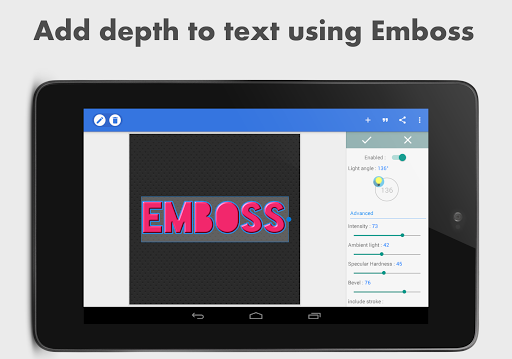
Advertisement
About PixelLab - Text on pictures
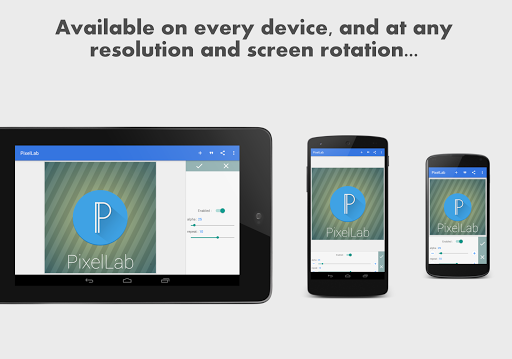
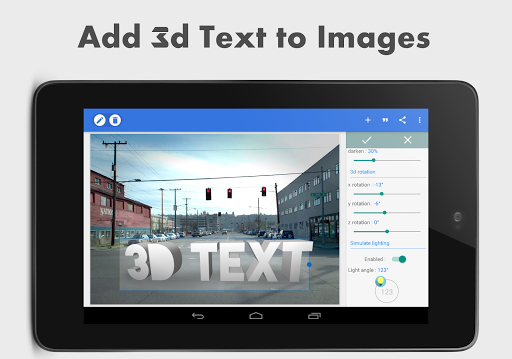
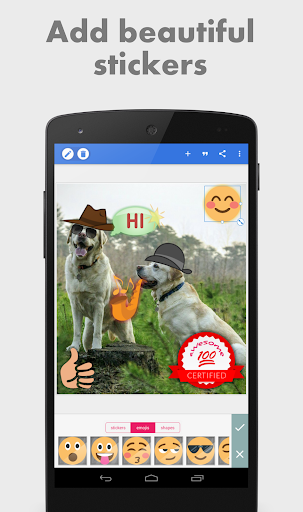
PixelLab - Text on pictures is a popular Android app, specially used to edit pictures and add trendy fonts and patterns. To be honest, it is quite versatile. It has a user-friendly interface that allows you to add artistic words, sticker superimposition and various special effects at will. It is super easy to operate and quite interesting. Whether you want to make a social media post or customize a personal-style picture, this software can make it easy for you to edit photos directly on your mobile phone. It is a blessing for people who like to use their mobile phones to change pictures. It is especially intuitive and easy to use!
Overview
core functions
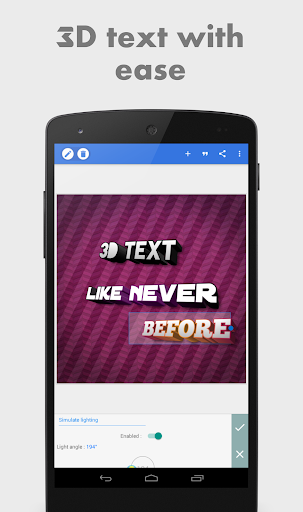
- That intuitive text editing tool allows you to easily add, adjust, and personalize fonts on pictures. It feels very comfortable to the touch
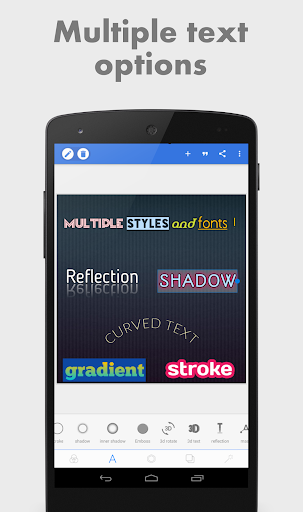
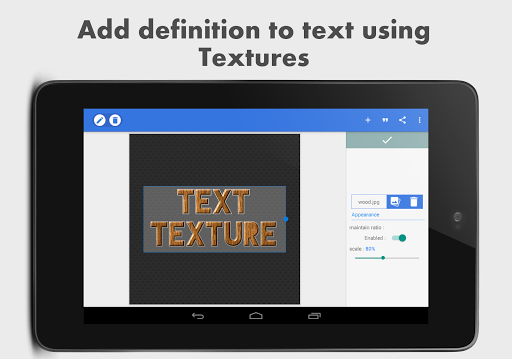
- Rich fonts, colors, and effects make your visual works more outstanding, and the effect is really great
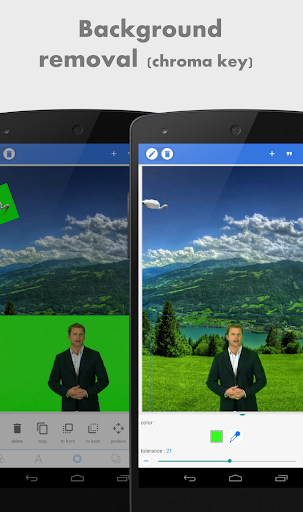
- Built-in functions such as cropping, size adjustment and background removal make the operation smooth and make your own style as you please
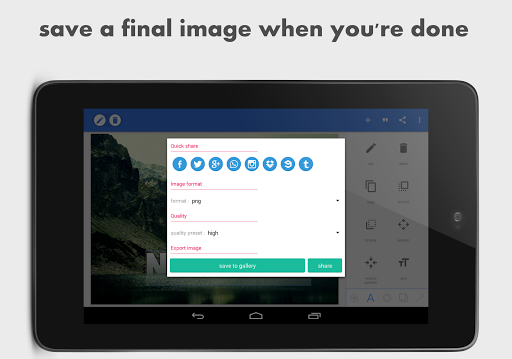
- Supports saving high-resolution projects and exporting multiple formats, making it particularly convenient to use
- Offline mode, edit anytime and anywhere, no need to worry about no Internet, the experience is very stable
- The interface is designed to be super friendly, fast to learn, efficient to edit, and simple to operate and get started directly
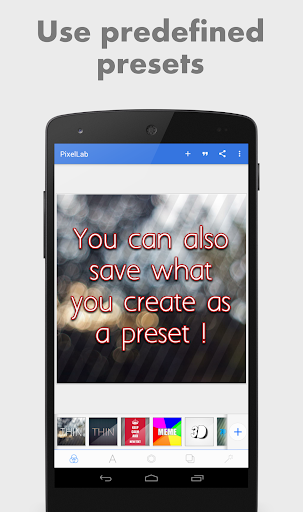
- There is a library of multiple templates and preset styles to easily create beautiful visual effects, which is really worry-free
Who is this app suitable for?
This mobile app is especially suitable for people who like to socialize, blog or small business owners who want to make eye-catching pictures on Android devices. It is a lifesaver for those who want to get picture editing and typesetting quickly.
Whether you are preparing content for a personal project or doing professional marketing, you can add text, add special effects, and adjust pictures with the touch of your fingers. It is especially suitable for those who want a rock tool that is easy to use and creative.
Why choose this app
This software brings a rich combination of features and provides users with a simple and powerful editing experience. Its application-based operation ensures fast startup and smooth operation, which is much better than ordinary photo editors.
It puts users 'needs first, combines flexibility and efficiency, and solves many common editing problems. It is the first choice for friends who like to use Android to make creative pictures.
Top Recommended Alternative

Pros & Cons
Pros
-
Super user friendly interface
-
Rich fonts and customization options
-
Lightweight and quick response
-
Built-in image editing tool
-
Free use with optional premium features
Cons
-
Not enough advanced editing functions
-
Text typesetting is sometimes not accurate enough
-
The free version will have a watermark
-
Limited export formats
-
Occasionally it crashes on old equipment
Advertisement
Download PixelLab - Text on pictures
FAQ
Is PixelLab - Text on pictures free to use? +
Yes, PixelLab is the free mobile phone software that is specially used to edit pictures and add text. It comes with a bunch of tools that you don't have to pay in advance. Casual players and professionals can use it quite easily.
ThisAndroid software interface is intuitive, equipped with features are also very useful, so that you can easily get custom images. Very popular with those who look for reliable photo editing software, feel quite reliable.
Can I use PixelLab on my iPhone or is it only for Android devices? +
Currently, PixelLab only has an Android version on Google Play. If you want to use similar features on Apple phones, you may have to find another alternative, or wait until the official iOS version comes out.
However, many Android users feel that this software is particularly easy to use and is especially suitable for quick photo editing on their mobile phones. For friends who like to toss pictures, it is definitely a good choice.
Is PixelLab safe to install and use on my device? +
Of course, PixelLab is safe as long as it is downloaded from reliable channels, such as Google Play. After tens of thousands of users 'evaluations and ratings, we can see that it is quite reliable and has no security issues when used.
Istill have to remind you to try to download it from the official app store to protect your device and privacy. This software is designed with user safety in mind, so that you don't have to worry about security issues while editing. It's quite considerate.
What are some of the key app features of PixelLab? +
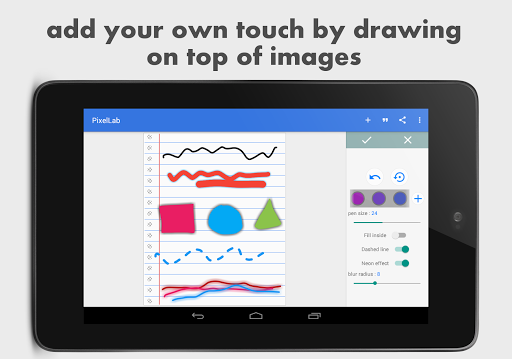
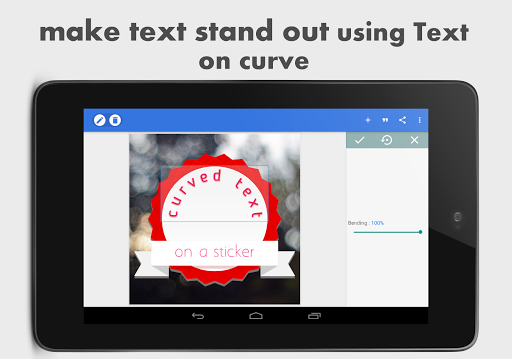
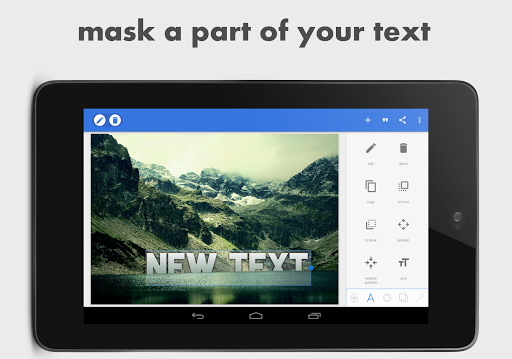
PixelLab is quite functional. It has a variety of text editing options, you can choose from various fonts, and you can also add stickers to pictures, draw pictures, etc. It can also easily zoom pictures and add various visual effects, which is quite comprehensive.
It's easy to use, and you can play it well whether you are a novice or a veteran. The interface is friendly and easy to understand, allowing you to easily produce satisfactory works.
Can PixelLab be used as a launcher app to customize device appearance? +
Mainly, PixelLab still focuses on photo editing and text addition, not used as a launcher application to transform mobile phone home pages. However, it helps you create personalized pictures is still quite powerful.
Ifyou want to change the appearance and icons of your phone, there are special launcher software on the market that you can choose from. PixelLab, on the other hand, performs well in the direction of photo editing. Don't get confused.
Customer Reviews
Users widely praise PixelLab as an excellent tool for mobile graphic design, photo editing, and creating YouTube thumbnails, highlighting its intuitive interface, smooth performance, and offline capability. Many find it the best choice for quick, professional results and easy navigation. However, several critical issues persist. While the app offers extensive features, the font import function frequently fails, especially after updates, leaving added fonts undetected. Similarly, the shadow and emboss effects are reported to not render correctly (e.g., blur radius not working, shadow not appearing), despite having worked before. Some users also note that sharing images from the gallery is problematic. Overall, the app is loved for its convenience and quality, but unresolved bugs in key features reduce the experience.
Write a Review
Share your experience with PixelLab - Text on pictures. Submissions are reviewed before publishing.
You Might Also Like
More apps you may want to try next.




