

PicCollage: Photo Video Editor
Advertisement
Screenshots
Advertisement
About PicCollage: Photo Video Editor
PicCollage: Photo Video Editor is really a powerful mobile app that helps you put together collages, make photos, and easily create interesting videos. As a super easy-to-use Android software, it comes with many cool features to make your visual story more exciting. The interface is designed quite intuitive and easy to operate. Whether you are a novice or a veteran, you can easily turn your ideas into reality. It feels particularly interesting and not tiring.
Overview
core functions
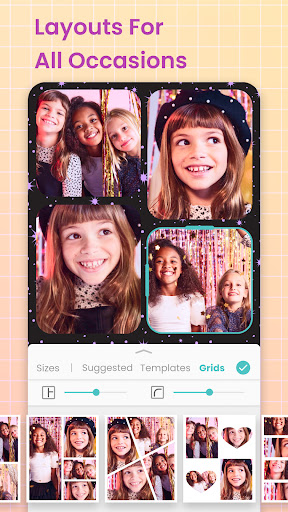
- This software is quite considerate. It has a super convenient jigsaw interface that can be completed by dragging, and dragging. It is like playing with building blocks.
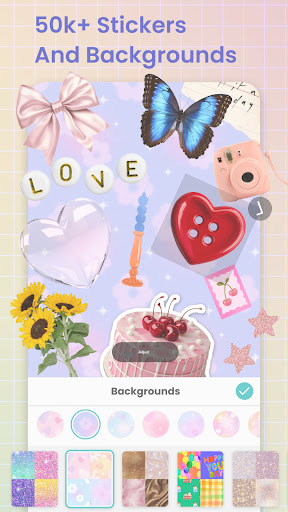
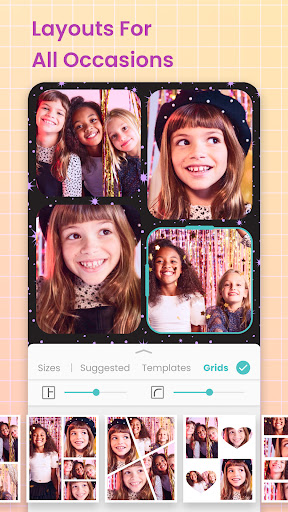
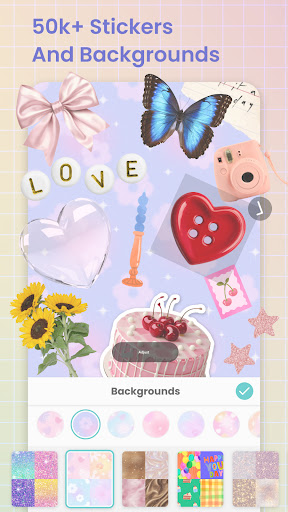
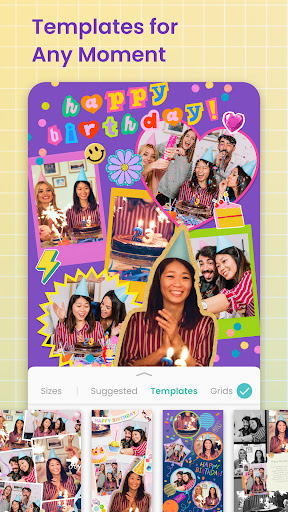
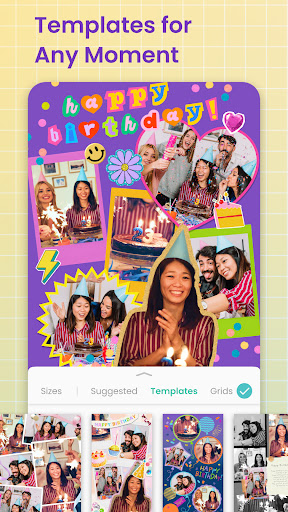
- Providing a variety of templates and backgrounds, adding creativity as you want, makes the project more interesting.
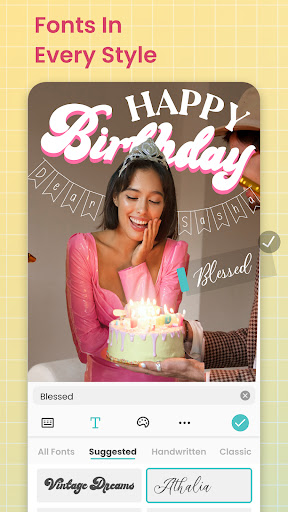
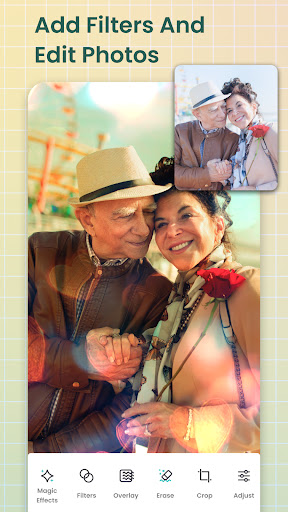
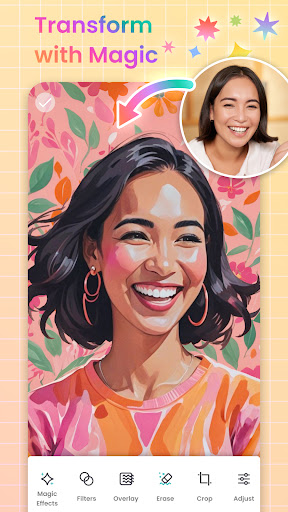
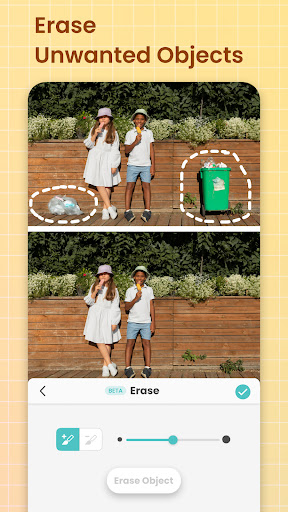
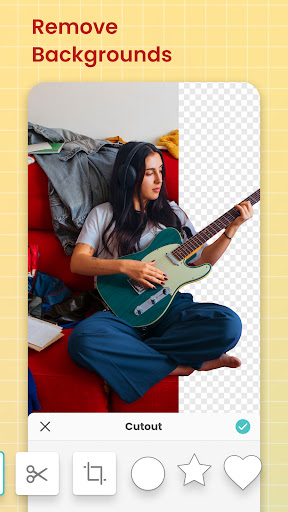
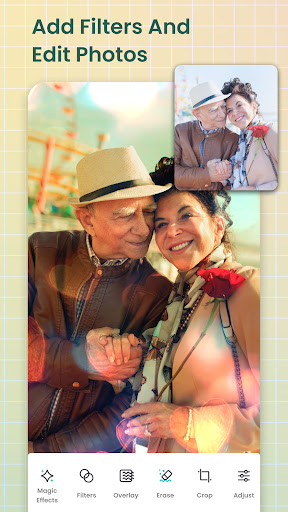
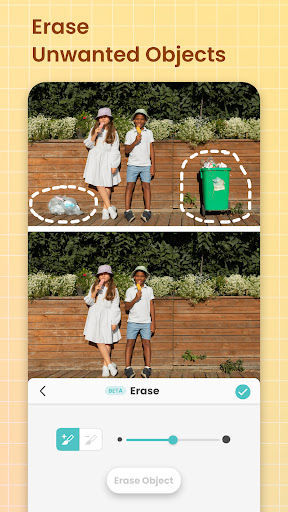
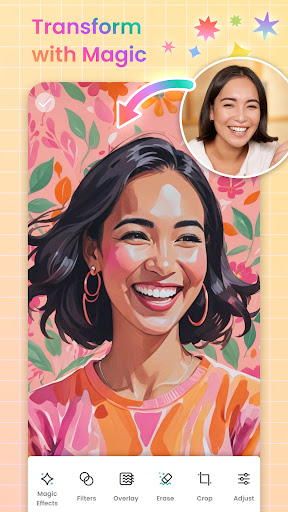
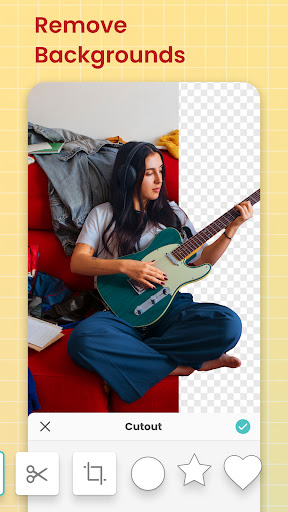
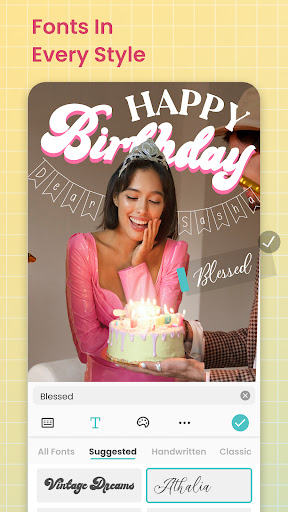
- There are also many advanced editing functions, such as filters, stickers, text superimposition, and cropping, which all feel like magic.
- You can also turn photos into videos, the transition effect is smooth, and you can also add some background music, the effect is great.
- The synchronization function allows you to continue to create on different devices, and you can continue to play in offline mode when you come back. It's quite considerate.
- The sharing function is also quite convenient. You can send it directly to social platforms or save it to your mobile phone. It is simple and fast.
- The startup interface is also quite user-friendly. Commonly used tools can be found at a glance, and the operation is very intuitive.
Who is this App suitable for?
I think this software is especially suitable for friends who like to take photos, are keen on social media, or just like to be creative. Anyone over the age of 13 can try it. It is super easy to use and can make beautiful photos and videos at any time.
Especially suitable for people who need to quickly retouch pictures, share memories, or create some exclusive multimedia works. It is a little helper on Android devices, making it easy to work!
Why choose this App
This Android app is really interesting. It is not only simple and practical, but also rich in functions and diversity. The user experience is very good. Even if you are not professional, you can still make professional-level things that make people trust and feel at ease.
The design is intuitive and comprehensive. Whether you want powerful editing functions or pursue concise operations, you can find the right tool. It is worth a try!
Top Recommended Alternative

Pros & Cons
Pros
-
user-friendly interface
-
Rich library of stickers and fonts
-
Various editing models
-
High-quality export options
-
Frequently updated and optimized
Cons
-
Free features are limited
-
Occasionally break down
-
Free version with watermark
-
Not many video editing functions
-
Occasionally stuck when facing large documents
Advertisement
Download PicCollage: Photo Video Editor
FAQ
How do I log into PicCollage: Photo Video Editor? +
Is PicCollage available for both Android and iOS devices? +
What are the main app features of PicCollage? +
Is PicCollage safe to use on my device? +
Can I use PicCollage offline? +
Customer Reviews
PicCollage is widely praised for its intuitive interface, versatile templates, and generous free features like auto-crop and web search. Users love creating collages easily. However, recent updates have sparked controversy: some enjoy the auto-cut precision, while others find the switch to manual mode frustrating. For saving, some appreciate the free basics, yet many complain that previously free functions now require a subscription, calling it a deceptive trap. Privacy concerns also arise, with a user reporting aggressive data collection. Overall, a capable editor with polarized opinions on monetization and updates.
Write a Review
Share your experience with PicCollage: Photo Video Editor. Submissions are reviewed before publishing.
You Might Also Like
More apps you may want to try next.




