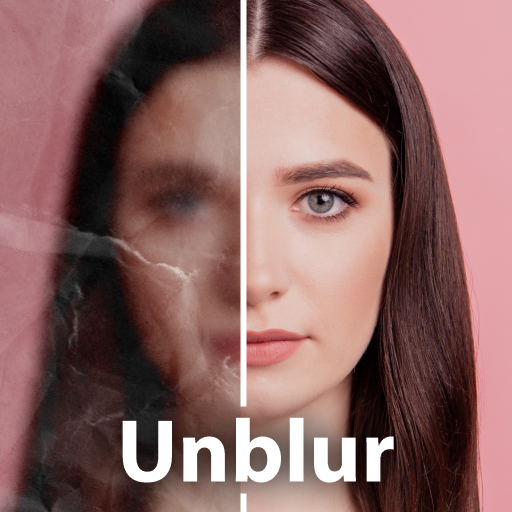
PhotoBoost - AI Photo Enhancer

PhotoBoost - AI Photo Enhancer

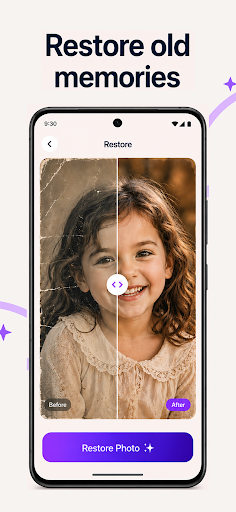
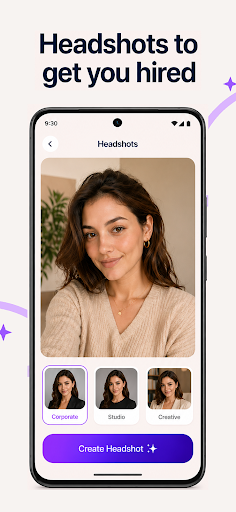
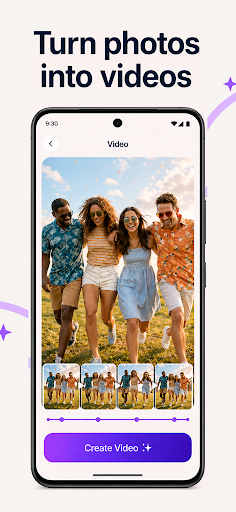
Revive and enhance your photos with PhotoBoost, the leading AI photo editor. now to transform images, restore memories, and create avatars easily.

Screenshots

27 images
PhotoBoost - AI Photo Enhancer screenshot 1PhotoBoost - AI Photo Enhancer screenshot 2PhotoBoost - AI Photo Enhancer screenshot 3PhotoBoost - AI Photo Enhancer screenshot 4PhotoBoost - AI Photo Enhancer screenshot 5PhotoBoost - AI Photo Enhancer screenshot 6PhotoBoost - AI Photo Enhancer screenshot 7PhotoBoost - AI Photo Enhancer screenshot 8PhotoBoost - AI Photo Enhancer screenshot 9PhotoBoost - AI Photo Enhancer screenshot 10PhotoBoost - AI Photo Enhancer screenshot 11PhotoBoost - AI Photo Enhancer screenshot 12PhotoBoost - AI Photo Enhancer screenshot 13PhotoBoost - AI Photo Enhancer screenshot 14PhotoBoost - AI Photo Enhancer screenshot 15PhotoBoost - AI Photo Enhancer screenshot 16PhotoBoost - AI Photo Enhancer screenshot 17PhotoBoost - AI Photo Enhancer screenshot 18PhotoBoost - AI Photo Enhancer screenshot 19PhotoBoost - AI Photo Enhancer screenshot 20PhotoBoost - AI Photo Enhancer screenshot 21PhotoBoost - AI Photo Enhancer screenshot 22PhotoBoost - AI Photo Enhancer screenshot 23PhotoBoost - AI Photo Enhancer screenshot 24PhotoBoost - AI Photo Enhancer screenshot 25PhotoBoost - AI Photo Enhancer screenshot 26PhotoBoost - AI Photo Enhancer screenshot 27

About PhotoBoost - AI Photo Enhancer

PhotoBoost - AI Photo Enhancer is a super easy-to-use mobile app that helps you easily make your photos better. Whether you use Android or iPhone, it can provide some amazing features to help you beautify, repair, and adjust pictures, and the results are quite professional. The interface is simple and clear, and it is very easy to operate. Whether you are an ordinary user who takes pictures casually or a photography fan, you can have a good time and have a good experience.

Overview

core functions

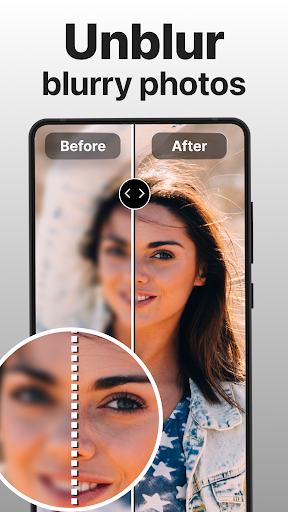
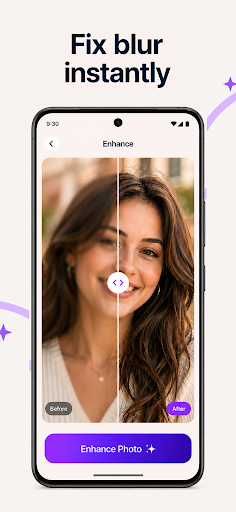
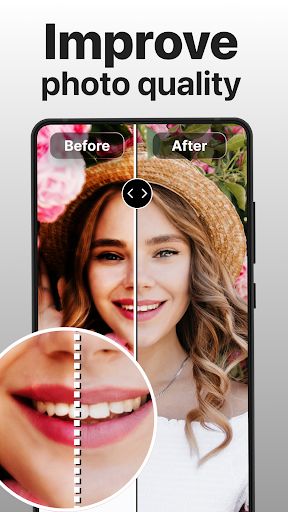
  • AI-driven picture beautification automatically improves picture quality, and enhances details and clarity. It feels particularly amazing!
  • Support batch editing, get multiple photos at once, saving time and being efficient, it's so convenient!
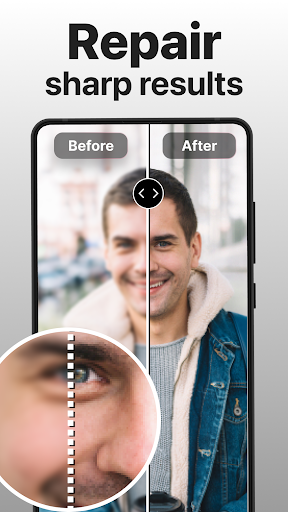
  • There are advanced noise reduction and sharpening adjustments to make your photos look professional and not inferior to professional photographers!
  • It is also equipped with easy-to-use editing tools such as brightness, contrast and color correction, which is super easy to operate!
  • Support offline editing, you can get photos without networking. It is easy and flexible!
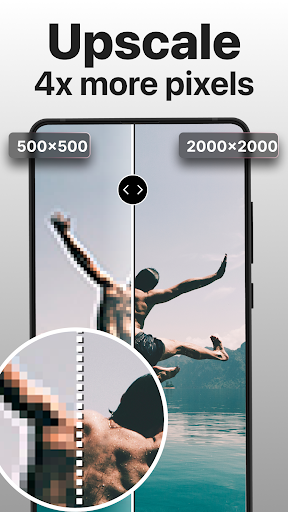
  • Use smart algorithms to zoom in on pictures while maintaining natural details to make photos look more realistic!
  • You can seamlessly connect your photo album and camera launcher to quickly find the few photos you want to repair, which is super convenient!

Who is this app suitable for?

This mobile app is especially suitable for photography enthusiasts, Xiao Bai who takes casual photos, and those who like to show off photos on social media. If you want to make photos beautiful quickly!

Whether you are organizing travel photos, taking portraits, or taking product photos, this app can easily and directly help you improve the quality of your photos. It supports Android and iOS, and is super considerate!

Why choose this app

This Android app is powerful, simple to operate, and has an intuitive interface. It makes it super easy to make photos beautiful.

It combines AI technology and user-friendly tools to allow you to easily take professional-level photos, and the results are really great!

Top Recommended Alternative

Pros & Cons

Pros

  • High-Quality Enhancement
  • User-Friendly Interface
  • AI-Driven Technology
  • Fast Processing Speed
  • Multiple Enhancement Options

Cons

  • Limited Free Usage
  • Occasional Over-Sharpening
  • Color Accuracy Variability
  • App Size and Storage Usage
  • Limited Editing Features

Download PhotoBoost - AI Photo Enhancer

You are going to be redirected to the official website to finish the download when you click these buttons above.

FAQ

How to use PhotoBoost - AI Photo Enhancer?+
Getting started with PhotoBoost is quite simple.You just install this super popular mobile app on your Android device, upload your photos and quickly enjoy even more beautiful photos.This app is so conveniently designed that even a novice can easily use it. Regardless of the version for Android or iOS, it will automatically help you to decorate your photos with AI.It is a really reliable solution that does not require complex editing operations to make your photos better instantly.The compatibility between devices is also very good, a really multifaceted person for little friends who love to take pictures!
Is it safe to use PhotoBoost and does it respect my privacy?+
Of course, PhotoBoost pays special attention to the security and privacy of users.This software developed by reliable developers has a clear privacy policy to keep your photos safe.You can rest assured that the photos will not be stored or shared in an unreasonable way. If you are particularly concerned about security, you can go to the official page to find out details about permissions and privacy, which will be more detailed.Thus, with this app you can be sure that your personal photos are guaranteed!
What are the main features of the application PhotoBoost - AI Photo Enhancer?+
The strength of this app is its powerful AI enhancements that make photos clearer, brighter and full of detail with one click. It also automatically detects problems in photos and then helps you automatically correct them to make photos look more professional and beautiful. In addition, it supports features such as packet processing, noise suppression and contrast control.Whether you are a casual user or an amateur photographer, this app will give you a smooth and efficient work experience.No matter what equipment is used, the management is very convenient, a really good choice!
Can I use PhotoBoost on my Android device without problems?+
Yes, of course! PhotoBoost, which works well on Android devices, is a super popular device for enhancing photos for mobile phones.The interface is well optimized for Android, it is very easy to use, click on what you want, and the features work very fast. Many users note that on Android it is very smooth to use, just a good skill to transform photos. No need for complicated editing software, and you can make photos the best in a few simple steps. Regardless of your technique, this app will help you maximize the charm of your photos!
Does PhotoBoost work as an app launcher or just as a photo enhancer?+
PhotoBoost is mainly about photo enhancement, focusing on using AI to enhance images, rather than a startup that manages the desktop and mobile phone applications. However, if you are looking for a simple and fast tool to improve the quality of your photos, PhotoBoost is still suitable.Intuitive interface, the functionality is very practical, select photos directly from the album or camera video you want to change, quite convenient.
How do I update to the latest version of the app?+
To keep your PhotoBoost in a new state, it 's best to check for updates regularly in the app store.Newer versions usually provide new features, more secure and a better experience. For both Android and Apple it is easy, just a few clicks away in Google Play or Apple Store. Be sure to use the latest version to enjoy the best performance and newest features, and don't miss out on anything good!
Is PhotoBoost suitable for professional photo editing?+
While PhotoBoost 's AI features are really powerful and can easily make photos beautiful, they 're mainly geared toward casual users and hobbyists. However, for daily quick repair, to make ordinary photos more beautiful, this app is still quite reliable.Easy operation, the effect is also good, very suitable for repair during the game, helps you improve the quality of photos anytime, anywhere.
Where can I find more information about PhotoBoost?+
To learn more about PhotoBoost, visit the official page on Google Play and Apple 's app store. There are detailed introductions, user reviews, and the latest updates. If you want to learn more, there are often reviews on this popular app in tech blogs or photo forums to get a full idea of its features and user experience.

You Might Also Like

More apps you may want to try next.