
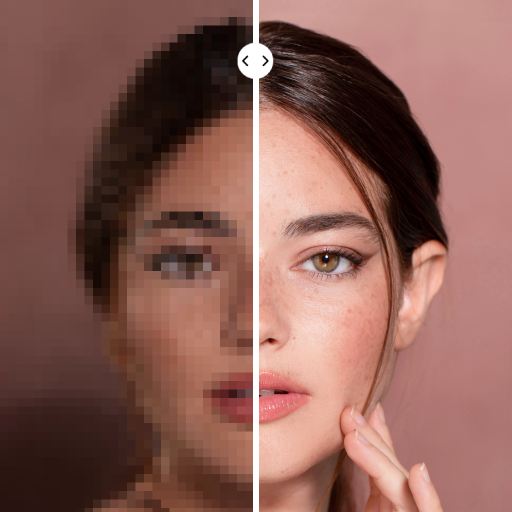
PhotoApp - AI Photo Enhancer
Advertisement
Screenshots
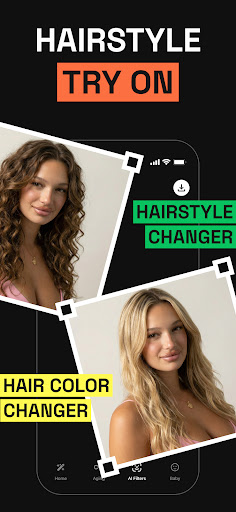
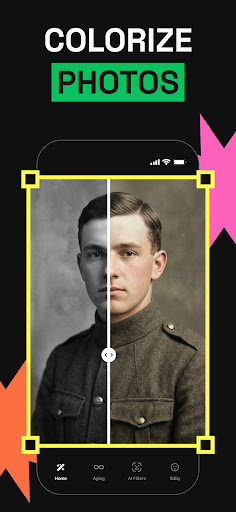
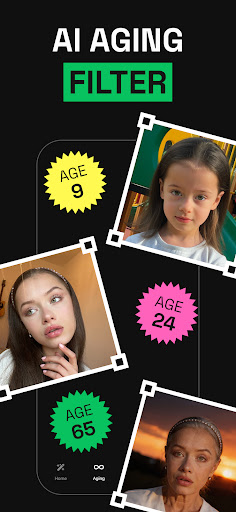
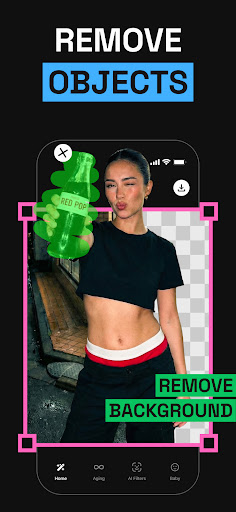
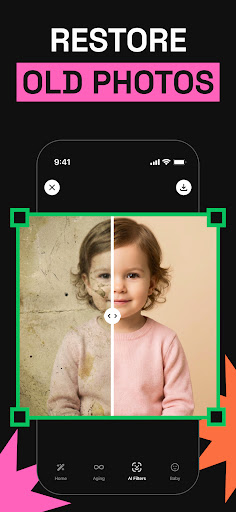
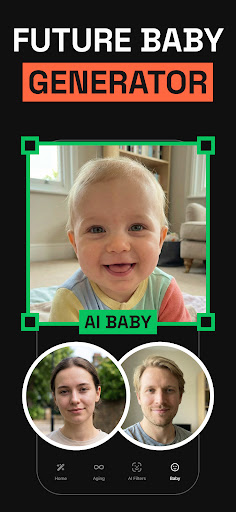
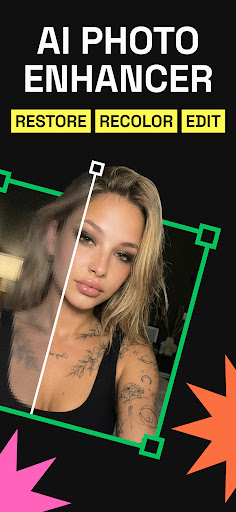
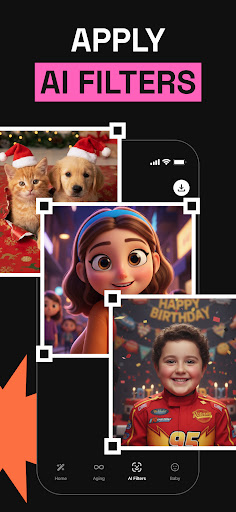
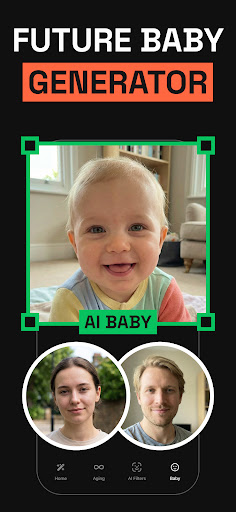
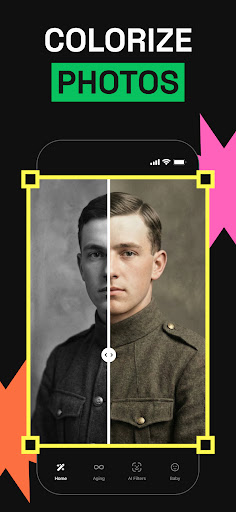
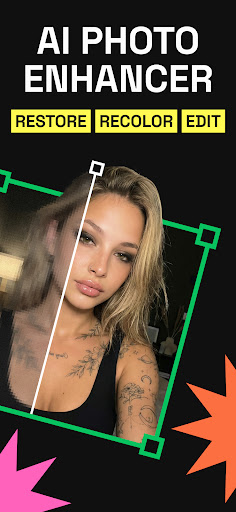
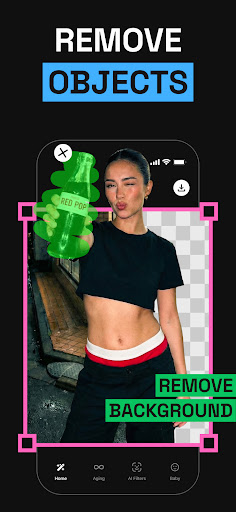
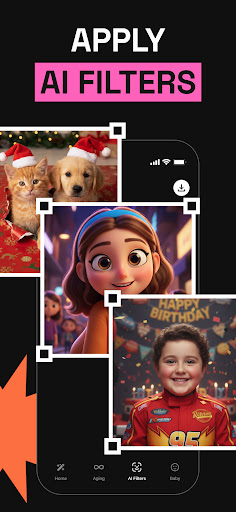
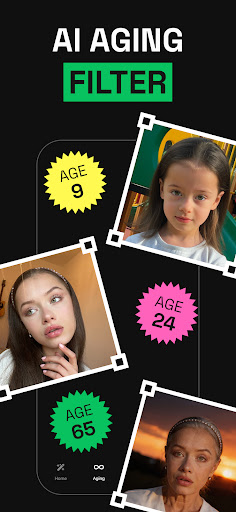
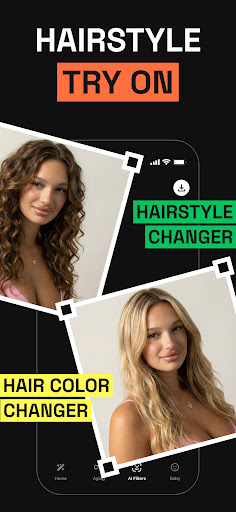
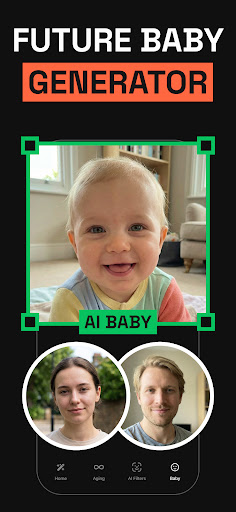
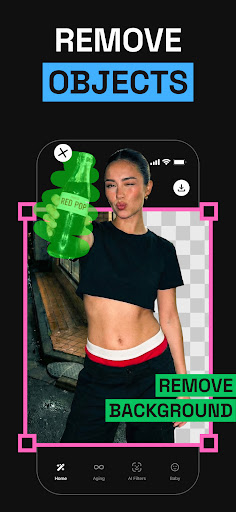
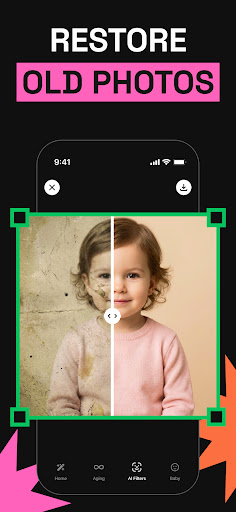
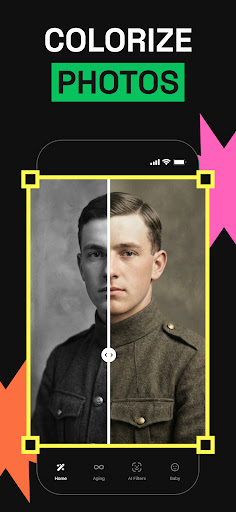
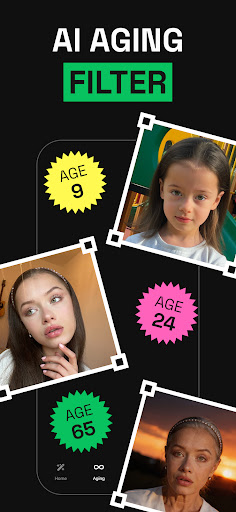
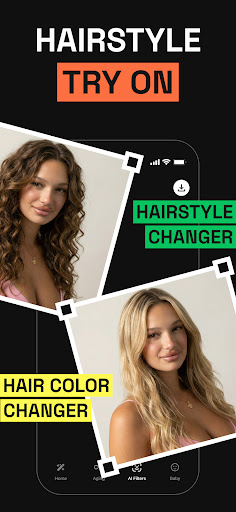
Advertisement
About PhotoApp - AI Photo Enhancer
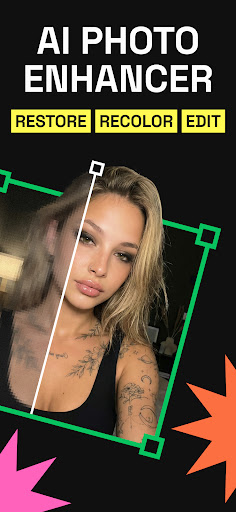
PhotoApp-AI Photo Enhancer is a particularly easy-to-use mobile app that can help you easily improve and repair photos. It can be used on both Android and Apple systems. This app has many powerful features that can improve the quality of pictures. It is a good choice, especially for those who want to improve photography with their mobile phones. Its interface design is very user-friendly and smooth to operate. Whether you are just playing around or interested in photography, you can use it easily.
Overview
core functions
- This app is equipped with advanced AI technology, which can automatically enhance photos and instantly make the picture quality better.
- The interface is super friendly and simple to operate. You can easily edit photos anytime, anywhere with any device without stress.
- Support real-time preview, you can see the effect immediately at every step you adjust. It's so convenient!
- It can also be used offline. You can edit photos without going online. It's a thoughtful design.
- Built-in noise reduction, color correction and sharpening tools make your photos look professional and textured.
- Connecting photo albums and cloud storage with one click makes photo management easy and orderly, and no longer messy.
- Dark mode and personalized settings make it comfortable to edit for a long time and make your eyes less tired.
- The automatic save function ensures that every change is not lost, and there is no regret due to accidental shutdown or disconnection.
Who is this app suitable for?
This mobile app is ideal for photography enthusiasts, social media celebrities, and even professional photographers who want to make photos better quickly and reliably. Without the worries of complex software, high-quality visual effects can be easily achieved.
Whether you're taking daily photos or planning to upload them to a professional portfolio, this app can help you simply improve the quality of your photos, allowing you to enjoy an intimate editing experience on Android and iOS devices, and every step is smooth.
Why choose this app
This Android software has powerful AI functions, which can make your photo editing faster and more accurate, and the experience is overwhelming. The operation is smooth and the effect is excellent, which is obviously better than other image enhancement tools.
It combines cutting-edge technology and user experience to easily solve common editing problems and deliver amazing results. It is suitable for both novices and veteran drivers. It is a trustworthy choice!
Pros & Cons
Pros
-
Smart photo enhancement
-
Super friendly interface
-
I was surprised at the speed
-
Support high-resolution output
-
Various enhancement options are available
Cons
-
Free features are limited
-
Occasionally over-sharpening
-
Old mobile phones are slower to process
-
The network must be stable, otherwise it won't be used
-
Occasionally color differences occur
Advertisement
Download PhotoApp - AI Photo Enhancer
FAQ
How do I log in to PhotoApp - AI Photo Enhancer? +
Getting started with PhotoApp is actually quite easy. You can log in using your email account, or you can choose to log in with one click using your favorite social platform. In this way, it is particularly smooth to use and feels quite convenient from the beginning.
Afterlogging in, your beautified photos will be stored safely, and editing tools can be called at will. The whole process is designed so carefully that it can be used comfortably and conveniently by both a novice and a veteran.
Is PhotoApp - AI Photo Enhancer safe to use on my device? +
Of course, PhotoApp is a very trustworthy mobile app that works on both Android and iOS systems. It does a good job of privacy protection, and your photos and data are very safe during use.
Themanufacturer that developed it is also quite reliable and has taken solid safety measures. However, it is recommended that you keep your mobile phone system updated frequently, which will bring security to a higher level and make you feel more confident when using any software.
Does PhotoApp - AI Photo Enhancer work on older Android versions? +
PhotoApp adapts to most of the latest Android systems and supports many older devices. Before installing, I suggest you check more application details on Google Play to confirm whether your Android version is supported so that you can use it smoothly in the future.
However, if you want to get the best experience, it is recommended to use the latest system version, so that all the functions of this APP can be fully utilized and the photo editing experience will be much smoother. After all, updated systems bring better performance and security.
What features does PhotoApp - AI Photo Enhancer offer? +
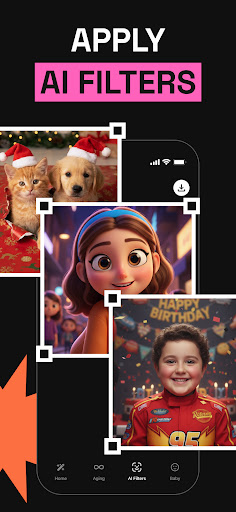
This app has powerful AI tools that can help you easily improve photo quality. Whether it's increasing the resolution, adjusting the light, removing noise, or even adding a little artistic filter, it's very handy and the operating interface is particularly friendly.
Withthese features, your photo editing becomes more efficient and intuitive. It's like practicing a professional post-photo shoot. It can be done in a short while, allowing ordinary people to easily create professional effects.
Can I use PhotoApp - AI Photo Enhancer as a launcher app for my photos? +
Although PhotoApp is mainly used to enhance photos, it can actually serve as an entry program for your edited photos. You can quickly open photo albums and editing tools, making it super convenient to organize and manage pictures.
Ifyou want a launcher that is dedicated to the process of organizing photos, this app is also suitable. It is seamlessly integrated with your photo album, making editing and sharing of pictures easier and smoother, and the entire experience has been improved a lot.
How do I improve my app experience with PhotoApp? +
To maximize the effectiveness of this APP, I recommend that you spend more time familiarizing yourself with all the functions and try different editing methods. If you know more about its AI tools, you can basically easily handle those bad photos, and the effect is obvious.
Whenused on a device with good hardware and stable network, the experience will definitely be smoother. In addition, it is also important to keep the software updated. New versions will bring more new features and optimizations, which will make it more comfortable for you to use it.
Is PhotoApp available for iPhone users and on the App Store? +
Of course, iPhone users can also find PhotoApp on the Apple App Store. The iOS version has the same experience as Android, which can enjoy powerful functions and reliable performance.
Inthis way, Apple users don't have to worry about using a trustworthy AI photo enhancement tool that also ensures high standards of privacy and security. Supporting Apple devices is really a considerate and professional choice.
What should I do if I encounter issues with PhotoApp? +
If you encounter problems, first make sure that your application is the latest version. Sometimes updates can fix many bugs and bring new features.
Ifyou need help, you can also check out the frequently asked questions in the app or visit the support page on Google Play or the App Store. The developers of this app are very responsible and usually provide timely help to ensure that you can use it smoothly.
Customer Reviews
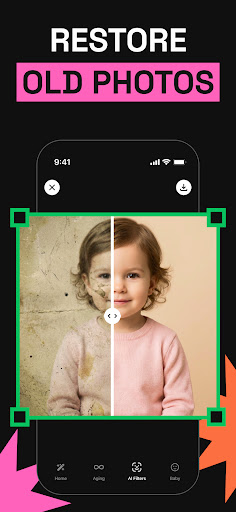
PhotoApp - AI Photo Enhancer receives praise for its seamless UI, outstanding performance, and ability to restore old blurry photos sharply, with some users finding it fun and surprisingly effective for basic enhancements. However, the app is heavily criticized for its mandatory subscription model (e.g., €22/month or €5.99/week) that blocks nearly all features without payment, with many calling it a scam or fraudulent. While some users enjoy the powerful features, others report that AI enhancements distort faces (especially with special filters like Elves or Simpsons), produce artificial results, and fail to process photos after watching ads. The app's trial process is misleading—no free trial exists, and the 'test phase' button does not clarify payment timing. Additionally, excessive ads and errors (unknown errors, black screen) frustrate users. Overall, it offers strong performance for specific tasks but is deemed too expensive and unreliable for general use.
Write a Review
Share your experience with PhotoApp - AI Photo Enhancer. Submissions are reviewed before publishing.
You Might Also Like
More apps you may want to try next.




