

Photo Scan App by Photomyne
Advertisement
Screenshots
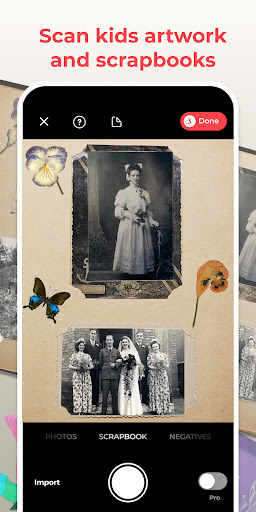
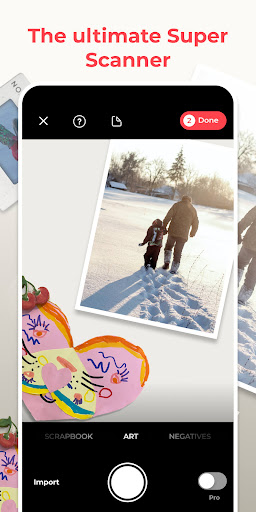
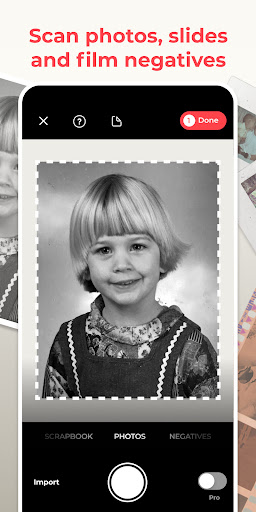

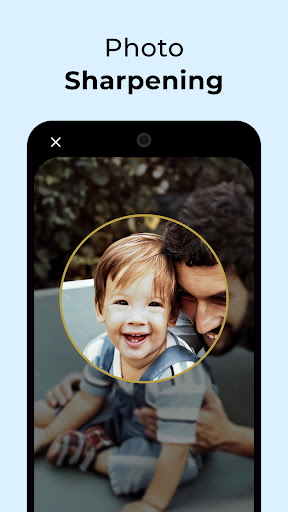
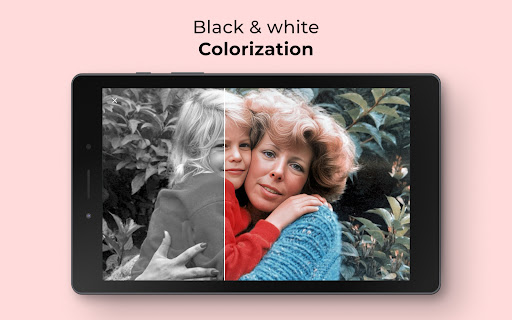



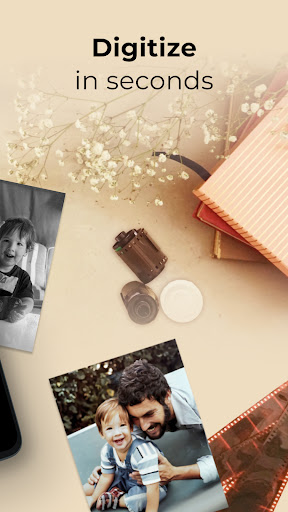
Advertisement
About Photo Scan App by Photomyne
Overview
core functions
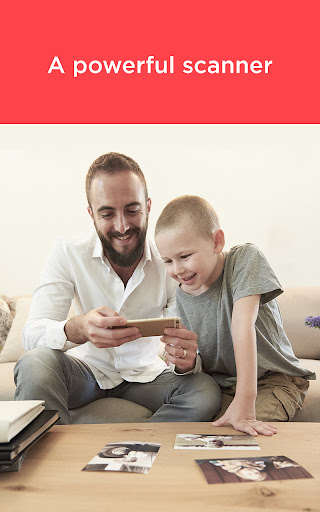
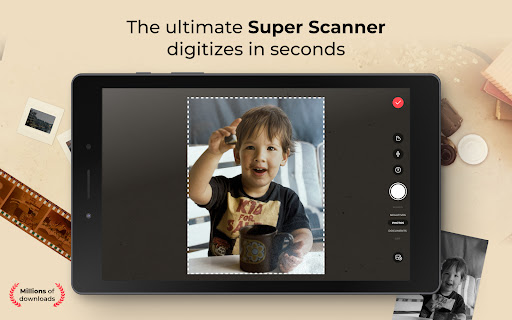
- With a single swipe, you can turn physical photos into clear and high-definition electronic files, which saves trouble and is efficient.
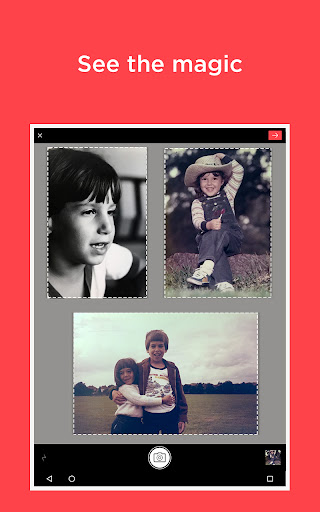
- Support batch operations, you can scan several photos at a time and save all at once, which is extremely efficient!
- Intelligent cropping and perspective correction make the scanned photos look professional and neat, as if a photographer had seen them.
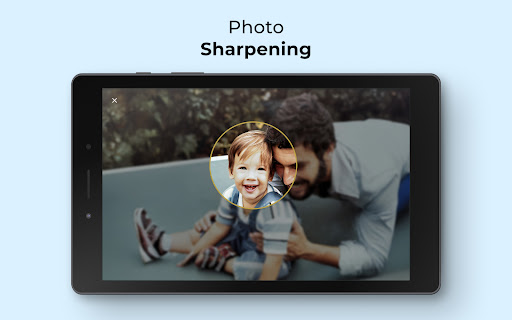
- It also comes with brightness, contrast and color adjustment tools, which can beautify the details of photos at any time for better results.
- Seamless synchronization to various devices, whether you use Android or iOS, you can use it smoothly and without obstacles.
- You can also directly organize and export scanned pictures to an album or the cloud, which is extremely simple and convenient.
- This app is specially designed to turn physical photos into digital memories. Whether at home or on the go, the operation is super easy.
Who is this App suitable for?
This mobile app is super friendly for those who want to easily digitize old photos or documents, and it can be fun whether you are an amateur, student or professional photographer.
It is especially suitable for users who want to find an easy-to-use tool to store memories, organize photos, or create digital files. It is powerful and easy to operate.
Why choose it?
This Android app is stable and easy to use, making photo scanning simple and fast, and a full experience.
With its powerful functions and intuitive interface, it is unique on the market. It not only produces high-quality scanning results, but also makes the entire process smooth, trustworthy and satisfying!
Top Recommended Alternative

Pros & Cons
Pros
-
Intelligent automatic cutting
-
High-quality image enhancement
-
The operating interface is very friendly
-
batch operation feature
-
Rich export formats
Cons
-
Few editing tools
-
Occasionally there is a problem with autofocus
-
Slow processing of large files
-
Some functions need to be connected to the Internet
-
Paid subscriptions are expensive
Advertisement
Download Photo Scan App by Photomyne
FAQ
Is Photomyne's photo scanning app safe on my device? +
Don't worry, this Photomyne photo scanning APP is quite reliable, paying special attention to user security and privacy issues. It can be downloaded on regular platforms such as Google Play and Apple App Store, with guaranteed quality.
Beforeinstalling, you can check the permissions it requests to make sure your data is not misused. This APP will also be updated regularly to fix security vulnerabilities and optimize the experience. It is quite safe to use and is especially suitable for friends who want to digitize photos.
How did I start using Photomyne's photo scanning app? +
It's actually quite simple to get started. After downloading this app, you can register an account directly or use it directly without an account. Its functions are particularly convenient and allow you to quickly scan and organize photos.
Theinterface is designed to be intuitive and can be easily used for both novices and veterans. Whether it is Android or Apple devices, as long as you use this APP, you can easily solve those precious memory digitization problems. It's really convenient.
What features does Photomyne's photo scanning app have? +
It has rich functions: automatic cropping, color correction, one-click scanning of multiple photos, AI intelligently identifies boundaries, and then automatically enhances photo effects. The experience is super smooth, fast and good!
Italso helps you easily organize, save and share scanned photos. Whether you use Android or iPhone, you can easily digitize old photos. It is a very thoughtful design, especially suitable for people who like to organize memories.
Can I use Photomyne's photo scanning app offline? +
Of course! This APP supports offline use, so you can scan and edit photos at any time without having to connect to the Internet. It's very convenient, such as when you are away and the network signal is limited, you don't have to worry.
However, cloud backup or sharing these functions requires networking. But overall, this option is very diverse and you can use it freely according to your needs. It is quite flexible.
Does Photomyne's photo scanning app support multi-device or cross-platform operations? +
Yes, this app works well between Android and iPhone except for mobile phones. You can start on one device, switch to another device to continue processing, and the data can be synchronized, which is very convenient.
Inthis way, no matter which platform you use, you can easily manage your digital photos, adapt to your usage habits, and improve the overall experience. It is really convenient!
Does Photomyne's photo scanning app focus on scanning or does it also include a launcher? +
This is mainly a photo scanning and organizing tool, not a launcher software. It focuses on helping you turn old photos into digital versions with advanced functions, which is very efficient.
Theinterface is also very friendly and can be easily handled by anyone. It is a good helper to digitize old photos at any time at home or away and preserve precious memories.
If I encounter problems using this APP, what should I do? +
When you encounter problems, first check whether your equipment meets the requirements, and then see if you are using the latest version. You can also check the FAQ and support areas on the official website or app store to see if there is a solution.
Ifyou update frequently and follow the troubleshooting steps, small problems can be solved. If that doesn't work, it's good to contact customer service. They can help you solve those difficult problems and make you use them more smoothly.
Is this app suitable for professional photo digitization, or is it just for personal collection? +
This Photomyne photo scanning software is suitable for both ordinary users and some professional needs. It has batch scanning, color correction, rich editing tools, and performance is very good.
Althoughthe design is very considerate and easy to operate, it can actually help small archives or small businesses digitize photos efficiently and reliably and meet some professional requirements. It is quite worth it.
Customer Reviews
Users frequently praise the Photo Scan App by Photomyne for its fast batch scanning of multiple photos, automatic recognition, and ease of use, noting significant time savings and improved photo quality. Key strengths include scanning efficiency and editing features that enhance old images. However, opinions diverge on several dimensions: Subscription model—some find it overpriced or misleading (e.g., required for sharing/printing), while others consider the features worth the cost. Negative scanning quality—several users report blurry results and unmet expectations, though others appreciate the format support. Editing capability—many love the restoration tools, but some view it as merely adequate compared to dedicated editors like Photoshop. Customer support and onboarding also receive mixed feedback, with some experiencing poor responses and aggressive pricing prompts. Overall, the app excels in rapid bulk scanning but faces criticism over pricing, negative scan reliability, and limited advanced editing.
Write a Review
Share your experience with Photo Scan App by Photomyne. Submissions are reviewed before publishing.
You Might Also Like
More apps you may want to try next.




