
Photo Editor, Enhancer-ShotCam
Advertisement
Screenshots

Advertisement
About Photo Editor, Enhancer-ShotCam
Overview
core highlight
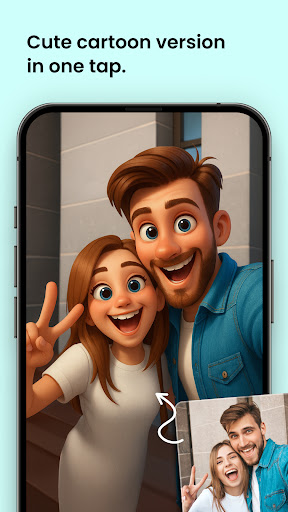
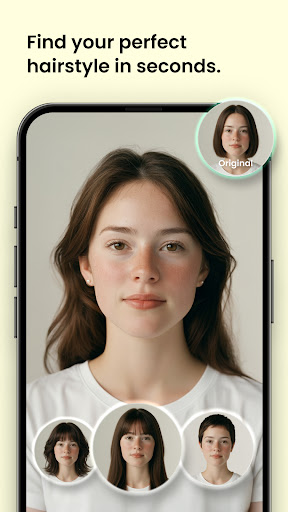
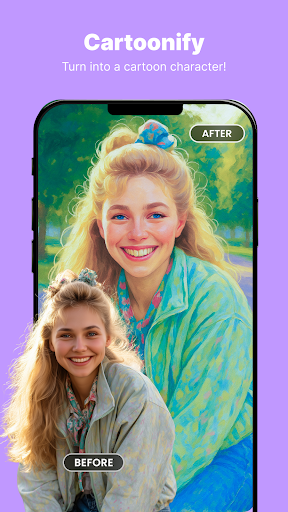
- This software has powerful photo editing functions, such as filters, cropping, and adjustments, which can be easily done to make your pictures better.
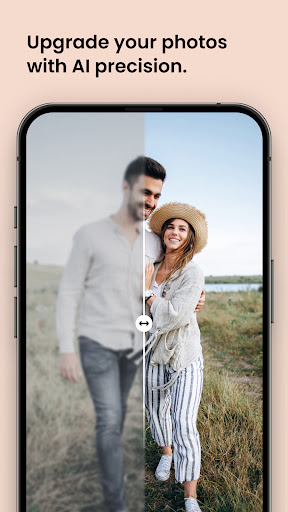
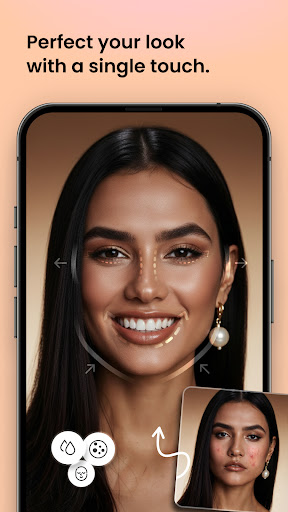
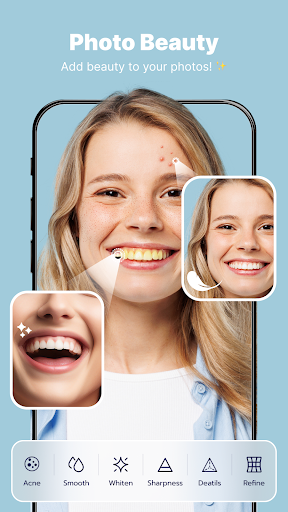
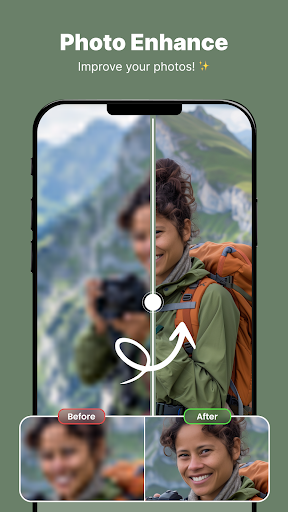
- There are also advanced beautification options, such as skin peeling, noise reduction and automatic correction, to help you quickly improve photo quality.
- The real-time preview function allows you to instantly see the effect of the modifications, and the entire operation feels particularly smooth and intuitive.
- The batch processing function allows you to edit many photos at once, saving a lot of time for users who have a large collection of photos.
- Support offline mode, so you can change photos without having to go online. It is especially suitable for editing at any time when you are away from home.
- The interface is designed to be particularly intuitive. Whether you are a novice or a professional photographer, the operation is super simple and the process is smoother.
- It also comes with a launcher App that allows you to quickly access the editing function directly from the desktop, which is very convenient.
Who is suitable for?
This mobile phone app is especially suitable for photo enthusiasts of all ages who want to quickly beautify their pictures on Android devices. Whether you are an amateur or a semi-professional photographer, it can meet your different needs.
For those who need a reliable, simple photo editor for social media content, personal projects or professional use, this App has a great experience and makes it easy for you to complete your daily editing tasks.
Why choose this?
This Android app is really a good helper for everyone because of its rich features and friendly interface design. Reliable performance and powerful beautification tools make people feel particularly safe to use.
Choosing it means choosing an artifact that can easily handle complex editing tasks and output professional effects. Compared with other editing software on the market, it is definitely more advantageous.
Top Recommended Alternative

Pros & Cons
Pros
-
The interface is intuitive and easy to use
-
Automatic beautification function is super awesome
-
Professional editing tools
-
It's running at an amazing speed
-
Easy to share and export
Cons
-
Free features are a little short
-
Occasionally over-processing
-
The software is quite bulky
-
Batch processing function is general
-
Occasionally crash on old equipment
Advertisement
Download Photo Editor, Enhancer-ShotCam
FAQ
Is this photo editor, enhanced-ShotCam app safe to use on my device? +
Of course, this photo editor and enhancement-ShotCam is quite famous in the Google Play store and is a reliable mobile application. It is developed by a trustworthy team that pays special attention to user safety and privacy.
Theapp's solution will be updated regularly to improve security and performance, making it suitable for Android users and friends looking for reliable photo tools.
How can I install this photo editor, enhanced-ShotCam app on my Android device? +
It's actually very simple to install this mobile application. You can search for its name directly in the Google Play store, or use the link to jump in, and then click the install button to automatically download and install it.
Becausethis is an Android app, you have to make sure that the device meets minimum system requirements and has enough storage space. This app also provides a variety of features that can help your photo experience make it better!
What are the features of this photo editor, enhanced-ShotCam app? +
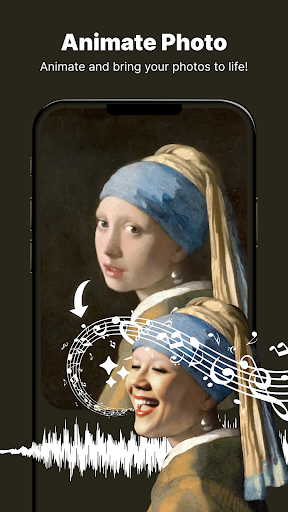
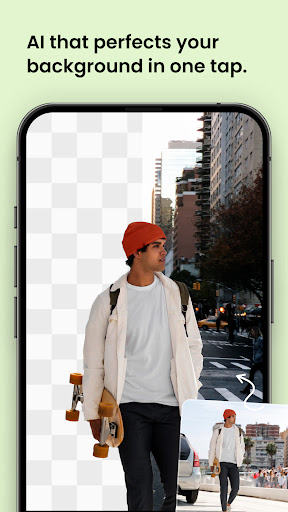
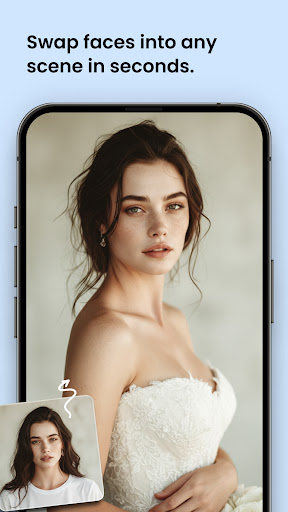
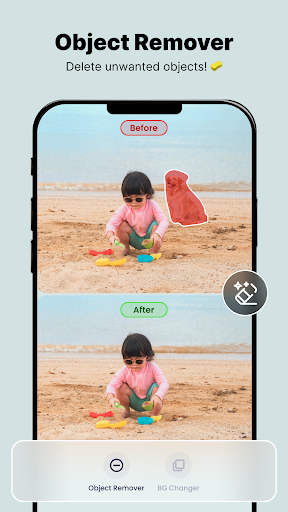
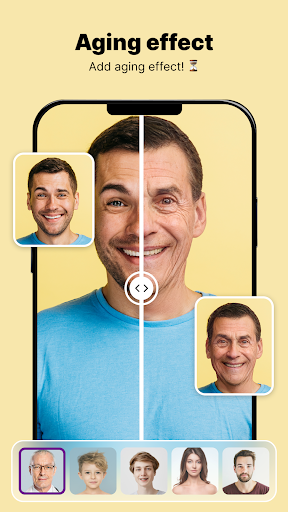
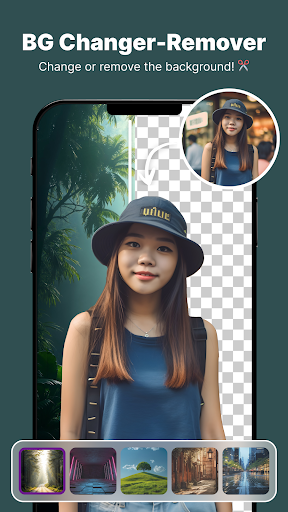
Its features include advanced photo editing tools, filters and enhancement options to make your photos look more professional. You can also remove the background, crop it, or add text and special effects.
Thisapp-based solution has a friendly interface and easy to operate, making it easy to do whether you use it as a launcher application or just do some simple editing.
Can I use this photo editor and enhance the ShotCam app offline? +
Yes, many of the core functions of this mobile app can be used offline after download and installation. This way you can make changes anytime, anywhere, without the need for the Internet.
Itis especially suitable for users who often go out and whose network is not so stable. They can enjoy a smooth editing experience anytime, anywhere.
Is this photo editor, enhancement-ShotCam app suitable for professional photographers? +
Although it is mainly designed for casual users and provides many creative features, there are actually some tools that are useful to professional photographers, especially those who want to quickly make simple adjustments on the mobile side.
Ithas good compatibility with various functions and helps you cope with various emergency retouching needs outside. It is a convenient tool for photography enthusiasts and even professionals.
How often will this photo editor, enhancement-ShotCam app be updated? +
The development team is quite diligent and often pushes updates to improve functions, enhance security, and fix bugs. Keep apps up to date and the experience will be better!
Eachupdate brings new filters, editing tools, and fixes loopholes, showing how serious and responsible the developer is about the application.
Does this app support sharing edited photos directly to social media? +
Of course you can! This photo editor, enhancement-ShotCam can share your edited pictures directly in the app and post them to various social platforms. This makes it easier to share your results with friends.
Thisfunction combines editing and sharing well, and is especially suitable for users who like to show photos and want to do it with one click. It is really practical.
Do you have customer service support when encountering problems? +
Yes, regular apps like this usually have special customer service channels. You can find help from the official page or the app store. If you encounter bugs or other problems, you can give feedback and help.
Goodcustomer service support is also an important part of building trust and a good experience, and is especially important for users who rely on this app for editing!
Customer Reviews
Users generally praise the app for its ease of use, engaging experience, and impressive performance, with many calling it the best editing tool they've tried. However, significant concerns arise around excessive and lengthy ads, misleading claims of being free while demanding payment or showing constant subscription prompts, and technical issues like photo enhancement failing halfway. Some users report that the app works well initially but then stops responding, while others find the animation features limited or unsatisfactory. A few note usability problems for non-white users. Overall, positive aspects include user-friendly design and fun animations, but drawbacks include ad overload, deceptive billing, and inconsistent functionality.
Write a Review
Share your experience with Photo Editor, Enhancer-ShotCam. Submissions are reviewed before publishing.
You Might Also Like
More apps you may want to try next.




