
Advertisement
Screenshots
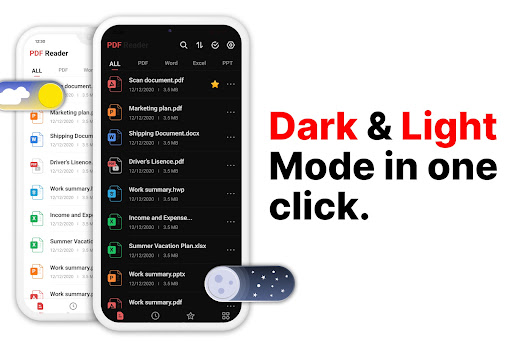
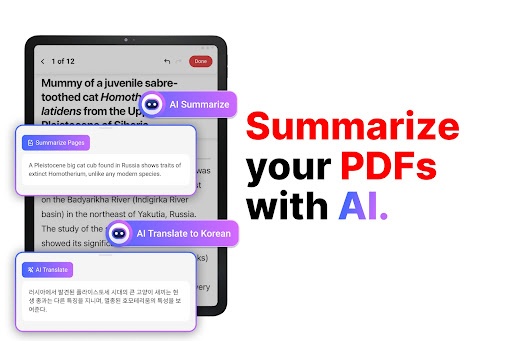
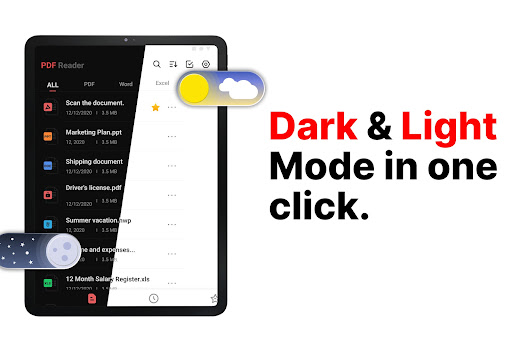
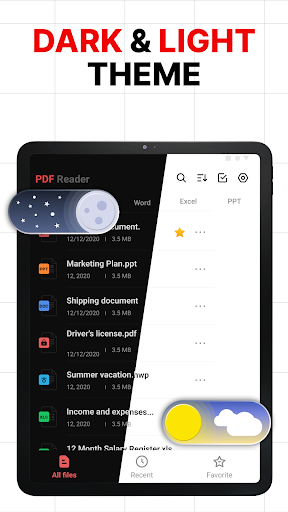
Advertisement
About PDF Reader - PDF Converter
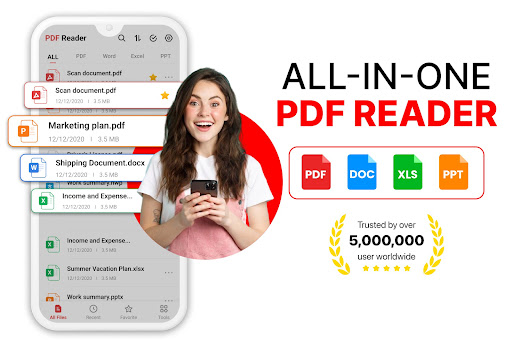
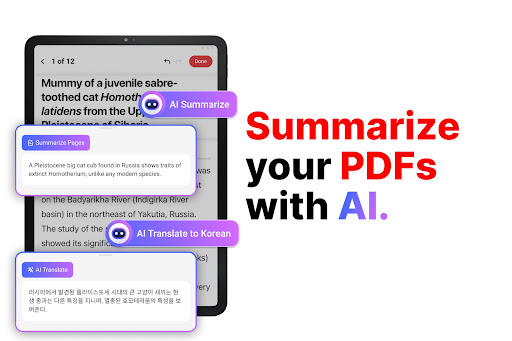
PDF Reader - PDF Converter is a very considerate mobile application that helps you easily browse, manage and even convert PDF files. Its interface is simple and clear, easy to use, and practical. It has basically become a must-have artifact for friends who love to toss files. Use it to process documents without worrying about getting stuck or difficult. It is really a good helper for getting PDFs on your mobile phone!
Overview
core feature
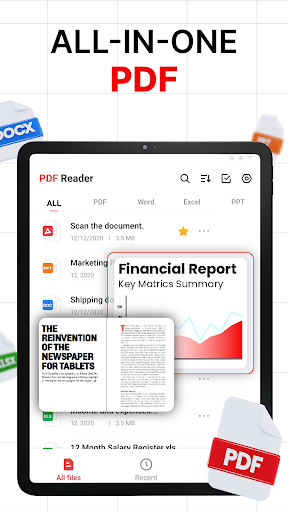
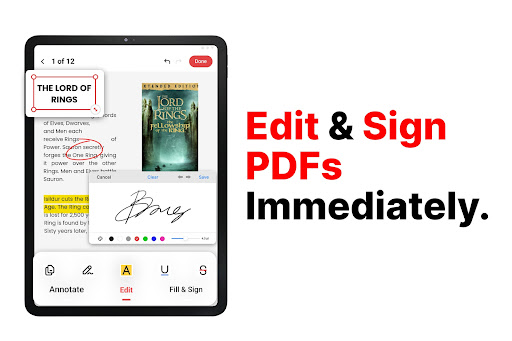
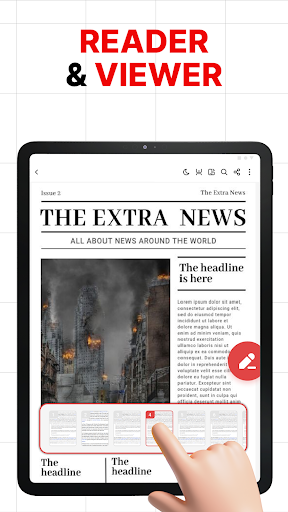
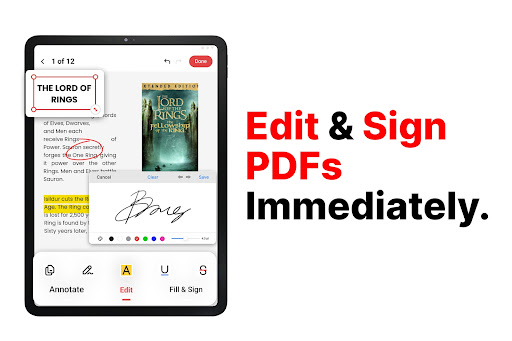
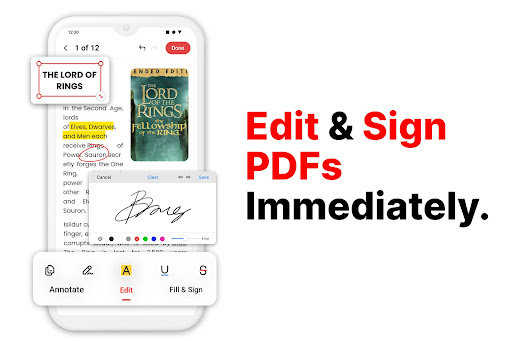
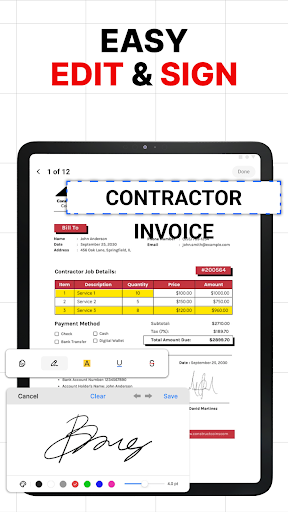
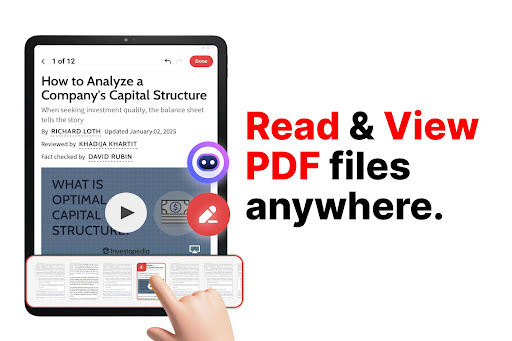
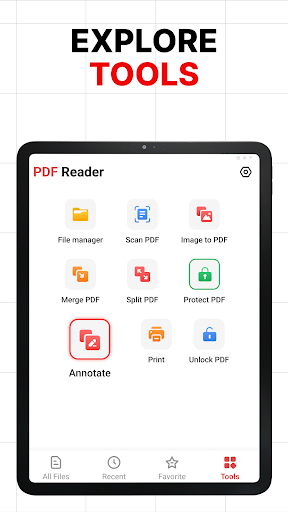
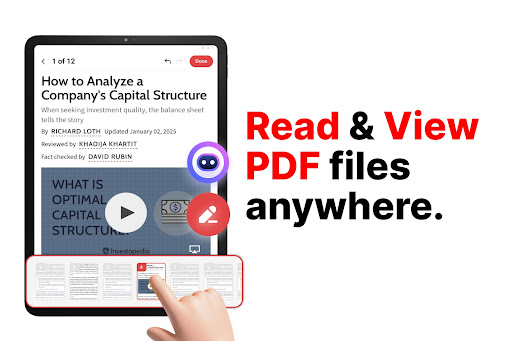
- You can view, edit, and mark PDF files directly in the application, which really improves the efficiency.
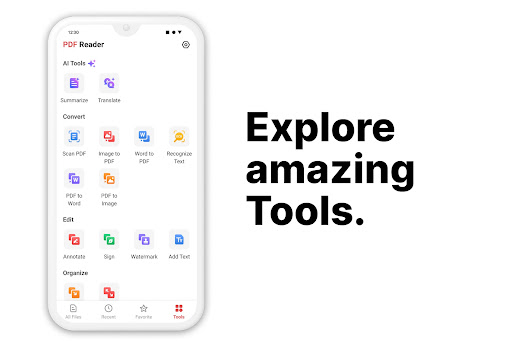
- It has rich functions, including highlighting, taking notes, searching, and helping you quickly find what you want. It is super convenient.
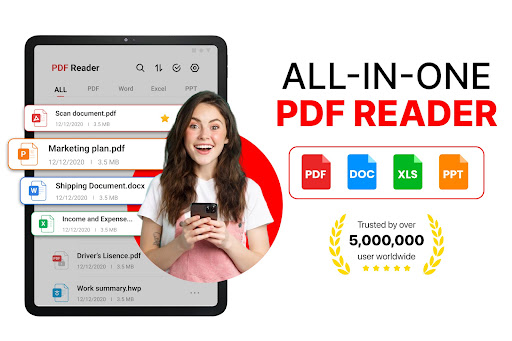
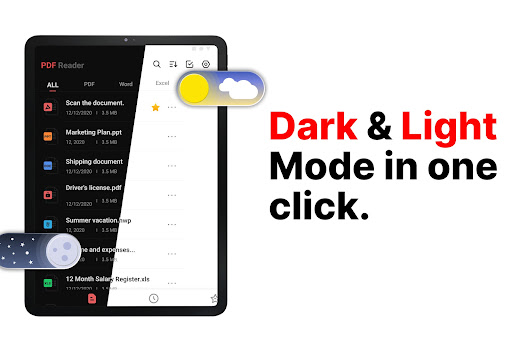
- File management is also good. Organizing your PDF documents becomes particularly easy and you can find them anytime, anywhere.
- The cloud synchronization function keeps your PDFs up to date on various devices, making the experience smoother.
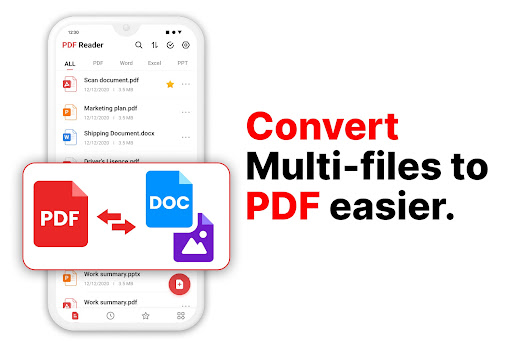
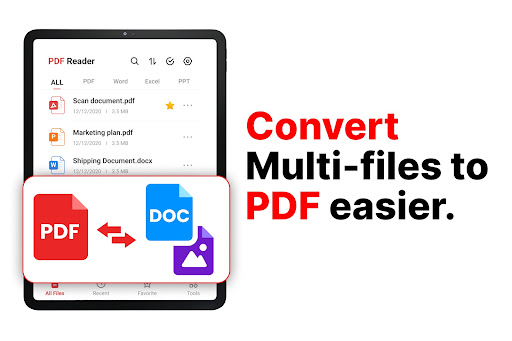
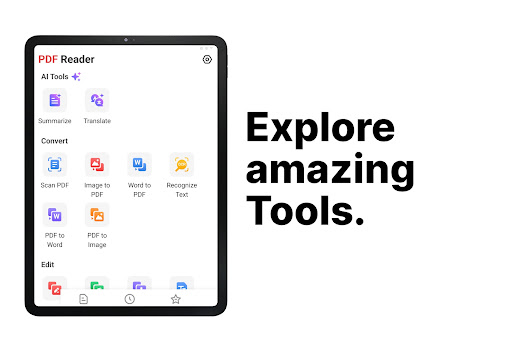
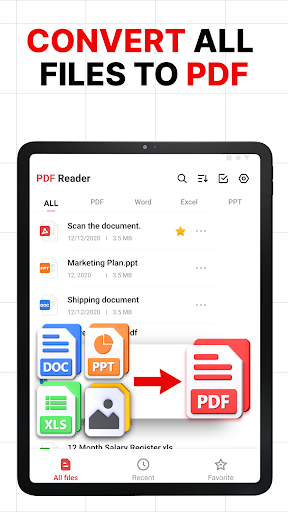
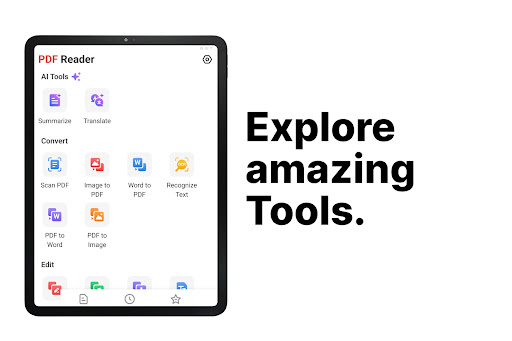
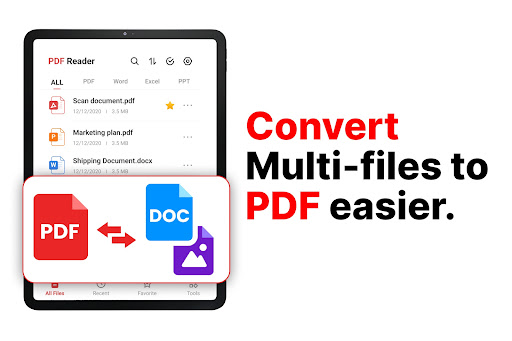
- You can also convert PDF to other formats, and vice versa, making file processing flexible.
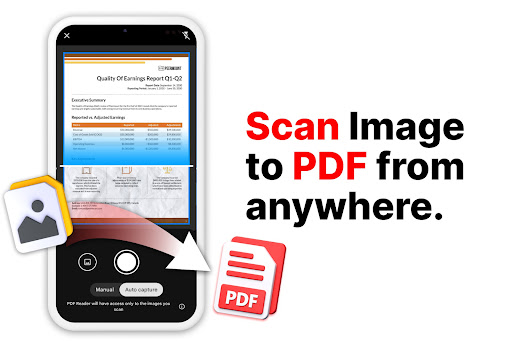
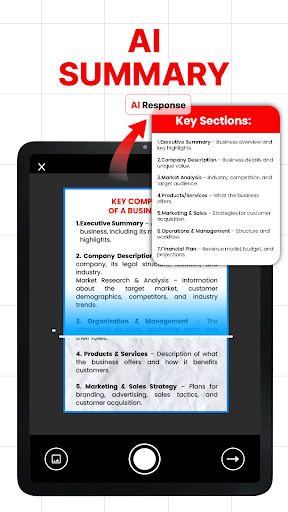
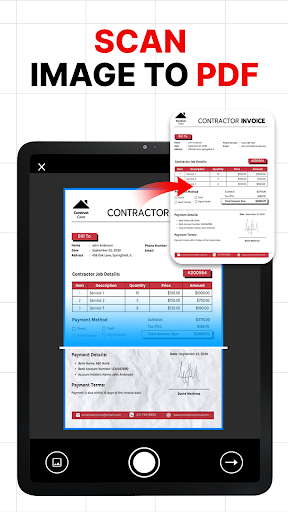
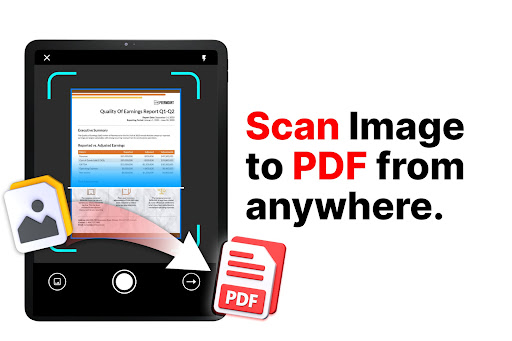
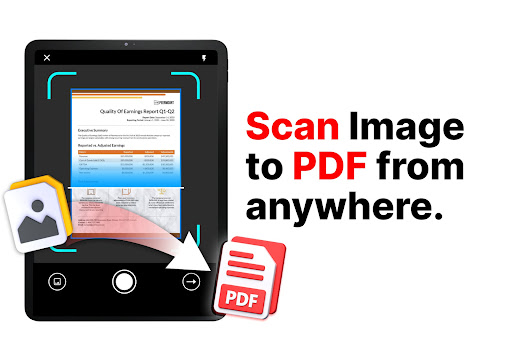
- Built-in scanner allows you to quickly scan files anytime and anywhere. It is especially suitable for mobile phones and can be easily handled wherever you go.
Who is this app suitable for?
This mobile app is particularly suitable for students, professionals, or anyone who regularly processes PDFs on Android devices. Especially for those who want to use an application solution to easily manage, view, and edit PDFs, it is really great.
Whether you're reviewing contracts at work or commenting textbooks, this app can help you complete documentation tasks and make your daily routine more efficient and easier.
Why choose this app?
The biggest highlight of this Android app is that it combines rich functions with ease of operation, making PDF management a breeze. Its stability and practicality allow you to easily access and organize documents anytime, anywhere.
Emphasizing trust and efficiency, smooth performance, and practical functions, it far exceeds many similar options on the market and is definitely worth a try.
Top Recommended Alternative

Pros & Cons
Pros
-
Interface is intuitive and easy to use
-
Conversion speed is really fast
-
Extract text accurately and stably
-
Supports multiple formats
-
Can be used offline
Cons
-
Free features are limited
-
After conversion, the typography is occasionally messed up
-
App is too large
-
Occasionally crashes during batch processing
-
Too few built-in editing functions
Advertisement
Download PDF Reader - PDF Converter
FAQ
Is this PDF reader- PDF converter app safe to use on my Android device? +
Of course, this PDF reader-PDF converter app is very guaranteed. It comes from a reliable developer and is frequently updated to ensure security. Use it to process sensitive documents, don't worry at all, use it with confidence and courage.
Also, this software will not ask for unnecessary permissions, adding a layer of trust. Remember, when downloading, you still need to go through regular channels, such as the Google Store, so as to ensure that you use a genuine and safe version.
How can I install this PDF reader- PDF converter on my Android device? +
This is quite easy to operate. All you need to do is open the Google Store, find the PDF Reader- PDF Converter, and click on installation. Supports most Android phones, and many users can use them quite easily.
Theinstallation process is also very simple, and you can immediately experience its various functions after installation, such as managing and converting PDFs, which is super convenient.
Is there a newer version of PDF Reader- PDF Converter? +
Of course, developers regularly push updates on the Google Store to fix bugs and improve features. Only by keeping your software up to date can you use the best experience and security!
Thistool is very popular on Android. Developers are constantly introducing new versions. With various enhanced features and stability, it is definitely worth keeping up with the new ones.
Can I use this PDF reader- PDF converter offline? +
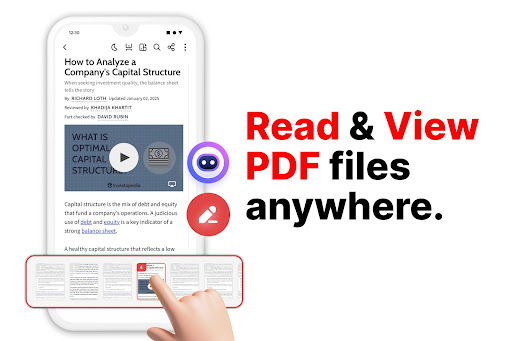
That's right, this software supports offline operations. You can view, convert, and annotate PDF files without the Internet, especially when you are on the go or when the Internet is unstable.
Thissolution is designed to be quite versatile and ensures that you can process your files anytime and anywhere without worrying about network problems.
Can this PDF reader- PDF converter be used on systems below Android 10? +
It is friendly to new Android versions, but actually supports Android 8 and above devices. For the best experience, it is recommended to use the latest version of Android.
Ifyou're using an older device, check the description in the app store to confirm compatibility, and don't consider upgrading your device for a smoother experience.
PDF Reader-What are the main functions of a PDF converter? +
This software has functions such as viewing PDFs, converting files (positive and negative), commenting, and organizing files. The interface is very user-friendly and easy to use.
Itfocuses on providing a smooth management experience and is a good helper for daily processing of PDFs. It is trustworthy.
Is this PDF reader- PDF converter suitable as an initiator for managing PDFs on my device? +
Although it is mainly a PDF management tool and cannot be considered a launcher in the traditional sense, it integrates well with your device interface and can quickly open PDF files from the main screen or file manager.
Ifyou're looking for a pure launcher, you might need to change it, but it's really good at handling PDFs.
How does this app ensure the privacy and security of my data? +
The development team attaches great importance to user privacy, strictly abides by the privacy policy, and will not collect unnecessary personal information.
Youcan rest assured that your files will only be accessed when you open or convert them, and will never be leaked at other times. It can be said to be a very reliable PDF processing tool.
Customer Reviews
Users generally appreciate PDF Reader - PDF Converter for its ease of use, reliability, and usefulness for work or study materials, with many praising its intuitive design and smooth performance. However, opinions diverge on key dimensions: While some find the PDF editing functionality excellent and the app highly recommended, others report that processing DOCX files causes distorted formatting and missing content. Regarding advertisements, many users are satisfied with the app overall, yet a significant number complain that excessive ads interrupt workflow and make the app frustrating. Additionally, some users encounter technical issues such as the keyboard not appearing for text input or inability to uninstall, while others have no such problems. Despite these mixed reviews, the app offers good value for daily tasks, though improvements in ad frequency and formatting stability are desired.
Write a Review
Share your experience with PDF Reader - PDF Converter. Submissions are reviewed before publishing.
You Might Also Like
More apps you may want to try next.



