
PDF Reader App: Read All PDF
Advertisement
Screenshots
Advertisement
About PDF Reader App: Read All PDF
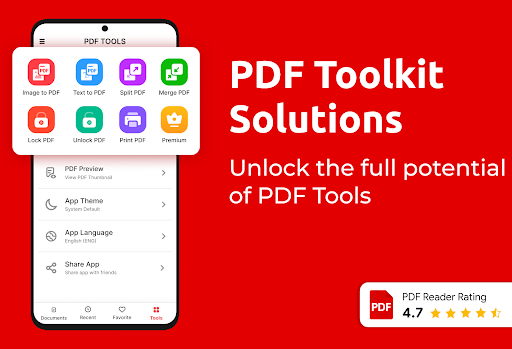
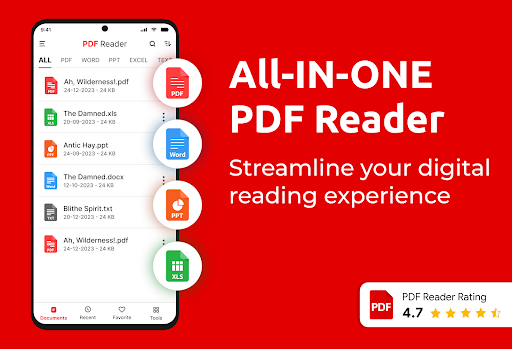
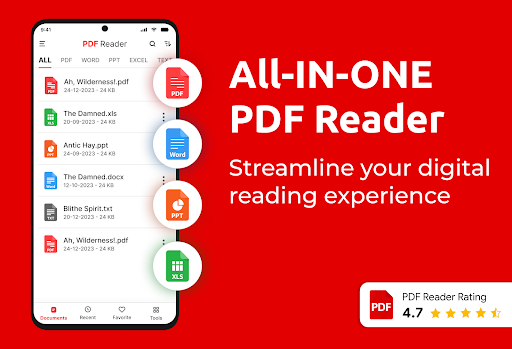
The PDF Reader App : Read All PDF is simply a very considerate little helper. It is specially designed for everyone. If you want to read PDF, it is easy to handle, and it is very easy to operate. Compatible with Android devices, the overall experience is still very smooth. There are many functions such as homepage navigation, quick search, file organization and so on. For those who need a multi-functional PDF reader, it is a reliable choice, and you can always find a place to use it.
Overview
core functions
- The interface of this app is particularly friendly and easy to use. Reading and managing PDFs has become super convenient and fast!
- It is also equipped with a powerful search function that allows you to easily find specific content or chapters in large files. It's so thoughtful.
- Support offline mode, so you can open PDFs at any time no matter where you are, without worrying about network problems.
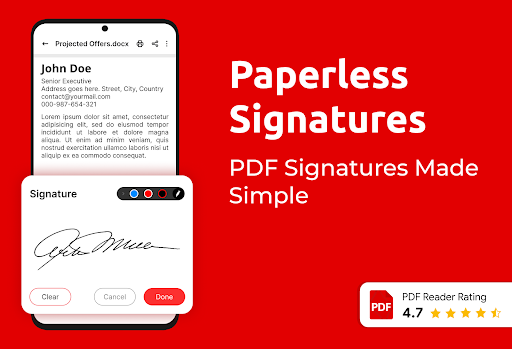
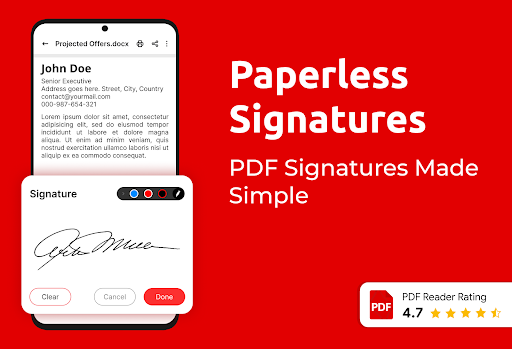
- There are various note-taking tools, such as highlighting, marking, and adding notes, to help you better manage and organize documents.
- You can also share PDFs directly from the app, using email or the cloud, making the operation simple and smooth.
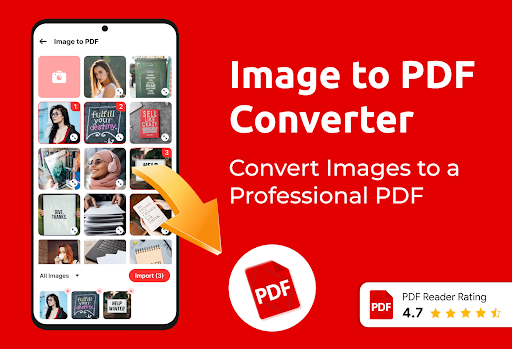
- Built-in scanning function makes it easy to turn physical paper materials into digital PDFs. It's really convenient!
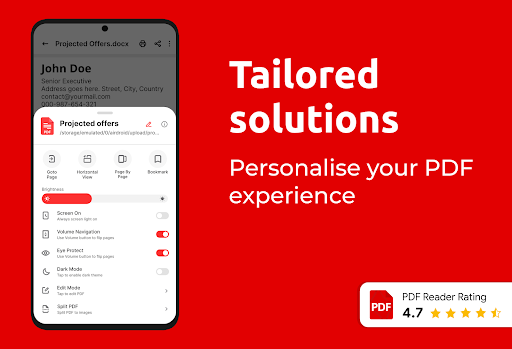
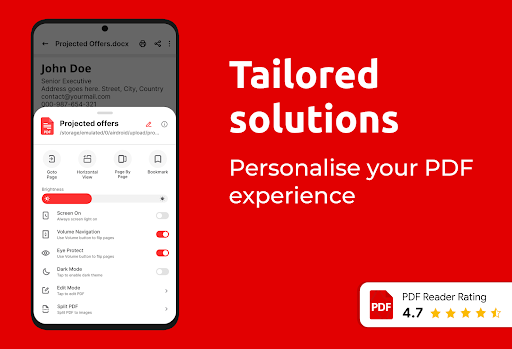
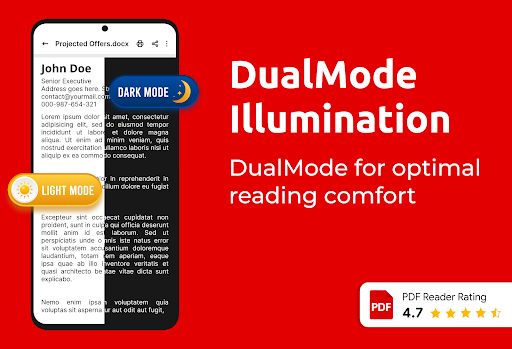
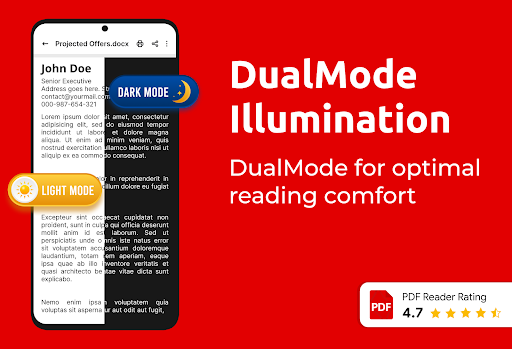
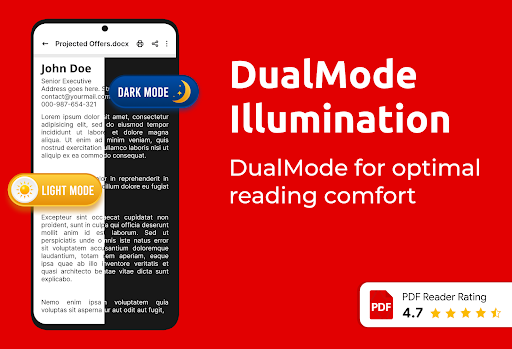
- It also supports Diablo mode, which makes your eyes feel uncomfortable when reading for a long time, and a small artifact to protect your eyesight.
Who is this app suitable for?
This mobile app is mainly designed for students, white-collar workers and those who often view or organize PDFs on Android devices. It is a reliable solution that can help you deal with various document processing troubles.
Whether it's reviewing reports, organizing papers, or marking contracts, this app provides an efficient and intuitive experience to meet a variety of needs.
Why choose this App
This Android app not only has an intuitive interface, but also integrates many powerful features, which can greatly improve your work efficiency. The smooth experience and rich PDF editing and reading tools make it stand out!
Choosing it means choosing a trustworthy partner who can help you with cumbersome tasks and make your daily document management much easier!
Top Recommended Alternative

Pros & Cons
Pros
-
intuitive user interface
-
Fast PDF rendering speeds
-
Multiple format support
-
annotation function
-
offline access
Cons
-
Limited editing capabilities
-
The search function is not strong enough
-
No cloud synchronization
-
Lack of personalization
-
Crashes occasionally, especially when opening large files
Advertisement
Download PDF Reader App: Read All PDF
FAQ
How do I install and set up the PDF Reader App : Read All PDF? +
It's actually quite easy to install this PDF reader on your mobile phone. Just go directly to the Google Play Store and install it. Once installed, just open the application and follow the prompts to adjust your preferences, which is quite convenient.
The installation process of this Android app is intuitive and first-time users can get started quickly. It will guide you through permissions and some basic settings, so that you can start viewing PDFs without worrying, and the experience is quite smooth.
Is the PDF Reader App : Read All PDF safe to use? +
Of course, this app was created by a careful developer who strictly abides by Google's security standards for Android apps. There are no viruses, Trojans or anything inside, so it is very safe to use.
Produced by a well-known development team, the privacy policy is transparent enough, data processing is quite safe, and it feels practical to use. Remember to download it from official channels, such as the Google Play Store, to ensure safety and security.
Can I use the PDF Reader App : Read All PDF offline? +
Of course! One of its biggest highlights is its support for offline reading of PDFs and opening files without using the Internet. It is especially convenient for people who often go out to do business and temporarily check information.
The design takes into account that users should manage PDFs efficiently, so once a file is opened, it will be stored locally. Regardless of whether there is a network or not, you can open it anytime, anywhere, without worrying about the network being ineffective.
What are the main app features of PDF Reader App : Read All PDF? +
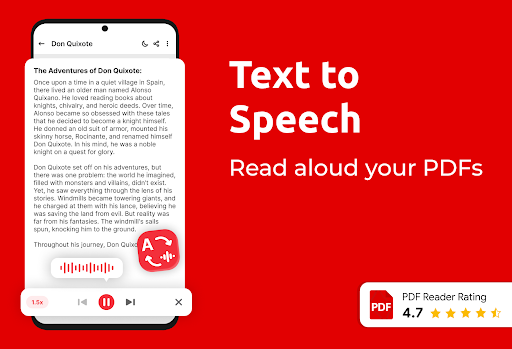
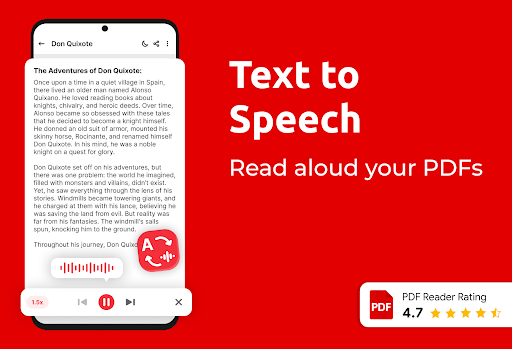
This Android app is quite rich, such as convenient PDF page turning, zoom in and out, text highlighting and so on. Supports multiple file formats, and the interface is fresh and concise. It is easy to use, and the experience is great!
It also includes functions such as search, annotation and one-click sharing, which is suitable for casual reading and can also be used to process professional documents. It is a very reliable tool.
How does this app improve my app experience with PDFs? +
This PDF reader: Read All PDF makes it smoother for you to use it through fast and stable performance and intuitive operation, especially when reading large-length documents, which greatly enhances the experience.
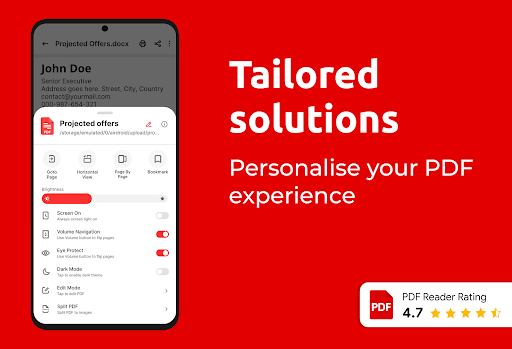
Built-in automatic rotation, night mode and one-click access to recent files ensure that you will be comfortable every time you use it. Whether it's just a casual look or use it at work, it can meet your needs and is very considerate.
Customer Reviews
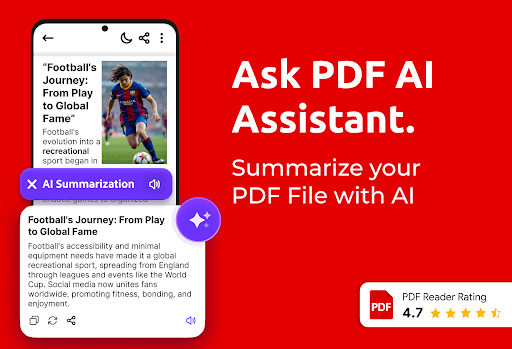
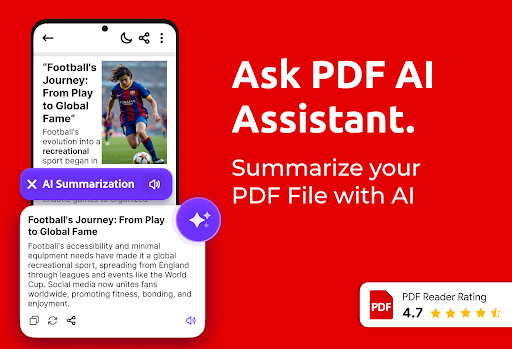
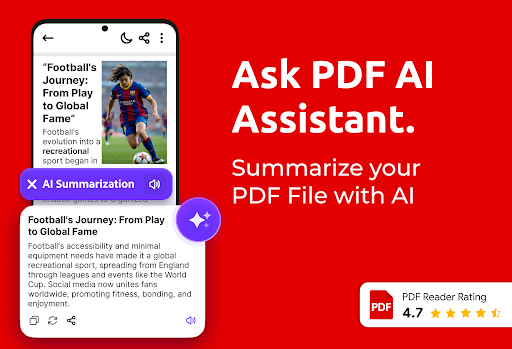
Users widely praise the app for its simplicity, smooth operation, and quick performance, with many calling it 'very good' and 'flawless' on devices like the Samsung S22. The AI reader and question-paper download feature are also appreciated. However, the main drawback is excessive and intrusive ads—some featuring inappropriate content—which cause delays when opening files and lead to uninstallation. While many find the app functional and easy to use, others report it hangs when integrated with other apps, cannot be closed without triggering ads, and automatically saves files without consent. Additionally, some users request folder organization, which is currently missing. Overall, the app meets basic PDF reading needs well but is marred by ad-related issues that significantly affect the experience for a subset of users.
Write a Review
Share your experience with PDF Reader App: Read All PDF. Submissions are reviewed before publishing.
You Might Also Like
More apps you may want to try next.




