Online chat, calls - Gem Space

Online chat, calls - Gem Space

Gem Space, the leading private messenger with chat, calls, communities, and content sharing. Secure, versatile, free for seamless communication.

Screenshots

17 images
Online chat, calls - Gem Space screenshot 1Online chat, calls - Gem Space screenshot 2Online chat, calls - Gem Space screenshot 3Online chat, calls - Gem Space screenshot 4Online chat, calls - Gem Space screenshot 5Online chat, calls - Gem Space screenshot 6Online chat, calls - Gem Space screenshot 7Online chat, calls - Gem Space screenshot 8Online chat, calls - Gem Space screenshot 9Online chat, calls - Gem Space screenshot 10Online chat, calls - Gem Space screenshot 11Online chat, calls - Gem Space screenshot 12Online chat, calls - Gem Space screenshot 13Online chat, calls - Gem Space screenshot 14Online chat, calls - Gem Space screenshot 15Online chat, calls - Gem Space screenshot 16Online chat, calls - Gem Space screenshot 17

About Online chat, calls - Gem Space

Online chat, calls - Gem Space is really a powerful communication artifact! It can help you easily handle text messages, voice calls, etc., and it feels quite smooth. As an Android app, the experience is quite good, the interface is very friendly and comfortable to use. Whether it's chatting with friends or communicating at work, it can help you get things done and keep in touch anytime and anywhere. It's quite convenient!

Overview

core functions

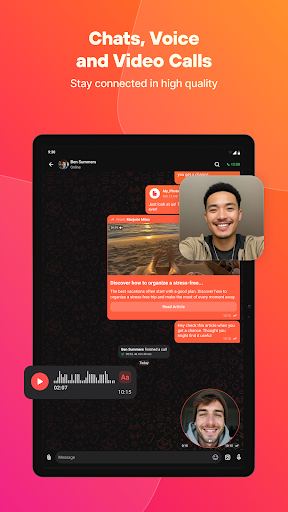
  • This software's instant chat is super smooth and also supports various media messages, making chatting more interesting.
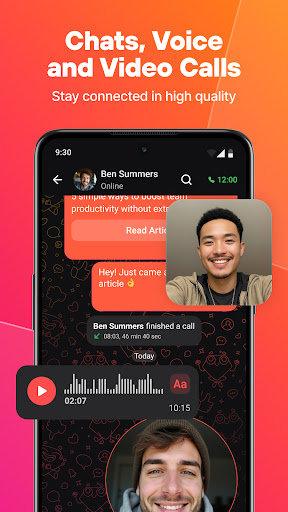
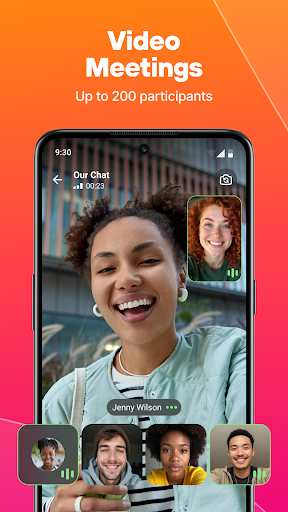
  • Real-time voice and video calls allow you to speak clearly no matter where you are, and the experience is much improved.
  • Offline mode allows you to view chat content and messages without using the Internet, making it especially suitable for use when you are away from home.
  • Customizable notifications will not let you be bombarded with information, and can also be adjusted according to your preferences, making the experience more intimate.
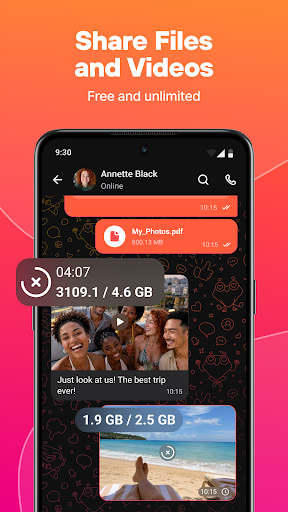
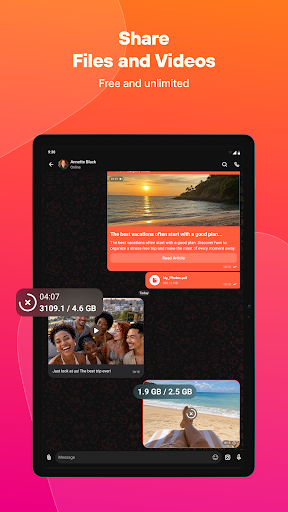
  • There are really many functions, including Group chats, file transfer, and support for multimedia content. It is basically an all-round communication assistant.
  • The interface is intuitive and easy to use, and whether you are a novice or a veteran, you can operate it smoothly.
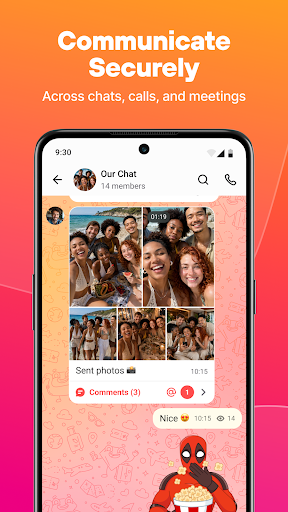
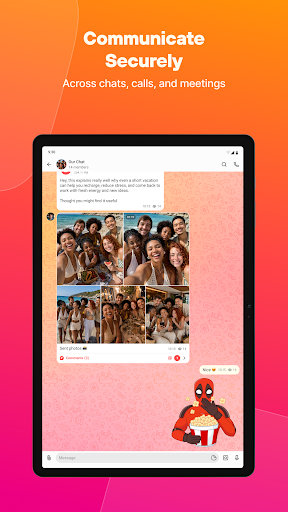
  • Security measures are in place to protect your data and chat history. It is a trustworthy software solution.

Who is this software suitable for?

This mobile phone software is especially suitable for friends over the age of 16 who want to find a reliable and feature-rich communication tool to use on Android phones. The App is particularly attractive to people who want to stay in touch with friends, family and even colleagues in an efficient and convenient way.

Whether you are a busy professional who needs a quick phone call, or a user who likes to send messages and share multimedia content, this Android app can meet your needs and be suitable for all occasions.

Why choose it?

This Android software is particularly great because it provides a fully functional, easy-to-use communication platform, and guarantees security. With it, communication becomes smoother and stress-free, and it can be easily handled whether it is personal or work.

The interface is friendly and the performance is stable, allowing users to efficiently solve various communication problems. It is basically one of the first choices when looking for an application that allows smooth messages and calls.

Pros & Cons

Pros

  • The video and audio during the call are quite clear and steady, and there will be no interruption in conversation and communication.
  • The interface is super easy to use and the navigation is intuitive
  • Making calls is fast and there is almost no delay
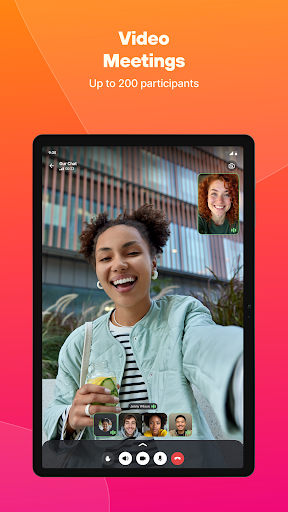
  • Supports various devices, such as mobile phones and tablets
  • You can also share screens, transfer files, etc., which is quite rich in functions.

Cons

  • When the Internet is bad, the video will occasionally get stuck, and the picture is unclear
  • There are few notification settings that can be selected and are not flexible
  • Some advanced features are available only for payment
  • The synchronization of offline messages and call records is unstable and sometimes delayed
  • Does not support non-English languages, preferring English

Download Online chat, calls - Gem Space

You are going to be redirected to the official website to finish the download when you click these buttons above.

FAQ

How do I login or sign up for the Online chat, calls - Gem Space app?+
Getting started with Gem Space's mobile application is actually quite easy. Open the application directly, then click the registration or login option, and follow the prompts to do it. You can register an account or log in with an existing account. This app is very secure and uses an encryption protocol to protect your personal information. After logging in, you can enjoy a smooth experience, and all functions are on call at any time!
Is the Online chat, calls - Gem Space app safe to use?+
Of course, Gem Space attaches great importance to user safety. It uses encryption technology to protect your chat content and personal information, making it more practical for you to use it. Remember to download it from official channels, such as the Google Play Store, to ensure that it is really safe and reliable, so as not to suddenly encounter fakes or viruses.
Can I use the Online chat, calls - Gem Space app on my Android device?+
Of course you can! This Gem Space is a mobile application specially designed for Android devices. It is very friendly to operate and has a pleasing interface. It is very smooth to use, whether it is chatting or making phone calls, it is very convenient. Whether you use a mobile phone or a tablet, it can help you complete all functions and communicate easily at any time. It's so sweet!
What are the main app features of Gem Space?+
Gem Space has many practical features that make communication simple and efficient. There are real-time chats, high-quality voice and video calls, Group chats, file transfers and so on. The whole experience is particularly intuitive and has a friendly interface. You can send messages or make calls. It is stable and reliable. It is very suitable for daily use and is almost an all-round helper!
Is the Gem Space app updated regularly and compatible with the latest Android versions?+
Yes! The development team often introduces updates to Gem Space to add new features, enhance security or fix a bug to ensure that it can keep up with the latest Android system versions and the experience is smoother. Keeping the application up to date will provide better performance and use the latest features to make communication more efficient and secure.
How secure is the app for private conversations?+
Gem Space protects your chats and calls with strong encryption to ensure that your privacy remains private. Security is one of its core, and there are various measures to prevent unknown people from accessing your information. Although you still have to be careful when sharing sensitive content, the environment provided by this app is absolutely safe and suitable for private communication between individuals and professionals.
Can Gem Space be used as a launcher app on Android devices?+
Although it is not a dedicated launcher application itself, it can be smoothly integrated into your existing launchers. It works well with your device, provides quick access to communication functions, and is natural to use. Many users find it convenient to integrate it into the Android application experience, without affecting the original device settings, and making communication easier and faster.
What should I do if I encounter problems installing or updating Gem Space?+
If you encounter problems with installation or update, first check whether your device is running the latest Android system and whether there is enough storage space. It is best to download it from the official website or official channel for security. If you still encounter difficulties, you can try clearing the application cache, restarting your device, or checking your network connection. This will generally solve the problem. Developers will also continue to update to bring a more stable and easy-to-use experience.

You Might Also Like

More apps you may want to try next.