
OnePlayer - HD Video Player
Advertisement
Screenshots
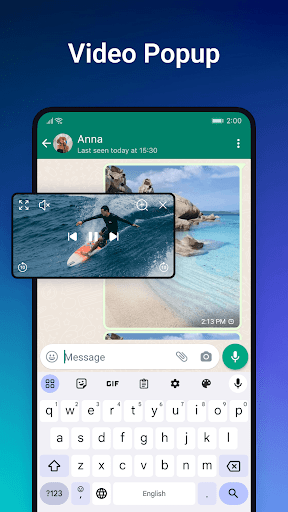
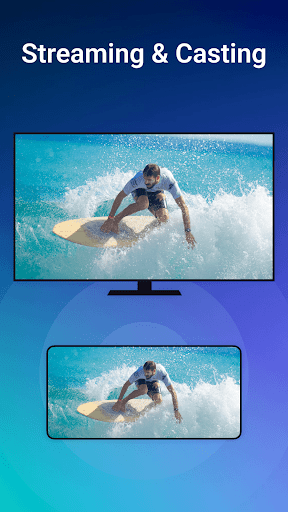
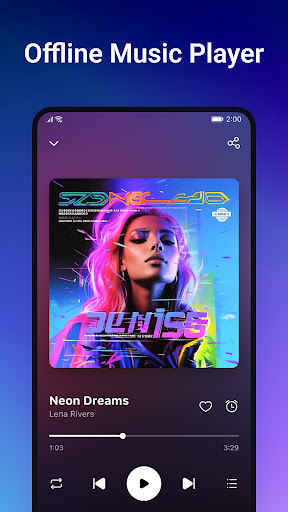
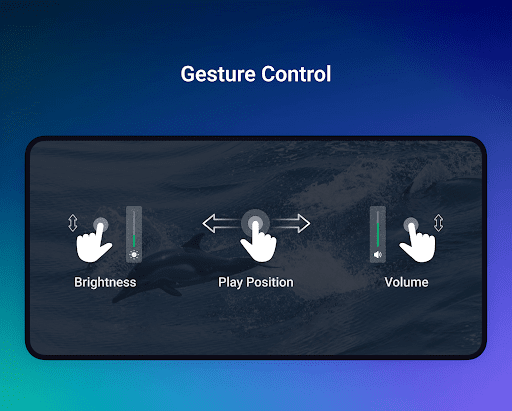
Advertisement
About OnePlayer - HD Video Player
OnePlayer - Video Downloader is a very practical mobile application, specially prepared for people who want to watch videos on Android devices. It feels quite convenient! It allows you to easily download videos from various platforms. It is a simple and efficient tool to help you save all your favorite videos. The interface is quite friendly and easy to use. In addition, the functions are very powerful. It is like opening a shortcut button. If you want to quickly download a video, you will be satisfied almost every time, and the experience is quite smooth.
Overview
core functions
- This application interface is quite simple. Users can use it at a glance. It can easily download videos from various platforms. It is really worry-free and fast.
- It also supports offline mode, so you can watch videos at any time when you are away from home, and you don't have to worry about unstable network.
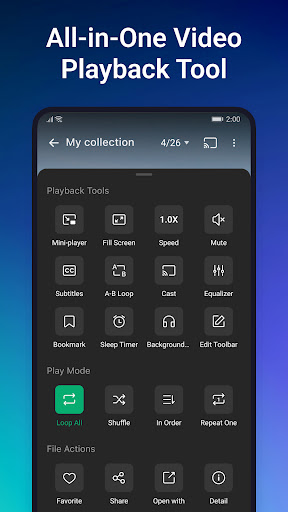
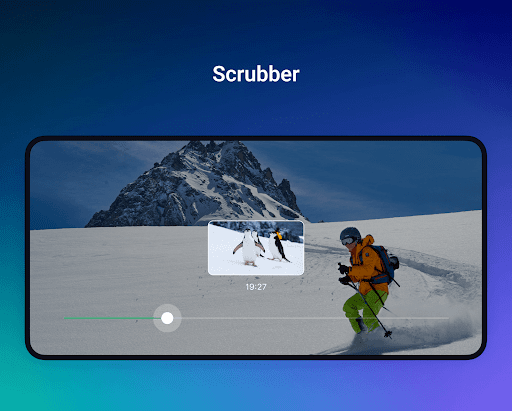
- The built-in media player plays smoothly and can adjust the brightness and volume, so you no longer have to worry about being uncomfortable watching videos.
- There is also a video conversion tool inside, which can directly change formats in the application. It is a very thoughtful design.
- Advanced download manager that supports pause, resume, and can also schedule downloads, so busy people don't have to worry about missing good videos.
- It will also push notifications to let you know as soon as possible that the download was successful or there was an update. It's a very considerate detail.
Who is suitable for this app?
This mobile app is especially suitable for video fans, students or professionals who want to get their favorite downloaded videos anytime, anywhere on their Android device.
Whether you need a gadget for offline entertainment or want to efficiently manage video content, this Android App can satisfy you and help you better enjoy the multimedia experience.
Why choose this App
This Android app brings a trustworthy and user-friendly experience, is powerful, and can help you download and play videos, which is simply too convenient.
Its intuitive interface and rich features are especially suitable for those who need reliable video management and entertainment experience. You will love it after using it!
Top Recommended Alternative
Pros & Cons
Pros
-
High-definition video downloads
-
Super easy interface
-
Download speed is fast
-
Support multi-platform use
-
Comes with video conversion function
Cons
-
The free version has limited functions
-
Occasionally downloads fail
-
Free version advertising
-
Poor support for old equipment
-
No video preview function
Advertisement
Download OnePlayer - HD Video Player
FAQ
Is OnePlayer - Video Downloader safe to use on my device? +
Of course, OnePlayer-Video Downloader is designed quite carefully, taking into account user security issues. It follows regular security protocols to ensure that your device and personal information do not go wrong while using the software. Remember, downloading from reliable channels, such as Google Play, gives you more peace of mind.
Using well-known Android apps like OnePlayer can help you avoid many potential security risks.Developers are also very concerned about security and update frequently to enhance their ability to resist vulnerabilities. After all, this is a reliable solution to manage your video and multimedia needs, easy to use and secure.
How do I install and set up OnePlayer - Video Downloader? +
Downloading and installing this app is actually very simple, you just need to go to Google Play and search it. Basically, it runs smoothly on most Android phones. After installation, open it and follow the guidance a few steps to get basic settings, such as permissions and preferences.
Thefunctions of this app are designed to be very user-friendly, easy to operate, and can help you start downloading videos quickly. Whether you are a novice or a veteran, OnePlayer can bring a smooth experience with almost no difficulty.
Can I use OnePlayer - Video Downloader on iOS devices? +
Currently, this OnePlayer - Video Downloader is only available on the Android platform and can be found on Google Play, but there is no Apple version yet. If you use an iPhone or iPad, you may want to look at other alternatives.
However, this app is rich in features and is specially tailored for Android users to meet most video download and media playback needs. An iOS version may be released in the future, so don't give up hope in a hurry, just pay attention to the official news.
What features does OnePlayer - Video Downloader offer? +
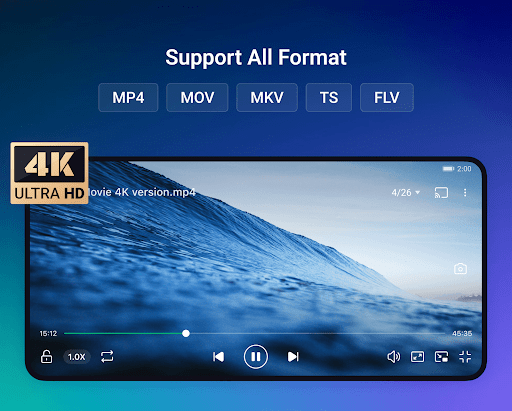
The highlight of this mobile phone software is its many functions! You can download videos, play media, manage video files, support multiple video formats, and save videos directly to your device to enjoy offline at any time.
Italso doubles as a launcher, allowing you to quickly access your favorite videos and media files. The interface is designed quite intuitive and easy to use. Whether you are a casual user or a media enthusiast, you can use it quite easily.
How does OnePlayer - Video Downloader improve my media experience? +
With OnePlayer, your media management will become super smooth and easier to operate. Fast download speed, orderly file organization, and support high-definition video playback, giving you complete control over your media library.
Thedesign of this application is very considerate, whether it is viewing content on the device or downloading videos offline, it is a very convenient choice. In this way, watching videos will have fewer worries, and the experience will be smoother. It feels great!
Is OnePlayer - Video Downloader suitable for all Android versions? +
That's right, OnePlayer is basically suitable for most Android versions and is a reliable choice. It is recommended that you keep your software and system updated to the latest version so that it can be used smoother.
Itsdevelopers will regularly push updates to ensure software compatibility and add new features to make you happier and more secure.
Can I trust the privacy and permissions required by OnePlayer? +
The development team is also very concerned about privacy issues. They will only request necessary permissions, such as storage and media management, and will not misuse or share your data without authorization. Before installing, remember to check the permissions settings and you can feel at ease.
Choosinga reputable launcher software like OnePlayer means you are using an application that values your trust and security. Frequent updates and transparent operations give you more confidence and reliability when managing videos and multimedia files!
What should I do if I encounter issues or bugs with OnePlayer? +
If you encounter problems, first make sure that your device meets the basic requirements of the app and whether the software version is up to date. Developers often release updates that fix bugs and improve stability. After the updates, the experience will definitely be better!
Ifthe problem persists, try contacting support in the comments or official official website to reflect your situation. It is also very important to keep the software of the device so as to ensure that there are no jams or problems during use.
Customer Reviews
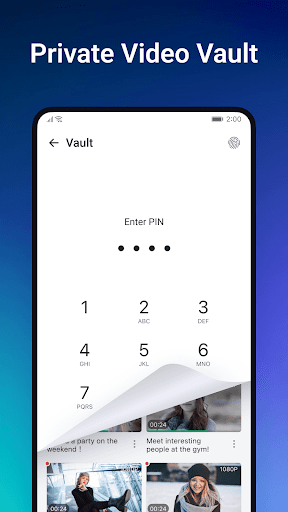
Users generally praise OnePlayer for its clean interface, broad format support, fast performance, and secure features like fingerprint/PIN protection. Many find it excellent for video playback and downloading from various apps. However, the latest update has sparked significant controversy: while some users still enjoy a smooth experience, many paid for ad-free versions and specific features (such as in-app downloading and search) which were subsequently removed. These users now consider the app useless, demand refunds, and express deep disappointment. Additionally, a few report excessive ads and failed downloads. In short, the app offers strong core functionality but has frustrated loyal paying users due to sudden feature removals.
Write a Review
Share your experience with OnePlayer - HD Video Player. Submissions are reviewed before publishing.
You Might Also Like
More apps you may want to try next.




