
Obsidian
Advertisement
Screenshots


Advertisement
About Obsidian
Overview
core feature
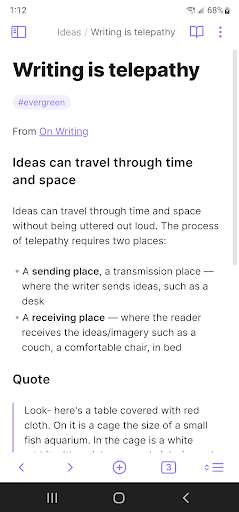
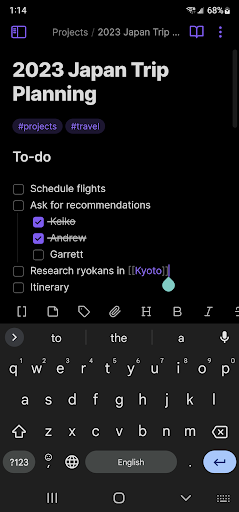
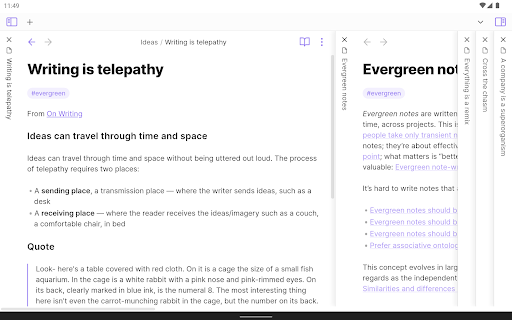
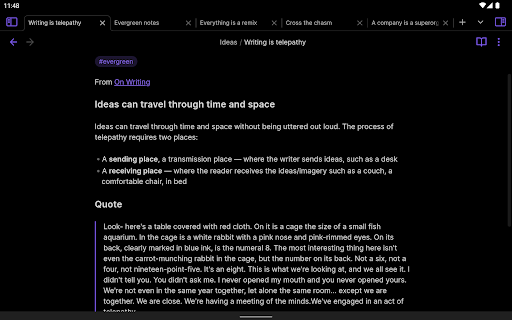
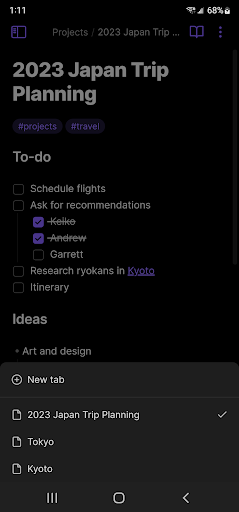
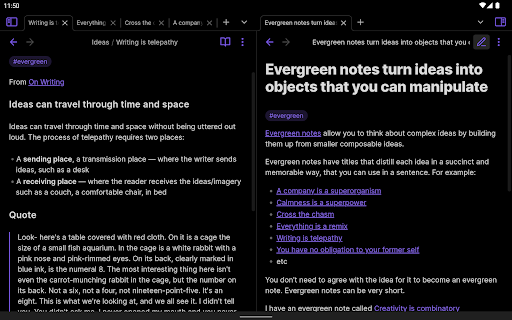
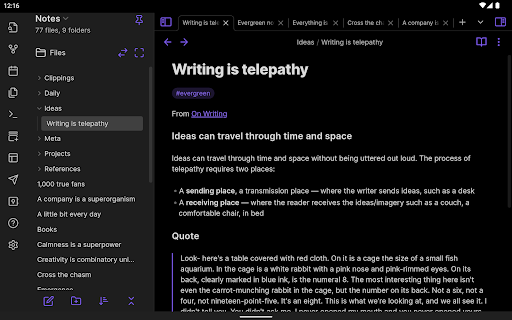
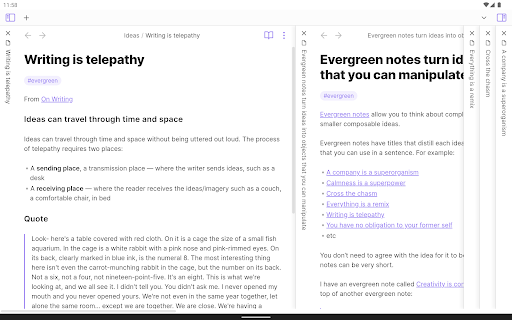
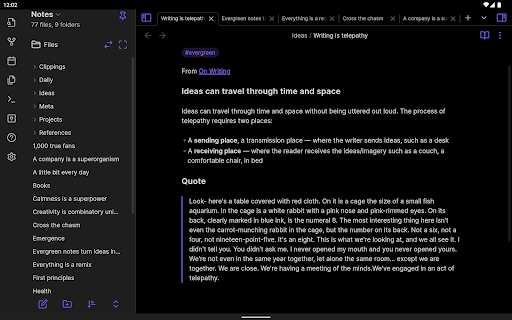
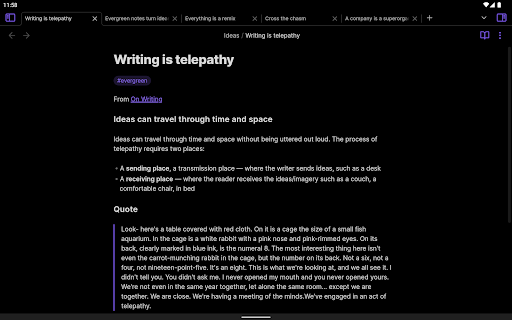
- This app has a great markdown editor that synchronizes seamlessly between devices, making it smoother and more enjoyable!
- Real-time synchronization ensures that notes and data are updated instantly, and you can work efficiently while away from home. It's so considerate!
- Offline mode allows you to check and edit notes without using the Internet. Whether it's a business trip or traveling, it's quite suitable!
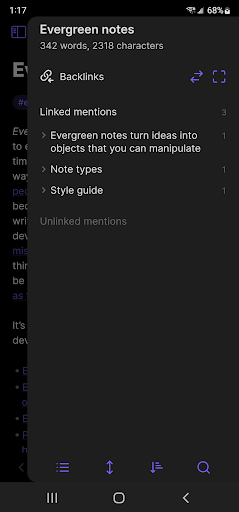
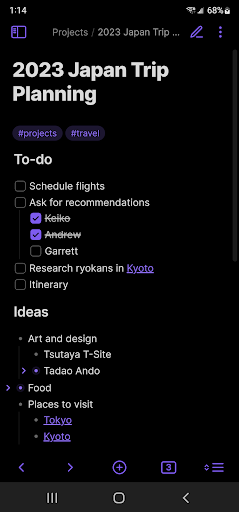
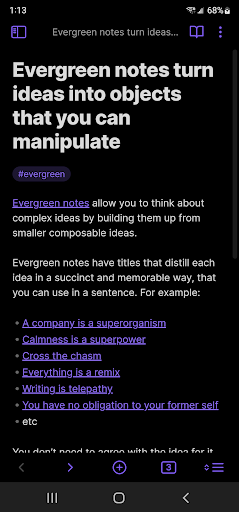
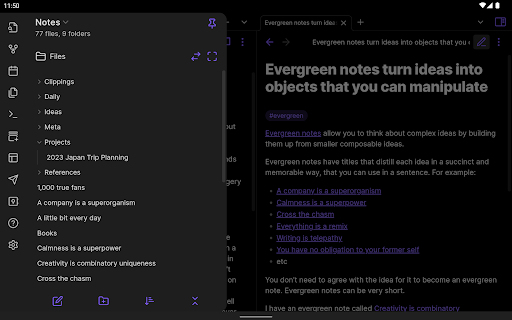
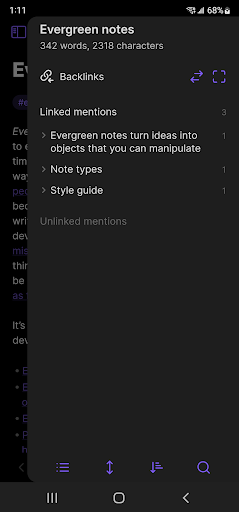
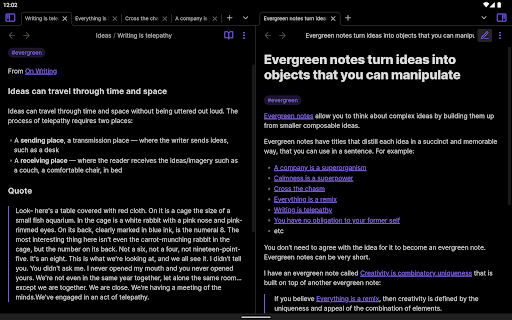
- You can also customize tags and establish reverse links, which is super convenient and efficient to organize content!
- Advanced search function helps you quickly find the notes and information you need based on keywords, saving time and effort!
- Integrate cloud services to ensure backup security, make your data more reliable and use it with confidence!
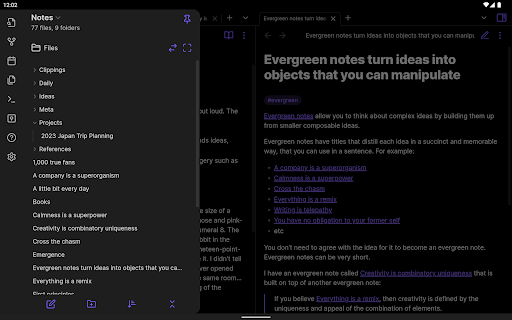
- This launcher interface is clean and simple, easy to operate, and the overall experience is relaxed and pleasant!
Who is suitable for using this software?
This mobile app is specially designed for students, writers and professionals who need to take notes smoothly. Its user interface is very intuitive and cross-device operation is smooth. It's a good news for lazy people!
Whether you are working on a personal project or working as a team, this software can help you organize it in an orderly manner. It is very reliable and improves efficiency so easy!
Why choose this app?
Its highlight is its powerful yet friendly interface. It is particularly smooth to use and the experience is awesome. Real-time synchronization and offline access design make it impossible for you to stop using it when you pursue reliability!
Considering reliability and ease of use, this software is a great alternative to other productivity tools, ensuring that your notes are always within reach, organized in good order, and super safe!
Top Recommended Alternative

Pros & Cons
Pros
-
There are so many plug-ins that you can customize at will
-
Based on Markdown notes and back chain, it is very convenient
-
Active community and rich plug-ins
-
Local storage for privacy protection
-
Cross-platform (Windows, macOS, Linux, all available on mobile phones)
Cons
-
It's hard for a novice to get started.
-
The operation of the large warehouse is a little stuck
-
Collaboration features are not rich enough
-
The interface on the mobile phone is a bit unintuitive
-
Many advanced functions rely on plug-ins
Advertisement
Download Obsidian
FAQ
How do I log into Obsidian on my mobile device? +
Logging in to Obsidian on your mobile phone is actually quite easy. Just open the app, click the login option, and enter your account information. This process ensures that your experience starts smoothly!
Obsidianis a super popular note taking and knowledge management application that syncs your data to various devices, allowing you to switch seamlessly. It feels like solving all productivity problems with one perfect application. Remember to keep the network stable so that the experience will be smoother!
Is Obsidian available for Android devices? +
Of course, Obsidian also has an official app on the Android platform, which makes it much more convenient for friends who like to use their mobile phones to do things. Its various functions have been optimized to ensure responsiveness and ease of operation on Android devices.
ThisAndroid version of the app comes with many practical features, such as links between notes, personalized settings, etc., which can greatly improve your efficiency. As a reliable launcher application, it can also smoothly integrate other tools, and you can access your notes offline, which is really convenient!
Can I customize Obsidian with different themes or plugins? +
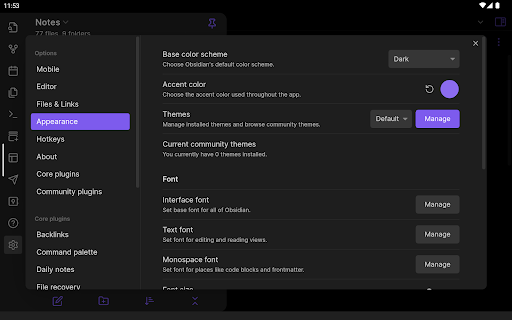
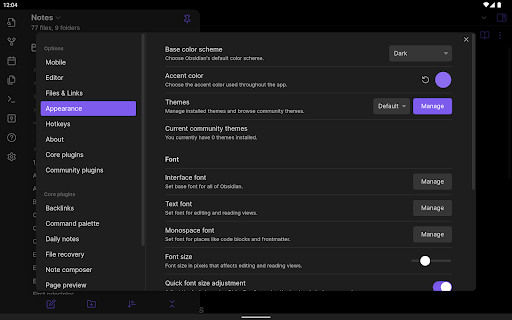
Of course, one of Obsidian's greatest charms is that it can handle various themes and plug-ins on its own, which is super flexible! You can create your own proprietary tools based on your habits and needs, and you can hold them both in your private knowledge base and professional projects.
Byadding plug-ins and switching themes, the experience becomes more personalized and enhances functionality and aesthetics. Many users like the feeling of being able to adjust as they please, and feel that it is easier and more considerate to use!
Is Obsidian safe to use on my mobile device? +
Using Obsidian on your mobile phone is actually quite reliable. It pays great attention to safety! All your data is stored locally. Unless you want to sync to the cloud or other third-party services, the information is in your own control and you can use it with confidence.
Formore peace of mind, remember to keep apps updated and take some basic security measures. This way, whether on Android or other platforms, you can enjoy a safe and trustworthy note-taking experience, and you will never be disappointed!
What are some key app features that make Obsidian stand out? +
Obsidian has a lot of awesome features, such as backlinking, Markdown support, and the ultra-flexible graph view, which can help you string ideas together and turn them into a very powerful knowledge management tool.
Itcan also serve as a launcher app specifically designed for taking notes and creativity, making it ideal for users who like to have everything in their own hands. The design focuses on improving productivity and creativity, and is especially suitable for friends who like a personalized and customized environment.
Customer Reviews
Obsidian is widely praised as a highly versatile and powerful note-taking app that offers near-unlimited potential through community plugins, local file storage, and a clean interface—all completely free with no premium upsell. Users consistently appreciate its ability to adapt to personal workflows, making it a top productivity tool. Key dimensions: "Flexibility & Local Storage" – praised for storing notes as plain .md files, ensuring portability and full data control. "Learning Curve" – many users note a steep learning curve, especially for non-tech-savvy individuals, but agree the effort is rewarding. Some find it confusing initially yet impressive once mastered. "Performance & Bugs" – while generally fast and reliable, recent updates have caused slowdowns and specific bugs (e.g., copy-paste failure, app freezing after long-press, unresponsive UI on certain Android versions). "Sync & File Access" – positive: local control and third-party sync options exist; negative: official sync requires a subscription, and some users dislike the requirement for full file system access, raising privacy concerns. "Markdown & Formatting" – some report issues with bold formatting and mathematical symbol support. Overall, the app is considered best-in-class despite its flaws, with a strong recommendation from long-term users.
Write a Review
Share your experience with Obsidian. Submissions are reviewed before publishing.
You Might Also Like
More apps you may want to try next.




