OBDocker - OBD2 Car Scanner
Advertisement
Screenshots
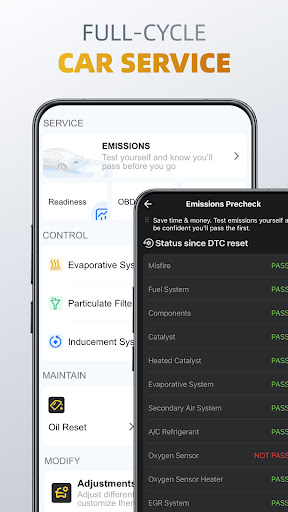
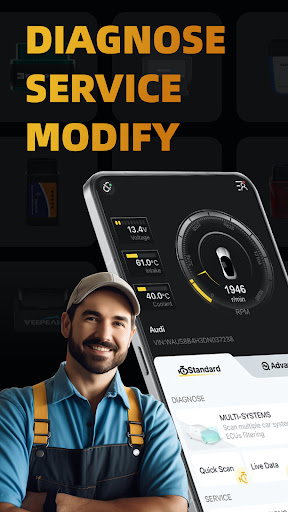
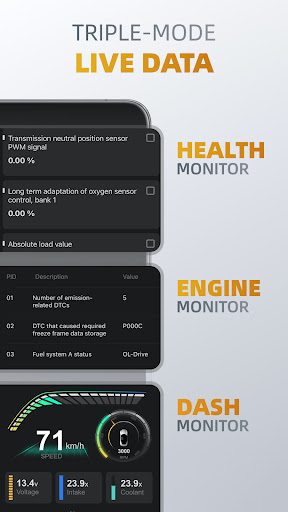
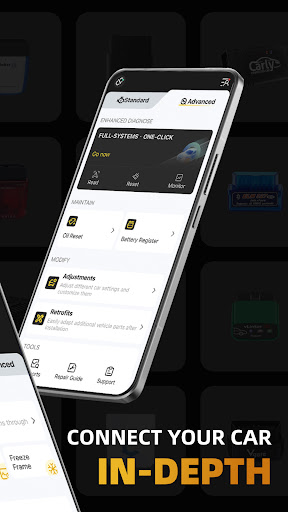
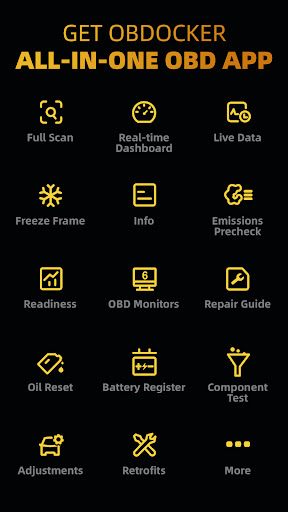
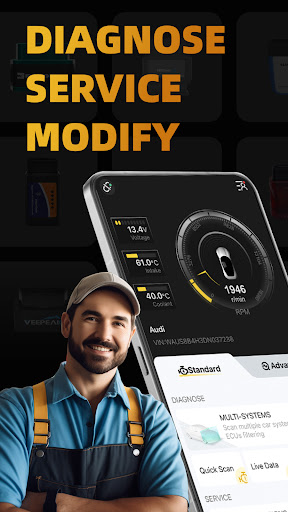
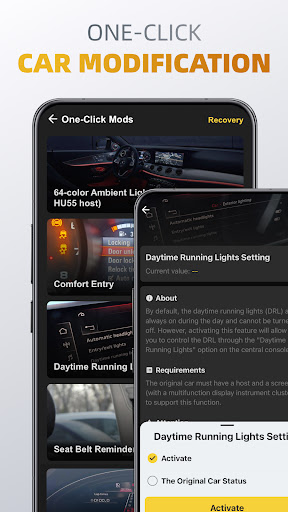
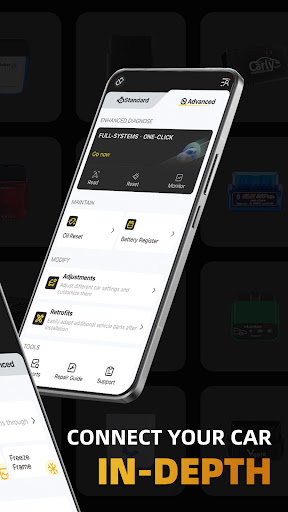
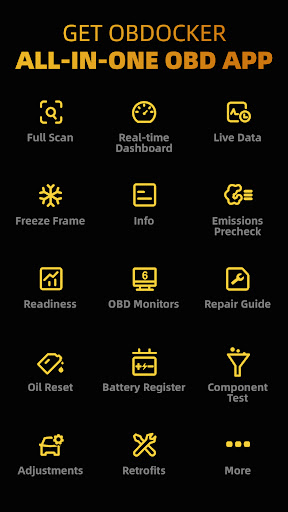
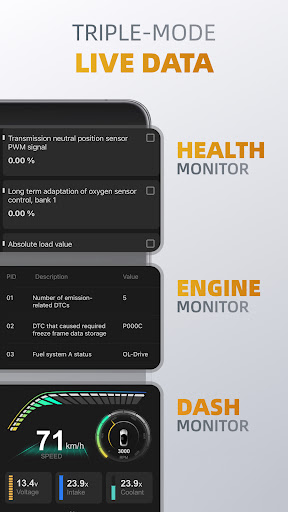
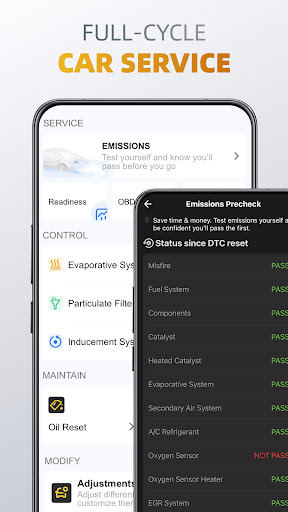
Advertisement
About OBDocker - OBD2 Car Scanner
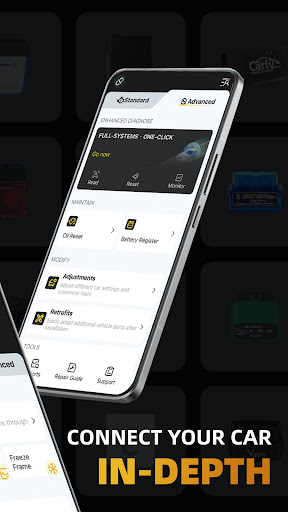
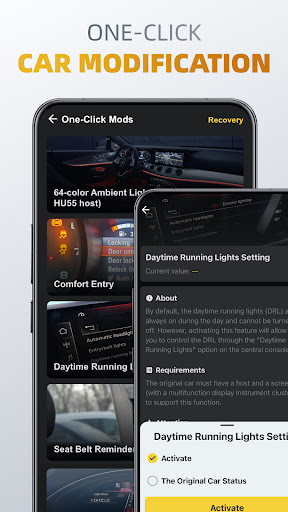
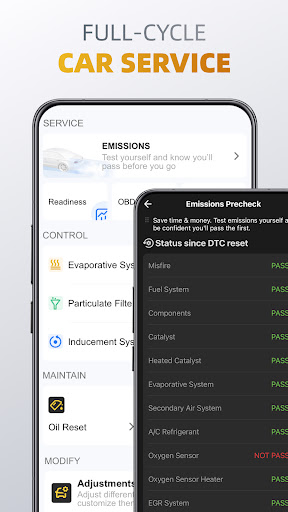
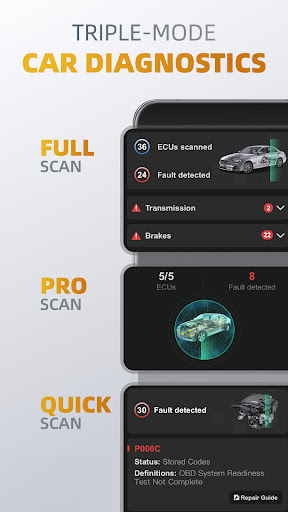
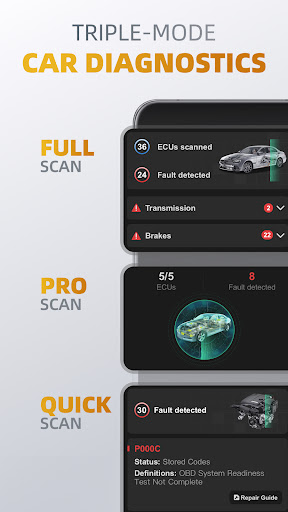
OBDocker-OBD 2 Car Scanner is a very reliable mobile phone application, especially suitable for those who like cars or car owners who use it to check for car problems. This app can be used on Android phones and has quite comprehensive functions. It can help you monitor the status of the car in real time, analyze data, etc. It feels very considerate, easy to operate, and very user-friendly. As an application-based solution, it makes diagnosis much easier, does not bother for a long time as before, and can also help you figure out the health status of your car, which is quite practical.
Overview
core functions
- The interface is intuitive and can help you easily detect vehicle faults. The scan report is detailed and clear, so it can be understood at a glance.
- It supports many OBD2 protocols and is compatible with almost most models on the market. It is particularly convenient to use.
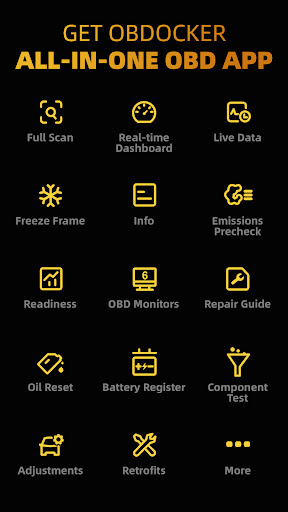
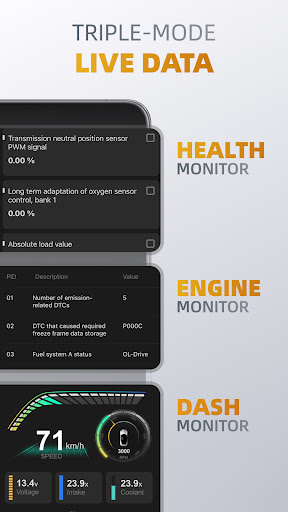
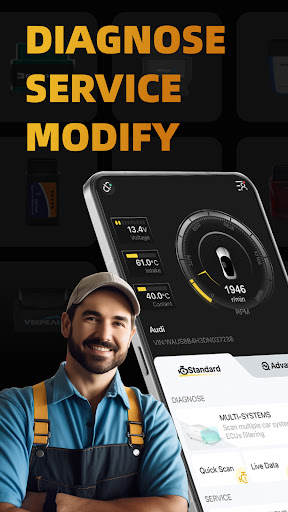
- Display engine parameters in real time, allowing you to keep track of the vehicle status at any time and no longer be confused.
- Advanced functions include reading and clearing fault codes, real-time sensor data, and more comprehensive diagnosis.
- Bluetooth or Wi-Fi connection is smooth and reliable, making it easy to use.
- It can also be used offline mode, so even if there is no network, diagnosis can still be completed.
- The launcher app is specially designed for quickly checking the condition of the car. When you open it, you can immediately know the health of your car.
Who is this App suitable for?
This mobile App is very suitable for car owners, DIY enthusiasts who do their own repairs, or professional repairmen who want to diagnose vehicles at any time on Android devices.
Whether it's checking engine warning lights or daily maintenance, relying on this software can be one step faster, easily get the car healthy, and feel full of experience.
Why choose this App
The highlights of this Android app are that it has comprehensive functions, simple operation, and stable connections, which make you like it as soon as you use it. Vehicle diagnosis becomes particularly simple and reliable.
Adopting the design concept of automotive technology experts to ensure accurate results and safe operation is the best choice for finding a reliable vehicle health monitoring tool.
Top Recommended Alternative

Pros & Cons
Pros
- Comprehensive vehicle diagnostic capabilities
- Super friendly interface
- Support multiple vehicle models
- real-time data monitoring
- affordable
Cons
- Professional diagnostic functions are not deep enough
- Occasionally I can't connect to the device
- Data updates can be a little slow sometimes
- Incomplete support for models in some regions
- Relying on a stable mobile phone connection
Advertisement
Download OBDocker - OBD2 Car Scanner


FAQ
OBDocker -Is the OBD2 car scanner safe to use on my car?+
How can I set up this app on my Android device?+
Can I use OBDocker on different brands and models of cars?+
Will there be security issues with this Auto & Vehicles app?+
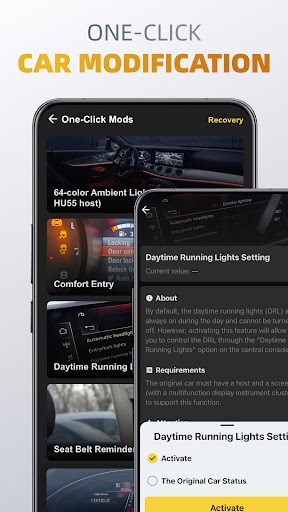
What else can this launcher app do besides basic diagnosis?+
Customer Reviews
Users widely praise OBDocker as a comprehensive diagnostics tool with real-time data monitoring, intuitive interface, and excellent assistance for both car enthusiasts and professionals. It effectively clears trouble codes and works reliably with WiFi scanners. However, key concerns emerge: the app demands payment for basic features like viewing trouble codes, with subscriptions starting at $17/month; many criticize the forced location permission as unnecessary; repeated reports of black screen on connection, inability to connect, and even claims that the app can damage scanners. While some find it 'best by far', others label it a 'waste of time' due to paywalls. Performance is debated—some say 'fast and simple', others report it malfunctions. Subscription cancellation support is also cited as poor. Overall, a powerful tool for those willing to pay, but a frustrating experience for free users seeking basic functionality.
Write a Review
Share your experience with OBDocker - OBD2 Car Scanner. Submissions are reviewed before publishing.
You Might Also Like
More apps you may want to try next.