OBD JScan

OBD JScan

OBD JScan, the latest Jeep diagnostic app, for comprehensive vehicle control and fault code reading. Free now for Android & iOS!

Screenshots

9 images
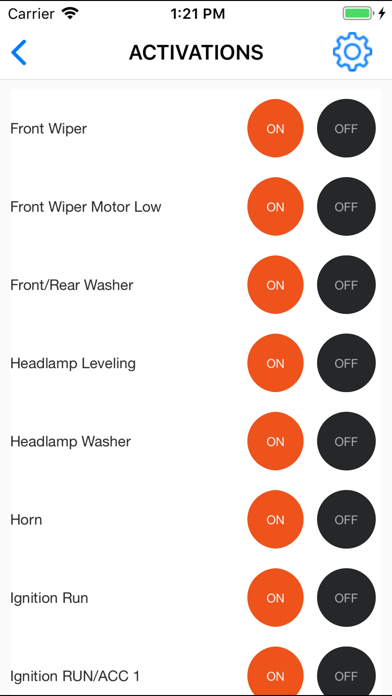
OBD JScan screenshot 1OBD JScan screenshot 2OBD JScan screenshot 3OBD JScan screenshot 4OBD JScan screenshot 5OBD JScan screenshot 6OBD JScan screenshot 7OBD JScan screenshot 8OBD JScan screenshot 9

About OBD JScan

OBD JScan is a car and vehicle application that can be easily used by motorists and professionals. It is actually a very reliable mobile phone software. It can help you easily diagnose and troubleshoot car problems with your Android device, and its functions are quite comprehensive. The interface is designed quite intuitive and the operation is smooth, making it simple and efficient for you to maintain your car. Especially for those who want to use the app to diagnose the vehicle. It is really a good choice.

Overview

core functions

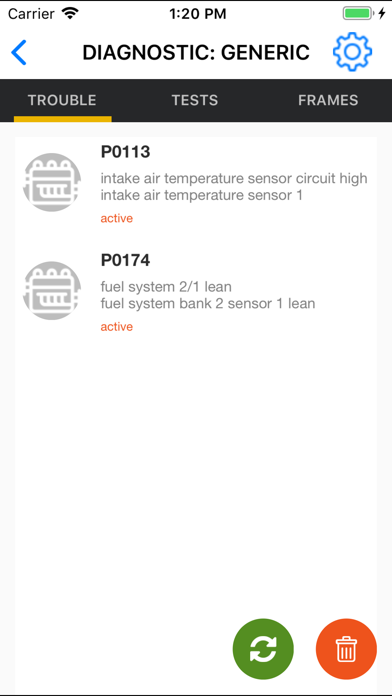
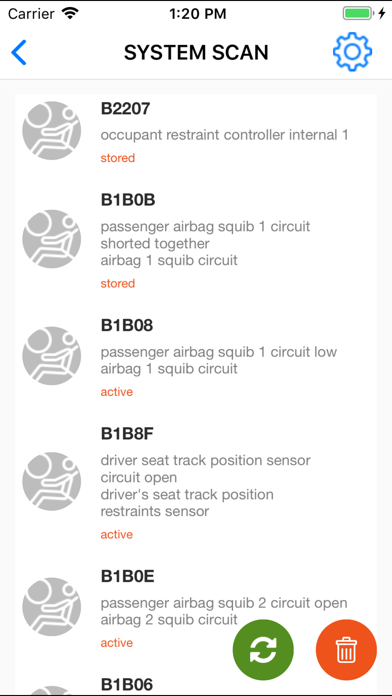
  • This app has a very comprehensive diagnostic function, allowing users to easily read and clear vehicle fault codes. It's so thoughtful!
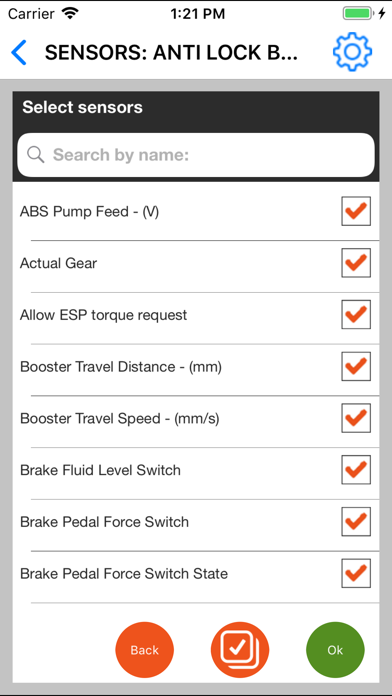
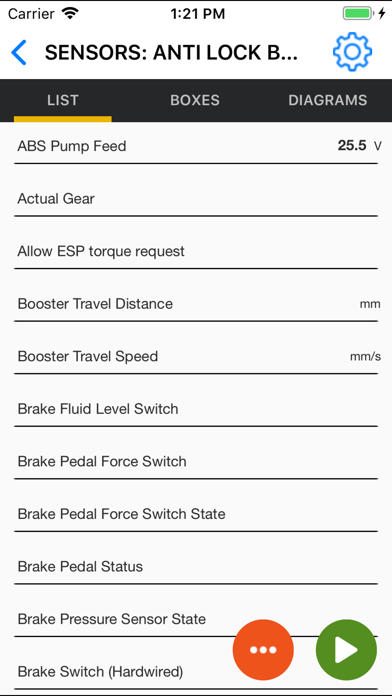
  • Real-time data monitoring allows you to immediately understand engine performance and sensor status, feeling like having a little assistant around you.
  • The interface is designed to be particularly intuitive, so that whether you are a novice or an old driver, you can use it smoothly without any obstacles.
  • Supports Bluetooth connection, connecting the OBDII interface on the car is fast and convenient, and can be completed in a few seconds.
  • Advanced charting tools help you analyze the changing trends of vehicle data, so maintenance is reasonable!
  • Offline mode allows you to view previously saved test reports and data, even if there is no signal, you will not be afraid.
  • You can also set up personalized reminders, and you will be notified as soon as possible if something happens to the vehicle. How considerate!

Who is this app suitable for?

This mobile app is especially suitable for people who love cars, experts in car repair shops, or ordinary car owners who drive around every day. Friends who want to easily control the condition of their car must not miss it! It is suitable for users who are familiar with Android application functions and want to find a reliable vehicle inspection tool.

Whether you are a DIY expert who repairs cars yourself or a team manager, this app can help you diagnose problems at any time, save a lot of money on repairing cars, and keep the car running smoothly. The operation is particularly considerate, which is really considered. Various scenarios!

Why choose this app

This Android app provides a very reliable and intuitive vehicle diagnosis solution with rich functions and a simple and easy-to-use interface. Its advantages are accurate data and real-time information, making maintenance easy and enjoyable.

This app is particularly convenient and efficient to use, and can help you solve vehicle problems in a timely manner. It is much better than those solutions with single functions or cumbersome operations. Let you use it smoothly and feel that it is worth the money!

Top Recommended Alternative

Pros & Cons

Pros

  • friendly user interface
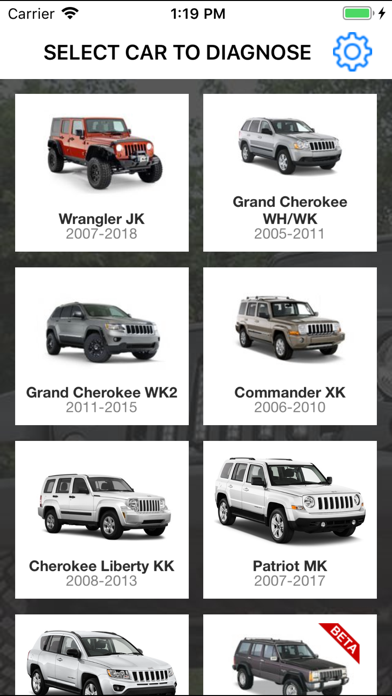
  • Support multiple vehicle models
  • Rich diagnostic functions
  • customizable settings
  • affordable

Cons

  • Function is a bit limited
  • Occasionally the connection will be disconnected
  • Limited data logging capabilities
  • Vehicle support is imperfect
  • Need some basic technical knowledge

Download OBD JScan

You are going to be redirected to the official website to finish the download when you click these buttons above.

FAQ

Is OBD JScan easy to set up and use on my mobile device?+
Well, OBD JScan is designed to be quite friendly, so that you can easily set up on your phone. The app has simple and clear guidelines and tips to help you get started with everything. Once installed, the interface is quite intuitive. You can quickly connect to the car's OBD-II interface and start diagnosis immediately. It's easy to use. Whether you're a novice or not, the design takes into account, allowing you to get the information you want without having to bother.
Does OBD JScan support both Android and iOS devices?+
Of course, OBD JScan is available on both Android and Apple platforms. Whether you use an Android phone or an Apple device, you can use this APP to easily monitor and troubleshoot your car problems. This app is optimized for different platforms and operates smoothly, ensuring that you can enjoy the same functions and simple navigation experience on different devices.
What are the main app features of OBD JScan?+
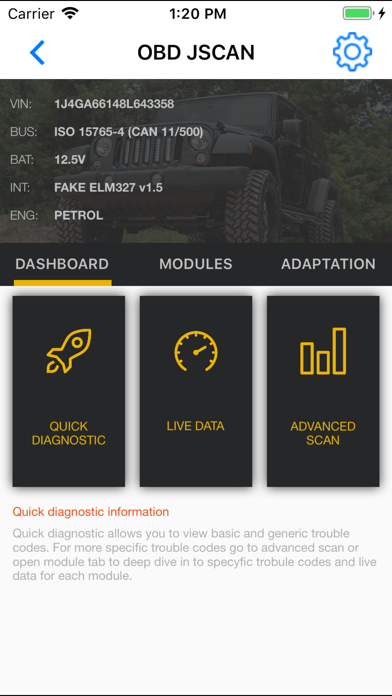
OBD JScan is quite rich in functions. It allows you to read and clear fault codes, view real-time sensor data, and do some advanced tests, such as emission status. It also supports custom dashboards and data logging, which is useful for car fans and professionals. It only takes a few touches to let you understand the condition of your car in great detail.
Is OBD JScan safe to use with my vehicle?+
Don't worry about using it, OBD JScan is quite safe as long as you follow the instructions. It communicates with your car's computer through the OBD-II port, which is standard and will not mess with your car's electronic systems. Reading the data will not affect the normal operation of the vehicle, so this tool is quite reliable and can be used to diagnose the vehicle with peace of mind.
Can I use OBD JScan as a launcher app for my vehicle diagnostics?+
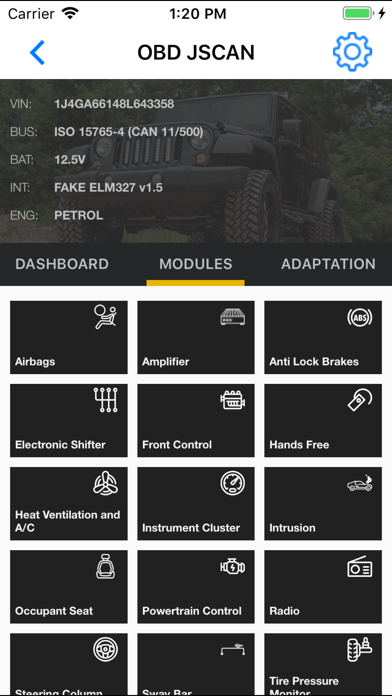
Although OBD JScan is mainly a diagnostic tool, it can also be regarded as a starter because you can quickly access various functions. It is quite convenient to use it to check real-time data and manage vehicle inspections. Its interface is very considerate, allowing you to switch between different diagnostic functions smoothly. The overall experience is good, and it is especially suitable for daily maintenance and troubleshooting.
Is OBD JScan compatible with all vehicle models?+
Most models equipped with OBD-II interface can use OBD JScan. After all, this standard is quite common, especially for cars after 1996. However, different brands and models may be slightly different, and the effects may not always be the same. It is recommended to confirm whether your car is compatible with this app. Overall, the range of models supported by this plan is quite wide.
Do I need any special equipment to use OBD JScan?+
To use OBD JScan, you need to prepare an OBD-II Bluetooth or Wi-Fi adapter and plug it into the OBD-II interface in your car. This thing is like a bridge, connecting your car to your mobile phone. Once connected, you can use the APP on your mobile phone to easily diagnose and check the vehicle's health, whether it is an Android or iOS device. If you have this adapter, the operation will be much more convenient.
How secure is my data when using OBD JScan?+
This app values the security of your data. It will not share your personal information casually and will not disclose it without your permission. All communications use a secure connection to ensure that your diagnostic information is private and not leaked. Use it with confidence. It is definitely a trustworthy tool to help you properly manage vehicle information.

You Might Also Like

More apps you may want to try next.