

Notes, Notepad, To-Do Launcher
Advertisement
Screenshots
Advertisement
About Notes, Notepad, To-Do Launcher
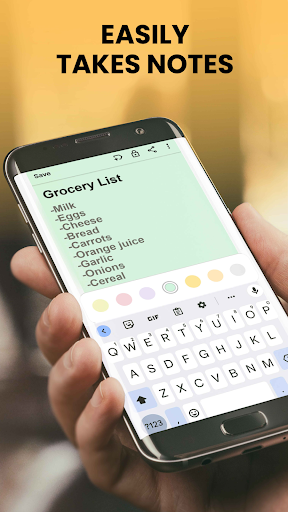
Notes Launcher: Notepad and to-do items are quite practical. They are a multi-functional application on Android that improves efficiency. It is designed sensitively and simple to operate, allowing you to easily handle notes and to-do items, and organize important notes and reminders in an orderly manner. Whether it's for personal use or work arrangements, this software can help you with it. The whole use process is smooth and comfortable. Put your thoughts and tasks in a convenient location and manage them without worry.
Overview
core functions
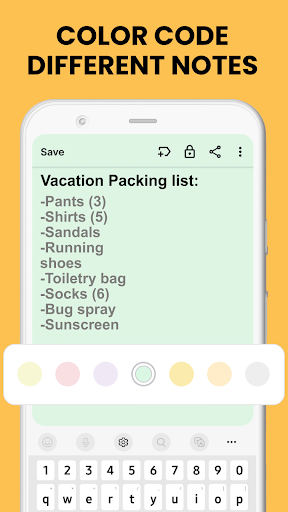
- This application interface is clean and easy to use. It is so easy to write notes and organize things, and there is no pressure at all.
- Support real-time synchronization, no matter which device you use, your notes and to-dos can be kept up to date. It feels like an invisible little assistant is helping you track.
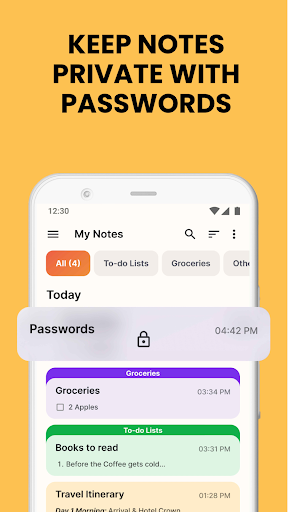
- You can also customize classification and labeling to organize the content in an orderly manner, with great efficiency and absolute peace of mind.
- It also launched an offline mode where you can read notes without the Internet. It's really considerate and can be used at critical moments.
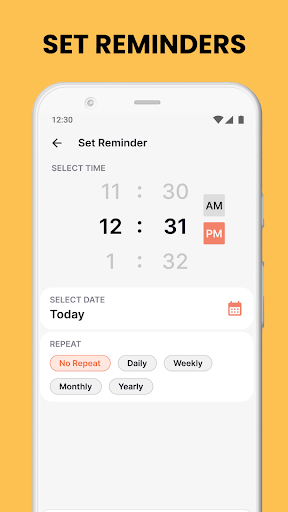
- There are reminders and deadline reminders to help you control the time so that you will never miss important things or deadlines again. It is a very thoughtful design.
- The powerful search function allows you to quickly find the notes or lists you need at any time, saving time and effort.
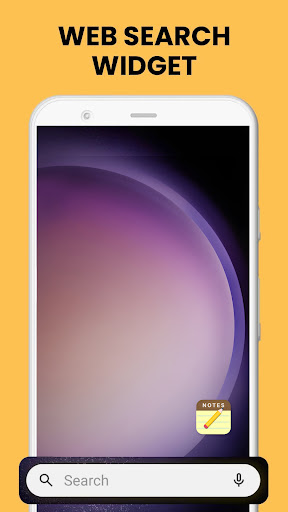
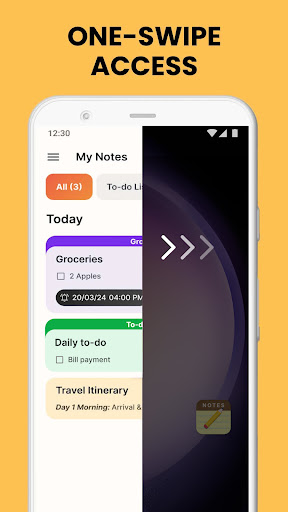
- The launcher also supports shortcut entrances, so you can call your favorite notes and tools directly from the home page, which is super convenient.
Who is suitable for?
This app is suitable for students, office workers, or anyone who needs to rely on the app to organize their daily affairs. The interface is simple and easy to use. It can be used regardless of age. Efficiency and clarity are online.
Whether you want to memorize a little thing quickly, manage a lot of busy schedules, or check up important information at any time, this Android app will give you a smooth and natural experience that meets your daily productivity needs.
Why choose it?
What makes this software stand out is that it is rich in features and doesn't feel cumbersome. It is smooth to use, and the offline function allows you to use it with peace of mind. It is an ideal choice for generalists.
Taking into account efficiency and user experience, it provides a practical way to manage notes, to-do lists, and reminders, making it simple, allowing you to be organized every day and respond calmly no matter what situations you encounter.
Top Recommended Alternative

Pros & Cons
Pros
-
intuitive user interface
-
Multifunctional notes and to-do list
-
multi-device synchronization
-
Personalized customization options
-
Lightweight and fast
Cons
-
Not rich enough features
-
Task management is too simple
-
Limited offline functionality
-
Limited customization space
-
No cross-platform integration
Advertisement
Download Notes, Notepad, To-Do Launcher
FAQ
How to log in to Notes Launcher: Notepad, To-Do List? +
To log in to Notes Launcher: Notepad and To-Do Items, it's actually quite simple. After installing the Android APP, open it, enter your email address or register with some social accounts, so that you can sync your data.
Onceyou log in, you can start taking notes and organizing your to-do list, and the operation is smooth. The app's interface is designed to be friendly and you can easily find your content anytime, anywhere.
Notes Launcher: Are notepads and to-do lists safe to use on Android devices? +
Well, of course! This software is quite reliable and trustworthy on Google Play. On the one hand, it follows various security procedures to protect your privacy and personal information; on the other hand, its functions are also quite practical and pose no strange risks.
Manypeople who have used it say that it is quite safe, has a simple and intuitive interface, and is very safe to use. It is usually used to remember and manage to-do tasks without pressure.
Can I customize the interface of this app? +
Of course! Notes Launcher: Notepad and to-do list super support personalized settings. You can change themes, sort notes, and even adjust some functions to make the entire experience more appropriate to your preferences. This makes it easier and more fun to use!
Havingthis flexibility allows you to use it according to your own habits and makes it much more efficient. Every time I open it, I feel that it is your exclusive space!
Notes Launcher: What are the main functions of notepad and to-do list? +
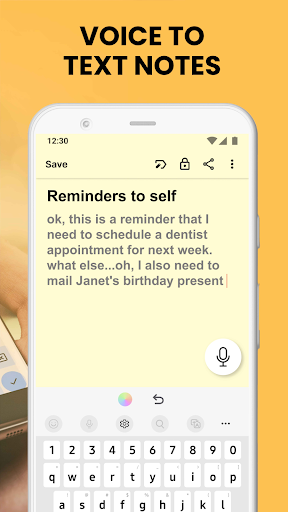
This APP has many highlights. It supports quick note taking, management of tasks, setting reminders, and can also check lists carefully. The interface is simple and intuitive to operate. It is both like a notepad and a to-do list. It is very practical.
Itcan also synchronize data, support real-time synchronization among multiple devices, fast access and simple editing, help you organize important things in an orderly manner, and can be used at any time, improving efficiency a lot.
Does this Android app support offline use? +
Of course! Notes Launcher: Notepad and to-do lists support offline operations, so you can view and edit your own notes whether you are in the subway or somewhere without Internet access. When you are connected again, the content will be automatically synchronized without worrying about being lost or stuck.
Thisfunction is really considerate, making your work and life not limited by the Internet, making the experience smoother, and making this application more reliable and trustworthy!
Customer Reviews
Users generally appreciate the app's ease of use, intuitive interface, and utility for quick notes, reminders, and list-making. Many find it helpful for organizing tasks and adding calendar events. However, significant concerns emerge: several users report that the app overrides the device's lock screen and home screen layout, causing disruption. Some note it vanishes or becomes unlaunchable, while others mention difficulty uninstalling (requiring settings intervention). Although the app is praised for being free and providing a clean experience, there are warnings against installation due to potential device malfunction. Positive feedback highlights its simplicity and effectiveness for personal organization, whereas negative reviews emphasize severe interference with phone functionality. Overall, the app divides opinion strongly.
Write a Review
Share your experience with Notes, Notepad, To-Do Launcher. Submissions are reviewed before publishing.
You Might Also Like
More apps you may want to try next.




