
Notepad, Notes, Easy Notebook
Advertisement
Screenshots
Advertisement
About Notepad, Notes, Easy Notebook
Overview
core functions
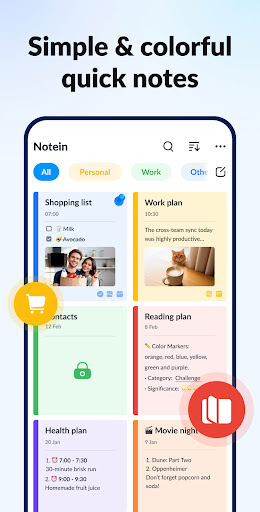
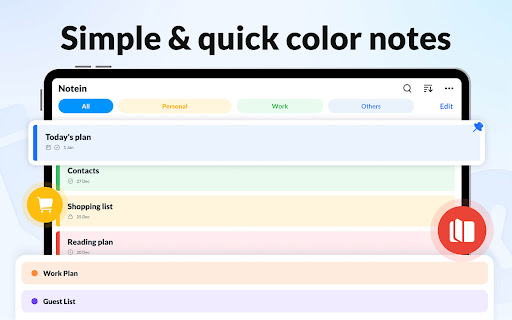
- This software has a refreshing interface but not too complicated, making it clear at a glance that writing notes has become very fast and easy, and it can be fun for both adults and children to use it.
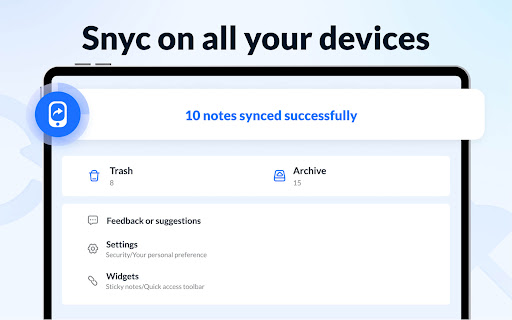
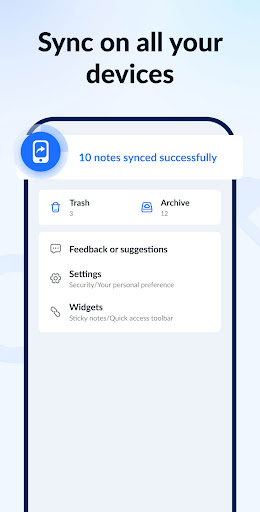
- Support real-time synchronization of multiple devices to ensure that your notes are always up to date. No matter which device you use, you can easily handle them, and the operation is extremely smooth.
- There is also offline mode, where you can open and edit your content at any time without the Internet. It's really thoughtful.
- You can customize your notes, such as using folders and tags, so that your thoughts are organized and you don't have to search for things for a long time.
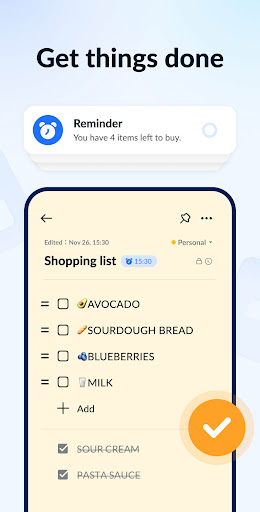
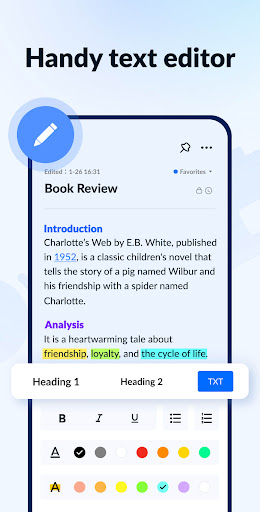
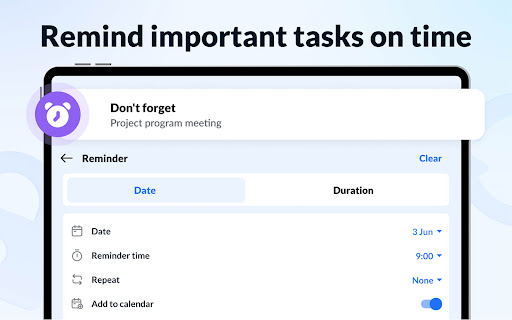
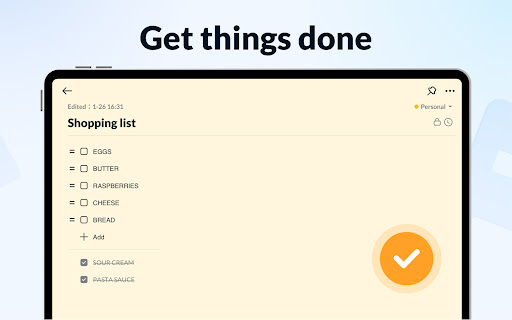
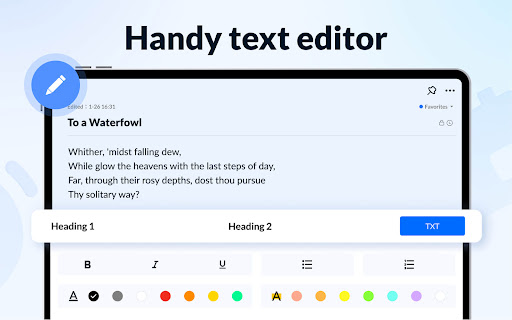
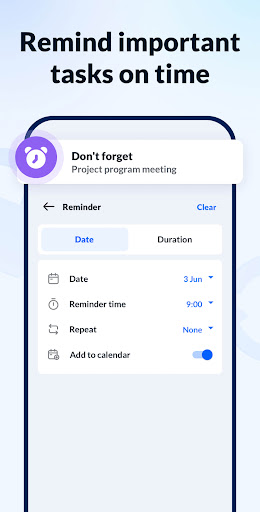
- Support various practical functions, such as to-do lists, reminders, and rich text formats, making taking notes really free and diverse.
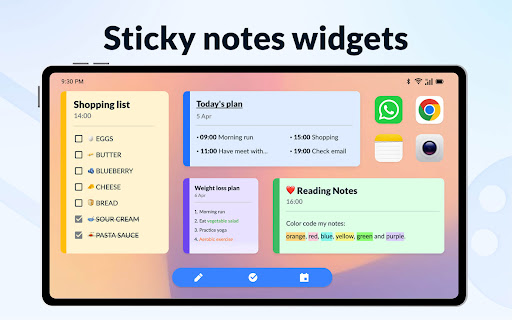
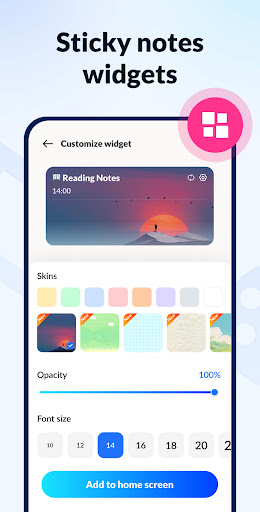
- Designed specifically for Android, it is perfectly integrated with your desktop launcher, and you don't need to search for a long time to quickly pull up.
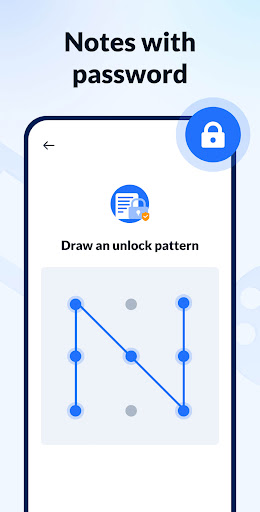
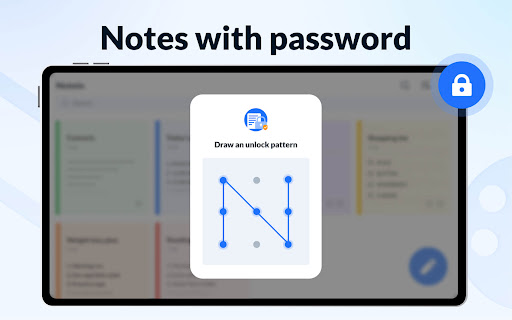
- Data is encrypted to ensure that your notes are secure and reinforced, making people feel particularly safe and don't have to worry about privacy issues.
Who is suitable for?
This mobile app is great for students, professionals, or anyone who needs a reliable note-taking tool. If you like apps that are simple to operate and can help you improve your efficiency, it is definitely up to your liking.
Whether it's daily tasks, work projects, or some personal thoughts, this software can help you with them, making your notes organized and easy and enjoyable to use.
Why choose this software
This Android app stands out with its user-friendly interface and powerful features, delivering a trustworthy experience. Don't worry about how to manage your notes, synchronization between devices is super smooth.
It is safe and practical, designed specifically for Android and solves a lot of common note-keeping problems, so many people like to use it. Its perfect function makes your notes safe and convenient, and you can take them out anytime, anywhere.
Top Recommended Alternative

Pros & Cons
Pros
-
user-friendly interface
-
Simple but functional
-
Cross-platform synchronization
-
Free basic edition
-
Basic multimedia support
Cons
-
Limited advanced typesetting functions
-
Synchronization is sometimes delayed
-
Organizational tools are more basic
-
Fewer export options
-
Offline access is limited
Advertisement
Download Notepad, Notes, Easy Notebook
FAQ
Is it safe to use Notepads, Notes, and Easy Notebooks on your mobile phone? +
Of course, these software is quite reassuring and safe when used. Your privacy and data protection are considered when developing. They follow some basic security principles to ensure that your information doesn't wander around.
However, remember to only download from reliable places, such as the Google Play Store or Apple Store. This Android software often does some updates, fixes bugs, and improves security. It is quite reliable to use and suitable for taking notes.
How can I install Notepad, Notes, and Easy Notebook on my mobile phone? +
The operation is actually quite simple. You can find it in the Google Play Store and install it with a few clicks. Android is very convenient; if you have an Apple phone, you can also check whether it is available in the Apple Store.
Afterinstalling it, the experience is quite smooth, and you can quickly take notes and organize content. This software is very popular. It is specially used to improve efficiency and make remembering easier. It is quite suitable for use on mobile phones.
How can I use the main functions of this Notepad, Notes, and Easy Notebook? +
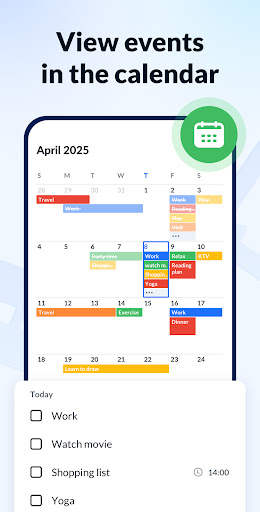
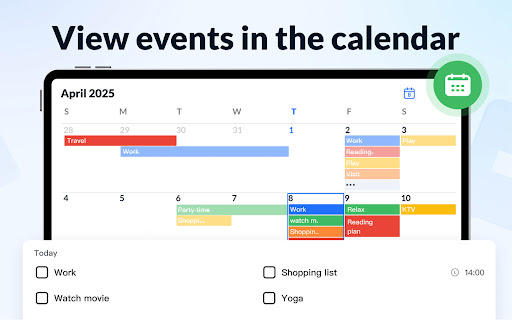
This app has many functions, such as taking notes, managing lists, integrating calendars, sorting and so on. Its interface is intuitive and easy to use, allowing you to better organize your thoughts and tasks.
Whetheryou use it as a starter to quickly find things or as a comprehensive note-taking tool, it can help you improve your efficiency, sync across devices, set reminders, customize notes, and better manage everything.
Can I back up my notes in Notepad, Notepad, Easy Notebook? +
Of course, this software can be backed up locally or in the cloud. Making regular backups can ensure that your data is safe and important things will not be lost.
Asa software solution, it is quite safe to use, especially when work and life are inseparable from notes. If you need to change equipment or reinstall software, it is also convenient to Restore and restore notes.
Is this software friendly to novices? +
Absolutely. The interface design is very considerate, and novices don't have to worry about using it and won't get lost. The simple interface allows you to learn and get started quickly.
Moreover, as you become familiar with it, its various productivity functions can be explored step by step. Overall, whether you are a novice or not, it is quite reliable and suitable for use on people of all levels.
Can this software be used offline? How often is the update? +
That's right, it can be used offline, and you can browse and edit notes without the Internet. It's very convenient when you're away from home or without the Internet.
Itwill push updates regularly to continuously optimize functions and improve security. Keeping it up to date can make your experience smoother, fix some bugs, add new features, etc., and follow the feedback and make it better and better.
Are these Notepads, Notes, and Easy Notebooks free? Do you want to buy something in-house? +
Use it for free. You don't have to spend money on the main functions, and you basically don't have to buy it in-house. Occasionally, there will be some paid tools or themes, but they are not necessary, and it is no problem to use them every day.
As a trustworthy productivity software, it is quite reliable, and users who plan to find a simpler note-sorting solution can feel quite comfortable using it.Where can I find more information about Notepads, Notes, Easy Notebooks or help channels? +
For official support and detailed introduction, you can go to the application page of the Google Play Store, and you can also visit the developer's official website, where there are frequently asked questions, user guides and contact information.
Thisway, whether you are a novice or want to explore more functions, you can do it, helping you use this app more smoothly and improve your efficiency and experience.
Customer Reviews
Users universally praise Notepad, Notes, Easy Notebook for its intuitive interface, smooth performance, and reliability. Key strengths include simple navigation, auto-save, ad-free experience, and a lock feature for security. It's highly recommended for task planning, memory assistance, and quick note-taking on the go. While most find it perfect for daily use, a few note potential discrepancies in labeling (e.g., 'A 1') or platform compatibility (currently Android-focused, with Apple release expected). Some users experienced initial removal by family but later gave top ratings after re-installation. Overall, the app delivers exceptional value with minimal drawbacks.
Write a Review
Share your experience with Notepad, Notes, Easy Notebook. Submissions are reviewed before publishing.
You Might Also Like
More apps you may want to try next.




