
Nomad Sculpt
Advertisement
Screenshots
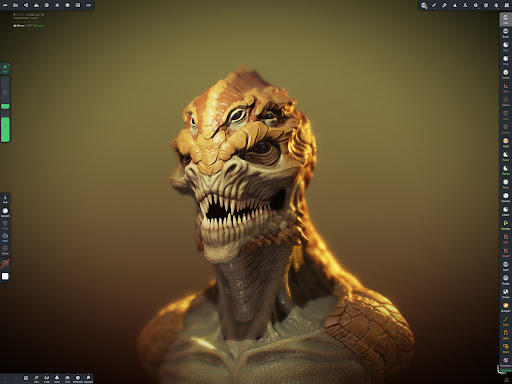
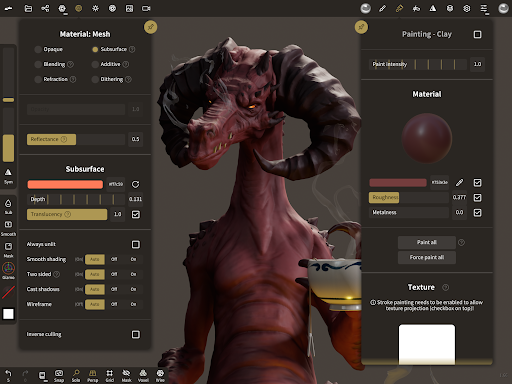
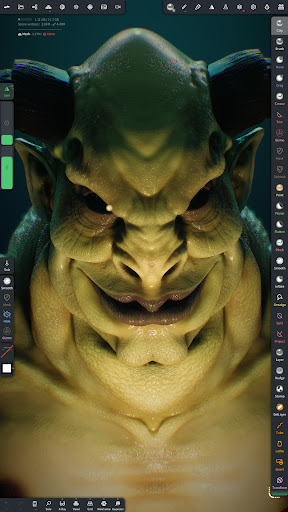
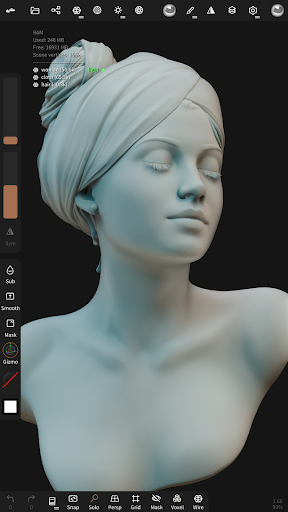
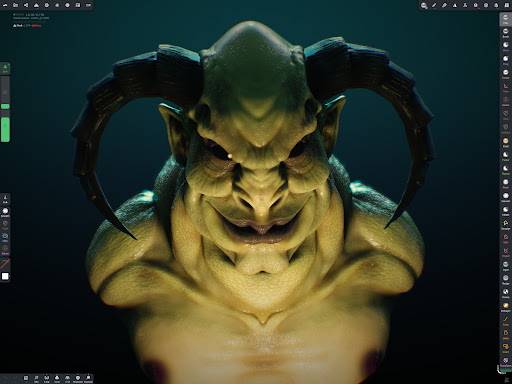
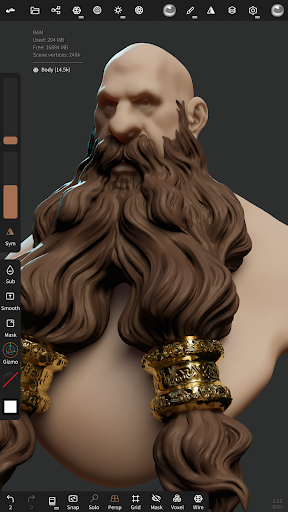
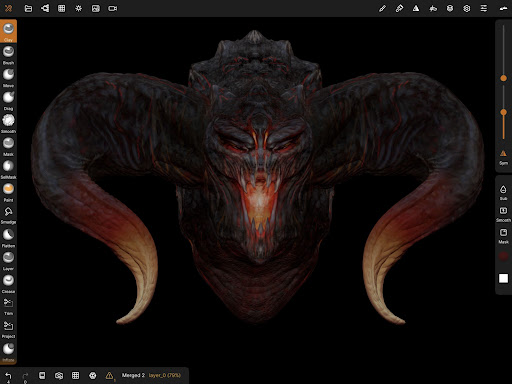
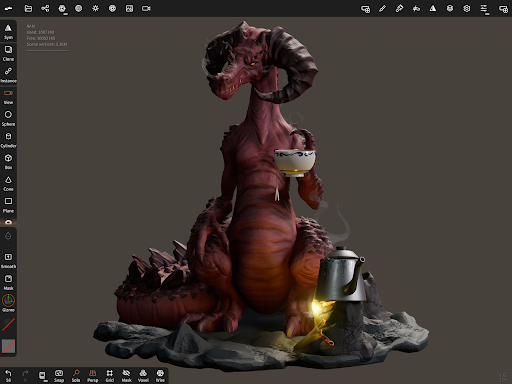
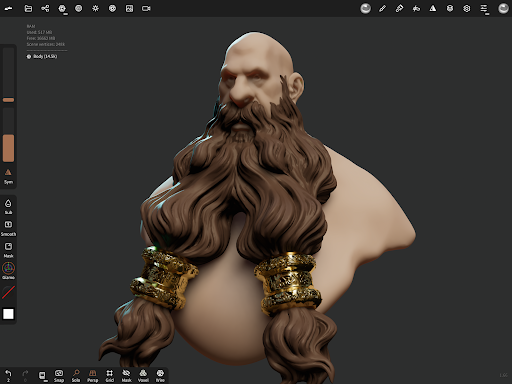
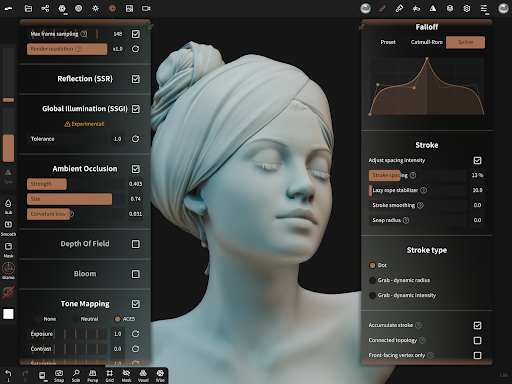
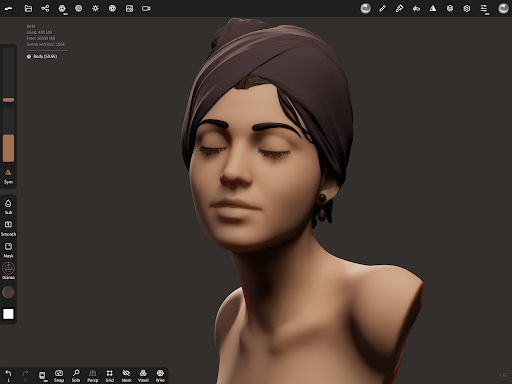
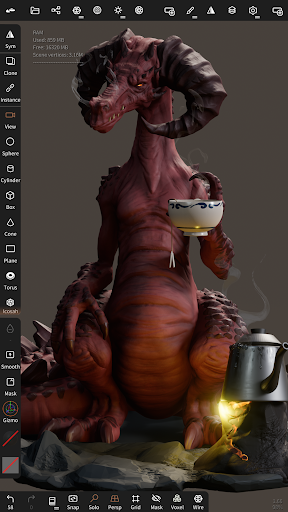
Advertisement
About Nomad Sculpt
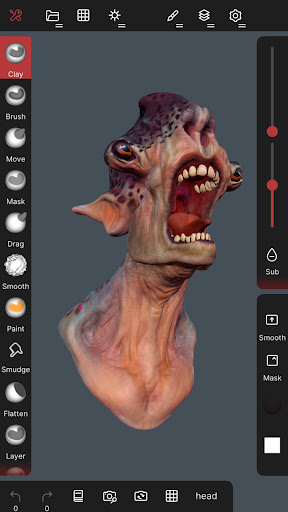
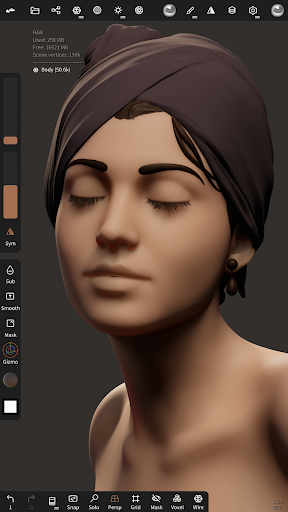
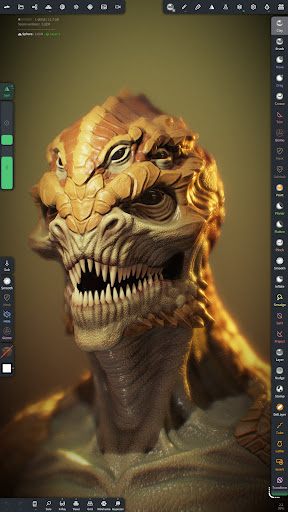
Nomad Sculpt is a very powerful mobile app specially created for artists and 3D enthusiasts, allowing you to create delicate sculptures directly on your mobile phone. Whether you use Android or iOS, this app runs smoothly, has a particularly user-friendly interface, and has a dazzling variety of features. It makes 3D modeling less enigmatic, easy to use and fun. Such a smooth experience makes it a favorite for users who want to create digital sculptures anytime and anywhere. It is very popular!
Overview
core feature
- The interface of this app is stylish and intuitive, and the operation is so smooth that you can't help but press it a few times. It feels very comfortable and quite creative.
- Its powerful shaping tools support ultra-detailed 3D modeling, which is a blessing for painters and designers!
- Supports real-time synchronization and switching between various devices to ensure that your works are always up to date and available at any time. It is quite convenient.
- Provide a variety of brushes and texture options, so that you can play to your fullest during the creative process, and the artistic feel is bursting.
- There is also an offline mode, where you can continue to be creative even if you don't have the Internet without being interrupted. How thoughtful.
- The layout of the workspace can be customized, and users can adjust it according to their own habits, making it feel more comfortable to use.
- Compatible with Android and iOS systems, almost everyone can use it, and the range of use is quite wide.
- There are also comprehensive undo and redo functions, which are easy and quick to use, and you can make repeated adjustments without trouble.
Who is suitable for?
This mobile version of the app is particularly suitable for digital artists, amateurs, and professionals interested in 3D modeling and sculpture. It is user-friendly, designed for both novices and experienced creators, and performs well especially on Android devices.
Whether you are working on a detailed art project or rushing for sketches, this app can help you turn ideas into reality and is really useful. Students, freelancers, or anyone who wants a powerful and easy-to-use art design tool can give it a try.
Why choose this app?
This Android application is eye-catching with its combination of ease to use and professional-level tools. It can be used smoothly and can help you improve your creative level without losing the rich functions. It's really considerate.
It solves common creative problems, has stable performance, and diverse tools, which can fully meet the needs of modern digital artists. Design that emphasizes quality and ease of use makes it one of the top art and design applications on mobile phones.
Top Recommended Alternative
Pros & Cons
Pros
-
The interface is intuitive and easy to use, concise and clear
-
Powerful carving tool with high accuracy
-
Low system requirements and smooth use of mobile terminals
-
Support export in multiple formats, such as OBJ and STL
-
Affordable, with frequent updates and improvements
Cons
-
Professional processes have fewer advanced functions
-
There is no support for multi-layer or texturing yet
-
Occasionally stuck when working with tall polygon models
-
Tutorials and documentation are not detailed enough
-
Limited undo/redo steps for complex edits
Advertisement
Download Nomad Sculpt
FAQ
Is Nomad Sculpt suitable for beginners in digital art? +
Well, Nomad Sculpt is quite friendly to newbies because its interface is intuitive and the tools are very helpful. It's quite simple to operate. You don't have to worry about being confused when you first explore 3D modeling, and you can gradually get started.
Moreover, its functions and tutorials are quite clear, which is especially suitable for digital art enthusiasts who are just getting started. Gradually, you can learn to make detailed sculptures, and your skills will gradually improve.
How do I install Nomad Sculpt on my device? +
The software is available on both Android and Apple phones, in the app store. For Android, go to Google Play, and Apple users can search and download directly in the App Store.
Theinstallation process went smoothly, and you can start exploring its various functions immediately after installation. It is designed to be suitable for creative works, and it is quite smooth.
Is Nomad Sculpt safe to use on my mobile device? +
Of course, very reliable! Nomad Sculpt is made by reputable developers and is updated frequently to ensure security and stability. It has become a trusted tool for many digital artists.
Downloading from official channels such as the app store can basically ensure safety.I still want to remind you that it is best to ensure that the security settings of the equipment are up to date to provide additional protection.
What are some key app features of Nomad Sculpt? +
Its functions are quite powerful and are specially designed for 3D modeling and sculpture. For example, brush tools, dynamic topology, and multi-resolution are all very practical and can be regarded as an all-round creative tool.
Moreover, it supports multi-touch gestures and has various export options. Whether it's a fast-hand sketch or a detailed sculpture, it's easy to use.
Can I use Nomad Sculpt as a launcher app for creative workflows? +
Although it is mainly focused on 3D sculpture, it can actually be well integrated into your app workflow as a dedicated tool for digital art. It is especially suitable for use on mobile phones. The operating experience is quite smooth. It is very thoughtful for artists who like to create at any time.
Useit as part of your art toolbox to quickly create and optimize 3D models on your mobile phone at any time. It's a universal application!
Does Nomad Sculpt support the latest device versions and updates? +
The support was timely! It will be constantly updated to adapt to the latest Android and iOS systems to ensure compatibility and performance. In this way, you can always use it with confidence and not be afraid of being unable to keep up with the pace of technology.
Ifyou encounter problems, the developer's support team will be very responsible and will provide you with answers and help, which will give you more confidence!
Is there a community or support system for Nomad Sculpt users? +
Of course there is! Many users exchange experiences and ask for help on online forums, teaching videos, and social platforms. Such a community can help you learn new skills and see the work of others using Nomad Sculpt.
Itis very popular in the digital art circle, and everyone is constantly learning and growing, so it is more motivated and interesting to use!
What makes Nomad Sculpt stand out among other 3D modeling apps? +
It is quite distinctive, powerful yet simple, friendly interface, and easy to use. Combining powerful tools and simple operations, it is a favorite APP for both novices and veterans.
Moreover, it supports Android and Apple, has reasonable price and good performance. It is very competitive on the mobile side, especially for artists who want to sculpture anytime, anywhere.
Customer Reviews
Users widely praise Nomad Sculpt as an intuitive, smooth, and feature-rich sculpting tool, often calling it the best Android alternative to ZBrush. They appreciate the one-time payment model, frequent updates, and robust performance even on mobile devices. Key positive dimensions include ease of use, excellent pen support, and powerful core features. However, controversial aspects exist: while many find the app worth its price and capable, others criticize the paywalled export and undo functions, calling them unfair for beginners and trial users. Additionally, some users note the lack of basic modeling tools like irregular plane splitting, while others argue the app offers all essential features. The interface is considered comfortable by tablet users but cumbersome on small phone screens. Overall, a highly capable app with clear monetization trade-offs.
Write a Review
Share your experience with Nomad Sculpt. Submissions are reviewed before publishing.
You Might Also Like
More apps you may want to try next.




