NavRadio+
Advertisement
Screenshots
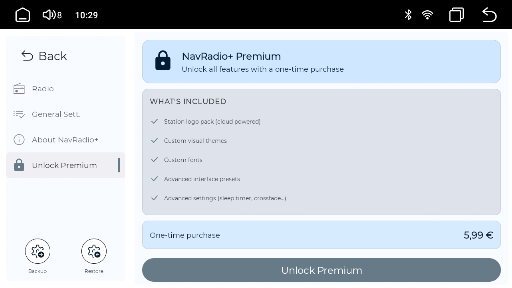
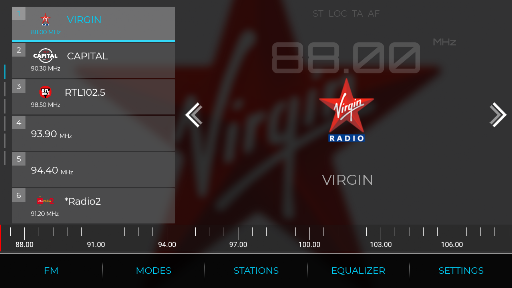
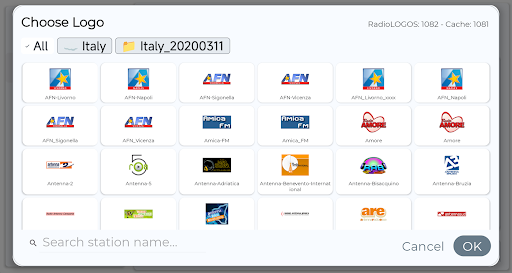
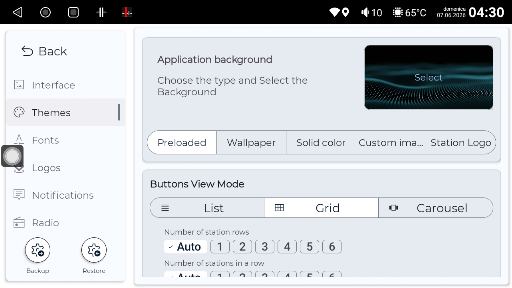
Advertisement
About NavRadio+
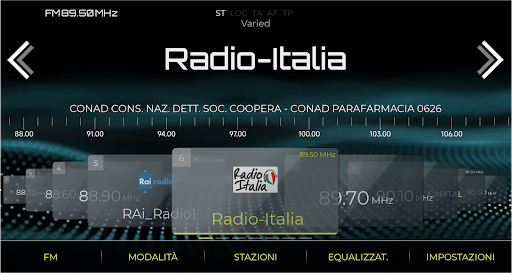
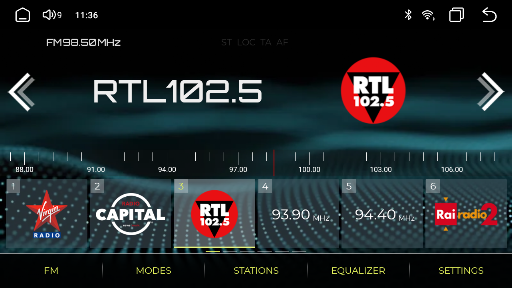
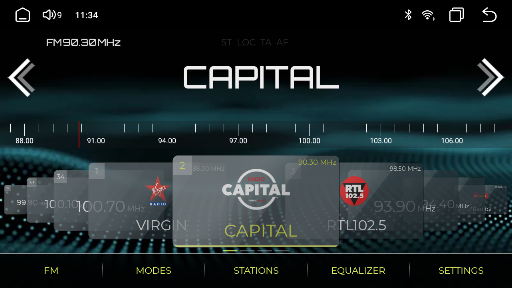
NavRadio+ is a great app, perfect for people who love cars and listen to radio. It allows you to easily find various radio stations anytime and anywhere, making it feel as if you are there, and your mood becomes better when you listen. Whether you are on the road or at home, it can give you a pleasant experience. As a reliable Android software, it seamlessly combines practical functions with a simple and intuitive interface, making it particularly easy to listen to songs and find channels without any trouble.
Overview
Core Features
- The interface of this software is super easy to understand, and it is very easy to operate. It is so convenient to quickly find various types of radio stations.
- The delay of the live broadcast is very small, there is almost no feeling of stuck, sounds smooth, and it is quite comfortable whether you are on the road or running.
- Offline mode can help you download your favorite radio stations and listen to them even without the Internet. It's very considerate.
- You can make your own song list, add your favorite radio stations to your collection, and make up your listening world is that simple.
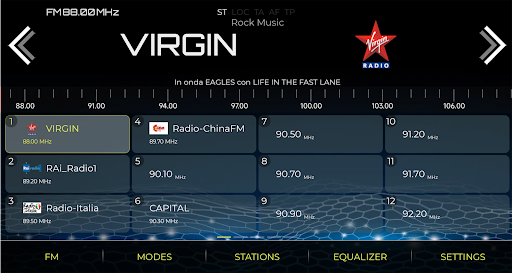
- Built-in tuner, the frequency modulation is very accurate. Friends who like radio will find this very great and can hear it more clearly.
- The search function and classification are very convenient. If you want to find new songs and new radio stations, you don't have to work hard and you can easily do it.
- It also has a frequency scanning function that can automatically scan nearby radio stations. Adding this function will make the user experience more complete.
Who is suitable for using this App?
This mobile app is especially suitable for radio fans of all ages. Whether you listen to it every day or want to listen to some music or news anytime, anywhere, it is quite suitable. Whether it's commuting every day or traveling on weekends, it helps you stay connected to your favorite content.
It is especially suitable for users who are looking for simple and convenient stations to quickly find the radio station they want to listen to, whether at home or on the road. Radio enthusiasts and ordinary listeners can find it comfortable to use and a great experience.
Why choose this App?
The biggest advantage of this Android application is that its interface is friendly to the people and its functions are very powerful, which can meet various listening habits. It is very easy to use and reliable. It is definitely a trustworthy radio software choice.
It provides good radio discovery and offline listening functions. NavRadio+ brings rich functions and reliable performance, which meets the needs of users who pursue high quality and convenient use. It is really a good helper.
Top Recommended Alternative

Pros & Cons
Pros
- intuitive interface
- Rich radio options
- sound quality is great
- Offline listening mode
- Customizable presets
Cons
- Incomplete category screening
- Occasionally the connection will be disconnected
- Insufficient localization support
- Not many customization functions
- The batteries are draining fast
Advertisement
Download NavRadio+

FAQ
Is NavRadio+ safe to use on my device?+
Of course, NavRadio+ is a very reliable mobile app that can be found at any time on the Google Play store. After testing, the safety is guaranteed, and nothing will happen to the equipment when using it, so I feel quite at ease.
However, you should still remember not to download software from unfamiliar channels. It is best to get it in a regular store or official website for more safety. This way, your device won't run into any trouble and you can use the latest and most secure version.
How do I install NavRadio+ on my Android device?+
Installing NavRadio+ is actually quite simple. Just find its page directly on Google Play and click the install button. It downloads automatically and then quietly installs it on your device.
Becausethis is an Android app, it can be played smoothly on most Android phones and tablets. Remember to update your system to the latest version to enjoy the best experience and all features.
What features does NavRadio+ provide for drivers?+
It has quite rich functions, specially designed for motorists-real-time navigation, listening to local radio stations, traffic situation alerts, all of which can help you drive safely and smoothly.
Asa launcher application for in-car use, NavRadio+ allows you to use it more easily in the car. Entertainment and navigation can be easily handled from the home page, which is particularly convenient.
Can NavRadio+ be used offline, or must I always be connected to the Internet?+
Most of the time, NavRadio+ still relies on the Internet, such as listening to radio stations and checking real-time traffic information. It needs to be connected to the Internet to use it smoothly. However, if the content is downloaded in advance, it can also be used offline, which is quite convenient.
It's best to maintain a network connection when using it, so as to ensure that all real-time information is accurate and up to date, making it easier for you to drive on the road.
Can I use NavRadio+ on both Android and iOS devices?+
Currently, this NavRadio+ is only available on Google Play for Android devices. If you are using an Apple phone, remember to pay attention to see if the official version will be released in the future. You don't know yet.
Androidusers are quite reliable to use, fully functional, suitable for daily in-car entertainment and navigation, and not at all.
Customer Reviews
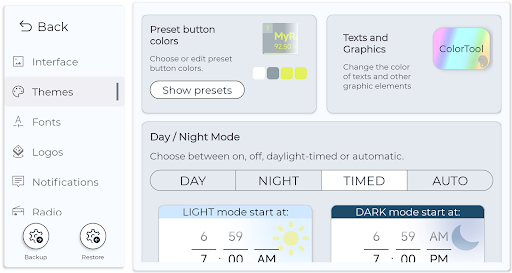
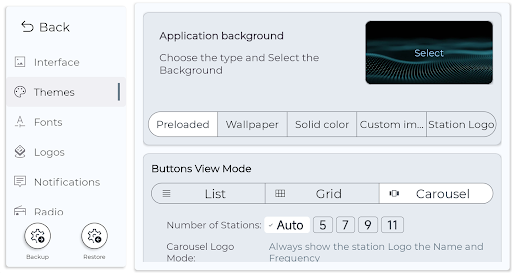
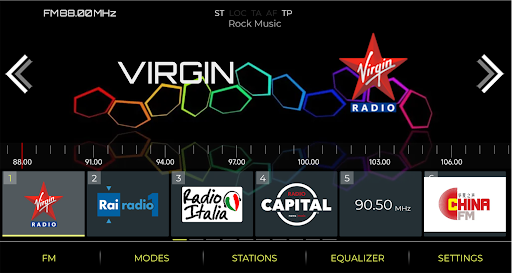
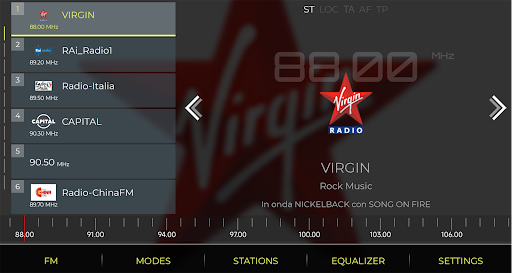
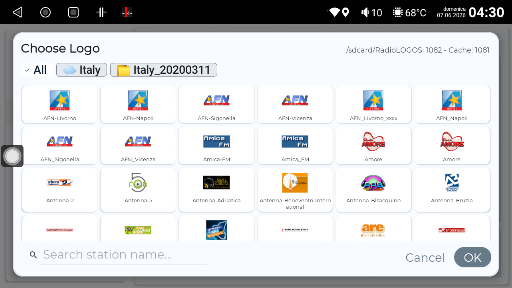
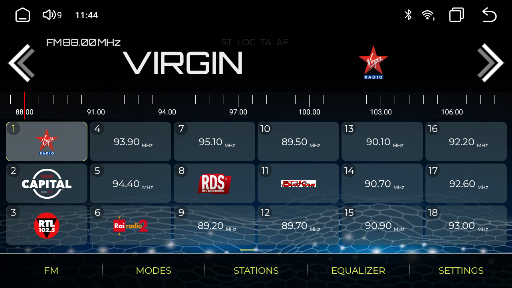
NavRadio+ is widely praised for surpassing stock radio apps with extensive customization (colors, fonts, logos) and strong performance. Users highlight its superior aesthetics, reliability on many Android head units (Atoto, Dasaita, Xtrons), and responsive developer support. However, feedback reveals mixed experiences: while many report flawless operation, some encounter compatibility issues (e.g., Joying, certain T3 models) or license validation problems. Logo import works for some but fails for others, particularly with UK stations. RDS functionality varies by region. Features like physical button mapping and auto-launch are requested but not fully implemented. Overall, a powerful upgrade with room for refinement.
Write a Review
Share your experience with NavRadio+. Submissions are reviewed before publishing.
You Might Also Like
More apps you may want to try next.