
myAir™ by Resmed
Advertisement
Screenshots
Advertisement
About myAir™ by Resmed
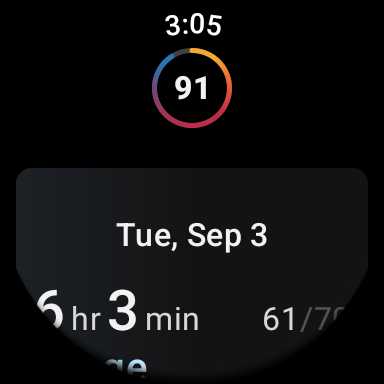
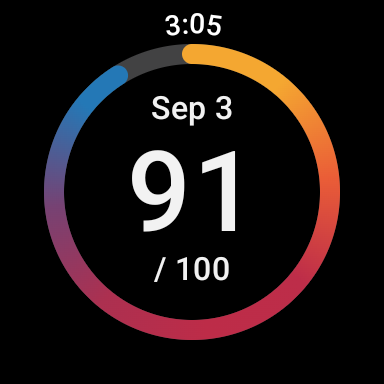
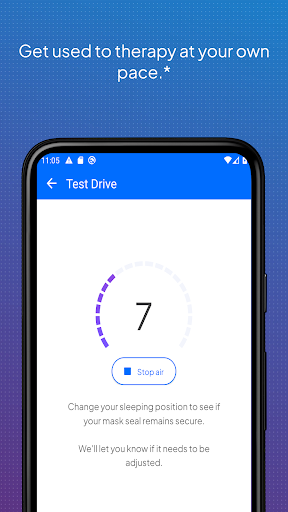
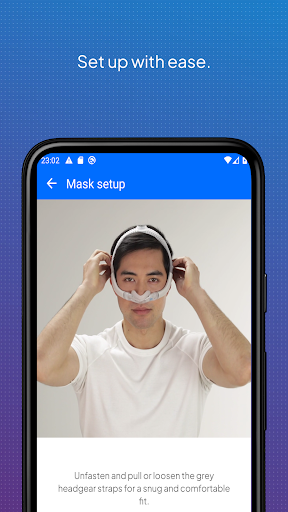
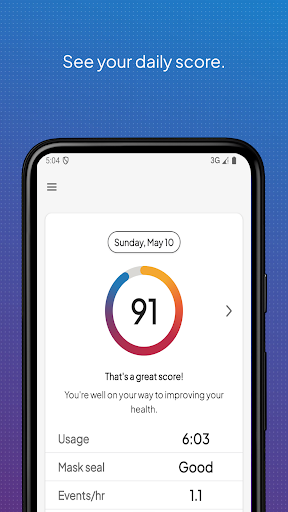
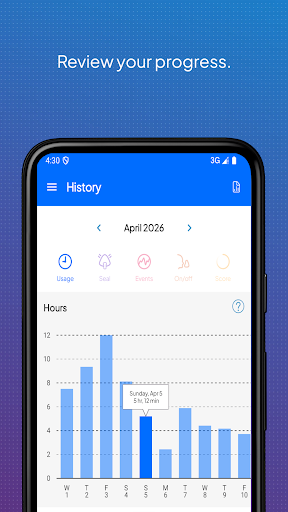
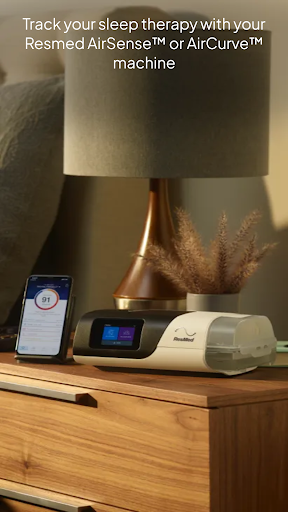
MyAir by Resmed is a very reliable mobile app, mainly for those who use sleep therapy equipment. It's easy to use and can help you monitor sleep data, track the progress of treatment, and easily adjust device settings. As a very intuitive application, it provides some practical functions, making sleep more comfortable and making it easier to develop healthy sleep habits.
Overview
core feature
- This app can synchronize health data in real time, allowing you to easily control your sleep and breathing conditions, making it particularly convenient.
- Provide a full range of tracking options, including treatment compliance, usage statistics and progress reports, making the experience richer and more intimate.
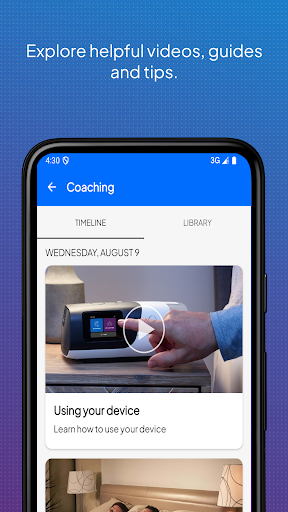
- The interface design is very user-friendly, the navigation is simple and clear, you can quickly find your personal opinions and settings, and the mobile phone operation is also very easy.
- Built-in Bluetooth connection allows you to seamlessly synchronize data from ResMed devices to ensure that you can get accurate and up-to-date values every time.
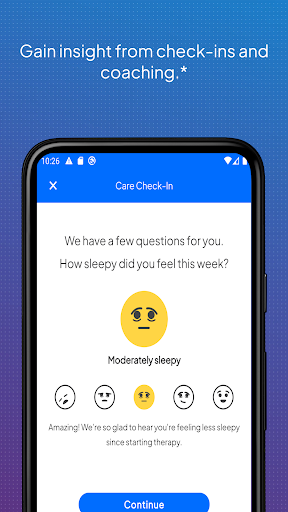
- You can also receive customized reminders and notices to help you adhere to treatment. Overall, you are a reliable health management partner.
- No advertising interruptions ensures that you can always use all functions smoothly and use them more attentively and solidly.
- Supports Android and iOS devices, allowing you to easily manage your treatment plan no matter which platform you are on. It is super convenient.
Who is this APP suitable for?
This mobile app is particularly suitable for adults who use ResMed devices to manage sleep apnea or other respiratory disorders. Users who like to use reliable health tracking and treatment support will also find it very suitable.
Whether you are a novice or a veteran therapist, this app helps you maintain compliance, review progress at any time, and adjust settings to make daily health management simple and convenient.
Why choose this APP?
The highlight of this Android app is its user-centered design and rich features, specifically tailored for health monitoring. The operating experience is smooth, allowing you to easily control your own treatment rhythm.
Through real-time data, personalized insights and simple device connections, it solves common problems encountered in respiratory therapy. It is trustworthy and is the preferred choice among many health apps.
Pros & Cons
Pros
-
Super friendly interface
-
Instant data synchronization
-
Detailed sleep analysis
-
personalized advice
-
Good device compatibility
Cons
-
Not many customization options
-
Occasionally synchronization will get stuck
-
It consumes electricity for a long time
-
Poor support for non-ResMed devices
-
The tutorial is not detailed enough
Advertisement
Download myAir™ by Resmed
FAQ
Is the myAir app safe to use? +
How do I set up my myAir app on an Android device? +
What features does the myAir app offer? +
Can I use the myAir app on both Android and Apple devices? +
How does the myAir app improve my sleep therapy adherence? +
Is the myAir app compatible with all Resmed devices? +
What should I do if the myAir app isn't syncing properly? +
Is the myAir app suitable for new users or experienced users? +
Customer Reviews
Many users find the app effective for tracking CPAP compliance and daily scores, with some reporting improved login after updates. However, recent updates have caused frequent crashes, loading failures, and error messages, requiring repeated reinstalls. Bluetooth pairing and Health Sync with Samsung/Google are problematic—while some connect successfully, others face persistent disconnections and sync failures. Data accuracy is debated: some praise detailed insights, but others highlight inconsistent scores (identical CPAP readings yield vastly different ratings), lack of sleep stages, and missing hourly records. Customer support is mixed—responsive for a few, unhelpful for many. Privacy concerns arise from data migration to US servers. Overall, the app offers value when functional, but instability and connection issues undermine reliability.
Write a Review
Share your experience with myAir™ by Resmed. Submissions are reviewed before publishing.
You Might Also Like
More apps you may want to try next.