FamiliarApps logo
MiXplorer Silver File Manager

MiXplorer Silver File Manager

Advertisement

Screenshots
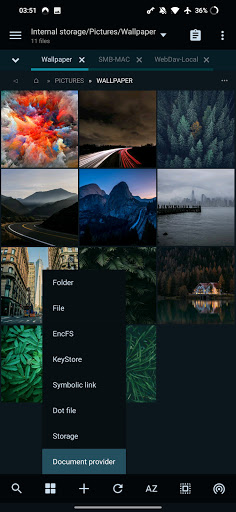
20 images
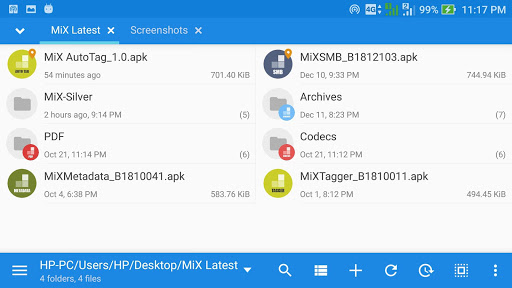
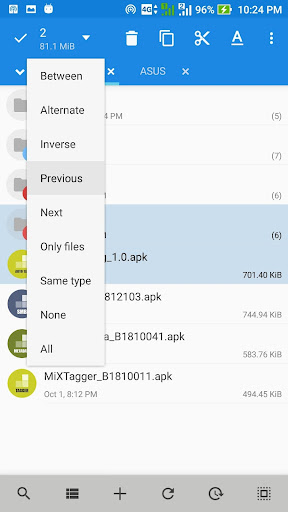
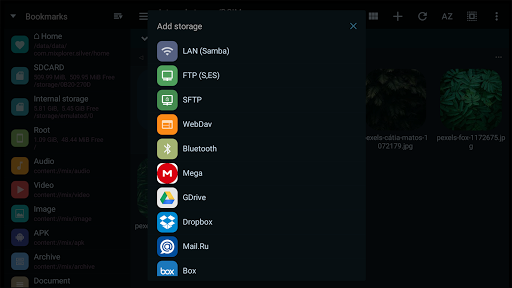
MiXplorer Silver File Manager screenshot 1 MiXplorer Silver File Manager screenshot 2 MiXplorer Silver File Manager screenshot 3 MiXplorer Silver File Manager screenshot 4 MiXplorer Silver File Manager screenshot 5 MiXplorer Silver File Manager screenshot 6 MiXplorer Silver File Manager screenshot 7 MiXplorer Silver File Manager screenshot 8 MiXplorer Silver File Manager screenshot 9 MiXplorer Silver File Manager screenshot 10 MiXplorer Silver File Manager screenshot 11 MiXplorer Silver File Manager screenshot 12 MiXplorer Silver File Manager screenshot 13 MiXplorer Silver File Manager screenshot 14 MiXplorer Silver File Manager screenshot 15 MiXplorer Silver File Manager screenshot 16 MiXplorer Silver File Manager screenshot 17 MiXplorer Silver File Manager screenshot 18 MiXplorer Silver File Manager screenshot 19 MiXplorer Silver File Manager screenshot 20

Advertisement

About MiXplorer Silver File Manager

MiXplorer Silver File Manager is really a powerful Android tool. It can help you easily organize, open and manage various files. It feels quite convenient. As a reliable office assistance software, it not only has a friendly interface, but also brings many functions, and the overall user experience is good. Sometimes when you want to browse, edit, or share files, it can satisfy you. It is a more all-round file management application!

Overview

core functions

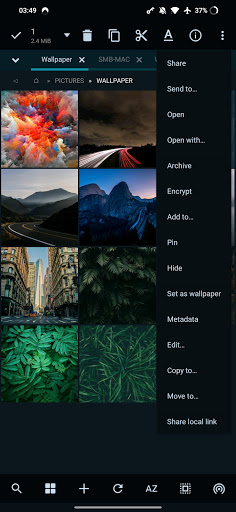
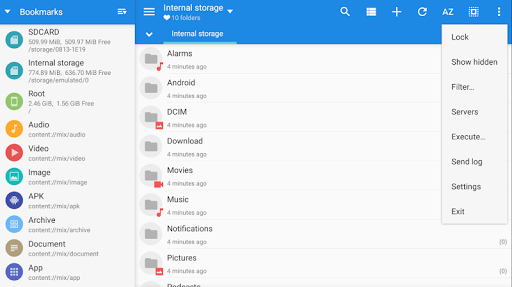
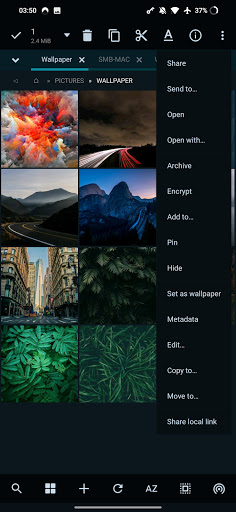
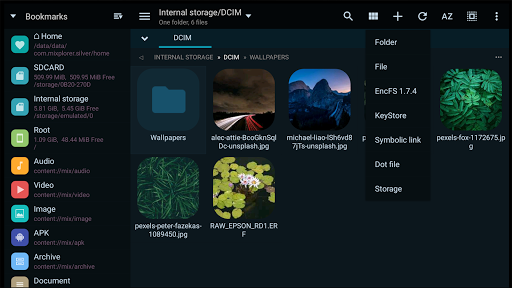
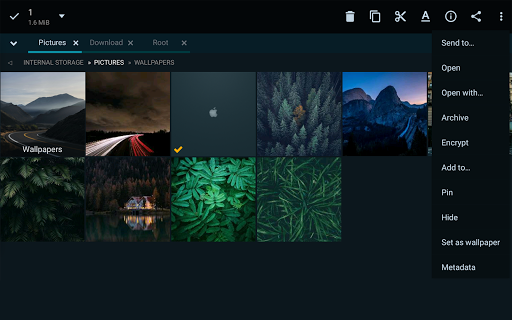
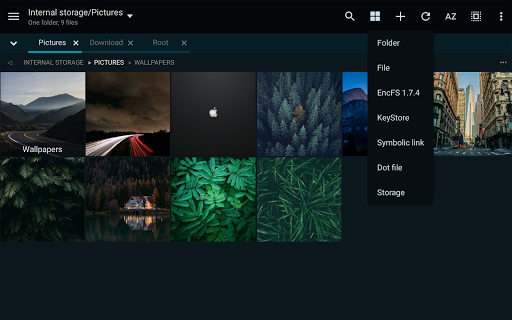
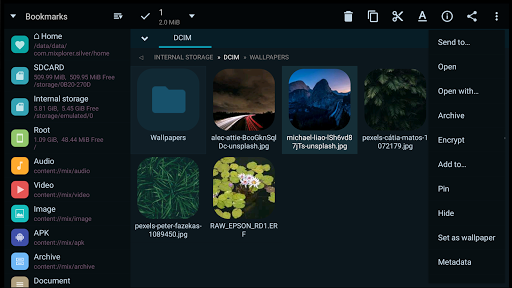
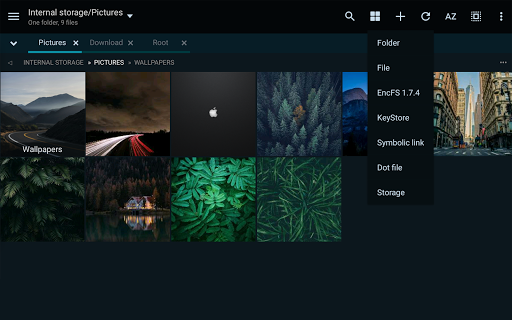
  • This software has a super multi-tab interface that makes it fast and easy for you to manage files on your Android device. It's so convenient!
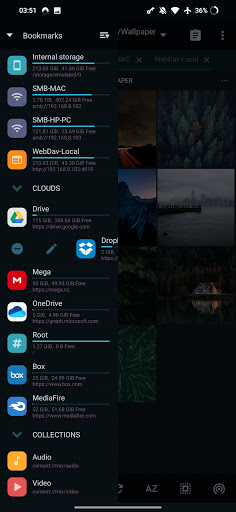
  • Support cloud storage services, files can be seamlessly synchronized and accessed on different platforms at any time. It's really considerate and practical!
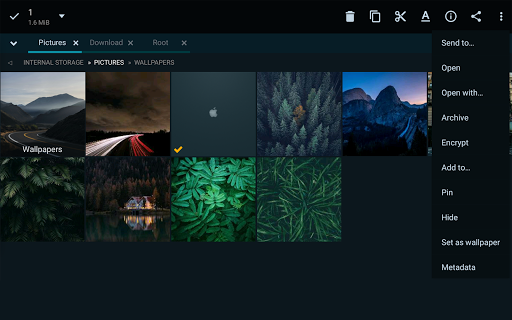
  • Built-in media viewing and editing functions allow users to preview or modify files in advance without switching applications at all, which is extremely convenient!
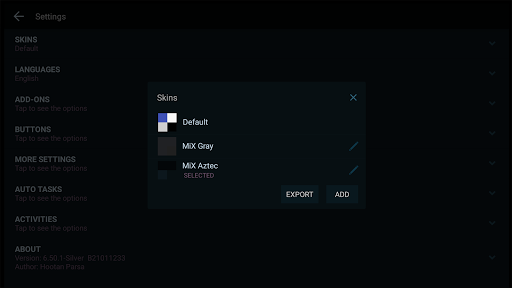
  • The interface can also be customized, and the layout, theme, and navigation can be adjusted completely according to your preferences and feel like you are the boss!
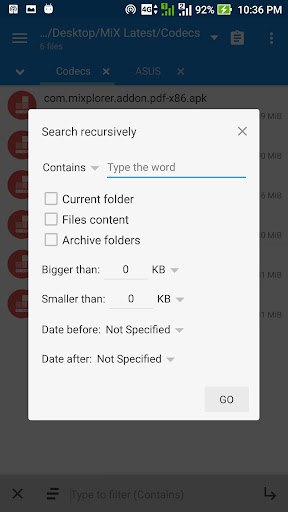
  • Advanced file search and sorting functions allow you to find files as quickly as playing a game and help you improve your efficiency. It's so useful!
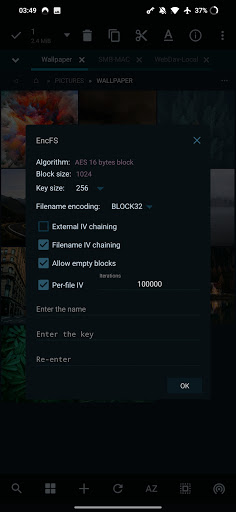
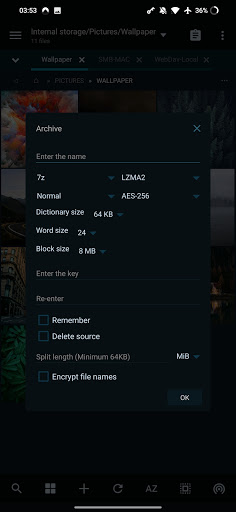
  • Encryption and password protection keep your files safe and private, so you can use them with peace of mind and no worries!
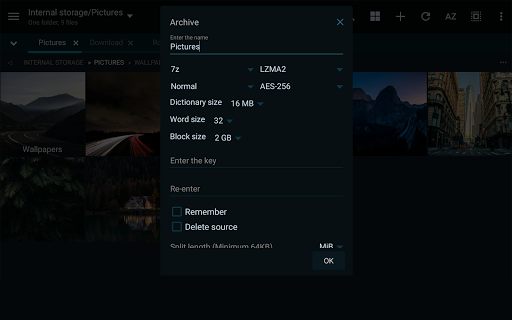
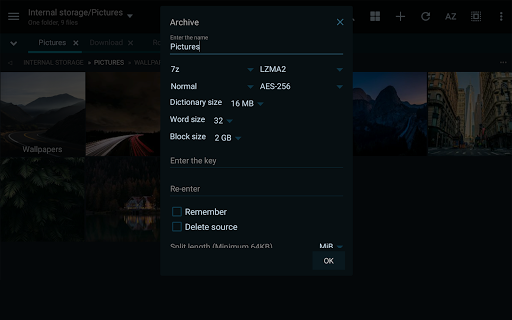
  • Supports zip packages such as ZIP and RAR, making it super easy to decompress or create zip packages directly in the application!

Who is this software suitable for?

This mobile app is especially suitable for technology-sensitive, professionals, and Android fans who want a handy and reliable file management tool!

Whether you are sorting out personal data or processing large file projects, using this app can greatly improve your experience, make it easy to organize, and quickly find what you want anytime, anywhere. It's really practical!

Why choose this app

The reason why this Android software is outstanding is that it has comprehensive functions and is specially designed to improve efficiency and ease of operation. It can complete complex tasks with simple operation. It's so considerate!

For common file management troubles, it provides a reliable and flexible solution to meet the various needs of ordinary users and gods. It is simply the top choice in initiators and file managers!

Top Recommended Alternative

Pros & Cons

Pros

  • Intuitive operation and self-adjusting interface
  • Compatible with multiple file formats and cloud services
  • Powerful file management functions
  • very secure
  • There are frequent updates and the community is very lively

Cons

  • It's hard for beginners to get started
  • Official help information is not detailed enough
  • Some functions have to be configured yourself
  • Official apps can be unstable sometimes
  • Some formats do not come with opening tools

Advertisement

Download MiXplorer Silver File Manager

You are going to be redirected to the official website to finish the download when you click these buttons above.

FAQ

Is MiXplorer Silver file manager safe to use on my device? +
Well, this MiXplorer Silver file manager is quite safe, as long as you download it from a reliable channel, such as the Google Play Store, so don't worry too much. It was developed by a reliable team and paid close attention to user security issues. As long as your device can keep safe updates, don't just download them from unknown websites, you can basically ensure that you can use them with peace of mind. Also, if you look at your authority more often, it will be more secure if you have some ideas in mind.
How to install MiXplorer Silver file manager on Android devices? +
This installation process is actually very simple. Just open the Google Play Store and search for "MiXplorer Silver". Click "Install" as soon as you find it, and then just wait for it to install automatically. Its interface is very friendly and easy to operate. Whether it is a novice or a accustomed user, it can be easily handled. It is especially suitable for organizing various documents and is quite convenient.
What are the main features of MiXplorer Silver File Manager? +
This software is quite functional, including dual-pane browsing, customizable themes, cloud storage support, and advanced file manipulation. The interface is designed quite intuitive, easy to use, and a good experience. Whether you are managing documents, audio and video files or APP data, it can help. It is an all-round file management artifact. If you want to find a comprehensive management tool, this is quite suitable.
Can I use MiXplorer Silver file manager as a launcher application? +
This, mainly it is a file manager, not a launcher, but it can be used smoothly with the launcher of the Android system to quickly enter your files. If you want to find a real initiator, one with file management functions, you may need to install a special initiator, but to be honest, MiXplorer does a good job in file management and can bring file operations to your hand, which is quite convenient.
Does MiXplorer Silver file manager support different versions and updates? +
Of course, it will be updated frequently, add new features, and strengthen security. There are many supported Android versions, and basically most devices can be used without any difficulty. By keeping it updated, you can use the latest features and ensure a smoother and safer experience. Everyone knows how to use it.
Is MiXplorer Silver file manager suitable for professional or business use? +
Absolutely! It is powerful and not only supports the cloud, but also handles various complex file operations, making it fully qualified for work requirements. As long as you need to manage large amounts of documents and organize data, it can be of great help and make your work more organized and efficient.
Why is MiXplorer Silver file manager so special among a bunch of file management tools? +
Its biggest highlight is that its design is very intuitive, has many functions, is highly customizable, and supports multi-cloud services. You can use it any way you want. In addition, it also pays great attention to the user experience, is reliable to use, has stable and safe performance, and truly gains the trust of users. It is very suitable for comprehensive file management on Android devices.
If you want to learn more about MiXplorer Silver file manager or ask for help, where can I find it? +
You can go to the details page on Google Play to find it, or there are a lot of information and exchanges in the official forum. The resources are quite rich. The information in these places is quite reliable and can help you make better use of this software. Visit more communities and official channels to ensure that you have the latest information and skills to better play this document management artifact.

Customer Reviews

AI
AI Generated Summary
Based on real user feedback
★ 4.8

MiXplorer Silver File Manager is widely praised as the best file explorer on Android—a feature-rich, lightweight Swiss Army knife for file management. Users highlight deep customization, built-in code/text editors, cloud integration (Google Drive, SMB, FTP), and excellent developer support. Key strengths include advanced features like Shizuku support, multipurpose add-ons, and reliable performance. However, some concerns exist: Android 11/14 restricts access to Data/OBB folders and SD cards, while a few bugs (SMB image viewer crash, MP3 metadata issues, unwanted server notifications) persist. While most users find it flawless and essential, those needing unrestricted access or frequent updates may encounter limitations. Overall, a must-have for power users, though potential buyers should be aware of platform-specific restrictions.

Eric Pallarès · 2026-06-12
★ 5
If you want the best file manager for Android, get it! It's undoubtedly a Swiss Army knife for file management.
Jose Arranz Parra · 2026-06-11
★ 5
EXCELLENT""*EXCELLENT""EXCELLENT
Franc · 2026-06-11
★ 4
This emoji represents approval, agreement, or a positive reaction. It is commonly used to show support or satisfaction.
Miguel GUERRA · 2026-06-10
★ 5
I understand Google Drive issues aren't yours, but is there a way to link all Drive content (Trash, Shared with me, Starred, Shared drives)? Otherwise perfect, the best file manager app.
Markøo_O.C · 2026-06-10
★ 5
The best file explorer available!

Write a Review

Share your experience with MiXplorer Silver File Manager. Submissions are reviewed before publishing.

Rating *
0 / 2000

You Might Also Like

More apps you may want to try next.

Advertisement
5
Please wait...