

Messenger: Text Messages, SMS
Advertisement
Screenshots

Advertisement
About Messenger: Text Messages, SMS
Overview
core feature
- This app has a real-time messaging feature that ensures that chats between you and your friends can be communicated instantly and synchronized in seconds no matter which device you are on.
- The interface is super easy to use, the navigation is as smooth as silk, it is particularly smooth to use, and chat management becomes stress-free.
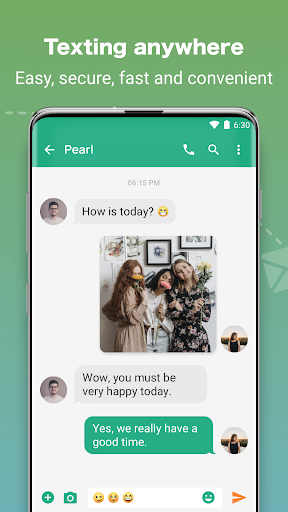
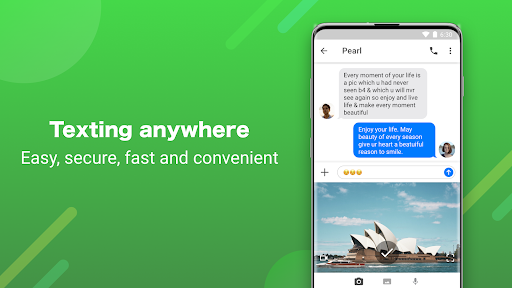
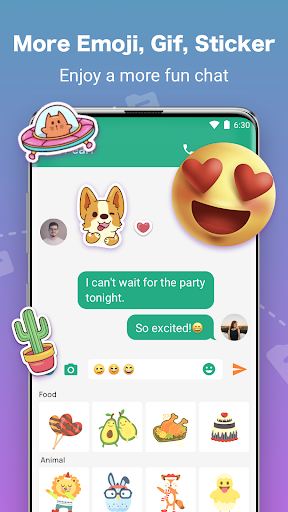
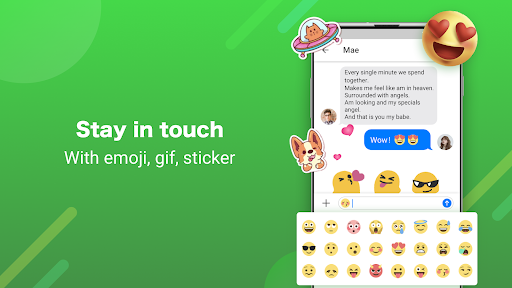
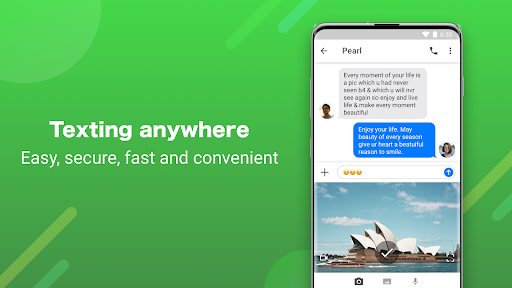
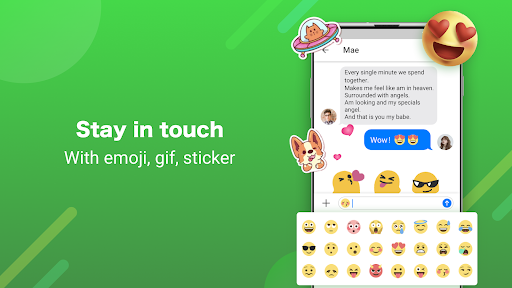
- Support text messages and multimedia messages, send photos, videos, and voices without problems, and the operation is as natural as breathing.
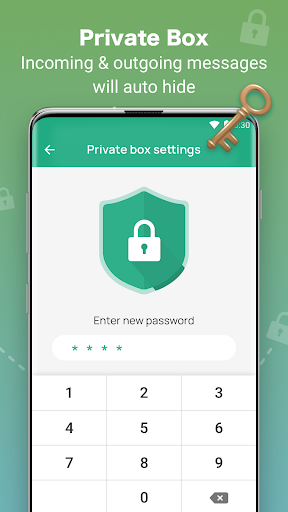
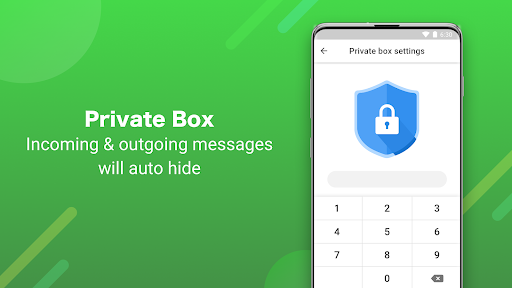
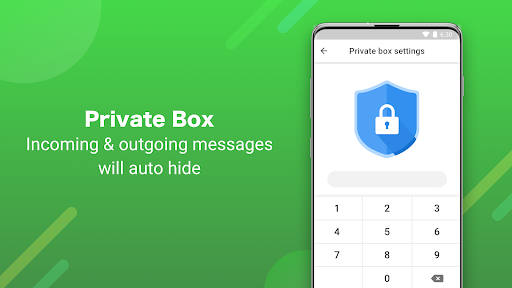
- Privacy settings have been enhanced, and users can control who can see their online status and message content at will. The sense of privacy is UP!
- There is also an offline mode, where you can read and send messages even if you don't have the Internet. It's really convenient.
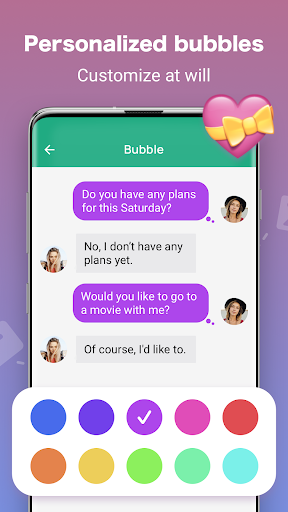
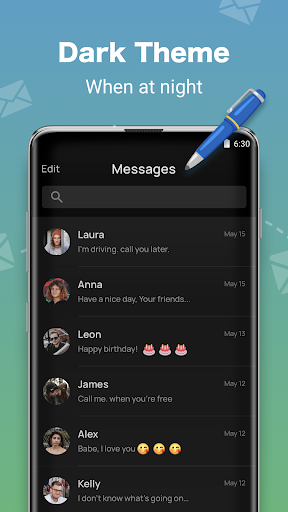
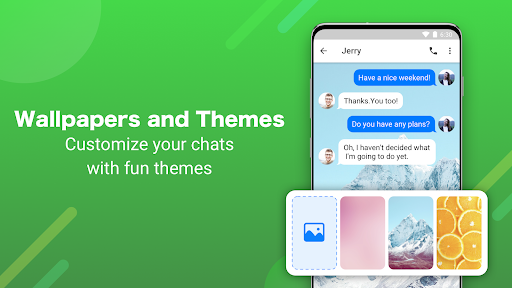
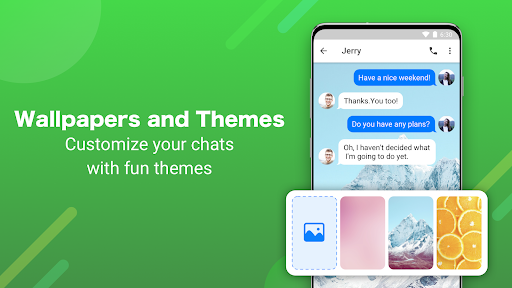
- Notifications and themes can be adjusted at your discretion, making them personalized, and the entire experience more suitable for users 'preferences.
- The integrated design with contacts and initiators allows you to quickly send messages with one click on the home screen, which is super convenient.
Who is this app suitable for?
This mobile chat tool is especially suitable for teenagers, young professionals and families. It needs a reliable and easy-to-use communication artifact. It's perfect for someone who needs to stay in touch every day and chat non-stop on their Android phone!
In addition, for those who like a simple and intuitive messaging experience with privacy and multimedia functions, this app is definitely a good helper for individuals and small businesses to communicate with each other, and can be easily handled anytime, anywhere.
Why choose this app
With its rich features, this Android app brings a seamless chat experience that is simply satisfying. It pays special attention to privacy protection and offline use, making it a reliable choice for daily communication.
Compared with other messengers, its interface is super intuitive, and the real-time synchronization function is really worry-free. For those who like simplicity and efficiency, this App will definitely give you peace of mind and ease of use, perfectly satisfying your dual pursuit of performance and simplicity of operation!
Top Recommended Alternative

Pros & Cons
Pros
-
Super friendly interface to use
-
End-to-end encryption is extremely secure
-
Support multimedia sharing
-
Cross-platform unobstructed, no stuck
-
Can connect with other services with one click
Cons
-
Free Group chats videos have limited time
-
Occasionally it will be stuck or delayed
-
Power consumption is fast and mobile phones are useless
-
Personalization is so rare
-
Notification management is quite complicated
Advertisement
Download Messenger: Text Messages, SMS
FAQ
Messenger: Are text messages and text messages safe? Do you feel safe to use it? +
Of course, Messenger: SMS and SMS are designed to pay attention to user safety and will follow regular security protocols to protect your privacy. The company that developed it is quite reliable and trustworthy.
Remember to download it from the official app store, such as Google Play, so that it can be guaranteed, safe and reliable, and you can use it easily without worrying about getting stabbed or anything.
How can I install Messenger on my mobile phone: SMS, SMS? Are the steps convenient? +
It's pretty easy to install this on an Android phone. Just go to the Google Play store and search for Messenger: SMS, SMS, and then click to install it. The interface design is quite intuitive and will guide you through some basic settings after installation.
After installation, it can be turned on and used. It is smooth to tune your preferences and type a word. Whether it is used as a main communication tool or occasionally, it feels quite convenient to use it, making it easy to send messages.
Messenger: Does SMS and SMS support various Android versions? +
Yes, this Messenger: SMS and SMS are basically compatible with newer Android versions, and can run smoothly on most devices. Developers are very diligent and update frequently to support the latest Android features and security measures.
If your equipment is older, don't worry too much, it usually works smoothly. However, it is best to check the specific system requirements on Google Play to ensure that it is used well and will not encounter traps.
Can you use Messenger without using the Internet: SMS, SMS? +
That's right, it mainly uses the mobile phone's own short message (SMS) function, so you can send and receive messages without having to connect to the Internet. For daily small connections, this thing is a practical solution.
Of course, you may still have to connect to the Internet for sending multimedia (pictures, videos, etc.) or backing up the cloud, but overall, it is a stable ordinary information sending tool, especially suitable for people who don't like to communicate with traffic.
Messenger: Are text messages and text messages a starter, or are they pure messaging software? +
It is mainly a texting application used to work quickly on Android phones, focusing on sending SMS and text messages.
It is not a launcher itself, but it can be integrated into the default SMS application on your mobile phone, or it can be used with your launcher to help you better organize and improve your experience. It is quite convenient.
Messenger: Are there any additional features for SMS and SMS to make it easier to use? +
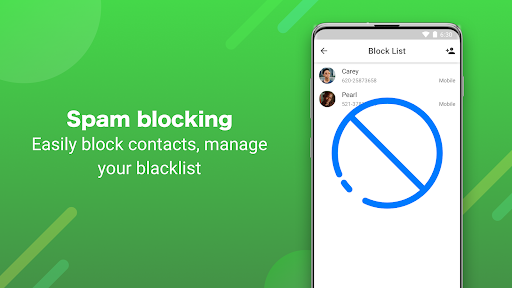
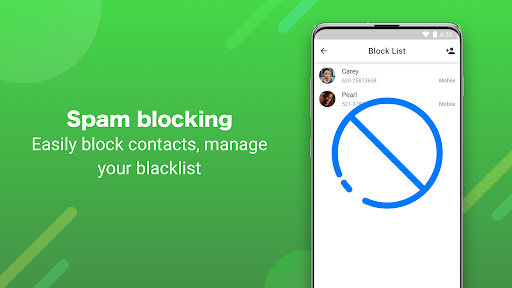
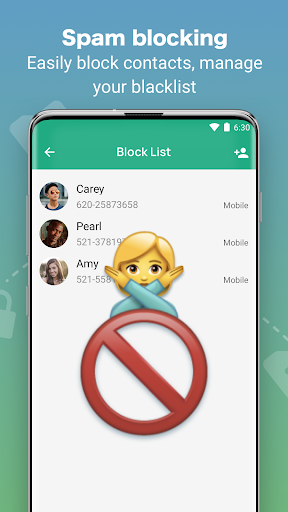
Of course, it also comes with some practical little features, such as message filtering, quick replies, and personalization. These features make the chat experience more intimate and efficient.
Overall, it is an app that pursues humanity and convenience. Many users like to use it to communicate daily messages on Android phones. It is simple and easy to use.
Messenger: Are text messages and text messages suitable for people looking for a reliable messaging software? +
Absolutely suitable! It is designed to be very user-friendly, has stable performance, and has a good reputation. It is the first choice for many users. Developed by some reputable developers, strictly follows security standards and is trustworthy.
If you want to use a reliable, secure, and functional app to handle your daily messaging, Messenger: SMS and SMS can definitely meet your needs without worrying about privacy or security issues.
Messenger: Are text messages and text messages updated frequently? Will new features be added? +
Yes, the development team is very responsible. They regularly push updates to the application, enhance existing functions, and add some new gadgets to make the experience better and better. Each update may bring security patches, performance optimizations or new features to make the software more reliable.
It is important to keep it up to date to ensure a safe and smooth communication environment. It is precisely because of continuous improvement that Messenger: SMS and SMS are so reliable and can continue to meet your various communication needs.
Customer Reviews
Users generally praise Messenger: Text Messages, SMS for its simplicity, speed, and clean design, often calling it easy to use and excellent for core texting needs. Key strengths include intuitive interface and reliable SMS functionality. However, opinions diverge on ads and paid features: while many find the app itself fantastic, they complain that excessive ads disrupt daily use, leading some to switch back to system SMS. Similarly, some appreciate the free basics, but others are frustrated that many features require payment with no affordable one-time option. A few users also report difficulty changing profile pictures and occasional glitches. Overall, the app is valued for its core performance, yet marred by intrusive monetization.
Write a Review
Share your experience with Messenger: Text Messages, SMS. Submissions are reviewed before publishing.
You Might Also Like
More apps you may want to try next.




