MAPS.ME: Offline maps GPS Nav
Advertisement
Screenshots
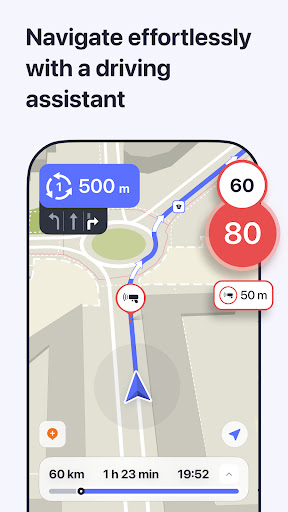


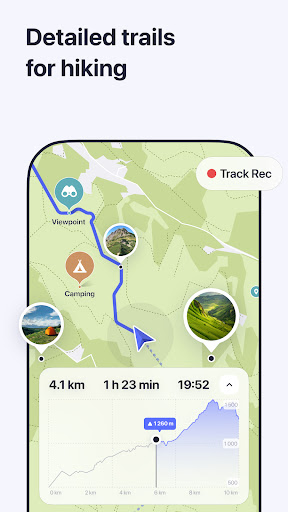
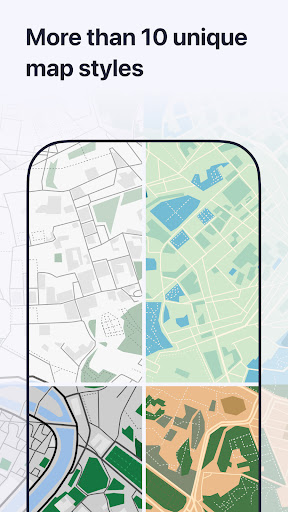



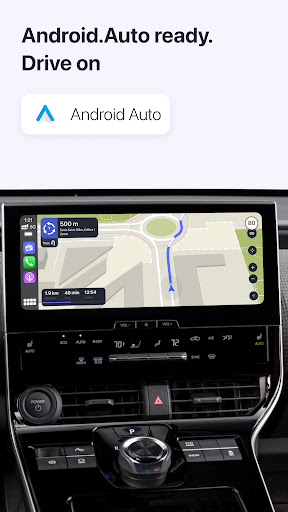
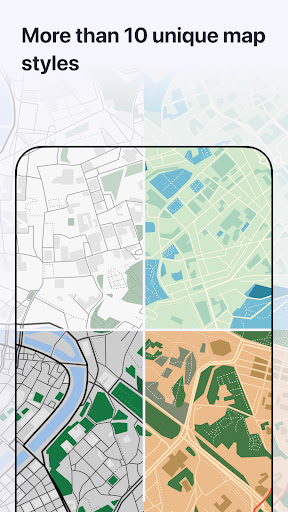
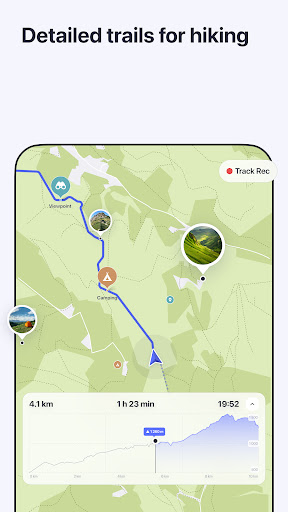
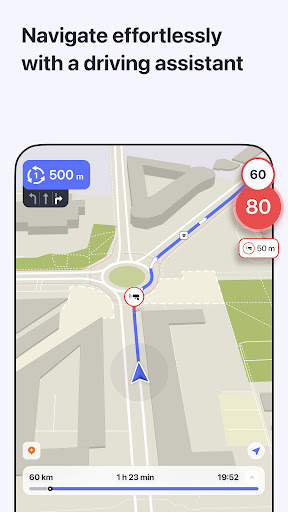
Advertisement
About MAPS.ME: Offline maps GPS Nav
MAPS.ME: Offline maps GPS Nav is really a reliable mobile application that specifically helps you provide those accurate offline maps and navigation tools. Whether you are traveling abroad or going to a new place, this Android App will make you feel comfortable using it, opening detailed maps anytime, anywhere, without worrying about unstable networks. Its main goal is like helping tourists find routes, discover points of interest, and travel around the world easily. It feels great!
Overview
core functions
- Offline maps, you don't have to worry about not having the Internet when you go out, you can use them wherever you need to use them, especially suitable for remote areas or when traveling abroad.
- Real-time GPS tracking helps you keep track of your location on the road at any time and be clear wherever you go
- Detailed map information, including attractions, landmarks and popular routes, allows you to easily explore every corner
- Route planning function with voice navigation makes it easy to walk or drive
- Seamless synchronization between devices, consistent experience, especially smooth on Android devices
- The search function is powerful and you can quickly find places, addresses or places of interest. It also supports local languages. It is really easy to use
- The interface is friendly, like a considerate navigation assistant, and it's effortless to operate
Who is this app suitable for?
This travel and local life app is really for those who travel frequently, backpackers, or like outdoor sports. Offline maps are super reliable. It can be used by people of all ages, and is especially suitable for users who don't like to find their paths through the Internet alone.
Whether it's a road trip, city adventure or hiking, this app helps you stay on the right track, find attractions, and discover local shops and services to make your journey smoother on any Android phone.
Why choose this app?
The GPS navigation application of this offline map is powerful and easy to use. You can navigate even without the Internet, and the experience is super smooth. Its offline mode and real-time GPS tracking allow you to go out with confidence in places where the signal is poor or where there is no Internet.
As a leading Android app, it combines rich functions with an easy-to-use interface. Whether you are a travel enthusiast who travels frequently or a temporary way-finding user, you can find its value. It is a good choice. It perfectly solves all kinds of troubles when finding a way!
Top Recommended Alternative

Pros & Cons
Pros
- Offline maps cover a wide range
- Reliable GPS navigation
- Lightweight App size
- Super intuitive interface
- Updates maps frequently
Cons
- Real-time traffic data is not powerful enough
- No public transportation navigation function
- No indoor map
- Occasionally, there will be errors downloading maps
- The POI database is a bit basic
Advertisement
Download MAPS.ME: Offline maps GPS Nav

FAQ
Is MAPS.ME safe and can it be used for offline navigation?+
Of course, MAPS.ME is a very reliable offline map navigation app that everyone uses. There is nothing false about it. So many people around the world use it, it is accurate and reliable. Can you not believe it?
Itis open source, backed by a strong community, so you don't have to worry about security. Maps are also updated at any time to ensure that you won't get lost on the road. They are really an application worth relying on and a good partner for exploration and travel!
How can I install MAPS.ME on my Android device?+
It's super easy to install MAPS.ME, just go to the Google Play Store to search and download it. After installation, it can use maps offline and GPS navigation. It doesn't even matter if you don't have the Internet, and you can go anywhere you want!
Afterinstalling it, you can also set up commonly used locations and use it directly offline. It is especially suitable for travelers who like to walk and pat freely. You can navigate anytime and anywhere without fear of getting lost!
Can I use MAPS.ME as a starter, or can I just use it to find maps?+
In fact, MAPS.ME is mainly a navigation app, not a launcher tool. However, its core functions are maps and GPS navigation, which is especially suitable for travel and exploration.
Butin fact, it can also be well integrated into your mobile phone operation process, quickly call up detailed offline maps and routes, making travel smoother and improving the user experience a little bit. It's quite convenient!
Does MAPS.ME support offline features and map updates?+
Of course, there's no need to talk about this. The MAPS.ME offline function is really powerful. Once you download a map of the places you want to go, you can use it offline, with or without Internet access. Search, navigation, and route planning can all be done.
Moreover, it regularly updates the map with user contributions and open source data to ensure that your offline solution is always accurate and reliable. The same is true in remote areas, use it with confidence and there will be no mistakes!
Is MAPS.ME suitable for international travel?+
Absolutely, many international travelers like to use it. Its offline maps and GPS navigation functions allow you to easily find routes in unfamiliar cities or countries, saving you the trouble of rambling.
Inplaces where the Internet is poor or there is no signal, it can still help you find directions. Detailed maps and routes are all in one app, which is very considerate and feels so safe to use when traveling!
Is it convenient for beginners to use MAPS.ME?+
Gee, many people think that MAPS.ME is particularly easy to use, with a clean and refreshing interface, and simple and clear functions. No matter which piece of computer you are a veteran, you can figure out how to use it in a few minutes.
Asa reliable offline navigation APP, it also provides some operation guides and tutorials, which are convenient and practical. It is really a good choice for friends who want to efficiently get offline maps!
Can MAPS.ME be used on Android and iOS devices?+
Of course you can! It supports both Android and Apple systems, and no matter which platform you use, you can enjoy the convenience it brings. The cross-platform design makes people feel comfortable to use.
Thefunctions are mainly navigation and offline maps, which are especially suitable for places with poor network or no signal. They are very considerate to use. No matter where you are, you can do it!
Are there any safety aspects to pay attention to when using MAPS.ME?+
Basically, MAPS.ME is quite safe and reliable. Official stores have been reviewed, so you don't have to worry about viruses or anything when downloading it. It will not collect your personal information without authorization and respects user privacy.
However, it is recommended that you keep the latest version of your application and install security updates and map patches to prevent potential risks. Its stability and offline functions are great. It is very trustworthy when you navigate when you go out and out.
Customer Reviews
Users consistently praise MAPS.ME for its reliable offline navigation and detailed maps, making it a top choice for travelers without internet access. However, recent updates have introduced significant controversy. For offline navigation, many find it excellent for discovering trails and navigating remote areas, yet some report outdated map data and inaccurate speed readings. In terms of search and route planning, some users appreciate its simplicity, while others complain of inadequate search functionality and cumbersome route planning with excessive ads. The transition from a one-time purchase to a subscription model has frustrated long-time users who feel penalized. Interface and performance: positive feedback highlights ease of use and smooth operation, but negative reviews note bloated updates, sluggish performance, and a non-intuitive interface. Overall, a capable offline map app marred by recent changes and monetization issues.
Write a Review
Share your experience with MAPS.ME: Offline maps GPS Nav. Submissions are reviewed before publishing.
You Might Also Like
More apps you may want to try next.