FamiliarApps logo
Maps All in One, Speedometer

Maps All in One, Speedometer

Advertisement

Screenshots
32 images
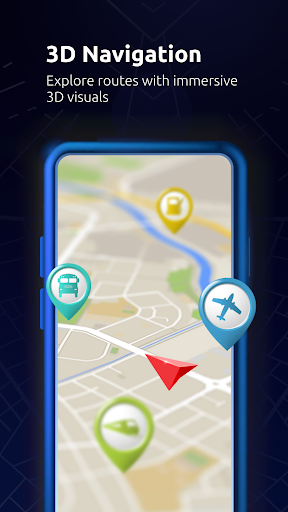
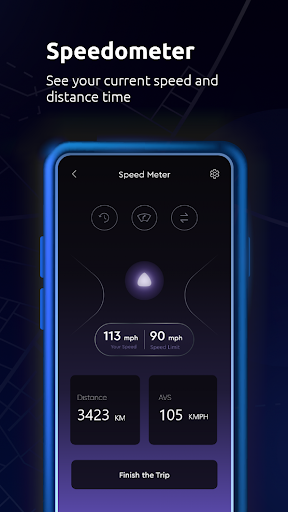
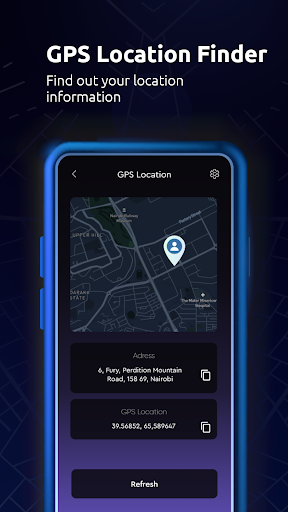
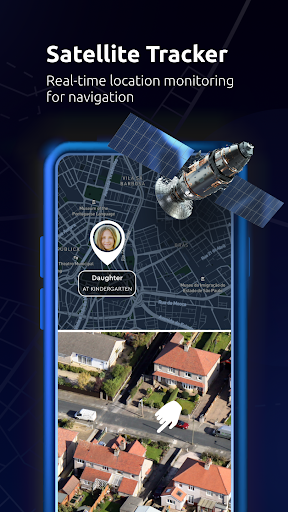
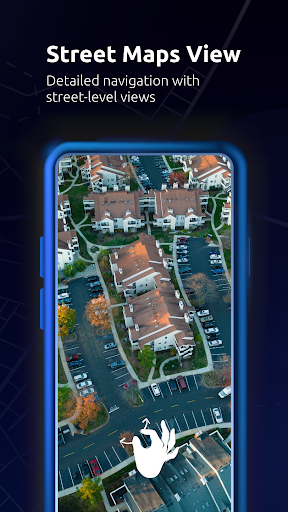
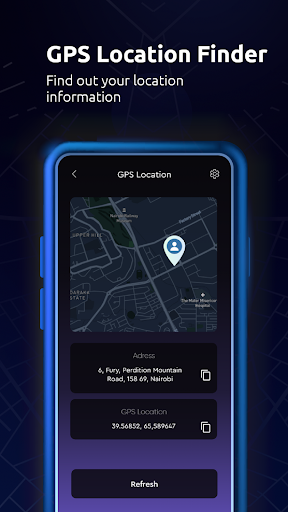
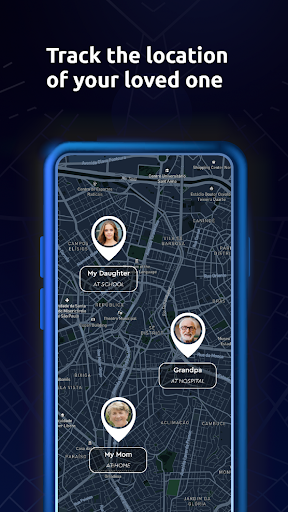
Maps All in One, Speedometer screenshot 1 Maps All in One, Speedometer screenshot 2 Maps All in One, Speedometer screenshot 3 Maps All in One, Speedometer screenshot 4 Maps All in One, Speedometer screenshot 5 Maps All in One, Speedometer screenshot 6 Maps All in One, Speedometer screenshot 7 Maps All in One, Speedometer screenshot 8 Maps All in One, Speedometer screenshot 9 Maps All in One, Speedometer screenshot 10 Maps All in One, Speedometer screenshot 11 Maps All in One, Speedometer screenshot 12 Maps All in One, Speedometer screenshot 13 Maps All in One, Speedometer screenshot 14 Maps All in One, Speedometer screenshot 15 Maps All in One, Speedometer screenshot 16 Maps All in One, Speedometer screenshot 17 Maps All in One, Speedometer screenshot 18 Maps All in One, Speedometer screenshot 19 Maps All in One, Speedometer screenshot 20 Maps All in One, Speedometer screenshot 21 Maps All in One, Speedometer screenshot 22 Maps All in One, Speedometer screenshot 23 Maps All in One, Speedometer screenshot 24 Maps All in One, Speedometer screenshot 25 Maps All in One, Speedometer screenshot 26 Maps All in One, Speedometer screenshot 27 Maps All in One, Speedometer screenshot 28 Maps All in One, Speedometer screenshot 29 Maps All in One, Speedometer screenshot 30 Maps All in One, Speedometer screenshot 31 Maps All in One, Speedometer screenshot 32

Advertisement

About Maps All in One, Speedometer

Maps All in One, Speedometer is a powerful application. It is specially designed for Android users. It has comprehensive functions. It can not only navigate and speed measurement. The integrated interface is super convenient to use. It can give you directions in real time, track your speed, and help you find your location. It feels very smooth to use. Whether it's commuting to and from work, traveling, or outdoor adventure, it's very useful. Its interface design is quite intuitive, it is easy to find which navigation tools you want to. The overall feeling is particularly considerate, allowing you to stay informed and travel worry-free at any time.

Overview

Core Features

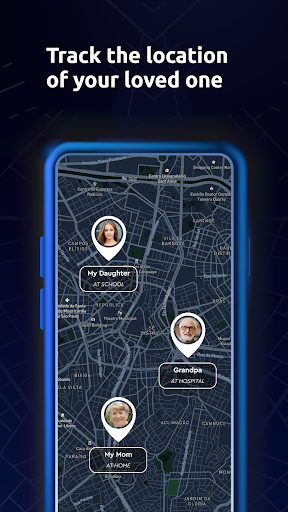
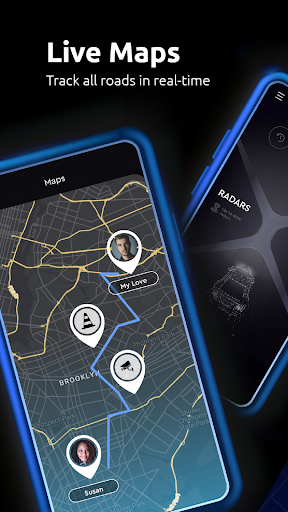
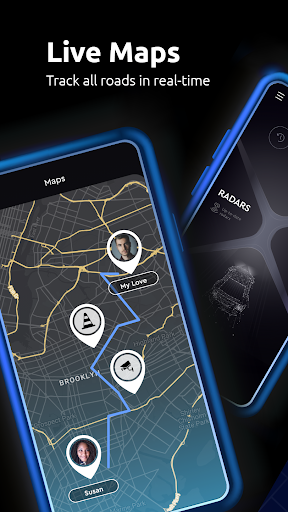
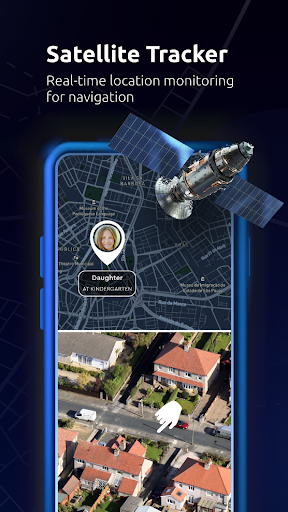
  • This app allows real-time GPS positioning, allowing you to see your location on the map as soon as you open it. It's super convenient!
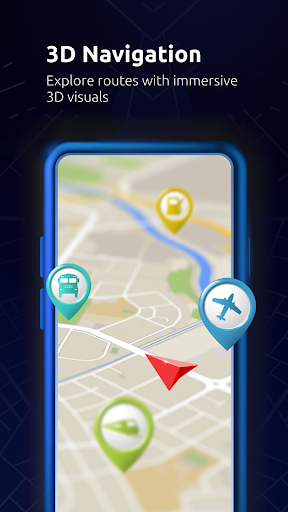
  • The interface is particularly intuitive and simple to operate. It becomes particularly easy to find routes and nearby places, and it feels like you can get started.
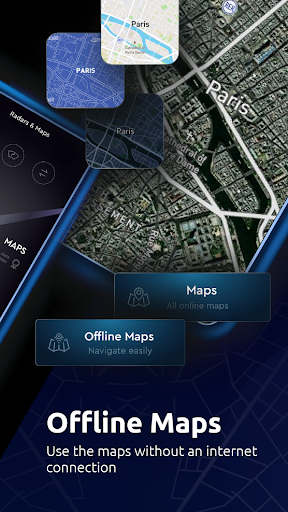
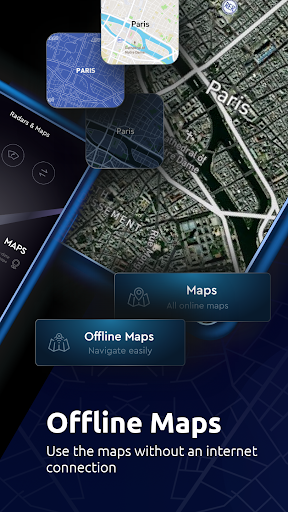
  • In offline mode, you don't have to worry about not having a network. You can use maps and navigation, and you can navigate smoothly from afar. It's so considerate!
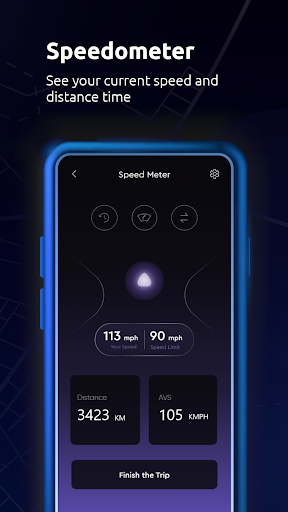
  • The speedometer function is very accurate in speed measurement. Friends who drive can quickly know their speed and respond very quickly.
  • The built-in compass helps you get a sense of direction, so that you don't have to worry about getting lost during the journey, and the experience is smooth enough to fly!
  • The map can be customized and multi-level functions can be added to allow everyone to navigate the way they like. It's super considerate!
  • This launcher application updates quickly and has stable performance. It has basically become a must-have artifact for daily navigation. It is absolutely reliable!

Who This App Is For

This mobile app is especially suitable for friends who often travel, drive, and explore outdoors. Anyway, those who cannot live without navigation tools.

Whether you are catching a bus in the city or walking around the world in a remote place, this solution will help you plan your route and ensure that you don't get lost. It's really good!

Why Choose This App

The highlight of this Android app is that it is so versatile, making your navigation more reliable and the user experience super easy.

Combined with basic functions such as real-time positioning, speed detection and offline use, the sense of trust is overwhelming. It is much more reliable than those simpler navigation software. It is definitely worth a try!

Top Recommended Alternative

Pros & Cons

Pros

  • All-round map function
  • Real-time speed monitoring
  • Super friendly interface
  • Support offline maps
  • customizable settings

Cons

  • Limited offline navigation capabilities
  • GPS is occasionally inaccurate
  • Slow running on old phones
  • There are not many customizations for speedometer
  • Lack of real-time traffic information

Advertisement

Download Maps All in One, Speedometer

You are going to be redirected to the official website to finish the download when you click these buttons above.

FAQ

Is the Maps All in One, Speedometer app safe to use on my device? +
Well, this Maps All in One, Speedometer is quite reliable. It was made by some well-known developers and can also be found on regular platforms such as the Google Store. Updates are also quite frequent. Can you ensure safety and use it with confidence? It's just that it's best to download it from official channels and pay attention to permissions. It is designed with user safety in mind and is very trustworthy to use. Whether it is navigation or speed measurement, it is quite guaranteed.
How do I install the Maps All in One, Speedometer app on my Android device? +
To install this app, it's actually super simple. Just open Google Play directly, find the link, and click install. The operating process is very straightforward and basically most Android phones are compatible. After installing it, you can try all the functions, especially navigation and speed measurement. It is so convenient for people who drive or like to walk outdoors. It is very easy to use relying on this.
What features does the Maps All in One, Speedometer app offer? +
This Android application integrates many navigation functions into one interface, which is quite considerate. It has real-time GPS navigation, speed tracking, and distance measurement. It is like a multi-functional navigation tool that is very easy to use when going out. In addition to these, it also supports offline maps, route planning and personalized reminders, making the experience great. The interface is designed to be very intuitive. Whether you are driving, cycling or walking, it can be basically at your fingertips and is very reliable.
Can I use the Maps All in One, Speedometer app without an internet connection? +
Of course, this app also supports offline maps, which means that navigation can be used even if there is no Internet. For remote areas or places with poor Internet reception, this is a real lifesaver. In offline mode, you can also track your speed, plan your route, and handle everything freely. In this way, you don't have to worry about problems when there is a sudden lack of signal, and the experience is quite stable and reliable.
Is the app compatible with both Android and iOS devices? +
Currently, the Maps All in One, Speedometer is available on Android and can be found on Google Play. It works smoothly, and you can use it with confidence no matter which Android phone or tablet you are using. As for the Apple version, I haven't seen the official release yet, but there are still many similar apps on the market. For Android users, this navigation and speed measurement toolbox is super convenient and trustworthy to use.
How can I customize the app to suit my navigation needs? +
This app is quite considerate and supports custom speed reminders, route preferences, and the interface display can also be adjusted. You can set some preferences based on your habits to make navigation more in line with your habits. Understanding these functions will make you more comfortable to use them. Whether it's daily commuting to work or suburban adventures, you can find the best way for you.
Does the app support real-time updates and traffic information? +
Of course, this app supports real-time navigation information and traffic status updates. You don't have to worry about taking the wrong road or getting stuck in traffic. It can help you adjust your route in real time and provide you with the latest traffic conditions. It will also remind you of changes in speed and road conditions, making navigation more efficient. In this way, whether you are in the city or the countryside, you can have a reliable assistant to help you reach your destination smoothly. It's great!
What should I do if I encounter issues with the app? +
If you encounter a problem, first of all, you have to make sure you are using the latest version. Go to the Google Store to see if there are updates. Rebooting or uninstalling and reinstalling your phone can often solve some minor problems. If that doesn't work, you can check the official help page or contact the developer's customer service. Their support was quite timely and the whole experience was more practical. After all, in addition to version updates, reliable applications must also have good customer service support to be used with peace of mind.

Customer Reviews

AI
AI Generated Summary
Based on real user feedback
★ 3.2

Users generally appreciate the app’s utility for highway and cross-country travel, praising its ability to guide lost users quickly and its overall pleasant interface and reliability. Key dimensions: (1) Advertising & payment model – A common complaint is excessive ads; while some users note the app works perfectly aside from ads, others find the ad volume unacceptable and report deceptive practices (the actual app doesn’t match ads, membership required after installation, and ads persist even after paying). (2) Functionality & trust – Many give high marks for speed and navigation accuracy, but a significant number label it “garbage” because intrusive ads or payment requests block any real trial. The app is seen as useful for navigation but marred by aggressive monetization and misleading presentation, making Google Maps a preferred alternative for many.

Jose Alonzo · 2026-06-15
★ 5
This app is very useful and helps you find your way when you're lost or disoriented, guiding you to your destination quickly.
Mohamed Torres Benítes · 2026-06-10
★ 3
Good
Tony Rome · 2026-06-10
★ 1
Couldn't even try the app due to excessive ads and payment requests right after installing. It seemed promising, but if you want users to pay, give them a chance to test it without intrusive ads first.
Ciro Jarquin · 2026-06-08
★ 5
Good
Arshad Jawaid · 2026-06-07
★ 5
Unmatched in quality and performance, this is simply the best option you could ever choose.

Write a Review

Share your experience with Maps All in One, Speedometer. Submissions are reviewed before publishing.

Rating *
0 / 2000

You Might Also Like

More apps you may want to try next.

Advertisement
5
Please wait...