
Map Drive - Radar, Speedometer
Advertisement
Screenshots
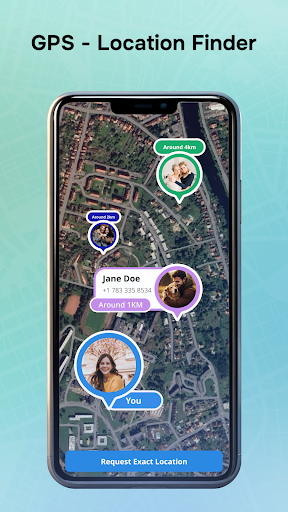
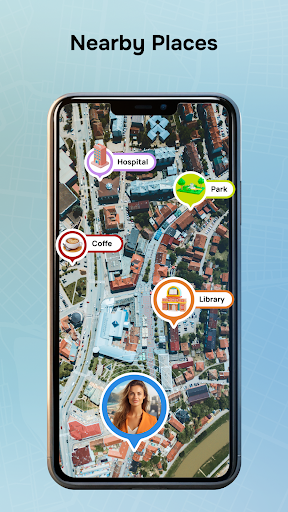
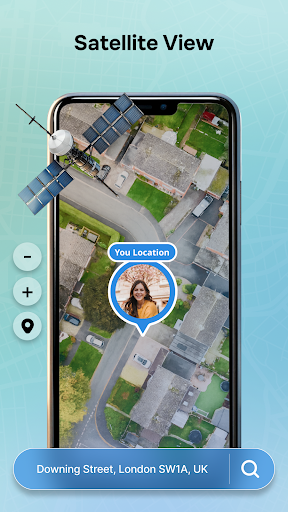
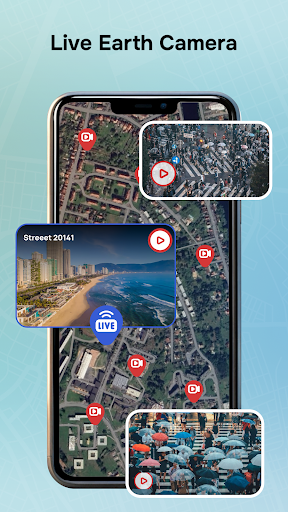
Advertisement
About Map Drive - Radar, Speedometer
Overview
core functions
- This app can update traffic information in real time, helping you easily handle traffic conditions and drive without worrying about traffic jams or emergencies.
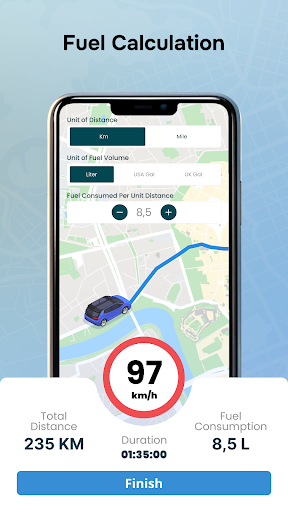
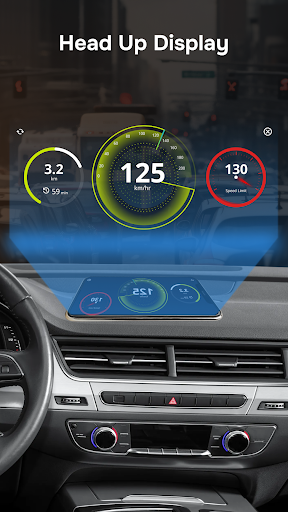
- The built-in speedometer is accurate enough to surprise you. You can clearly see your current speed, making travel safer.
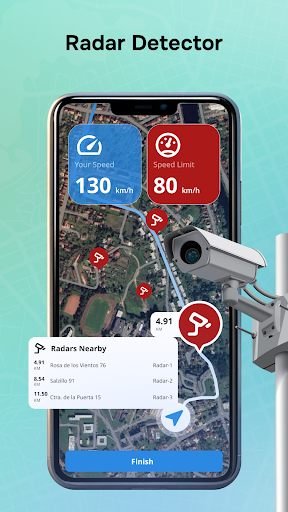
- Map Drive can also alert you in advance of nearby accidents, roadblocks or traffic jams, allowing you to be prepared in advance and not worry about getting stuck on the road.
- The offline mode is very considerate. Even if there is no Internet, you can use saved maps and data. Navigation is not closed, which is quite reliable.
- The interface can be customized, making it easier for you to quickly find the functions you need, making driving navigation more intuitive and convenient.
- The application design is light and easy to use, making it easy to get started and have a good experience whether you are a novice or an old driver.
- It is also perfectly compatible with Android devices, supports various launcher interfaces and functions, and is smooth to use.
Who is suitable for?
This mobile APP is especially suitable for drivers, office workers, and friends on the road who want to rely on it to obtain reliable navigation and real-time traffic information. It is a good choice for users who are pursuing quasi-route guidance and want to make driving easier and more assured.
Whether you are a commuter who travels every day or a self-driving tour that likes to go at will, this software helps you avoid traffic jams, monitor your speed at any time, and navigate safely. Simple and easy to operate, with practical functions, a must-have map navigation application on Android phones.
Why choose this model?
This Android app provides a reliable experience with precise features and makes your navigation smoother. Real-time updates and radar warnings allow you to understand the road conditions as soon as possible, saving time and worry, and greatly reducing travel pressure.
The most special thing is that its interface design is intuitive and user-friendly, and its offline functions are also quite practical, allowing you to make choices with confidence in daily travel. Combining rich functions and thoughtful design, it helps you create a reliable navigation companion for worry-free travel.
Top Recommended Alternative

Pros & Cons
Pros
-
Intuitive radar display
-
Accurate speed measurement function
-
personalization
-
real-time data updates
-
Lightweight and quick response
Cons
-
Limited offline functionality
-
Battery drains quickly
-
Limited interface personalization
-
Speed measurement requires calibration
-
Occasionally I get stuck
Advertisement
Download Map Drive - Radar, Speedometer
FAQ
Is the Map Drive - Radar, Speedometer safe on my Android device? +
Of course, the Android application of Map Drive - Radar, Speedometer is quite reliable, taking into account user security and data protection issues when developing. It follows general application security regulations to ensure that your information is not leaked.
As a solution experienced in the field of map navigation, it will be updated regularly to ensure good performance and security. Remember to download apps from regular channels so that your device will be more secure!
How can I install Map Drive - Radar, Speedometer on my Android phone? +
It's very simple, just go to the Google Play store and search for its name, or find the link, click on it and install it. It's not too much trouble at all, it's ready to use it after installation!
This Android application interface is clean and simple, and it is easy to use. After installing it, you can try radar, speedometer and other functions, and the navigation experience will be even better!
Can I use Map Drive - Radar, Speedometer offline? Still have to be connected? +
It has some offline features, but to have fun, you still have to connect to the Internet. For example, functions such as real-time traffic radar cannot be done without the Internet.
This app is designed to help you navigate and provide real-time information. It is quite convenient to use for daily travel, but the limitations of offline mode are also quite obvious. Stay connected and the experience will be better!
Is it safe to use the Map Drive - Radar, Speedometer for daily driving? +
Of course! This application provides real-time speed and traffic radar to help you drive safely for users 'safety considerations. The interface is also very intuitive, simple and convenient to operate, and will not distract you from driving.
Many people trust this navigation tool to use its speedometer and traffic warning functions to help you drive safer and easier. And it's quite practical and a good navigation assistant!
What feature makes Map Drive - Radar, Speedometer stand out among many navigation apps? +
This Android app integrates speed measurement, real-time traffic radar, location tracking and everything, and is easy to operate. It is to make your daily navigation easier and smarter.
In addition, the interface design is friendly, the settings can be adjusted, and it is quite light and will not spoil your resources. With it, you don't have to find other tools to quickly solve navigation needs. It's quite cost-effective!
Customer Reviews
Users praise Map Drive for its ability to work without data, clear speed camera alerts, and accurate search results that outperform competitors. Many find it simple to install and highly useful. However, frequent and intrusive ads are a major complaint, with some describing the app as 'advertisement only' and reporting crashes, reloads, and blocked features. While some users confirm the radar and speedometer work well, others claim the described features are inaccurate or misleading. The app also faces criticism for excessive permission requests. Overall, it offers valuable core functions but struggles with ad aggression and reliability.
Write a Review
Share your experience with Map Drive - Radar, Speedometer. Submissions are reviewed before publishing.
You Might Also Like
More apps you may want to try next.



