
Magic Doodle: Glow Art Drawing
Advertisement
Screenshots
Advertisement
About Magic Doodle: Glow Art Drawing
Overview
core functions
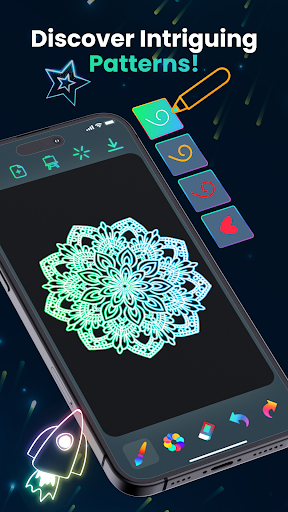
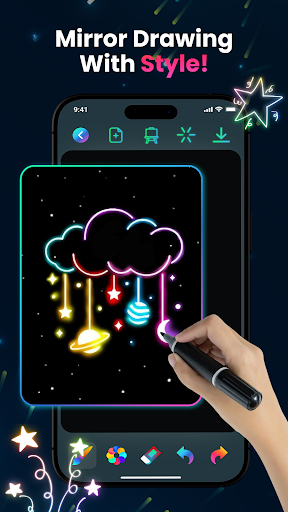
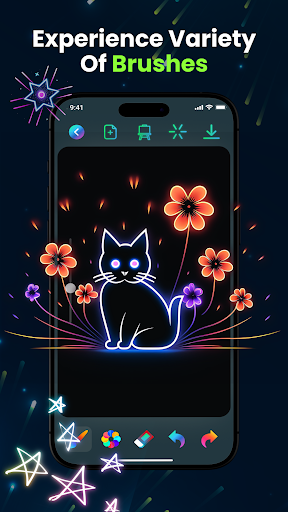
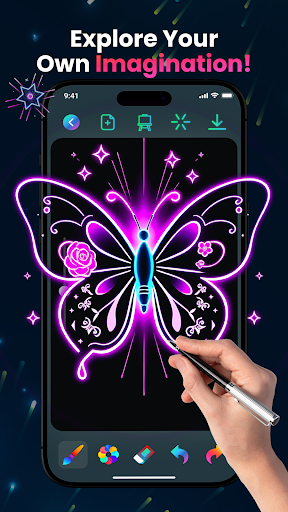
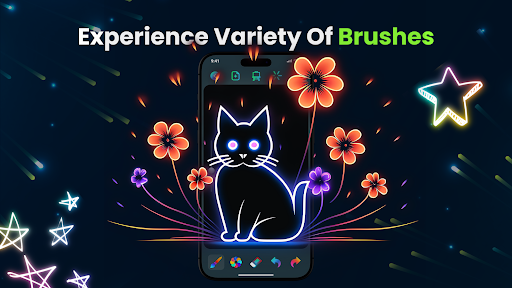
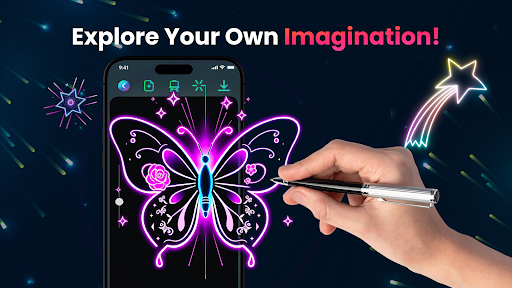
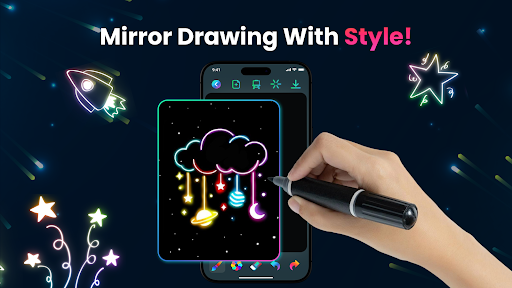
- This app has very intuitive painting tools, such as various brushes, rich colors, and a funny stamping function, allowing you to play with creative designs as you please.
- Creative mode supports real-time allocation of colors and special effects, helping you easily create bright and vibrant light and shadow art.
- Offline mode allows you to create to your heart's content without having to connect to the Internet, and your flexibility is instantly improved and you will not be restricted to any network environment.
- The built-in tutorials and guided courses are particularly intimate and help novices easily master various painting skills. It is not difficult at all.
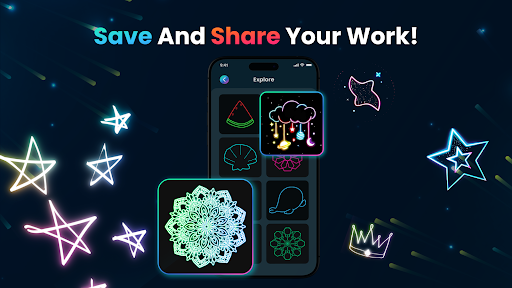
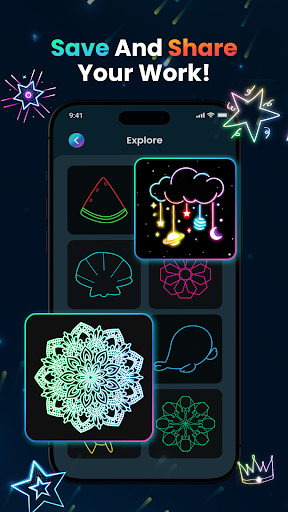
- The sharing function is super smooth, and you can directly post your work to social platforms or save it on your mobile phone. It is both convenient and practical. It is simply an artifact that integrates art and design.
- Automatic save and undo operations allow you to create smoothly all the way, and your work will never be lost due to small mistakes. Feel free to play!
- Supports high-resolution output to help you create detailed and professional works of art.
Who is suitable for?
This mobile app is especially suitable for those who like art, students and enthusiasts. People aged 10 and above who like creative painting and light and shadow art can play well. Whether you are a novice or an experienced painter, you can find interesting experiences.
Whether you're looking for a tool to pass the time, create unique digital art, or try a new style of painting, this Android app provides you with all the tools and functions you need to learn and create while playing.
why this
The biggest highlight of this Android app is that it combines rich functions with a simple operating interface, making it easy for everyone to start and use smoothly. It focuses particularly on light and shadow art and design, and is deeply loved by creators who like diverse artistic experiences.
It provides a reliable environment without advertising interference, is equipped with powerful tools to directly solve users 'core needs, and is a trustworthy entry or advanced tool for digital art.
Pros & Cons
Pros
-
user-friendly interface
-
Bright glow effect
-
Rich painting tools
-
interactive animation
-
Convenient way to share
Cons
-
Limited offline functionality
-
Insufficient basic customization options
-
Occasionally stuck when complex pictures
-
Few tutorial resources
-
Free version has ads
Advertisement
Download Magic Doodle: Glow Art Drawing
FAQ
Is Magic Doodle: Glow Art Drawing easy to install and set up? +
Of course, Magic Doodle: Glow Art Drawing is actually quite easy to install on your Android device. As a popular mobile application, it can be found on the Google Play Store and is very convenient to install without any cumbersome processes.
Onceinstalled, the app will have a very simple guidance process. You can start experiencing its painting function immediately, without worrying about complex settings, and immediately feel the joy of creation!
Is Magic Doodle: Glow Art Drawing safe to use on my device? +
Absolutely safe! Magic Doodle: Glow Art Drawing was developed by a reputable team that pays special attention to user safety issues. This app strictly adheres to privacy standards to ensure the safety and reliability of your personal data.
Rememberto download it from a place you trust, such as the Google Play Store, to ensure that your app passes security verification. With this application, you can be creative without worrying about security issues. It's quite reassuring!
What are the main app features of Magic Doodle: Glow Art Drawing? +
This mobile app has many interesting functions and is especially suitable for friends who like art. You can draw colorful light and shadow works, choose a variety of different brushes, and those bright colors to make your work really attractive!
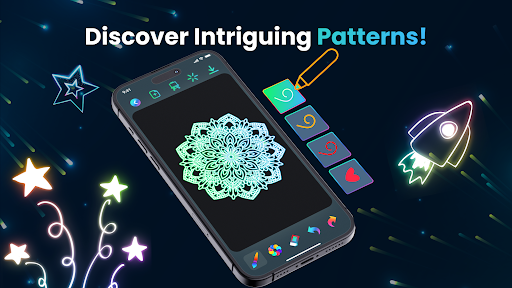
It's also easy to operate. The cascading design allows you to create complex works that can be saved and shared with friends after completion. These features make it particularly interesting and a great creative platform!
Can I use Magic Doodle: Glow Art Drawing without an internet connection? +
Sure, once you download and install the app, you can use it to draw light and shadow works without the Internet. Basically, you don't need to be connected to the Internet all the time. You can use it anytime, anywhere. It's very convenient!
Whetheryou are at home or traveling, it's great to connect to this app seamlessly and experience smooth creative fun without any interruptions!
How does Magic Doodle: Glow Art Drawing improve my creative skills? +
Using this mobile app can help you improve your artistic level. It has prepared many tools and functions specifically for doing light and shadow art. This app encourages you to try and try more, with unlimited creativity, and the whole process is simple and fun!
Whetheryou are a novice or an experienced artist, the interface design is particularly intuitive, making it easy to learn new skills, and helping you slowly create your own style. This is definitely a precious software that improves the level of creation!
Customer Reviews
Users appreciate the app's creative and relaxing doodling experience, particularly enjoying the glow-in-the-dark neon effects. Many find it entertaining for children and good for stress relief. However, the app is heavily criticized for excessive ads that interrupt drawing, often appearing immediately upon launch and pressuring users into subscriptions. Some users note that after dismissing ads, the pen may malfunction; others report missing essential features like layers, shapes, eraser, and canvas pan. While a few find the paid version acceptable, many feel the app is unusable without paying. In summary: creative fun is overshadowed by intrusive ads and missing tools.
Write a Review
Share your experience with Magic Doodle: Glow Art Drawing. Submissions are reviewed before publishing.
You Might Also Like
More apps you may want to try next.




