FamiliarApps logo
Lockscreen Drawing

Lockscreen Drawing

Advertisement

Screenshots
6 images
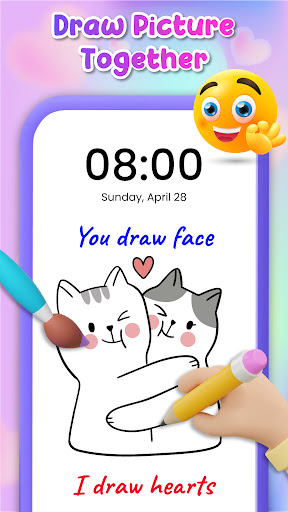
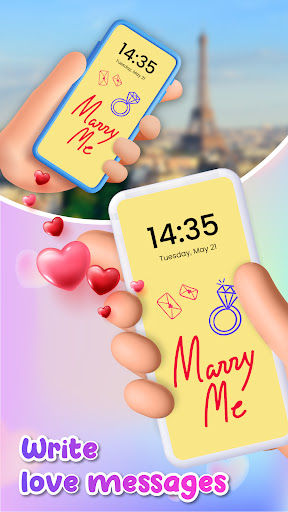
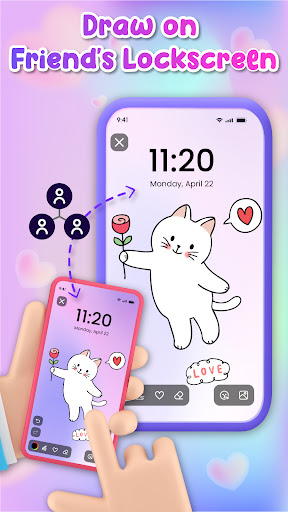
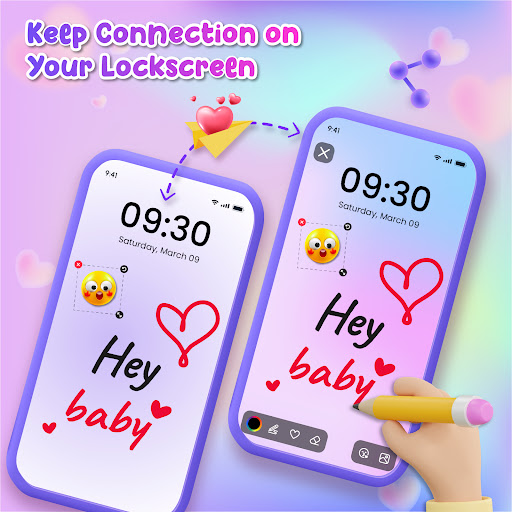
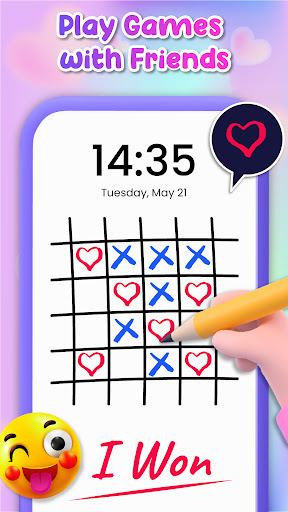
Lockscreen Drawing screenshot 1 Lockscreen Drawing screenshot 2 Lockscreen Drawing screenshot 3 Lockscreen Drawing screenshot 4 Lockscreen Drawing screenshot 5 Lockscreen Drawing screenshot 6

Advertisement

About Lockscreen Drawing

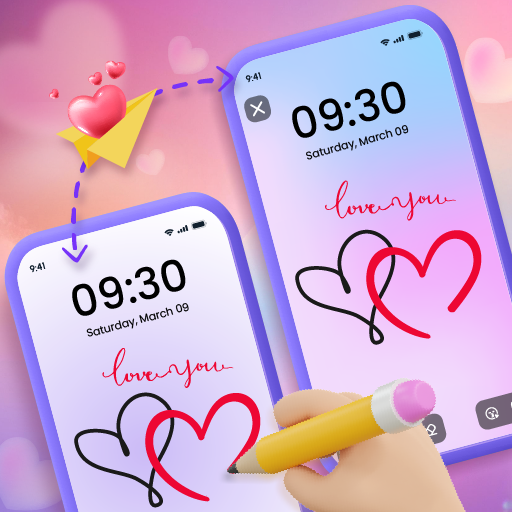
Lock screen painting is a very creative and personalized Android mobile phone application, which is really good. It allows you to add your favorite paintings or works of art on the lock screen as you please, making your phone more distinctive and interesting. As an easy-to-operate launcher software, it provides a simple way to make your phone more ordinary and instantly catch people's attention with a little personalized visual effects.

Overview

core functions

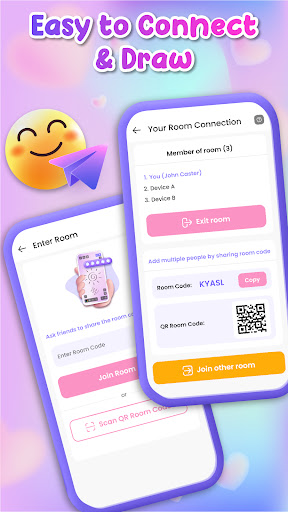
  • You can customize the lock screen and draw. Users can design their own device interface at will and it's easy!
  • Support various functions, such as drawing tools, wallpapers, themes, etc., to take your personalization to the next level.
  • You can quickly open your favorite sketches or notes directly on the lock screen interface without unlocking it, which is convenient and convenient.
  • Support offline mode, you can draw and view without the Internet, and don't worry about not having the Internet affecting your creation!
  • The interface is smooth and intuitive, comfortable and easy to use, and even Android phones can experience the smooth feeling.
  • Your paintings and personalized settings are stored safely, with guaranteed privacy and absolute reliability.
  • Setting up the launcher is very easy, and users can easily get the Android homepage layout they want.

Who is this app suitable for?

This software is especially suitable for teenagers and young people who like to show their creativity and want to make their devices more personalized. Especially those who like to decorate the lock screen while playing, they will find it particularly interesting.

Whether you want a fun way to add a personal touch to your phone or need a tool that makes it easy to view sketches at any time, this app is a great fit and allows you to make your phone more interesting and beautiful in an intuitive way.

Why choose this app

Its biggest highlight is that it combines personalization and practicality well, making your lock screen both beautiful and practical. Moreover, the interface design is very friendly, and you can easily get started at any technical level and have fun.

As a reliable application solution, it helps users create a unique appearance of their mobile phones while ensuring privacy and being able to quickly pick up notes or draw at any time. Compared to those starters that lack these functions, it is a different level of experience!

Top Recommended Alternative
Pros & Cons

Pros

  • Intuitive painting interface
  • Customizable template
  • HD image quality output
  • Various drawing tools
  • Quick export and setup

Cons

  • Fewer undo/redo functions
  • Missing advanced editing functions
  • Occasionally I get stuck
  • Limited export formats
  • The interface is not personalized enough

Advertisement

Download Lockscreen Drawing

You are going to be redirected to the official website to finish the download when you click these buttons above.

FAQ

How do I install the lockscreen drawing app on my device? +
To install the lock-screen drawing app, you can find it directly on the Google Play Store because it is a personalized software dedicated to Android. Just search for its name and follow the usual installation program. It's quite simple. This software is specially designed for those who like to customize the lock screen. It is easy and comfortable to use.
Is the lockscreen drawing app safe to use? +
Well, this lock-screen painting application has been reviewed and is basically safe. It follows normal security procedures and will not ask you to issue permissions randomly. Just like all mobile applications, it is recommended to download them from official channels, such as Google Play, so that you can feel more assured.
Can I customize my lockscreen with this app? +
Of course you can! This app is specially designed for people who like personalization, allowing you to create a unique lock-screen interface with your own paintings. It has a lot of drawing tools, backgrounds and fonts that give you complete control of the look of your lock screen.
Does this app work on all Android versions? +
This lock-screen drawing application runs smoothly on most new Android phones and generally supports the latest system versions. Before installing it, check the Android version of your device to see if it meets the requirements. As long as your mobile phone supports it, you can enjoy all the functions. Developers will also constantly update it to ensure that it can be used in different versions, which is quite reliable.
What features make this app stand out from other launcher apps? +
This software is different from other launchers because it mainly emphasizes the use of painting tools for personalized lock screens. It can draw in real time, edit at will, and have various design options to make your lock screen unique. The interface is simple and rich in functions, making it especially suitable for friends who like DIY and want to turn the lock screen into a creative canvas.
Will I need an internet connection to use the app? +
No need! This lockscreen drawing software is completely offline and can be used without the need to be connected to the Internet. You can DIY your own screen lock anytime, anywhere, without WIFI or traffic. This feature makes it particularly convenient and suitable for friends who like to personalize while playing. However, if you want to download updates or additional content, you may still have to connect to the Internet.

Customer Reviews

AI
AI Generated Summary
Based on real user feedback
★ 3

Many users appreciate the app's engaging and fun concept, especially for connecting with distant friends, praising its smooth performance and intuitive interface. However, excessive advertisements are a major complaint—ads pop up with every tap, disrupting the experience. Security concerns are significant: some users report inappropriate advances from older men requesting personal information and explicit images, making the app unsuitable for children. While a few users enjoy the drawing features and find it well-crafted, others struggle with basic functions like adding photos. Overall, the app has positive aspects but suffers from ad overload and serious safety risks.

Oriade Fetuga · 2026-06-23
★ 1
It's unsettling when adult men ask improper questions. Please stay safe, everyone.
Ankush singh Jadon · 2026-06-22
★ 1
This app provides a seamless and intuitive interface, making it easy to navigate. The performance is smooth and reliable, enhancing daily productivity. Highly recommended for its efficiency and user-friendly design.
Aman Ali · 2026-06-21
★ 5
nice
Sanya Gupta · 2026-06-21
★ 1
Personally, I dislike these apps because they show too many ads. This particular app is not good.
Tabatha Hutchens · 2026-06-20
★ 1
There are far too many ads. I couldn't even finish the drawing without pop-ups interrupting constantly.

Write a Review

Share your experience with Lockscreen Drawing. Submissions are reviewed before publishing.

Rating *
0 / 2000

You Might Also Like

More apps you may want to try next.

Advertisement
5
Please wait...