
Lock Screen, Widgets - YoLock
Advertisement
Screenshots
Advertisement
About Lock Screen, Widgets - YoLock
Overview
core feature
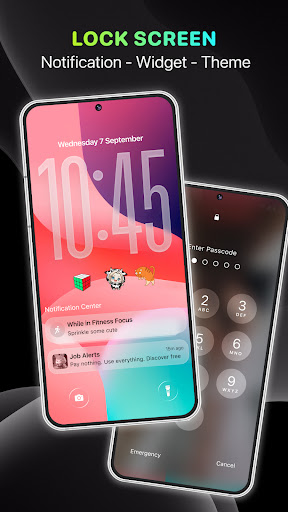
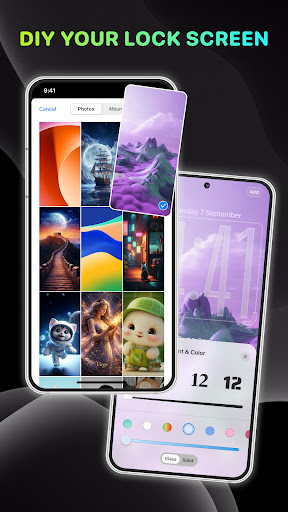
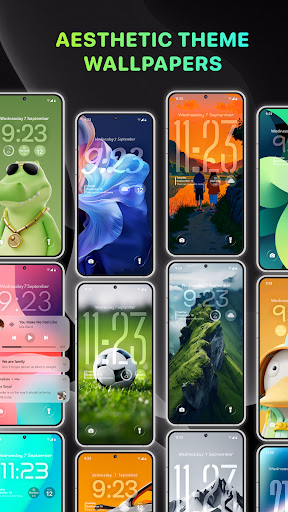
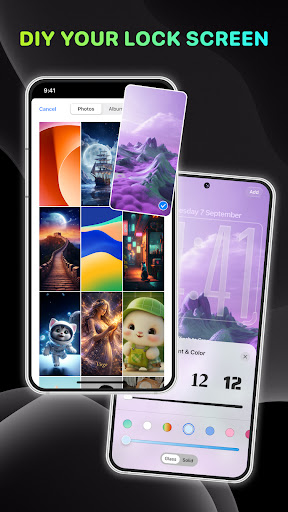
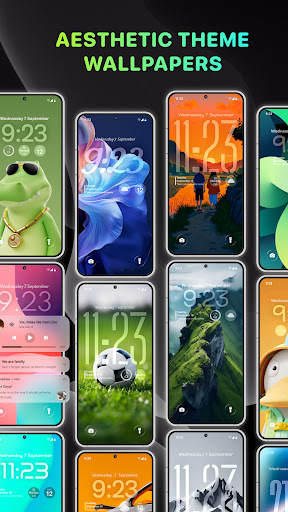
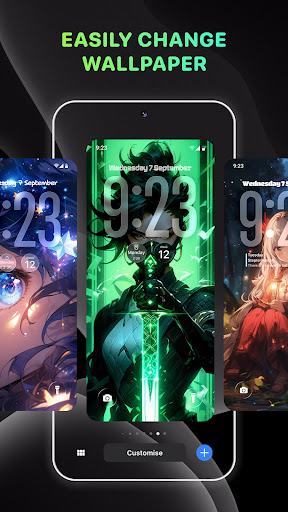
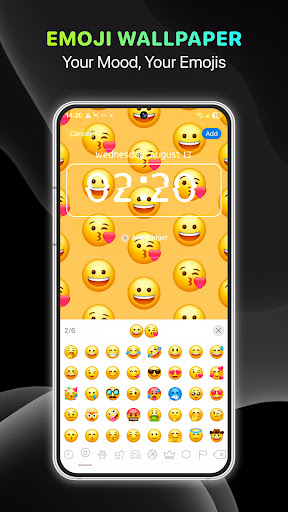
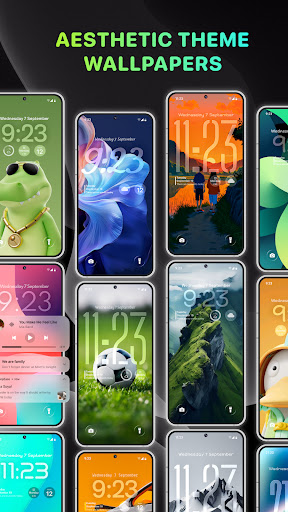
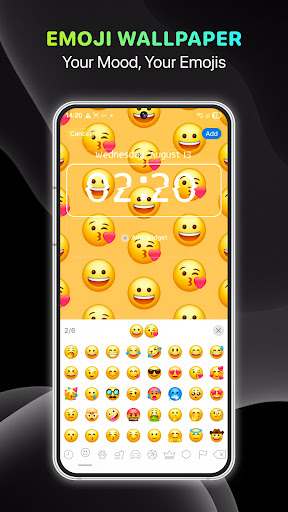
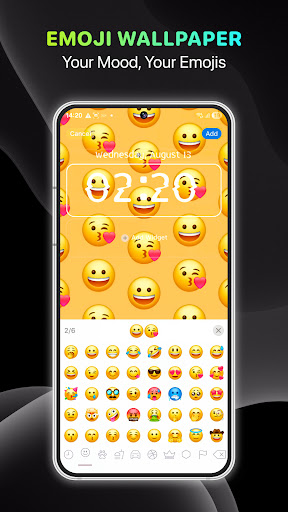
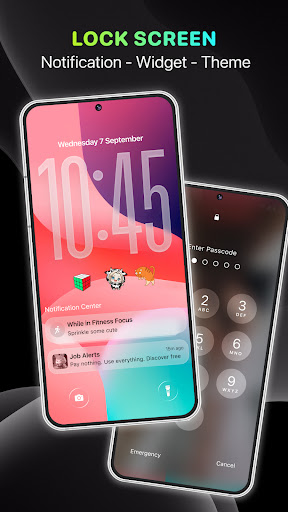
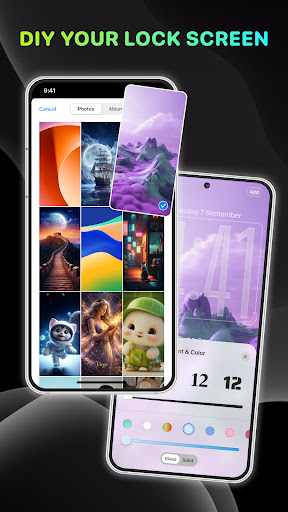
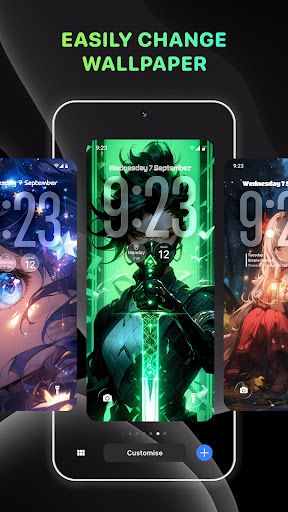
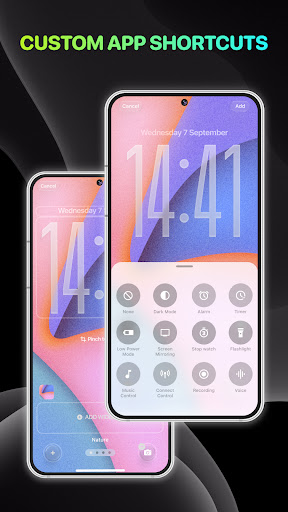
- You can customize your own lock screen, with many themes and wallpaper options, making your lock screen truly personalized and whatever you want.
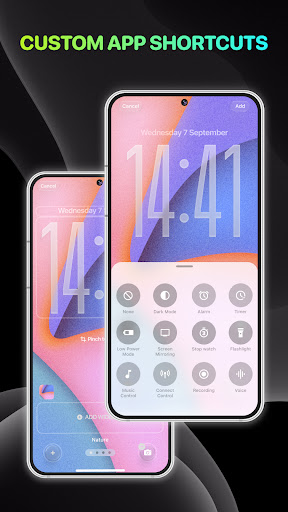
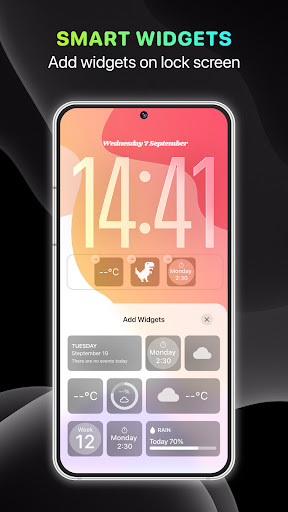
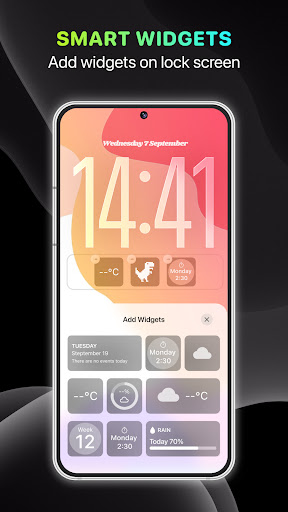
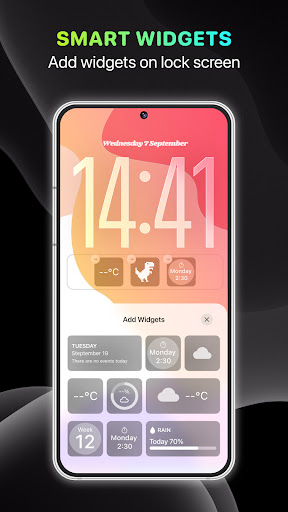
- Support widgets, you can quickly view calendars, weather, or control your device directly from the lock screen, which is very convenient!
- Super simple starter to operate, smooth navigation, no unnecessary clutter, you will fall in love with it as soon as you use it!
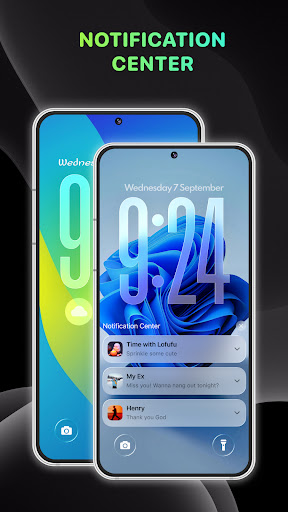
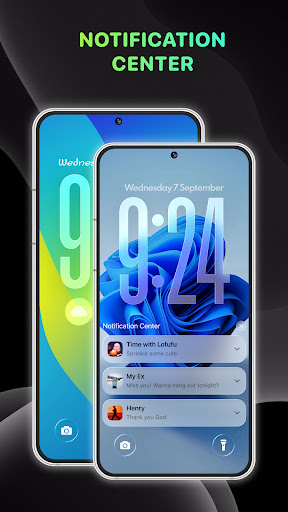
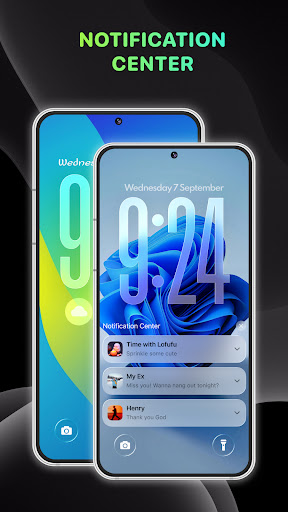
- Update notifications and application data in real time, and you can know the latest developments without unlocking your phone, which is worry-free and fast!
- A variety of security locking methods, such as PIN codes, gestures, and fingerprints, can protect your device!
- Fast response and low power consumption ensure a smooth experience. The battery will not be exhausted quickly without jamming!
- Compatible with all Android devices, no matter what model you use, you can use it smoothly and conveniently!
Who is this app suitable for?
This mobile app is especially suitable for Android users who like to make their mobile phone lock screen and main interface personalized. Whether you are technical enthusiasts or those who pursue easy operation, you can find your favorite style through it, and it can also add a lot of fun and practicality!
If you often need to see the weather, calendar or control some quick settings quickly, this app makes it easy and quick. It is a little helper in daily life, making your mobile phone smarter and more personalized!
Why choose this app?
This Android app provides rich customization and security features to help you make your phone cooler and safer. The operating interface is very friendly and easy to use. It won't make you feel complicated. It's really the "all-powerful king" in ordinary starters!
Combined with advanced personalized settings and reliable security, you can enjoy your own intimate and efficient intelligent experience. It is perfect for modern people to use it!
Top Recommended Alternative
Pros & Cons
Pros
-
Intuitive plug-in customization
-
Seamless combination of lock screen
-
Rich plug-in options
-
Low power consumption
-
frequently updated
Cons
-
Not many customization options
-
Compatibility issues occasionally
-
Occasionally, it gets stuck when loading plug-ins
-
Free features are limited
-
It's a little difficult for beginners to get started
Advertisement
Download Lock Screen, Widgets - YoLock
FAQ
How can I install the lock screen and plug-in- YoLock on my Android device? +
It's actually quite simple to install this lock screen and plug-in on an Android phone. You just need to go to the Google Play Store and search for its name, or use the link there to download it. After downloading, just follow the prompts on the screen to set up step by step.
Thislauncher has many customizable features that can help you make the lock screen more personalized and make your phone look more stylish. The whole operation is designed quite friendly, so even if you are not familiar with personalization, you can get started quickly.
Is Lock Screen, Widgets - YoLock safe? +
Don't worry, YoLock application is quite safe, and users 'security issues are taken into account when developing. It strictly adheres to Google's security standards for Android apps, ensuring that you use it with peace of mind and that everything is protected.
Ofcourse, if you are particularly sensitive to privacy, it is recommended to take a closer look at the permissions settings before installing. Reliable app solutions like YoLock always put user trust first and can help you securely create your own lock screen experience.
Can I customize the functions in Lock Screen, Widgets - YoLock? +
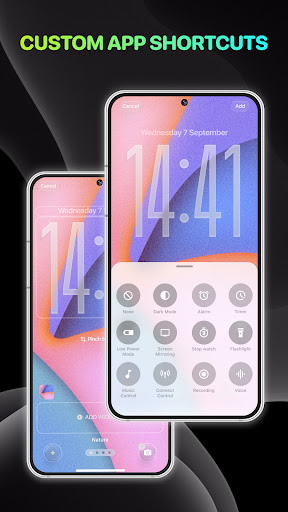
Of course! One of the best things about YoLock is its super rich customization options. You can use different widgets, themes, and wallpapers to turn the lock screen into your own style and truly do whatever you want.
Thislauncher with personalization as its core aims to make your experience more intimate and help you make your mobile phone unique. Moreover, the operation is very simple and can be done without trouble.
Is Lock Screen, Widgets - YoLock compatible with all Android versions? +
This YoLock works well on most newer Android systems, but in principle, keeping your phone system up to date will allow you to enjoy a better experience, including the latest features and security patches.
Theremay be some differences due to different models and software versions, but in general, YoLock can also give you a reliable personalized solution to make your Android system more stylish.
What should I do when I encounter YoLock's common questions? +
If you encounter any problems with abnormal display or incorrect permissions, try restarting your phone first. Sometimes small bugs can be solved. Make sure you install the latest version of YoLock, which can also help you eliminate many minor problems.
Ifthe problem persists, checking the permissions settings and clearing the cache may help. By doing this, your application experience will be smoother and you will enjoy its functions much smoother.
Can YoLock be set as the default lock screen for mobile phones? +
Of course, YoLock can be set to your default lock screen, replace the original one on the phone, and you can directly use all its functions by turning on the phone, which is very convenient.
Usingthis solution not only makes your mobile phone more personalized, but also makes it easier for you to use it. Customization is simple and the experience is smooth. Changing the lock screen is as pleasant as changing the mood.
Does the iOS system have a version of Lock Screen, Widgets - YoLock? +
Currently, this YoLock is only available on Android and downloaded through the Google Play Store. Apple users will have to find something else, a similar lock-screen personalized app to try.
However, this Android starter is quite reliable. It can help you fix the appearance of your phone and take your experience to a higher level. Moreover, the operation is not complicated and is quite convenient.
What are the benefits of YoLock? +
This app allows you to easily create your own Android phone. Whether it is the interface or functions, you can adjust it as you like. It's really good. It can also make your lock screen more practical and better looking, and the overall experience is greatly improved.
Easyto operate, stable performance, and you can change your personality without complicated trouble. Because of this, YoLock is very popular among users who like personalization and is a good choice.
Customer Reviews
Users generally praise Lock Screen, Widgets - YoLock for its ease of use, beautiful designs, and the ability to make their phone resemble an iPhone. Many describe it as the best lock screen app they've tried and appreciate that it's free. However, opinions are divided on key aspects. Regarding ads: some users find them intrusive and excessive, with full-screen, unskippable ads during setup and use, making the app unusable; others tolerate them for the free service. On functionality: while many enjoy the customization and wallpaper quality, a significant number report issues such as wallpapers not displaying, the app crashing on launch, failing to work after charging, and the absence of Face ID/Touch ID support. Usability is generally considered good, though a few users find setting the background tricky or note that numbers cannot be added. Overall, it's a feature-rich app with strong appeal, but ad volume and technical bugs are notable downsides.
Write a Review
Share your experience with Lock Screen, Widgets - YoLock. Submissions are reviewed before publishing.
You Might Also Like
More apps you may want to try next.




