Advertisement
Screenshots
Advertisement
About Librera PRO - Book reader
Liberra PRO -Book Reader is a very useful Android app designed specifically for book fans and people who like to read. This mobile phone software supports various e-book formats, which is really convenient. You can open it anytime, anywhere and enjoy your favorite books. Whether you like PDF, EPUB or other formats, this Android app can help you easily and reliably, making reading super convenient, making it a great companion!
Overview
core functions
- Supports many e-book formats, such as PDF, EPUB, and DJVU, making it super flexible to meet various reading preferences. It's really thoughtful and practical!
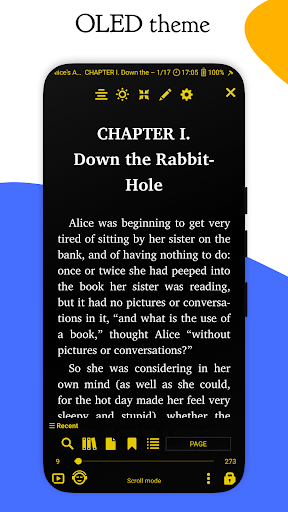
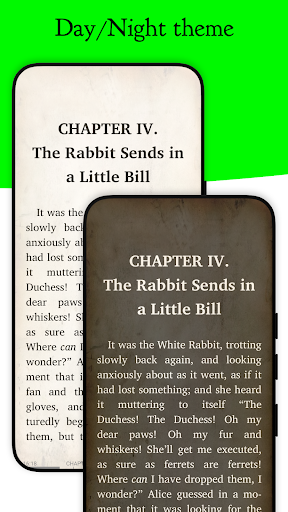
- You can customize reading settings, such as font size, background color, and night mode, so that you can use it very comfortably and no longer be afraid of tired eyes!
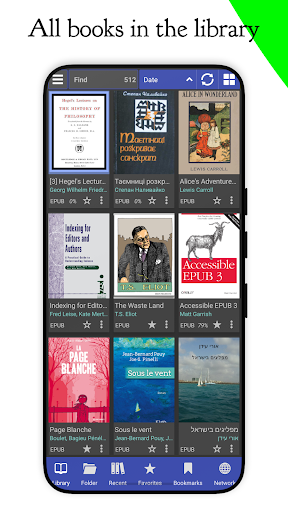
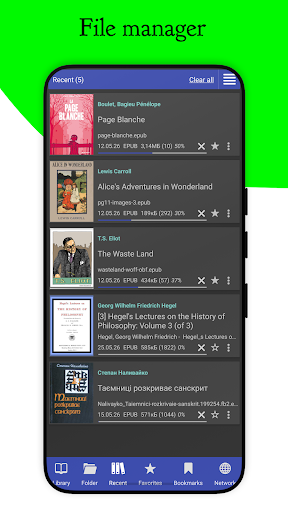
- Comes with a powerful library management system, you can easily organize, classify, and search your digital books, and you no longer have to worry about finding books!
- There is also offline mode. Whenever you want to read, you can use it if you want. You don't have to worry about the network being weak. It's quite convenient!
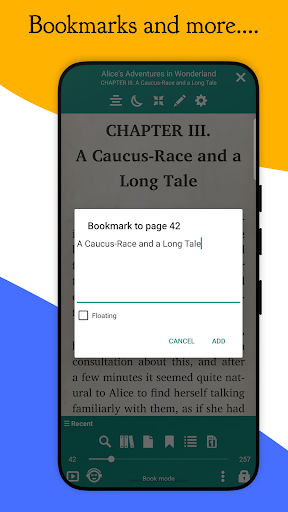
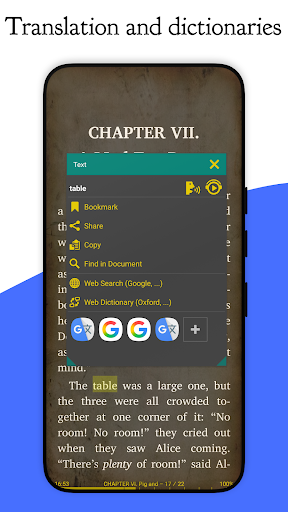
- Provide advanced annotation tools such as highlighting, bookmarks, and notes to make your reading richer and more interesting!
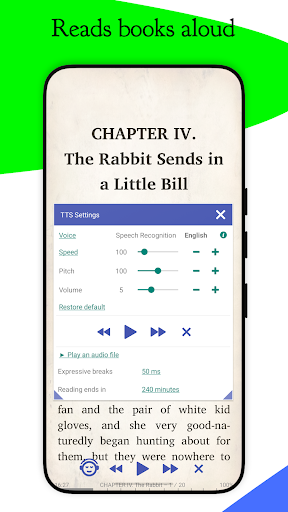
- It supports the text-to-speech function, turns text content into auditory enjoyment, and can listen to books and do things while walking on the road. It's so thoughtful!
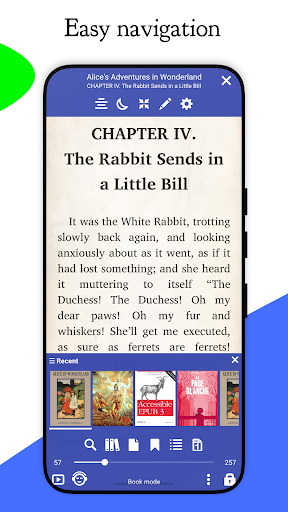
- Built-in search function, quickly jump to specific pages or words, the whole operation is smooth and smooth, and the reading experience is much improved!
Who is this App suitable for?
This mobile app is especially suitable for you who love reading, student party members, or professional elites who want to find a reliable reading partner on Android devices. It is particularly friendly to users who like personalized customization and are not troubled by advertising!
If you often read while walking, have to organize hundreds of digital book banks, or need to read offline, this app can help you easily cope with various busynesses and reading habits so that you can use them without friends!
Why choose this App
The Android app is a full-featured solution to many common reading challenges, from format compatibility to smooth navigation. Interface design is also particularly user-friendly, more attractive than other book launchers!
With user needs as the core, we provide trustworthy and efficient solutions to make your digital reading efficient and smooth, and enjoy the best experience every day. We sincerely recommend it!
Top Recommended Alternative

Pros & Cons
Pros
- intuitive user interface
- Supports multiple formats
- Personalized reading experience
- Built-in book management function
- Night mode and annotation tool
Cons
- Limited annotation sharing
- Occasionally I get stuck during the library scan
- Updates not frequently enough
- Custom fonts need to be installed manually
- Too few cloud synchronization options
Advertisement
Download Librera PRO - Book reader

FAQ
Is Librera PRO - Book reader safe to use on my device?+
How can I install Liberra PRO on my Android device?+
What are the main functions of Liberra PRO?+
Can I use Liberra PRO as a starter? Or can I only use it to read?+
Can Liberra PRO be read and synchronized offline?+
Is Liberra PRO suitable for reading more complex documents or just for simple books?+
Will Liberra PRO be updated and maintained frequently?+
Where can I find more information or technical support about Liberra PRO?+
Customer Reviews
Librera PRO is widely praised as a powerful and highly customizable book reader, offering extensive settings, OPDS catalogs, and a clean interface that many users call the best they've tried. Key strengths include rich font and color customization, a handy widget, and excellent TTS support. However, several features draw mixed feedback: annotation tools are often described as limited or unreliable—users report lost highlights, glitches in marking, and a persistent bookmark icon that can't be removed. Some enjoy smooth performance while others face slow loading, library resets, and incomplete pages, especially on large PDFs or Amazon Fire tablets. Cloud sync and cross-device progress tracking are frequently requested but reported as non-functional. Overall, the app is loved for its flexibility and depth, yet its polish and consistency remain areas for improvement.
Write a Review
Share your experience with Librera PRO - Book reader. Submissions are reviewed before publishing.
You Might Also Like
More apps you may want to try next.