

Lark Video Player
Advertisement
Screenshots
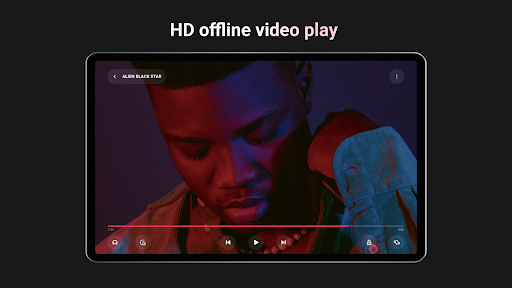
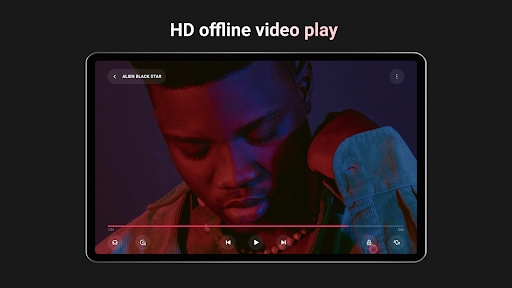
Advertisement
About Lark Video Player
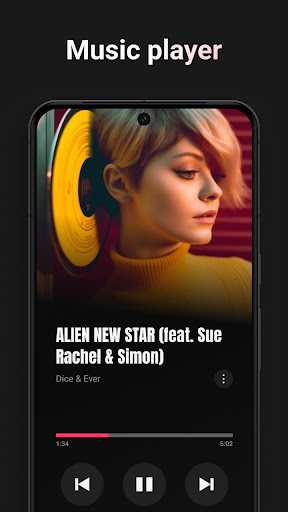
Lark Video Player is actually a very practical mobile application, specially designed for smooth video playback on Android devices. Its interface is particularly friendly to use, its functions are quite powerful, and the overall experience is quite good. It is a quite reliable choice, especially suitable for people who want to see their favorite videos quickly and easily. As a pure software solution, it combines efficiency and simplicity and can basically meet our daily entertainment needs.
Overview
core functions
- The interface is super intuitive. Whether you are a novice or not, it is easy to play videos without getting confused.
- Supports various video formats, such as MP4, AVI, MKV, etc., and is compatible with most files.
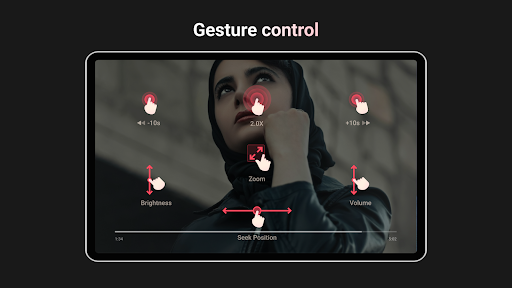
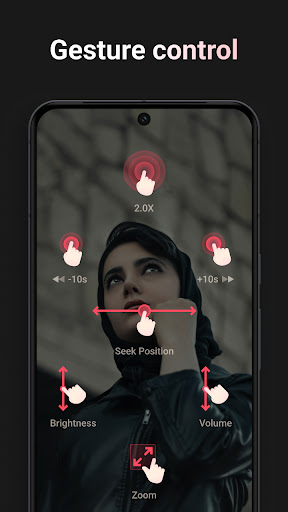
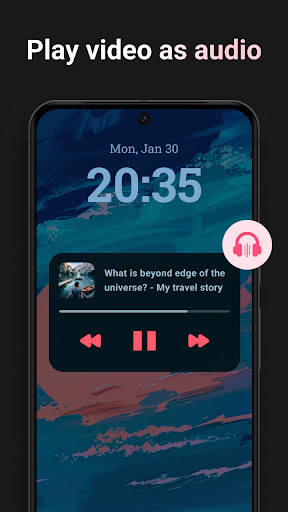
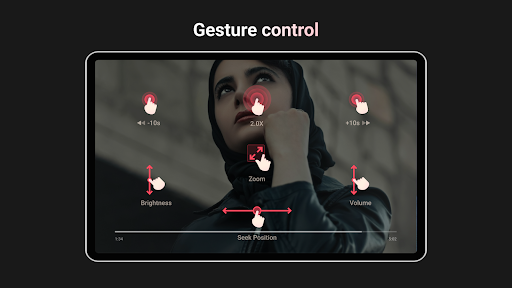
- Some advanced features, such as gesture control, switching and adjusting videos, have become easier, fun and convenient.
- Offline mode allows you to follow dramas without having to connect to the Internet. Watching videos is super convenient and you can enjoy them anytime, anywhere.
- The lightweight Android app consumes less power, is easy to use, and is definitely enough for daily use.
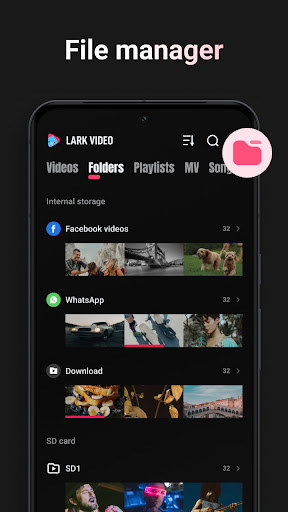
- Sync with device storage in real time, and you can easily access your videos anytime, anywhere, without any obstacles.
- Without the interruption of advertisements, watching the drama is smoother, and the entire experience can be upgraded to a higher level, making people love it.
Who is this app suitable for?
This mobile app is very suitable for those who use Android and want to find a reliable and easy-to-use video player that can satisfy both entertainment and relaxation or work demonstrations.
Whether it is students, office workers, or ordinary viewers, it can use it smoothly, and it can also help you easily watch videos on your mobile phone. The design is convenient and multifunctional.
Why choose this app
What is particularly outstanding about this Android app is that it is simple to operate and powerful, which can greatly enhance your experience. Supports multiple formats and offline mode, which is very practical for daily use.
With performance and simplicity at its core, it provides a reliable and highly compatible solution that can handle whether you want a multi-functional video player or a trustworthy partner.
Top Recommended Alternative

Pros & Cons
Pros
-
intuitive user interface
-
Supports multiple video formats
-
High playback quality
-
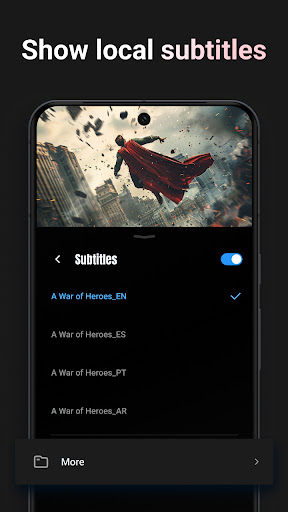
Built-in subtitle support
-
Lightweight and fast
Cons
-
Not professional enough
-
Occasionally break down
-
Limited customization options
-
Advertising annoying
-
Offline playlist management is not convenient
Advertisement
Download Lark Video Player
FAQ
Is Lark Video Player safe to use on my device? +
Of course, Lark Video Player is a very reliable mobile application that can be downloaded at any time on the Google Play Store. Many people who have used it have overrated it, and security is also the first consideration for developers.
Remember, downloading apps still has to be from official channels, such as a regular app store, to ensure the security of the device. The functions of this APP are also designed to make you watch movies smoother and safer, which is quite good.
How do I install Lark Video Player on my Android device? +
It's actually quite simple to install this Android application. You just need to open your phone and log in to the Google Play Store, search for Lark Video Player, and then follow the prompts to install it successfully. Most people can handle this process easily.
Thismethod is smooth, the steps are clear, and it is also very easy to use. Whether you are a technical enthusiast or not, you can quickly experience the convenience and ease of use brought by this player, bringing your viewing experience to a higher level.
What are the main features of Lark Video Player? +
Lark Video Player is quite functional. It has a smooth playback experience, supports various video formats, and can also customize settings. Its goal is to make it fun for you to watch videos with high quality and a good experience.
Theinterface design is also quite reasonable. Whether it is switching videos or adjusting playback parameters, it is very smooth and the operation is very intuitive. These feature combinations make it a good choice for Android video players.
Can I use Lark Video Player as a launcher app on my device? +
Although Lark Video Player is mainly used to watch videos, it can also integrate well with your device. It's not that kind of starter, but it works well on Android.
Itsfunctions are mainly focused on providing an excellent video viewing experience. It is quite practical. It can be regarded as a good supplement to your media entertainment, and it is also quite convenient to improve your experience.
Does Lark Video Player support different video formats? +
course I support it! Lark Video Player supports various video formats and can basically handle all your media files. This is one of the reasons why it is liked by so many people.
Theoperating experience is also very intimate, you don't have to worry about format issues, you can quickly open any video you want to watch. It is super convenient to use, and it is definitely an ideal choice for watching videos on the mobile side.
Is there a premium version or in-app purchases for Lark Video Player? +
Yes, there are additional payment options to open more functions and advertise. Many users feel that the free version is enough and they can watch movies every day.
Thischarging model is very common. It not only ensures a basic free experience, but also allows you to obtain richer functions through payment. It is a reasonable choice.
How do I update Lark Video Player to the latest version? +
Updates are also easy, just get it done on the Google Play Store. Open the application page and see if there is an update prompt. If there is, click on it and follow the prompt.
Keepthe software up to date, use the latest features, and ensure more security. The overall experience will be smoother and more reliable.
Can I customize the playback settings in Lark Video Player? +
course! It provides many customization options, such as adjusting brightness, volume, subtitles and playback speed, which can be adjusted according to your preferences, making viewing movies more freely.
Thesesettings allow you to create your own exclusive movie-viewing environment. This player performs very well on the Android platform. It is easy to use overall, and has a full score of experience.
Customer Reviews
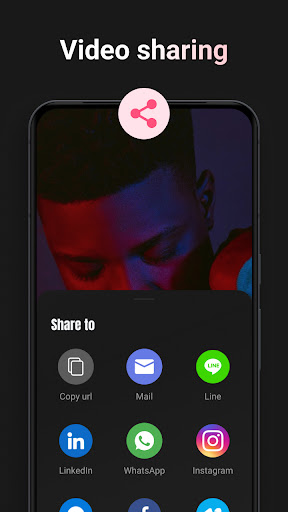
Lark Video Player is generally praised for its smooth playback, clear video and audio quality, and user-friendly interface. Many users rate it 5 stars, calling it excellent, reliable, and highly recommended. Key appreciated features include seamless video playback, no ads in some versions, and a clean design. However, there are notable concerns: some users report an increasing number of advertisements, while others enjoy an ad-free experience. The video shuffle function in playlists is inconsistent — it often plays a different video than selected. Playlist saving and video sharing from the app do not work for some users. Additionally, a few mention that high volume (e.g., 300%) can cause ear discomfort. Overall, users value the app's core performance but wish for better playlist management, ad control, and feature stability.
Write a Review
Share your experience with Lark Video Player. Submissions are reviewed before publishing.
You Might Also Like
More apps you may want to try next.




