
Kahoot! Play & Create Quizzes
Advertisement
Screenshots
Advertisement
About Kahoot! Play & Create Quizzes
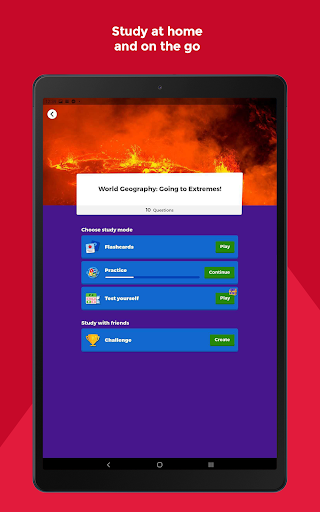
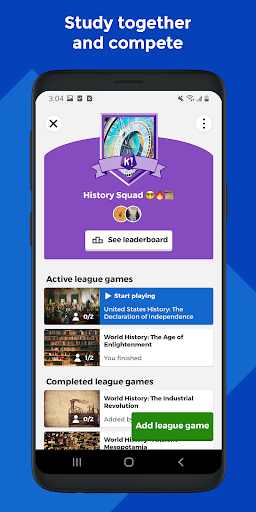
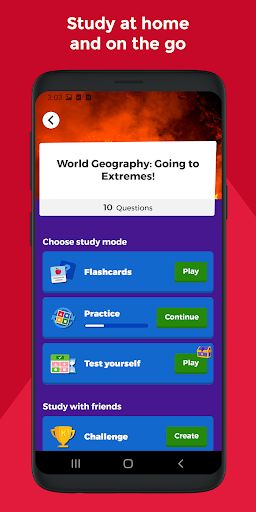
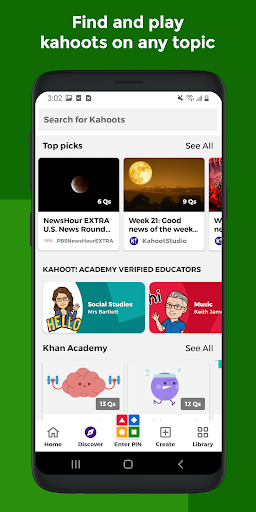
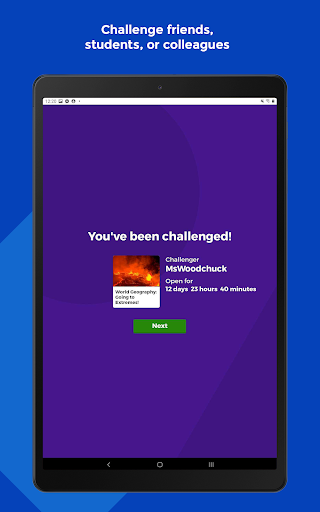
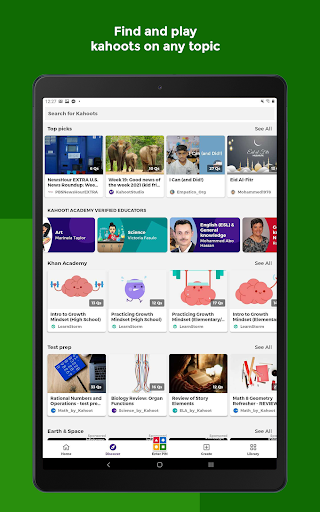
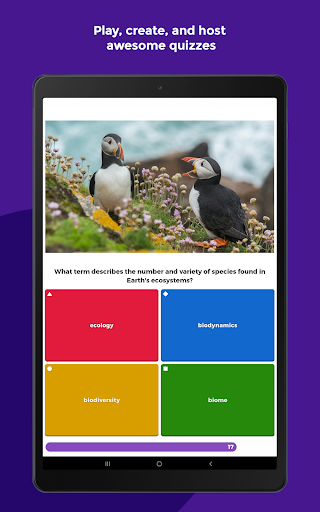
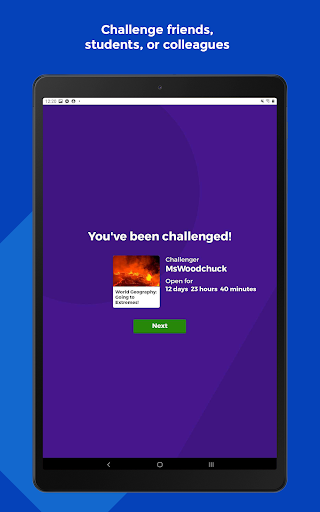
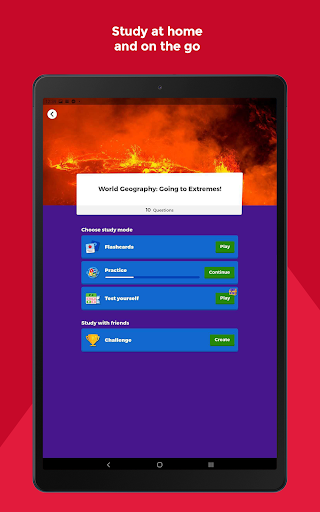
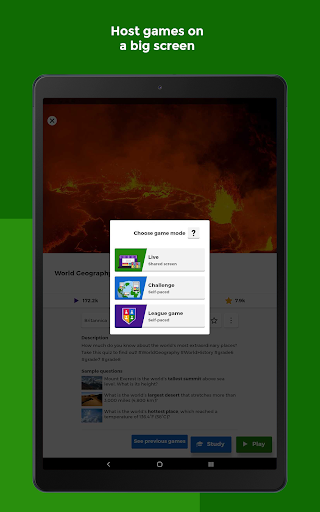
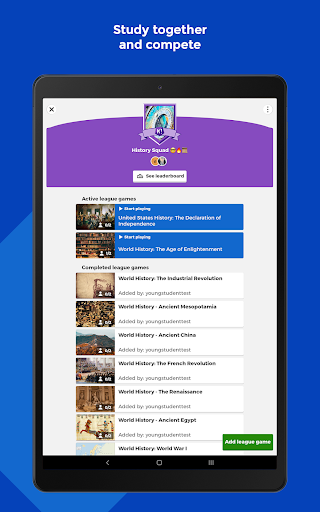
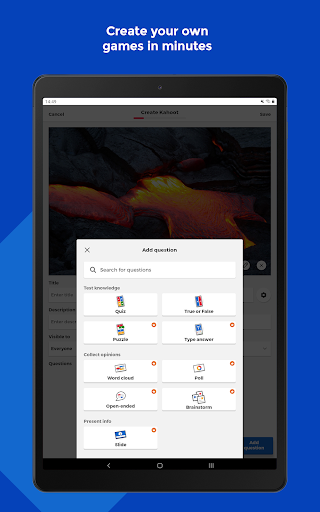
Kahoot! Play Create Quizzes is a very popular education-themed mobile application. It is a fun learning and entertainment platform that is very popular with everyone. In order to make the experience better, it not only allows users to design and share various interesting questions and games, but also add challenges from others. As an Android application, it can also be compatible with other devices. The interface is very intuitive and easy to operate. Whether adults or children can easily get started. Have some fun and learn some knowledge. It is really a good tool!
Overview
core functions
- This program interface is super intuitive and users can easily complete various quizzes. It is suitable for all groups of people and is very easy to use.
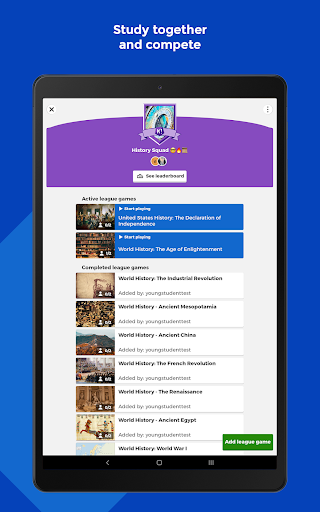
- The real-time synchronization function is so powerful. Once the content of the answer is submitted, it will be updated to everyone immediately. The interaction is smoother and the atmosphere at the scene is so high!
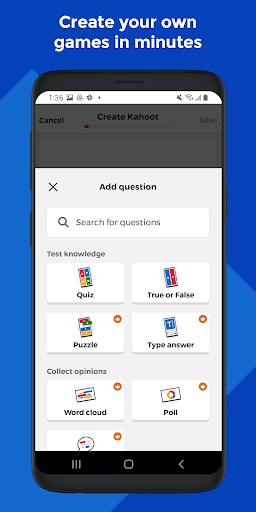
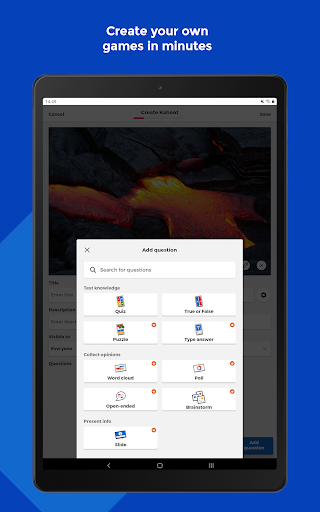
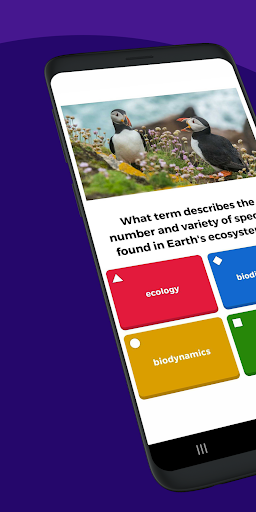
- The question types are rich and diverse, whether it is multiple choices or judgments, the content is rich, making the exam no longer boring and the questions more interesting!
- It also supports offline mode, so you can manage and answer questions even without a network. It's so considerate and especially suitable for using without a network environment.
- The reporting tools provided are super detailed, helping you see everyone's performance at a glance, and the analysis is particularly in place, so you don't have to worry about not seeing the data at all!
- The theme and brand logo can be customized, and you can completely create an interface that suits your style. Whether it is a classroom or an event, you can customize it with one click!
- It fits very well with the mobile phone and is very smooth to use. It is definitely a good helper in classrooms and training sites. It can be started at any time, convenient and reliable!
Who is this App suitable for?
This mobile app is particularly suitable for teachers, trainers and students. If you want a fun and interactive learning or review tool, this is it. People of all ages will like it, especially in education classrooms or company training environments. The effect is absolutely online!
For those who want to use their mobile phones to do some interactive quizzes, this Android app is really practical. Whether it's in class or remote, it makes sharing knowledge easy and fun, and you'll love it!
Why choose this App
The advantage of this software is that it is super intimate and powerful, and it can easily create and answer quizzes. The experience is very smooth. As an android app, it's perfect for teachers and trainers who want to have fun and reliable learning activities.
Real-time interaction, offline experience, and personalized customization are simply perfect. It is a trustworthy choice that not only makes learning more interesting, but also solves some problems often encountered in other applications and improves the overall educational experience. It is worth having!
Top Recommended Alternative

Pros & Cons
Pros
- User-friendly interface
- Engaging gamified features
- Customizable quiz options
- Wide accessibility
- Large user community and support
Cons
- Limited question bank templates
- Free version has some feature restrictions
- Offline mode is limited
- Customization can be time-consuming
- Analytics and reporting features are basic in free tier
Advertisement
Download Kahoot! Play & Create Quizzes


FAQ
Kahoot! Is Play & Create Quizzes safe on my mobile phone?+
Of course, Kahoot! Play & Create Quizzes is a very reliable mobile app that can be used on both Android and iOS. It was developed by some famous education leaders and is regularly updated, so its security is quite guaranteed.
Ithas good security measures, such as data encryption, and privacy controls. It is basically a reliable tool for creating and playing quizzes. It is especially suitable for students and teachers. It is fun and does not worry about safety issues. It is a very considerate design.
How can I install Kahoot on my Android device! Play & Create Quizzes?+
It's actually quite simple. You can find it on the Google Play Store. As a popular launcher app in the education category, it is very convenient to download and install.
Afterfinding it, click the install button and wait for it to be downloaded and installed. After installing it, you can start exploring the various functions of the app. It's fun to play smoothly, making learning easier and more fun.
Kahoot! What features do Play & Create Quizzes have to help me learn better?+
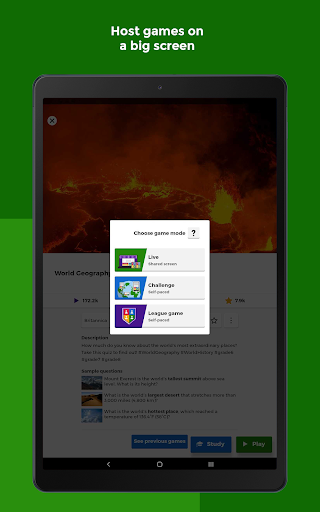
This mobile application for learning is quite rich in functions, including test creation, real-time game sessions, and functions such as timers, making the entire interactive process super interesting.
Asa comprehensive application, Kahoot! It also allows you to customize test questions, view the results immediately, and play multi-person interactions. It is a good helper for teachers, students and even parents to make learning more interesting. No matter what type of user you are, you can find a way that suits you. Play.
I can use Kahoot offline! Play and Create Quizzes? Or do you have to connect to the Internet?+
Basically, if you want to play real-time games and interact with multiple people, you still have to connect to the Internet, but the test questions you make yourself can be opened offline after saving them locally.
Thismakes it useful in environments where the Internet is not very good, especially in classrooms or places where the Internet is limited. However, if you want to make full use of all its functions, networking is still recommended.
Kahoot! Is Play & Create Quizzes suitable for all age groups and skill levels?+
Of course, this app is friendly and suitable for almost all age groups, from children to adult students, and has particularly interesting features that make everyone have fun.
Whetheryou are a teacher who wants to stimulate students 'interest or a parent who wants to find something to learn and entertain, this application is quite inclusive and the standards are very reliable to ensure that everyone can have fun and learn happily.
How can I trust Kahoot! Can Play & Create Quizzes be used as an educational tool?+
This software was developed by some famous educators and technical experts. It has a good reputation and can be regarded as a trustworthy learning platform. It abides by privacy regulations and constantly pushes updates, indicating that it attaches great importance to security and reliability issues.
Itis also equipped with detailed tutorials, and there is a huge user community behind it. Many teachers around the world use them. The reviews are very positive, which shows that this platform can really be used to assist learning and improve efficiency.
Are there any special system requirements or compatibility issues you should know about when using this app?+
This Android version is quite compatible and supports most new versions of the Android system. It is recommended to upgrade with the latest operating system as much as possible, so that the experience will be smoother.
Appleusers don't have to worry. The iPhone version can be downloaded from the Apple App Store, and the cross-device experience is quite smooth. This software is specially designed as a launcher application for the education category. It is easy to open and use, and can be quickly integrated into various learning scenarios.
Customer Reviews
Users generally appreciate Kahoot!'s fun, interactive nature, user-friendly interface, and its effectiveness for both learning and play. Many praise it as an enjoyable, suspense-filled experience suitable for classrooms and casual use. However, key concerns emerge around pricing and functionality: while some find the app feature-rich compared to the browser version, others criticize misleading advertising (e.g., '$64 per month' on annual plans) and the requirement to pay to publish created quizzes. Performance issues are also noted—some users report poor game quality and significant lag, alongside a frustrating AI system. Customer support draws negative feedback, with difficulties obtaining refunds and unresponsive email. Despite these drawbacks, the majority of reviews highlight positive engagement, making it a popular tool when free features suffice.
Write a Review
Share your experience with Kahoot! Play & Create Quizzes. Submissions are reviewed before publishing.
You Might Also Like
More apps you may want to try next.