

iSyncr: iTunes to Android
Advertisement
Screenshots
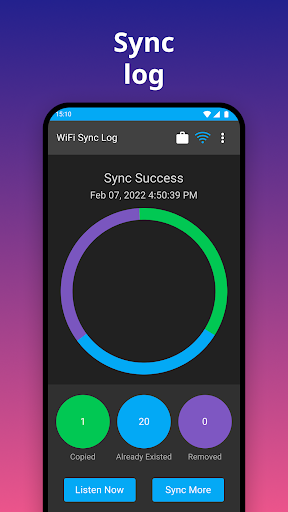
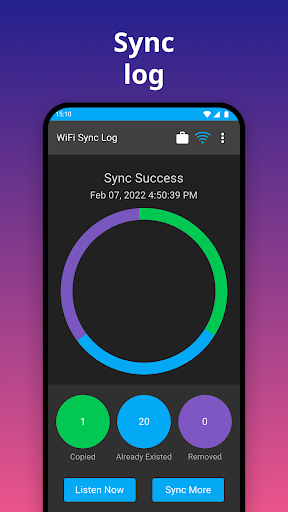
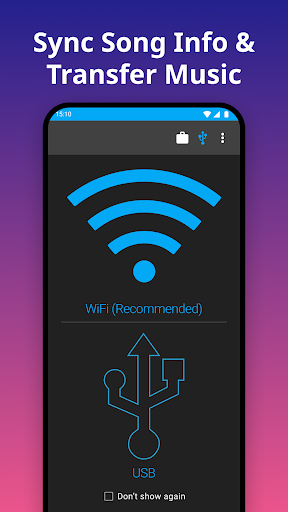
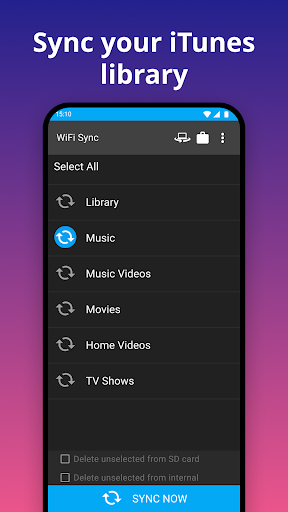




Advertisement
About iSyncr: iTunes to Android
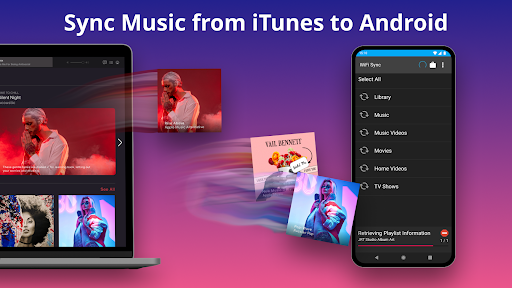
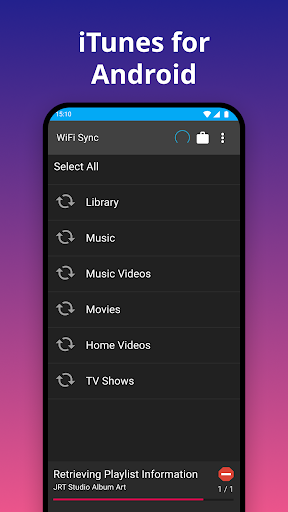
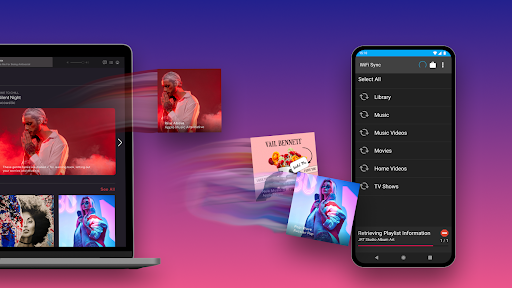
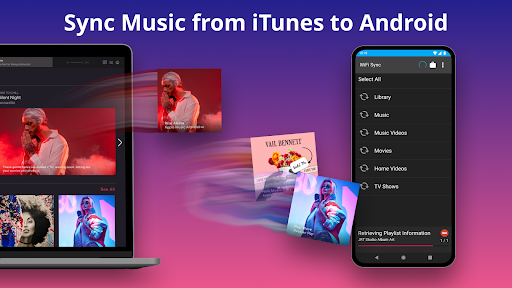
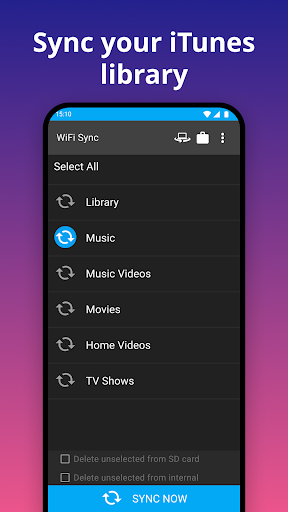
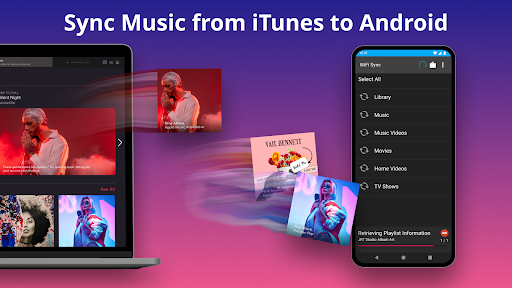
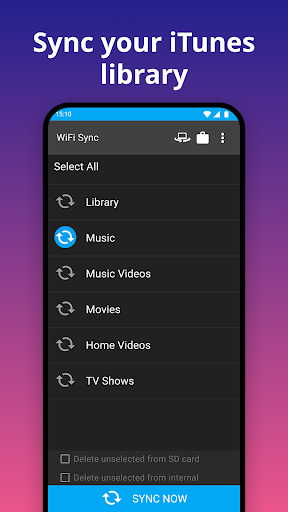
iSyncr: iTunes to Android is a very reliable mobile phone app that helps you easily move your music library from iTunes to Android devices without any effort. This Android app is very simple to operate and helps you manage music and audio content. If you want to migrate media and anything else, it's extremely smooth. The interface is really friendly and efficient. iSyncr is like a good helper. It is especially suitable for music fans who want to take away their song lists without torturing too much. It works quite smoothly.
Overview
core feature
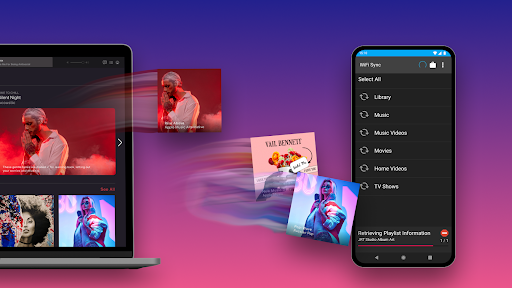
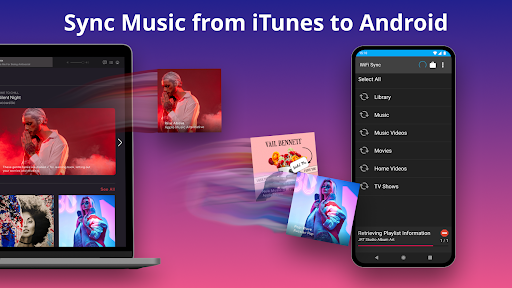
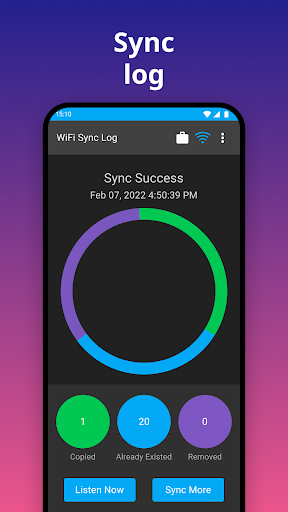
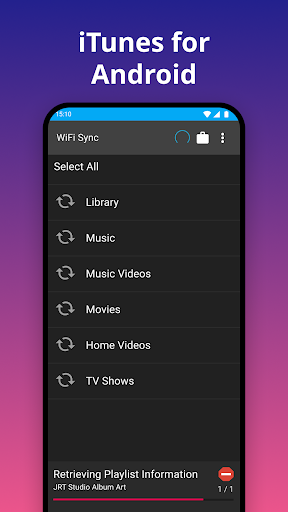
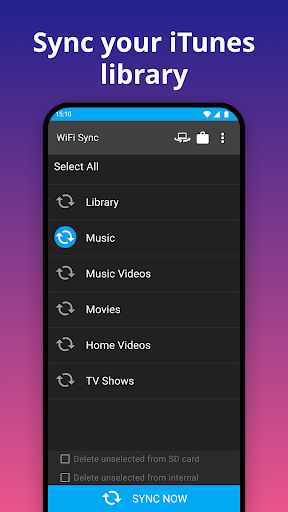
- This software allows your music library to be seamlessly synchronized between iTunes and Android devices, making the data transfer smoother and comfortably comfortable.
- Its real-time synchronization function allows your music collection to be automatically updated between different devices without worrying about it.
- Support offline mode, you can listen to songs anytime and anywhere without worrying about not having the Internet. It's so considerate.
- The interface is super friendly, the operation is simple and clear, and managing music has become easier than ever.
- It also provides detailed metadata editing tools to help you organize your music library in an orderly manner and customize it as you please.
- The ability to reliably transfer playlists, ratings and playbacks is a great experience, whether you are a casual player or a professional fan.
Who is suitable for using this App
This mobile app is particularly suitable for Android users who want to migrate from iTunes but don't want to lose their music collection. For tech geeks and music enthusiasts, this easy-to-use tool is simply perfect to solve the trouble of managing audio libraries.
Whether you are a professional or an ordinary listener, it can help you efficiently transfer and organize music, making your operations between different platforms smoother. This app is definitely the first choice for those who want to make music management more reliable and convenient.
Why choose this App
This Android app provides a trustworthy and efficient solution that allows you to easily transfer and synchronize your music library. Its intuitive functions and stable performance stand out among many similar software. It makes people have no need to worry about it at all, and the experience is smooth and worry-free.
It can help you solve the troubles of data loss and cumbersome transfer, making music management simple and trouble-free. The combination of various functional designs and user experience gives it a real place in the market, far superior to other options.
Top Recommended Alternative
Pros & Cons
Pros
-
Seamless music transmission
-
Super friendly interface
-
Supports various data types
-
Compatible with multiple Android devices
-
high transmission speed
Cons
-
Free version has many restrictions
-
Occasionally fail
-
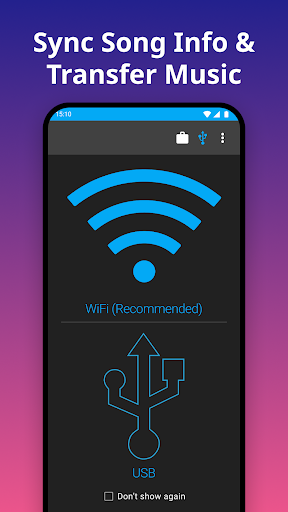
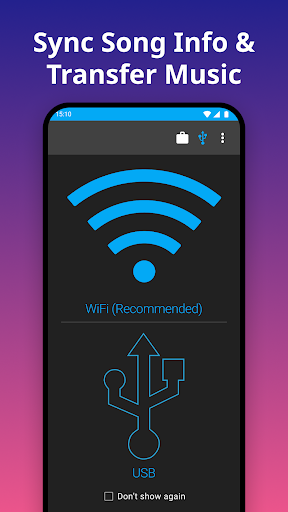
Non-WIFI required USB connection
-
Metadata may be incomplete
-
The initial setup is a little cumbersome
Advertisement
Download iSyncr: iTunes to Android
FAQ
Set up iSyncr on my device: Is it easy to transfer from iTunes to Android? +
Well, installing this iSyncr on Android devices is actually quite simple. The interface is quite intuitive and quick to configure, so that even a novice who is new to this mobile application can do it.
Once installed, you only need to follow a few steps to connect your iTunes library to Android. This thing makes the whole process smooth, without any complicated operations, and without getting lost in the menu.
Does iSyncr support all versions of Android and iTunes? +
This software is compatible with many Android versions and can be used on most modern mainstream devices. However, if you want to use it more smoothly, it is better to use the latest version of the Android app.
As for the iTunes version, make sure your version is supported. Developers will also continue to update this application and add new features to ensure a stable and smooth user experience.
Are there any concerns about data security when using iSyncr? +
Don't worry, they attach great importance to safety. The communication protocols used by iSyncr are quite secure, ensuring that your music and personal information will not be leaked during the synchronization process.
Many people who use this software trust it and think it can be regarded as a reliable music transfer tool. Remember to update the version frequently to ensure the security of your data and complete functionality.
Can I use iSyncr to transfer song lists and collections? +
Of course! This app supports seamless transfer of playlists, ratings, and other metadata, helping you easily move things from iTunes to Android. Managing your music has become much easier.
This mobile app can help you transfer music in all aspects, ensuring that your song library, song list, and preferences can be brought over completely, saving you trouble and effort.
Why is iSyncr more powerful than other music transfer apps? +
Because it is particularly convenient to use and powerful, it is specially designed for transferring music between iTunes and Android. The experience is reliable and updated frequently to improve synchronization efficiency.
Many users trust this app that is straightforward and easy to use, especially those who like simplicity and security. It has good compatibility and protective measures in place, and has won a lot of praise.
Customer Reviews
Users praise iSyncr for high-quality audio playback, ease of use, and reliable iTunes-to-Android syncing over WiFi, with some enjoying years of flawless service and responsive Sunday support. However, many report recent failures: WiFi sync throws password errors, USB sync claims missing license, and the desktop app fails to install on Windows 11. A common complaint is the drastic price hike—from a one-time €3.99 to $9.99–$15.00 per week—which some call exorbitant. While a few long-term users still find it very useful, others describe it as unusable after updates, abandoned by developers, and met with unhelpful or no support. The app's core functionality remains great, but stability and pricing have become major concerns.
Write a Review
Share your experience with iSyncr: iTunes to Android. Submissions are reviewed before publishing.
You Might Also Like
More apps you may want to try next.




