
iScanner - PDF Scanner App
Advertisement
Screenshots
Advertisement
About iScanner - PDF Scanner App
Overview
core features
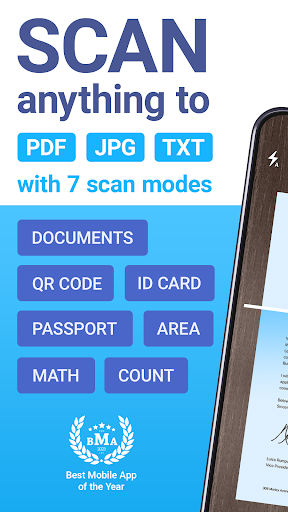
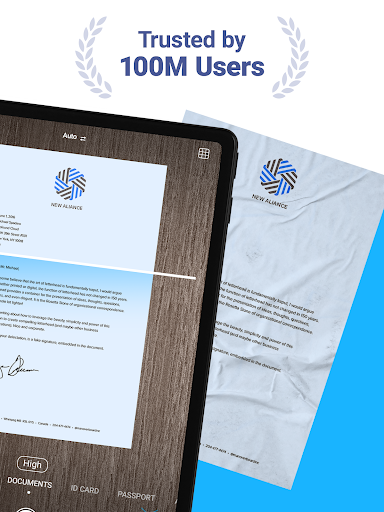
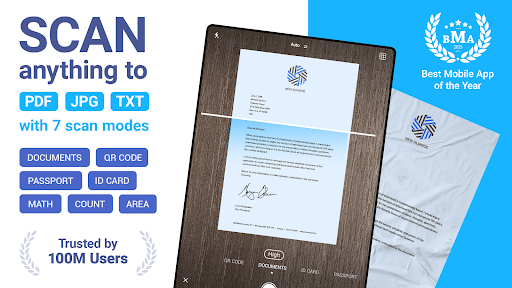
- Support rapid scanning of documents, automatic identification of edges, and adjustment of angles to make photos look clearer and sharper.
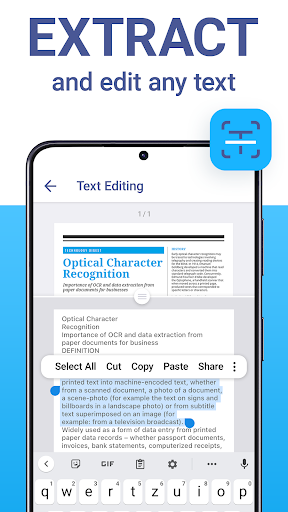
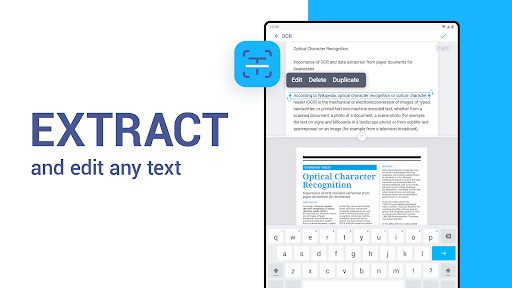
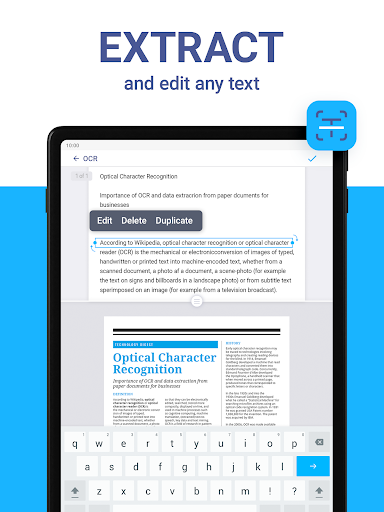
- It has many functions, such as OCR (Optical Character Recognition), which easily extracts text from scanned documents, which is convenient and fast.
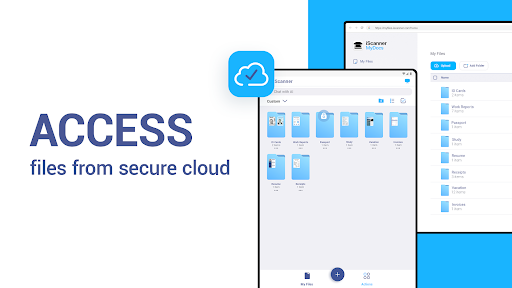
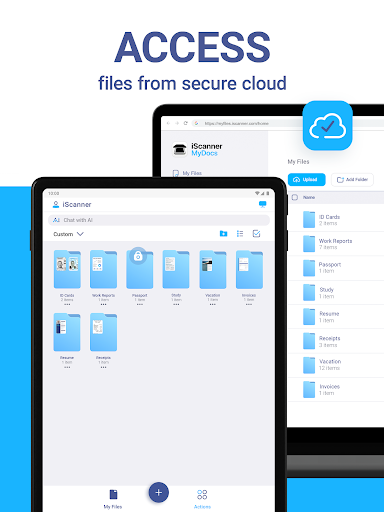
- It can also be synchronized to various devices in real time, so you don't have to worry about losing files, and you can use it anytime, anywhere.
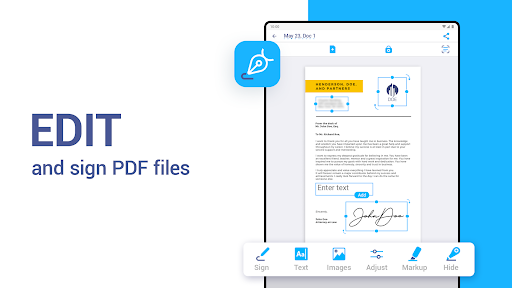
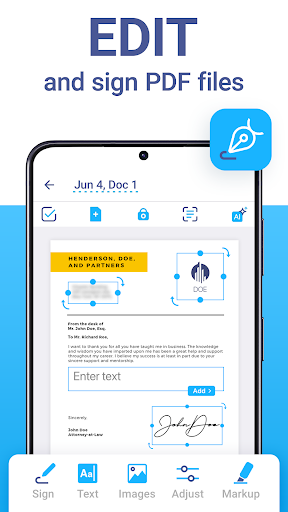
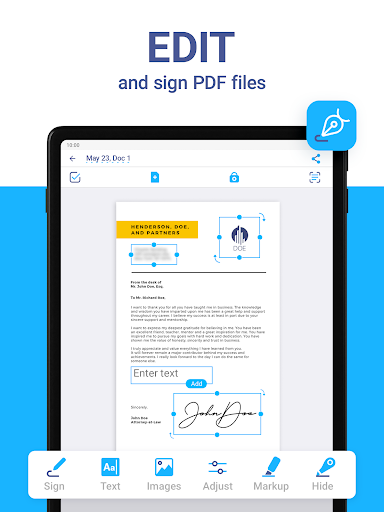
- Provides options for PDF editing, annotations and organizing scanned files. The interface is very friendly and easy to get started.
- The security is good, with PIN code or fingerprint protection to make your data more secure.
- Support offline use, scan and save without the Internet, it is so reliable!
Who is this App suitable for?
This mobile app is especially suitable for professionals, students and small business owners who need to scan various documents quickly and reliably. It is tailor-made for users who like simple and efficient scanning tools and is particularly convenient to operate.
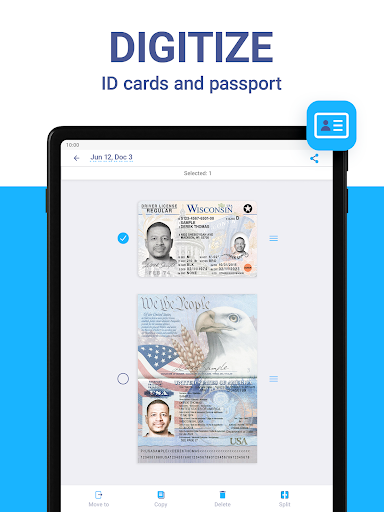
If you often need to digitize receipts, contracts or notes, this App can help you save a lot of time. For those who want to easily scan and organize on their Android phones every day, it's a perfect match!
Why choose this App?
The amazing thing about this software is that it is all-inclusive and can make your document management easy and high-quality, and it is absolutely reliable. It is the first choice for those who need a stable, easy-to-use scanning and collation tool.
Choosing this Android application is equivalent to choosing a good helper that is simple to operate, safe and reliable, and has diverse uses, which will instantly improve your work efficiency. No need to worry about cumbersome manual scanning and file sharing, it will help you get it done properly!
Top Recommended Alternative
Pros & Cons
Pros
-
Excellent OCR accuracy
-
Super friendly interface
-
Seamless cloud connectivity
-
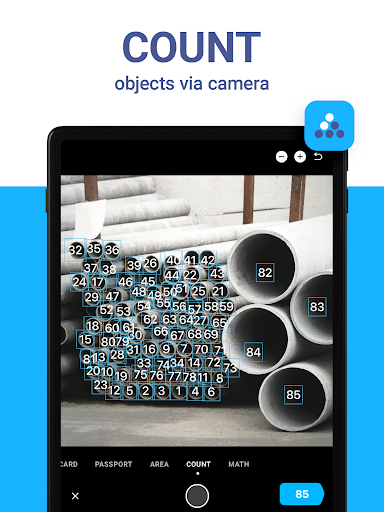
multiple scan modes
-
Comes with editing tools
Cons
-
Free features are limited
-
Batch scanning speed is a bit slow
-
OCR occasionally makes mistakes when the light is poor
-
The labeling function is a bit simple
-
May take up a lot of space on some devices
Advertisement
Download iScanner - PDF Scanner App
FAQ
How do I install the iScanner - PDF Scanner App? +
Installing this iScanner - PDF Scanner App is actually quite simple. On your Android phone, just go to the Google Play Store, search for this app, find it, click the Install button, and you will be able to start installing.
Thismobile version of the scanning artifact is super smooth to use and is very suitable for those who need a reliable APP to scan and manage documents. Remember to confirm in advance whether your equipment space is enough, otherwise it may not fit it!
Is the iScanner - PDF Scanner App safe to use? +
Of course, this iScanner - PDF Scanner App is very secure. When developed, it is made in accordance with strict security standards to ensure that your data privacy will not be leaked.
Whendownloading apps, it is recommended to do it from Google Play or Apple's App Store, and don't download any weird channels. If you turn on the security settings of your mobile phone, you will feel more secure. Many users trust this Android APP and think it has reliable performance and does a good job in protecting privacy!
What features does the iScanner - PDF Scanner App offer? +
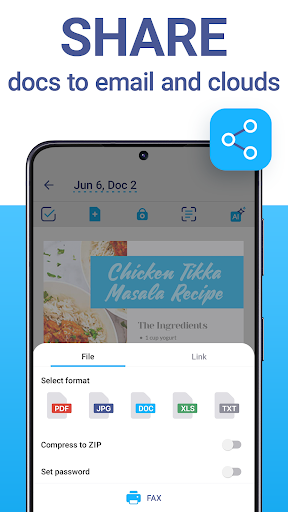
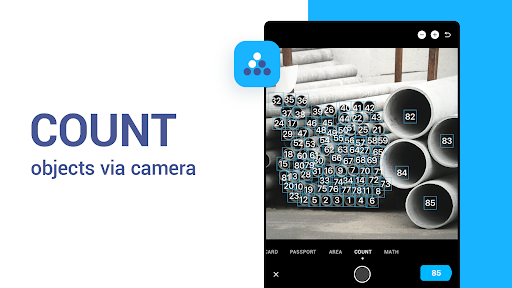
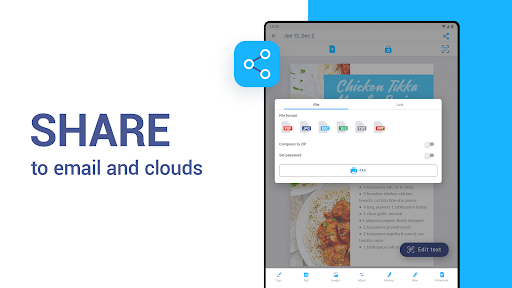
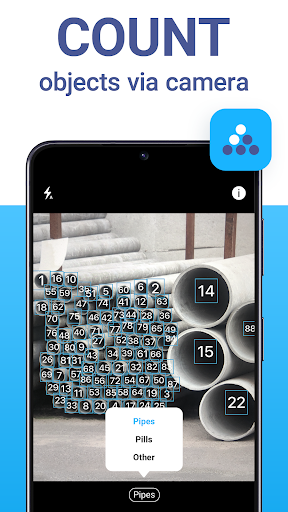
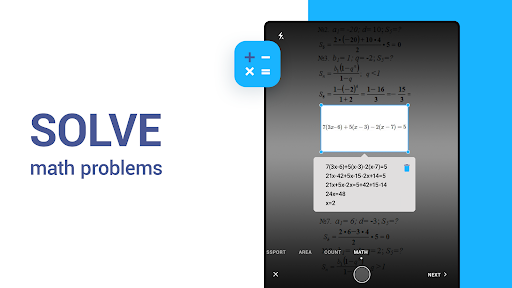
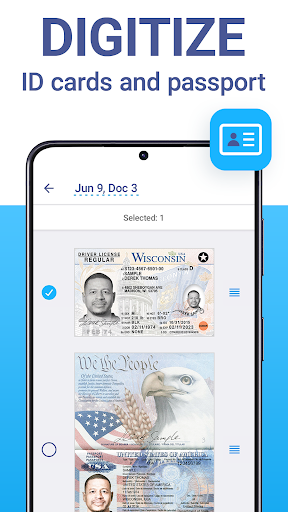
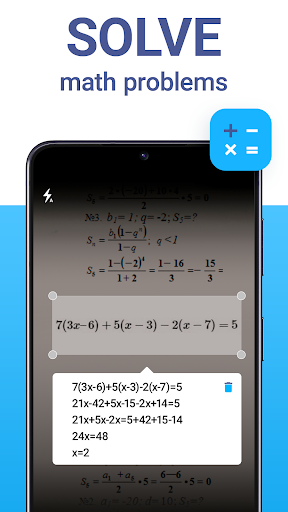
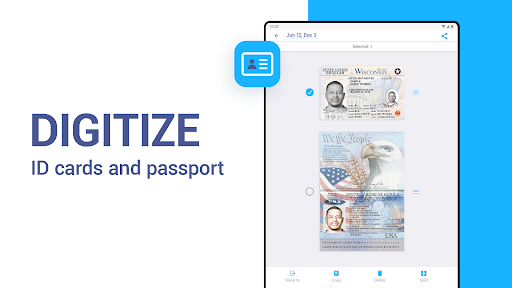
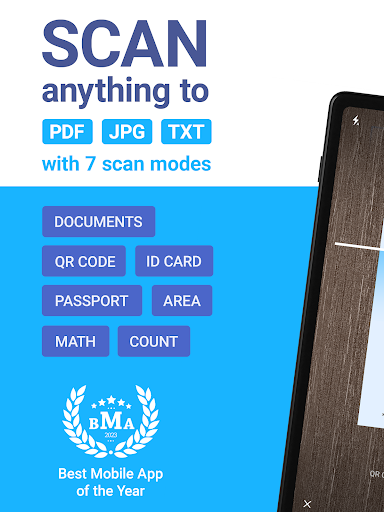
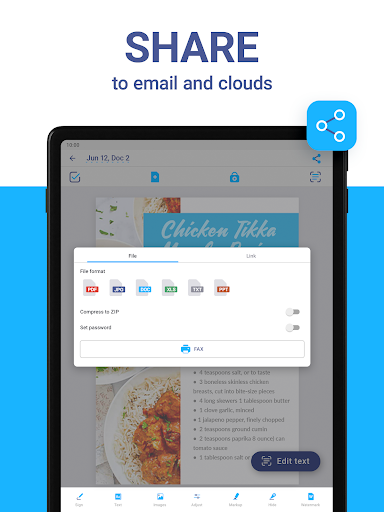
This application has many highlights, such as high-quality document scanning, multi-page PDF integration, OCR Optical Character Recognition, and easy sharing of files. Together, these functions make it not only a scanning tool, but also a powerful mobile office assistant.
Theoperating interface is friendly, it is very convenient to scan invoices, contracts or notes, and it is organized in an orderly manner. Optimized for Android devices, smooth and smooth to use, and is definitely a powerful helper for daily document processing.
Can I use iScanner as a launcher app on my device? +
No, iScanner is not used as a launcher. It is mainly a scanning and document management tool, focusing on scanning and storing scanned files, and has no intention of becoming the kind of launcher that opens all programs at the beginning.
Ifyou want to find a Launcher, there are other apps on the market. However, this iScanner is so powerful that you can not use it as a Launcher, but can also become a good helper for your work and study. It is definitely a practical productivity tool.
How does the app improve my workflow? +
This iScanner really speeds up your workflow and turns your phone into a versatile scanner to carry around. With it, you can quickly digitize paper materials, organize documents, and share them instantly, saving time and effort.
Theinterface is intuitive, and receipts, contracts, legal documents, etc. can be easily handled. This APP is designed with great care, so whether you use Android or other compatible platforms, it can be used smoothly and perfectly integrated into your daily work and life.
Customer Reviews
Customers generally praise iScanner for its intuitive interface, smooth performance, and time-saving capabilities, making it a valuable tool for daily scanning. Key highlights include ease of navigation and efficient AI features. However, feedback is mixed on key dimensions: Subscription model – while many appreciate the app's value, others criticize the requirement to enter credit card details for a free trial, citing it as non-standard and a privacy concern. Scan quality – although most users report excellent results, a notable minority experience illegible PDFs and poor output, causing frustration. Ads – some users note intrusive ads immediately after installation. Overall, iScanner is widely regarded as powerful, but potential users should weigh the subscription policy and occasional quality issues.
Write a Review
Share your experience with iScanner - PDF Scanner App. Submissions are reviewed before publishing.
You Might Also Like
More apps you may want to try next.




