

IPTV Player: Watch Live TV
Advertisement
Screenshots
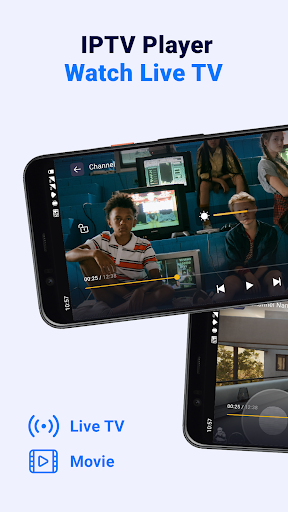
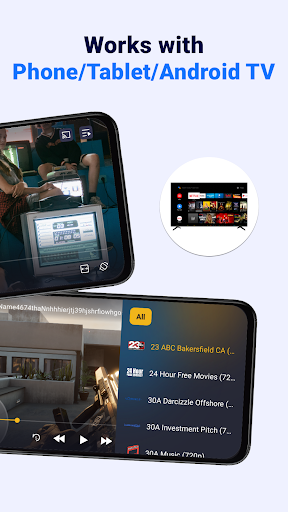
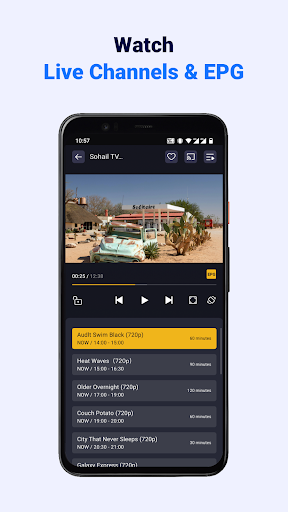
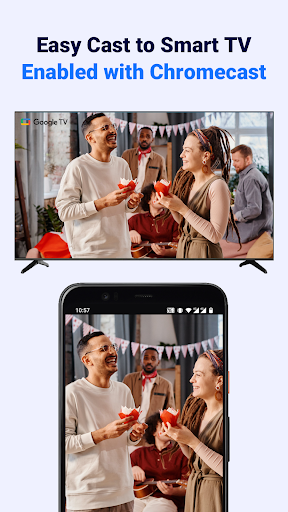
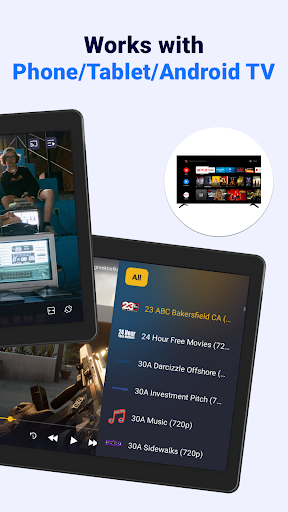
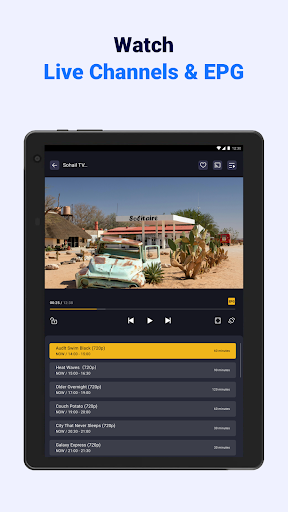
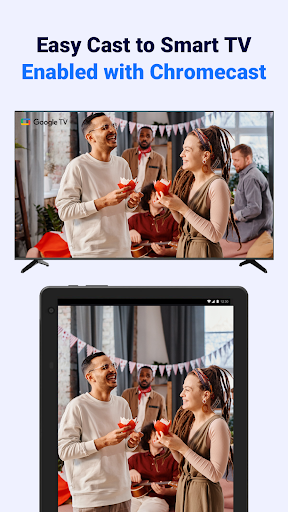
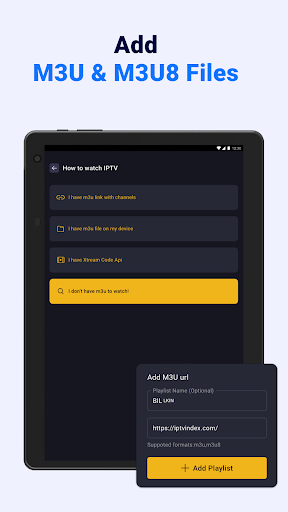
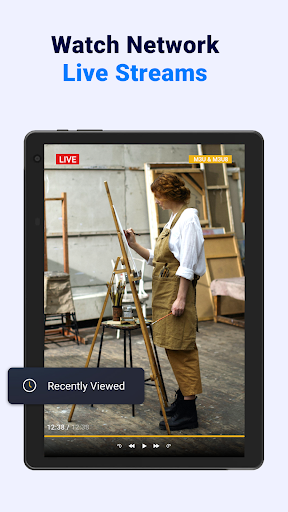
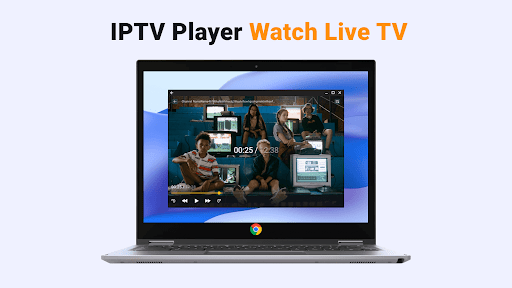
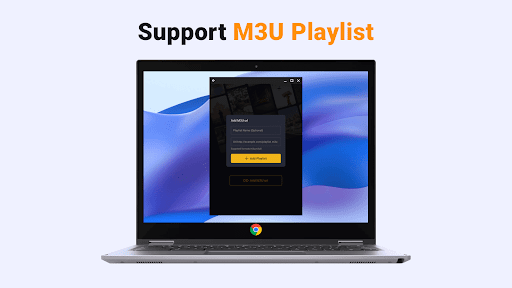
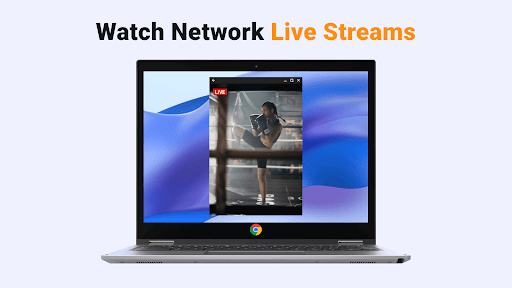
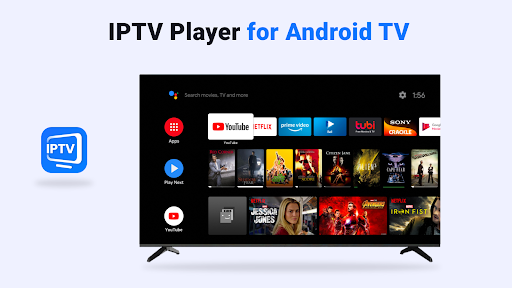
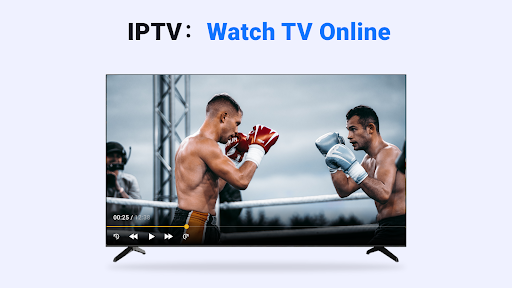
Advertisement
About IPTV Player: Watch Live TV
Overview
core functions
- Support multi-source high-definition video live broadcast, smooth playback, almost no buffering, great experience!
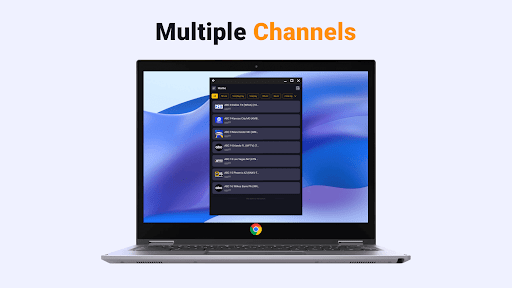
- The interface is super friendly, and it's easy to switch channels and playlists. It's really comfortable to use!
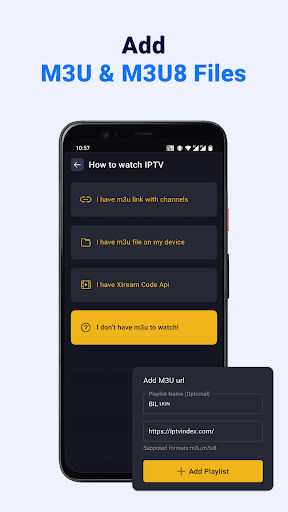
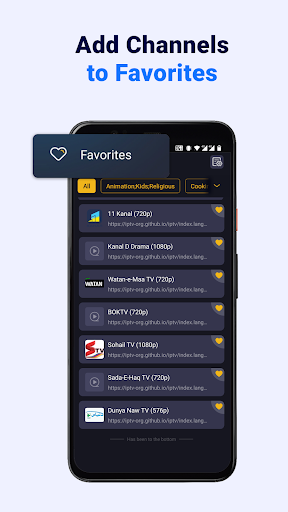
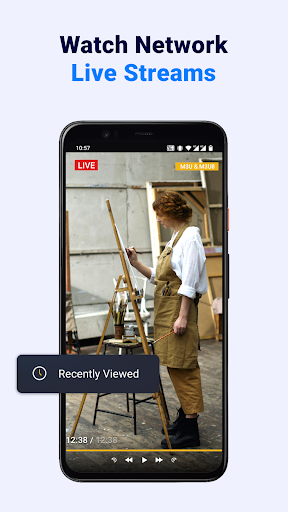
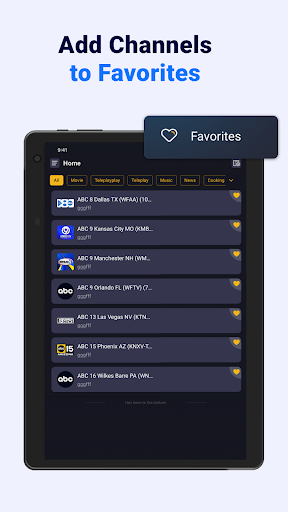
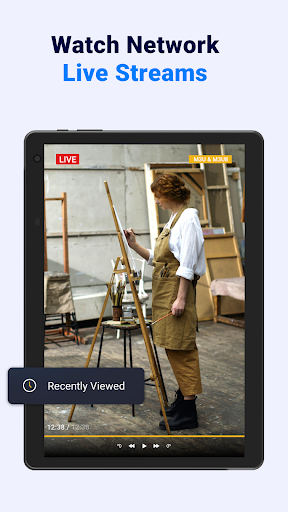
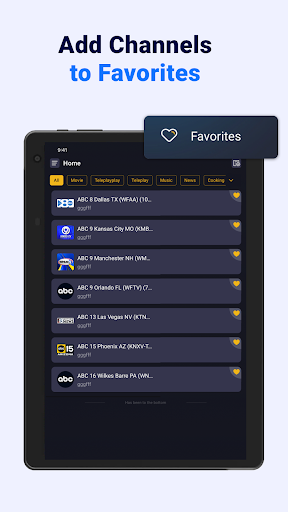
- It hides a rich library of functions, such as favorites, channels you watched last time, and the ability to customize playlists. The functions are amazing!
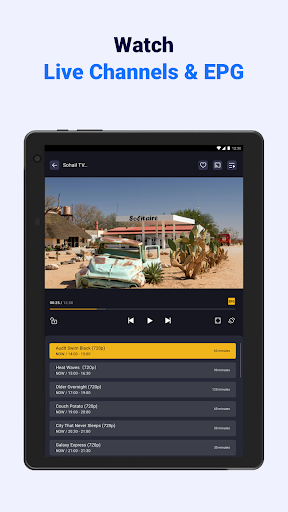
- It supports multiple languages and can also access the Electronic Program Guide (EPG). It is very convenient to watch programs in all directions without dead corners!
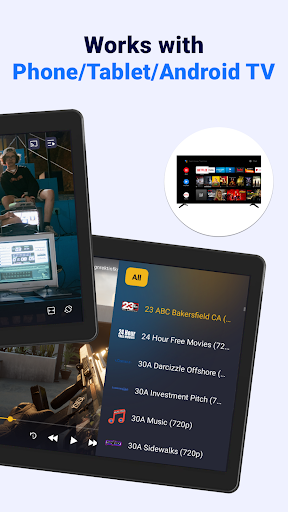
- Streaming smoothly on Android devices, no compatibility issues, and almost everything can be used smoothly. It's really considerate!
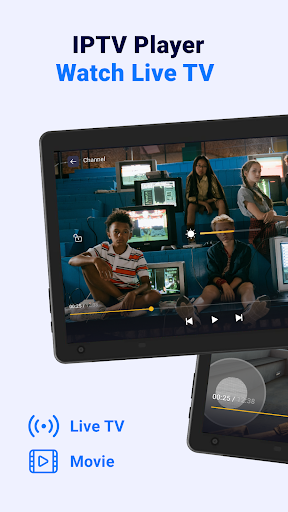
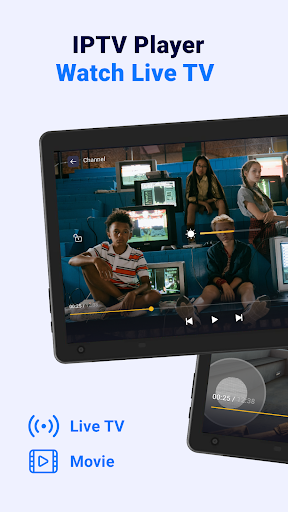
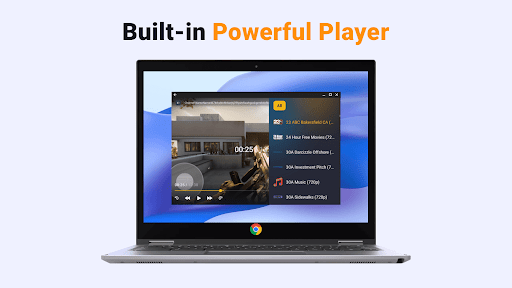
- Comes with a media player that supports subtitles, loop playback, and can also adjust playback settings. It feels very considerate!
- There is also a starter plug-in that helps you quickly open it. When the home page jumps, Xiaobai can easily master it, so it is easy to use and explode!
Who is suitable for this app?
This app is especially suitable for TV fans, people who like to get rid of the shackles of wires, and friends who often travel on business and want to watch live broadcasts on their Android devices. Whether you're just looking at it casually or prefer to chase live content, this software is quite considerate and you can enjoy entertainment anytime, anywhere!
For users who need to watch live broadcasts, sports events or news on their mobile phones, this app is perfect, with an intuitive interface and smooth operation. The launcher can also help you quickly call up the content you want, which is so convenient!
Why choose this app
With its stable performance and smooth experience, this Android app has won the attention of many users who like video players and editing tools. It can support a variety of live broadcast sources and is very convenient to use. It will not make you trouble looking for content, and the entertainment time will become more enjoyable!
Focusing on stable performance and all-round solutions, it helps you easily deal with common problems such as live traffic jams, allowing you to enjoy wonderful live content with confidence on your mobile phone. It is very reliable!
Top Recommended Alternative

Pros & Cons
Pros
- Massive channel library
- Convenient interface
- High-definition stable live broadcast
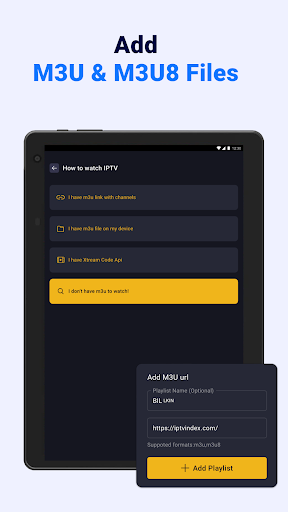
- Customizable playlists
- multiple device support
Cons
- Less free content
- Occasionally, the flow stops flowing
- There is no dark mode
- Recording function is not supported
- Regional content restrictions
Advertisement
Download IPTV Player: Watch Live TV

FAQ
Is the APP IPTV Player: Watch Live TV safe to use?+
Rest assured, this IPTV Player: Watch Live TV is designed in accordance with the principles of protecting user safety. It follows some regular security measures to protect your information and ensure it is safe to use. Remember to go from a reliable place, such as the Google Play Store, and don't click on any strange links.
Ofcourse, you should also pay attention to the permissions settings to keep the device safe. Although the application itself is not dangerous, only by using regular video services and avoiding links that seem unreliable can you use it more safely and smoothly.
How can I install this IPTV Player: Watch Live TV on my Android phone?+
Installation is actually quite simple. Just go to the Google Play Store and search for "IPTV Player: Watch Live TV" and click the install button a few times. The basic operation is similar to other Android applications, and it's done in a few steps.
Rememberto make sure your phone has enough storage space and that the device meets the minimum requirements. After installing it, set up your favorite live channel and you will immediately enjoy a seamless viewing experience.
IPTV Player: What are the functions of Watch Live TV?+
This application interface is super friendly and easy to operate, and the live channel is clear at a glance. Supports playlists and Electronic Program Guide (EPG) functions to help you organize and switch channels. There are also many personalized settings that can help you organize and manage channels.
Thereare also offline playback and built-in player, which have a lot of functions. The combination of various advantages has made it an ultra-popular application for watching live broadcasts on Android phones.
Can I watch live broadcasts using IPTV Player: Watch Live TV without using the Internet?+
Sure, of course, you have to download the video in advance before you can watch it offline. In this way, it is particularly flexible to use and can be viewed for a while without the Internet. It is quite suitable for situations where the Internet is unstable.
However, if you want to watch real-time live channels, the Internet is still a must. This APP is very suitable for managing and playing your favorite channels. It is simple and convenient to operate.
Will using IPTV Player: Watch Live TV be complicated for beginners?+
No, no, the interface of this APP is designed to be particularly simple and intuitive to operate, so you don't have to worry about not being able to understand it. Even if you use IPTV for the first time, you can easily set up and use it.
Themenu is clear and the channels are organized in an orderly manner, making it very comfortable to use, especially suitable for friends who want to find a reliable live broadcast player.
Will there be additional fees or subscription fees for using this IPTV Player: Watch Live TV?+
The app itself is free to download and use, but some special features or specific IPTV services may require a paid subscription. Be sure to confirm the source of your playlist, make it safe and reliable.
Choosinga formal application solution not only ensures security, but also makes your live broadcast experience smoother.
Can I adjust my app settings according to my preference?+
Of course you can! This app supports many personalized settings, such as organizing channels, setting favorites, and adjusting display methods. Make it easier for you to use and like your own interface and content more.
Thecustomized function makes IPTV Player: Watch Live TV particularly considerate, just to make you watch TV more freely and completely follow your habits.
Does this IPTV Player: Watch Live TV support multi-device use or synchronization?+
Basically, the app is designed for a single device, mainly on an Android phone. Although there is no special function for multi-device synchronization, you can manually transfer playlists or set data, and there is no big problem maintaining the basic consistency.
Ifyou want to use it on multiple devices, it is recommended to manage your playlists well to facilitate migration of settings between different Android devices. It is quite reliable.
Customer Reviews
IPTV Player: Watch Live TV is generally praised for offering a vast selection of free channels (3500+) and delivering a reliable, user-friendly experience with intuitive interface. Users appreciate its seamless performance and high-quality streaming. However, the app receives mixed feedback on key aspects: many users criticize excessive advertisements that disrupt viewing and make navigation difficult, while some find them manageable. The premium feature lacks subtitles (unlike competitors like Tivimate), and screen casting to TV often fails. Some users report that the player falsely marks active M3U links as dead, causing buffering, and lacks essential settings. Despite these issues, the app is favored for its channel variety and overall quality, though improvements in ad management and functionality are needed.
Write a Review
Share your experience with IPTV Player: Watch Live TV. Submissions are reviewed before publishing.
You Might Also Like
More apps you may want to try next.


