Invitation card Maker, Design

Invitation card Maker, Design

Advertisement

Screenshots
24 images
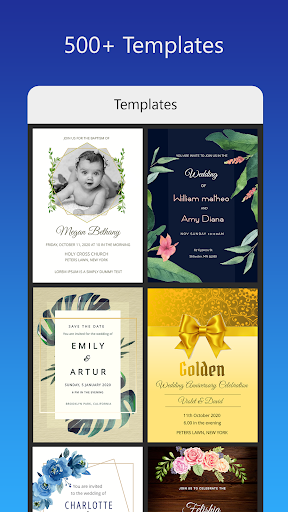
Invitation card Maker, Design screenshot 1Invitation card Maker, Design screenshot 2Invitation card Maker, Design screenshot 3Invitation card Maker, Design screenshot 4Invitation card Maker, Design screenshot 5Invitation card Maker, Design screenshot 6Invitation card Maker, Design screenshot 7Invitation card Maker, Design screenshot 8Invitation card Maker, Design screenshot 9Invitation card Maker, Design screenshot 10Invitation card Maker, Design screenshot 11Invitation card Maker, Design screenshot 12Invitation card Maker, Design screenshot 13Invitation card Maker, Design screenshot 14Invitation card Maker, Design screenshot 15Invitation card Maker, Design screenshot 16Invitation card Maker, Design screenshot 17Invitation card Maker, Design screenshot 18Invitation card Maker, Design screenshot 19Invitation card Maker, Design screenshot 20Invitation card Maker, Design screenshot 21Invitation card Maker, Design screenshot 22Invitation card Maker, Design screenshot 23Invitation card Maker, Design screenshot 24

Advertisement

About Invitation card Maker, Design

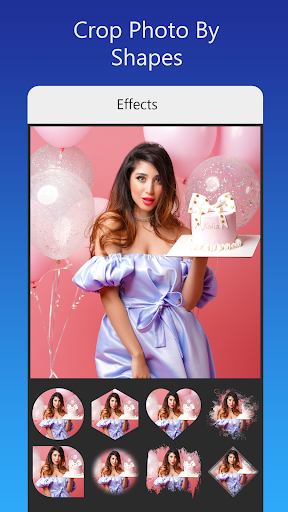
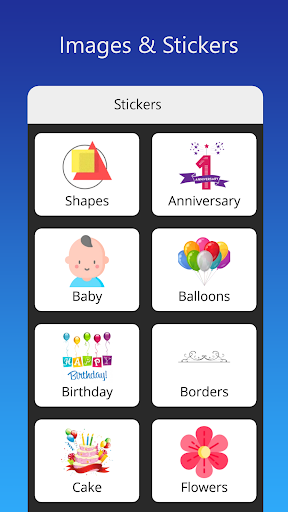
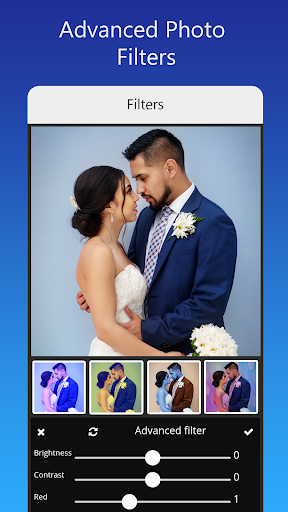
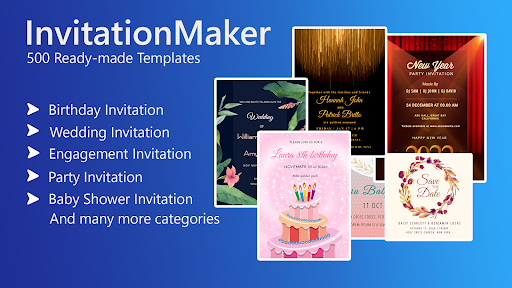
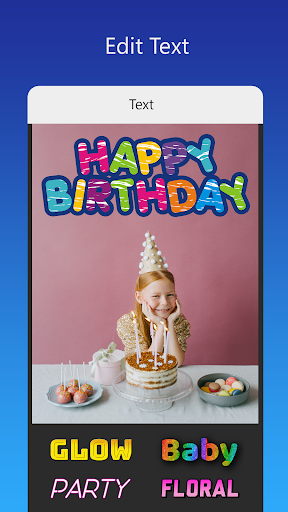
Invitation Maker, designed as a pretty good mobile phone software, is particularly simple to operate, allowing you to easily make beautiful greeting cards and invitations. Whether it's hosting a special event or just sending a personalized blessing, this Android app will satisfy you. There are various templates and design tools that you can adjust yourself. It is easy to use and allows you to easily get beautiful invitations on your mobile phone. It is really a convenient software.

Overview

core feature

  • The interface is intuitive, and users can easily get customized invitations without knowing the design. It feels super considerate.
  • The templates are super rich, and you can choose from all kinds of designs. Whether it is a wedding or a party, you can find the right style. It's so convenient!
  • The export quality is excellent, supporting image and PDF formats, whether printing or sending electronic versions, it can be easily done, which is very practical!
  • The real-time editing function allows you to see the changes immediately every time you make a change. The whole experience is super smooth, like it!
  • Support offline mode, you can design and edit invitations even if you are not online. It's really shameless, and you don't delay anytime, anywhere!
  • It can be seamlessly connected with mobile photo albums, and it is super convenient to import photos and decorations, making your designs particularly interesting!
  • The operation is super friendly and can be controlled by both novices and veterans. It is flexible and simple, really considerate and practical.

Who is suitable for?

This app is especially suitable for people who plan to hold special events and want to design their own invitations. Whether you are event planners, busy parents, or young people who love DIY and like to toss, they are all suitable!

Whether you're planning a birthday party, wedding or company party, this app can help you get it done quickly and design your own unique invitation to make the whole preparation easy and fun, and the pressure will be eliminated at once!

Why recommend this app

This Android app is particularly attractive, mainly because it is easy to use and powerful, making invitation design super simple. The tools it provides are very reliable and can meet the needs of a variety of different occasions.

Focusing on ease of use and diversity, users can design beautiful invitations without cumbersome operations, and the experience is particularly great. As a mobile phone-based solution, it brings high flexibility and convenience, and is definitely the best choice among invitation making software!

Top Recommended Alternative

Pros & Cons

Pros

  • The operating interface is very friendly
  • Templates can be customized
  • Rich design materials
  • Export formats are varied
  • cloud storage

Cons

  • There are few free templates
  • Occasionally I get stuck when editing
  • Limited basic adjustment functions
  • No built-in printing services
  • Advanced functions are difficult to get started

Advertisement

Download Invitation card Maker, Design

You are going to be redirected to the official website to finish the download when you click these buttons above.

FAQ

How do I install the Invitation Card Maker, Design app on my device?+
It's actually quite simple to install this mobile version of the invitation making artifact. Just go to the Google Store or Apple's App Store and search for its name to find it. Its installation process is very worry-free. If you follow the guidelines, you can easily get it done without feeling cumbersome. After you install it, you can start playing with it to your heart's content! Whether it's your own party or a company party, you can use it to design invitations. As an Android app, it adapts well, works smoothly to use, and feels particularly comfortable from the beginning.
Is the Invitation Card Maker, Design app safe to use?+
Don't worry, this app is built by reliable developers and is constantly updated to ensure security and stability. It strictly follows the rules of the app store and is quite reliable. It can be used to handle all kinds of invitations. Considering security issues, you can use it to design and customize your own invitations with confidence, without worrying about privacy or data. Throughout the use process, it also has many protective measures to ensure the safety of your personal information and make your heart more secure.
What features make the Invitation Card Maker, Design app stand out?+
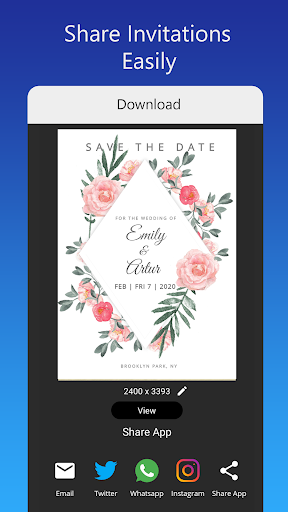
This designer is really rich in functions and is suitable for all types of users. Whether it is a beginner or a professional one, it can be used smoothly. It provides many template options, you can use your own photos and text to change them at will, and the invitation you make is quite personalized. It can be easily shared after saving, which is quite convenient. The main functions are simple operation, support for real-time preview, export of high-quality pictures, etc., all of which are available. The combination of various functions allows you to handle all your needs at once. It is full of efficiency and is definitely a good helper for making eye-catching invitations.
Can I use this mobile app offline after downloading?+
Of course, once the invitation letter making artifact is installed in the mobile phone, it can continue to trouble without the Internet. Whether you are outside, on a business trip or somewhere with no signal, you can open it at any time and use it to design and edit invitations, which is very convenient. No matter where you go, you don't have to worry about the impact of the Internet, and the entire process can continue to operate. It allows you to completely control the rhythm of your creation, which is free and worry-free. You can make beautiful invitations without the Internet.
Is the Invitation Card Maker, Design app suitable for Android app users?+
Of course, it is specially optimized for Android devices and is particularly smooth and responsive to operation. The purpose of this app is to allow users to easily process invitations and design beautiful works simply. It is perfectly integrated with Android, is rich in functions and practical. Whether you use an Android phone or a tablet, you can use it smoothly and ensure reliable performance. In this way, no matter what device you have, you can experience the convenience and fun it brings.

Customer Reviews

AI
AI Generated Summary
Based on real user feedback
★ 4

Users widely praise the app for its ease of use, intuitive interface, and seamless performance, making invitation creation quick and enjoyable. Many highlight the ability to use custom images and the free version's value. Key positive dimensions include user-friendliness, practical sharing options, and overall satisfaction. However, opinions are divided on features and stability: while most find the app reliable and feature-rich, some report frequent crashes, limited categories, and restricted functionality. Template variety also receives mixed feedback—some find it sufficient, while others consider it insufficient and question its utility. A few requests for Spanish language support were noted. Overall, the app is highly recommended for simple, hassle-free invitations, but may disappoint those seeking extensive customization or flawless performance.

Roger Boeckel · 6/16/2026
★ 4
Quite nice, pretty good.. 👍🏻😎
Alma Charqueño · 6/15/2026
★ 5
It is very easy to use. You just replace the image content with whatever you want, based on pre-designed text. You can also add images. Best of all, at the end, it gives you options to share in various ways. I love how simple it is!
Dingz Dinkz · 6/15/2026
★ 1
This app is a complete disaster. It doesn't work as advertised and crashes constantly. I regret spending money on it. Absolutely not recommended.
shweta Gandhi · 6/14/2026
★ 5
Extremely simple and intuitive to operate.
Nazia Hasnain · 6/13/2026
★ 5
This is truly an excellent application.

Write a Review

Share your experience with Invitation card Maker, Design. Submissions are reviewed before publishing.

Rating *
5 / 5
0 / 2000

You Might Also Like

More apps you may want to try next.