

Infinite Painter
Advertisement
Screenshots
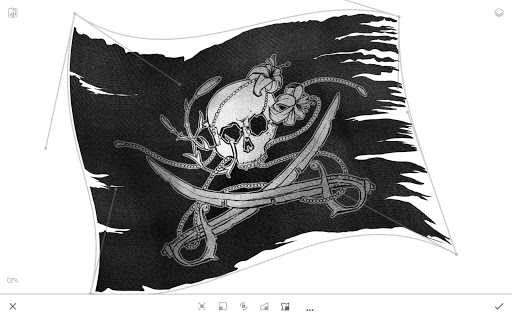
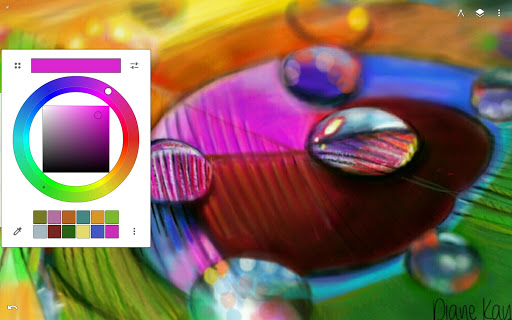
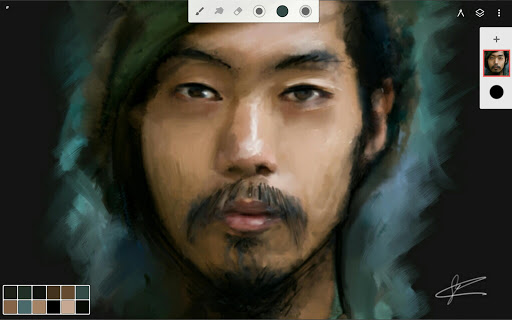
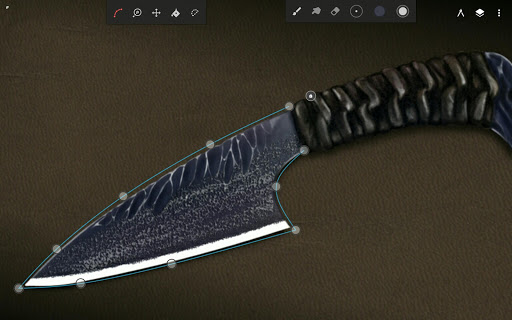
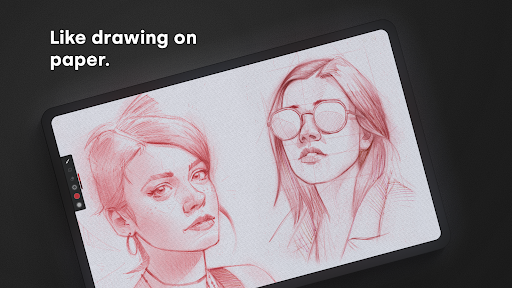
Advertisement
About Infinite Painter
Infinite Painter is a multifunctional painting and design mobile app that brings a complete painting experience to artists of all levels. Whether you're using Android or Apple devices, this app can help you find many different brushes, intuitive tools, and a variety of interesting creative options. It's a really good helper for exploring digital painting or improving your artistic level. Its user-friendly interface allows you to use it smoothly, whether you are a beginner or a professional painter. It feels pretty good!
Overview
core feature
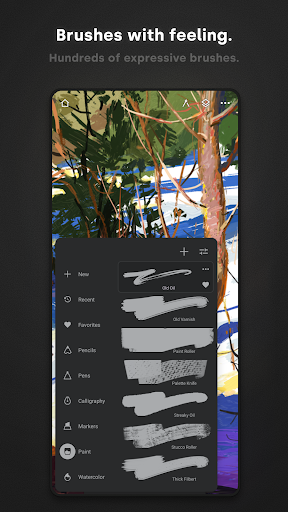
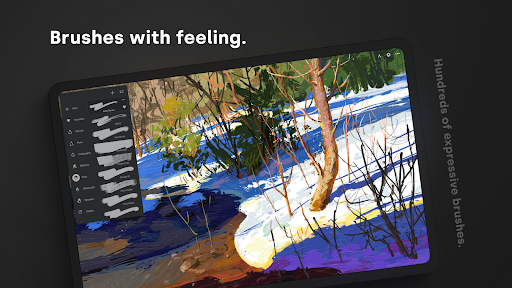
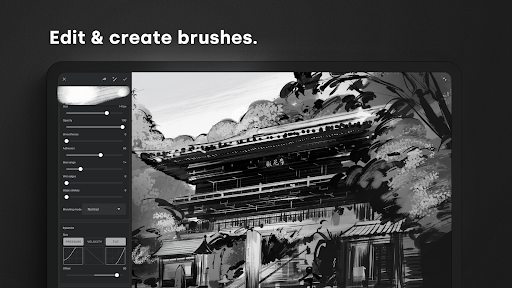
- This software has a particularly intuitive and self-adjustable brush system. Artists can easily draw delicate works, which is really amazing!
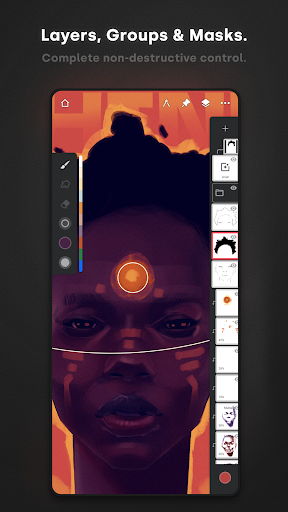
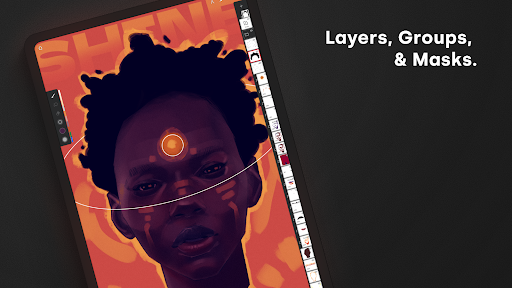
- There is also real-time layer management inside, which makes the work very smooth and easily integrates different elements. It feels as refreshing as playing a jigsaw puzzle!
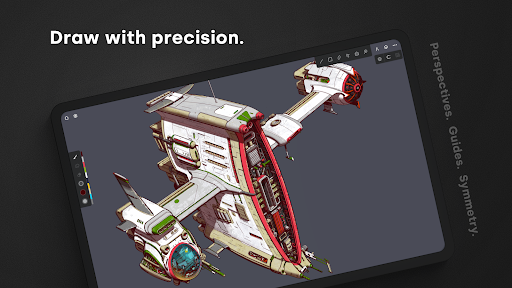
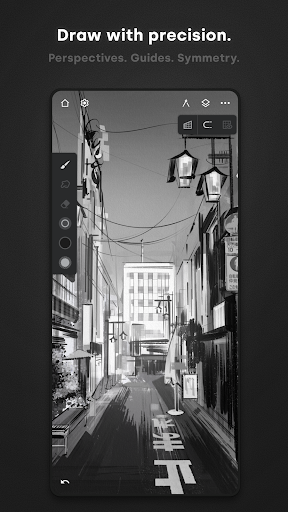
- Providing advanced selection tools and transformation options, it is more accurate when drawing and won't run around. It's really cool!
- Supports high-resolution output and can also undo and redo unlimited times. The entire creative process is smooth and smooth, and there is no need to worry about making mistakes at all!
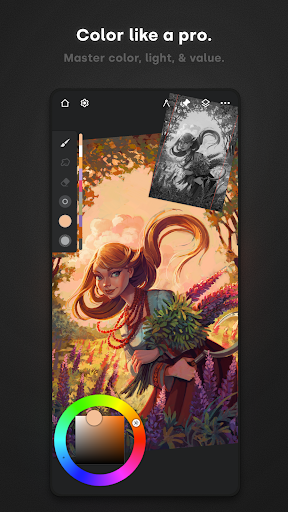
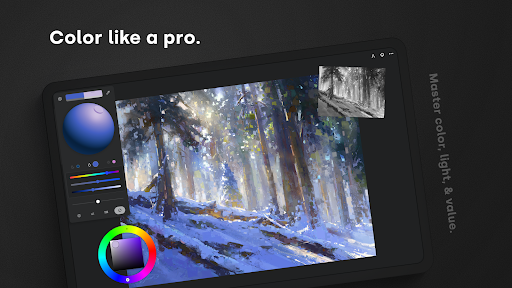
- It comes with a color palette and gradient tool, and you can try out various color schemes at will, making creation super simple and interesting!
- The interface is particularly efficient, specially optimized for Android and iOS, and it is so smooth to use, the experience is really bursting!
- Compatible with all popular styluses and pressure sensors, the details are particularly good, and the sense of control is full, giving you more confidence in painting!
- Offline mode is also supported, allowing you to complete your work without having to connect to the Internet. It's so versatile!
Who is this app suitable for?
This mobile app is especially suitable for digital art enthusiasts, amateur painting enthusiasts, and professional illustrators who want to create on their mobile tablets. It's a lifesaver for people looking for a tool that is simple to operate and rich in functions!
Many creators rely on it to sketch, paint or do conceptual designs during commuting and commuting times, which is convenient and reliable. Whether you are a rookie or an old driver, this usable portable platform fully meets your needs, with all professional functions!
Why choose this app
This Android app makes artistic creation easier and more enjoyable with a set of powerful tools and a super-friendly interface. Its various functions greatly improve efficiency, help you easily realize your ideas and draw ideal works. Great!
The most amazing thing is its stability and smoothness. It makes people feel comfortable using it from start to finish. It perfectly solves various problems encountered in digital art. It is a truly trustworthy creative helper. Countless artists around the world use it, proving everything!
Pros & Cons
Pros
-
Simple and intuitive interface
-
Powerful and diverse brushes
-
Supports layers and masks
-
High-resolution export
-
New features come out frequently
Cons
-
Vector support is not good enough
-
large power consumption
-
Requires in-house purchase and unlocking function
-
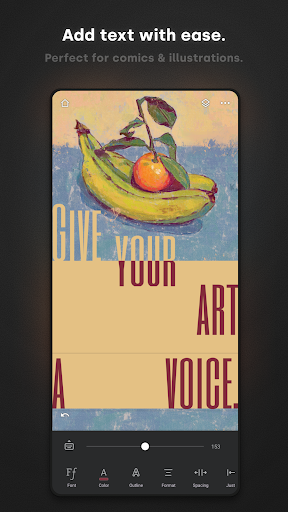
Text tools are too basic
-
Not smooth on low-end devices
Advertisement
Download Infinite Painter
FAQ
Is Infinite Painter safe to use on my device? +
Don't worry, Infinite Painter is a very reliable mobile application. It has been available on Google Play and the Apple App Store for a long time. Its security is also good, and it does a good job in user privacy.
Softwarelike this still has to be updated from official channels to enjoy the latest security protection. This app is a very trustworthy tool for people who like to draw and create.
Do I need an account number to use Infinite Painter? +
No, you can use it directly after downloading it. It's not too much trouble at all. You can start immediately after installing it. It doesn't matter if you don't have an account, the experience is smooth.
However, if you want to use cloud synchronization and backup functions, it will be much more convenient to log in to your account. Especially on Android or iOS devices, it is quite convenient to find your work between different devices at any time.
What are the main functions of Infinite Painter? +
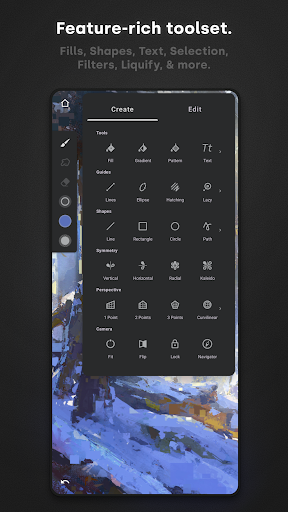
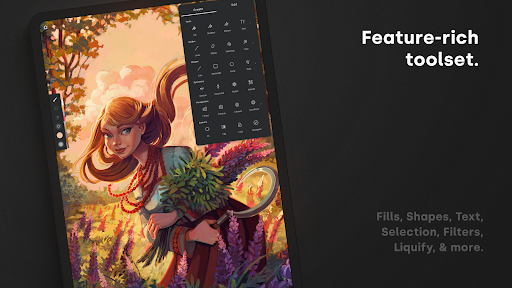
It has many functions and is specially prepared for people who draw and design. For example, there are more than 160 brushes, adjustable tools, and advanced layer management. It's an all-purpose digital painting software, designed to be very thoughtful.
Theinterface is simple and intuitive, supports stylus pen, and feels natural to use. Whether you use Android or iOS, it can be operated smoothly. These functions make it very popular among enthusiasts and professional painters. It is really practical.
Can I use Infinite Painter offline? +
Of course, it can be used quite smoothly offline. As long as you don't use the Internet, you can freely play painting creation, which is quite convenient, especially when there is no Internet or when you are away
,cloud synchronization functions have to be connected to the Internet. However, the core drawing functions are all local and there is no problem. It is definitely a good helper for people who like to paint anytime and anywhere.
How does Infinite Painter differ from other launchers or drawing software? +
This software has a high rating, mainly because of its powerful functions and friendly interface. Whether on Android or iOS platforms, it is easy to use. Newbies can also get started quickly, and the experience is good.
Unlikethose initiators that specifically change interfaces, Infinite Painter is an application that focuses on digital painting to ensure stable software operation and good performance. It's quite reliable to use and won't go wrong.
Is Infinite Painter suitable for beginners and professionals? +
Of course, it's friendly to all levels of users. Newbies can rely on its simple interface to learn slowly, and professional painters can also use its advanced tools to make wonderful works. It is a very comprehensive and considerate painting software.
Peoplesay that it has rich functions and a good experience. No matter what the skill level is, you can find reasons to use it. It is a very popular choice.
Is Infinite Painter updated frequently? +
The development team is very diligent and often launches updates to put new features and bug fixes on it. In this way, software can keep up with the latest devices and systems, and it can be used smoothly, whether Android or iOS.
Itis recommended that you keep updated status often so that performance and security can be guaranteed. It is definitely a reliable digital painting tool.
Can Infinite Painter be used as a starter? +
No, Infinite Painter is not a launcher application. It focuses on painting and design. This software focuses on painting, is rich in functions, and is specially designed for artistic creation, rather than being used to change skins or customize interfaces.
Ifyou want to use a launcher, you have to find an app that does this. Use it as a powerful painting tool and work well with your equipment.
Customer Reviews
Users appreciate Infinite Painter for its intuitive design, powerful brush engine, and smooth responsiveness, making it a top choice for tablet and stylus artists. Many praise the affordable one-time purchase compared to subscription-based alternatives. However, stability is a major concern: while some report excellent performance, numerous users experience frequent crashes—especially when undoing strokes, working with large canvases, or reopening saved files. The free version is considered decent for beginners, but many criticize the limited layers (5) and essential tools locked behind a $10 paywall. Some note pixelation when zooming in. Overall, it's a feature-rich app undermined by persistent bugs that frustrate even paying users.
Write a Review
Share your experience with Infinite Painter. Submissions are reviewed before publishing.
You Might Also Like
More apps you may want to try next.




